
Best Zoom Alternatives in 2026: 9 Tools Compared for Meetings, AI Notes, and Team Workflows
TL;DR: The best Zoom alternative depends on what you are actually replacing. If you need a cheaper meeting link, Google Meet or Jitsi will work. If you run Microsoft 365, Teams is the obvious pick. But if your real problem is the scattered work that happens after every call (notes, tasks, scheduling, follow-up), the best alternative to Zoom is an AI office like Velozity that turns conversations into execution inside one workspace.
Pricing and plans in this article were verified as of mid-2026. Meeting-tool pricing changes often, so confirm details before purchasing.
Why Teams Are Looking Beyond Zoom
Zoom is not broken. It still holds over 24% of the video conferencing market and earned an 8.73 average rating in the 2026 T3/Inside Information software survey. The reason people search for the best Zoom alternative is rarely about call quality. It is about everything surrounding the call.
According to Owl Labs’ 2025 hybrid work report, 77% of workers lost time to technical difficulties in meetings, and 27% lost more than 10 minutes per meeting just getting started. The meeting itself is only part of the cost. After every Zoom call, someone has to write notes, assign action items, update a project board, schedule a follow-up, and share a summary. Multiply that by ten meetings a week across a team, and you start to see why the real pain is not Zoom’s video quality.
The video conferencing market hit $18.20 billion in 2025 and is projected to reach $35.09 billion by 2035. Growth is no longer driven by basic video availability. Buyers now compare workflow integration, AI features, guest experience, and total collaboration cost.
Before picking a tool, figure out what you are actually replacing:
- Just the meeting link
- Meetings plus team chat
- Meetings plus scheduling
- Meetings plus notes and action items
- Meetings plus tasks and execution
- Meetings plus phone, webinars, or room systems
The right answer changes depending on where you fall on that list.
Compare Velozity’s free and Pro plans to see how an AI office stacks up against standalone meeting tools.
Quick Comparison: Best Zoom Alternatives at a Glance
| Rank | Tool | Best For | Starting Price | Free Plan | G2 Rating | Main Tradeoff |
|---|---|---|---|---|---|---|
| 1 | Velozity | Replacing Zoom plus your chat, task, and scheduling stack | $0 free; Pro from $6.99/user/mo | Yes (Workspace, AI Space, Co-Worker) | Early (profile exists) | Early review footprint; verify integrations during trial |
| 2 | Google Meet | Google Workspace teams, simple external calls | ~$7/user/mo (bundled) | 100 participants, 60-min group calls | 4.6/5 (~48k reviews) | Limited standalone meeting depth |
| 3 | Microsoft Teams | Microsoft 365 organizations | ~$4-7/user/mo | Free/low-cost options vary | 4.4/5 (~19k reviews) | Clunky guest experience; heavy app |
| 4 | Webex | Enterprise security, Cisco rooms | Free plan; paid ~$12-14.50/user/mo | 100 attendees, 40-min limit | 4.2/5 (~18.9k reviews) | Complex interface for casual users |
| 5 | RingCentral Video | Phone plus video bundle | Free; Basic $5/user/mo | Yes | 4.2/5 (505 reviews) | Overkill if you only need meetings |
| 6 | Zoho Meeting | Budget-conscious teams, Zoho users | $1/mo (Standard) | Yes | 4.5/5 (~1.3k reviews) | Video quality complaints in low bandwidth |
| 7 | GoTo Meeting | Training, demos, traditional business meetings | $12/mo (Professional) | Trial varies | 4.2/5 (~17k reviews) | Dated UI; limited engagement features |
| 8 | Whereby | Browser-first client calls | Free; Pro $10.99/mo | Yes (limited) | 4.6/5 (~1.2k reviews) | Not built for enterprise or large meetings |
| 9 | Jitsi Meet | Privacy-first, open-source, self-hosted | Free (software); hosting costs extra | Open source | 4.3/5 (232 reviews) | Requires technical ownership for reliability |
How to Choose the Right Zoom Alternative
If your team already pays for Google Workspace, start with Meet
Google Meet comes bundled with Gmail, Calendar, and Drive. If you are paying for Workspace anyway, adding a separate Zoom license is hard to justify for basic meetings. Practitioners on LinkedIn, including AV/collaboration analyst David Danto, have noted that more Google Workspace organizations are moving from Zoom to Meet not because Meet is better, but because it is “OK” and less expensive.
If your team runs on Microsoft 365, Teams is the obvious internal choice
Teams excels at internal collaboration when the company already uses Outlook, OneDrive, and SharePoint. The problem shows up with external guests. Practitioners on Reddit’s r/smallbusiness frequently complain that Teams creates account loops, browser/app confusion, and Mac/Safari issues for outside participants. If your meetings are mostly internal, Teams works well. If clients join regularly, test the guest experience first.
If meetings are disconnected from follow-up, choose an AI office
The largest hidden cost of Zoom is not the subscription. It is the manual work after every call: writing notes, assigning action items, updating project boards, scheduling follow-ups, and retrieving context from past conversations. If your team currently uses Zoom plus Slack plus Notion plus Calendly plus an AI notetaker, consolidating into one workspace removes most of that friction. This is where Velozity fits: an AI office where calls, transcripts, tasks, scheduling, and AI co-workers live together.
If security, rooms, and enterprise controls matter, look at Webex
Webex remains technically complete with strong Cisco device integration and enterprise-grade security. It lost some perception and momentum to Zoom and Teams over the past few years, but for regulated industries and hybrid room environments, it is still a serious contender.
If privacy and self-hosting matter, consider Jitsi
Jitsi is free, open source, and requires no account to join. But Reddit users on r/foss warn that reliability depends on server geography, bandwidth, and TURN/server configuration. It is a strong pick for technical teams, not the safest default for non-technical small businesses running high-stakes client calls.
9 Best Zoom Alternatives
1. Velozity
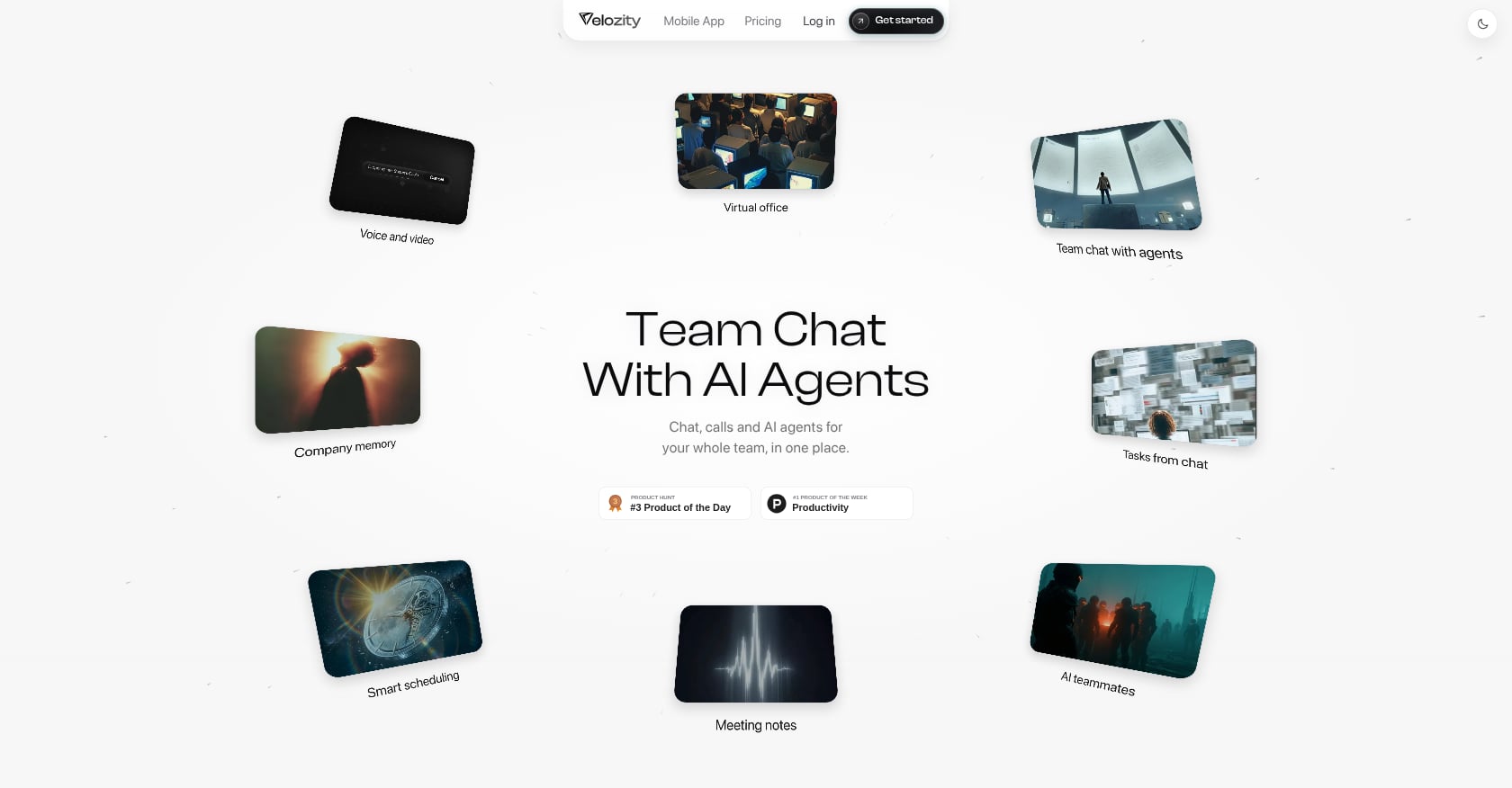
Best for: Teams replacing Zoom plus their entire chat, scheduling, notes, and task management stack.
Velozity is not just a meeting app. It is an AI office designed to replace a fragmented stack of tools (think Zoom plus Slack plus Notion plus Calendly plus an AI notetaker) with a single workspace where people and AI co-workers operate side by side.
Pricing:
- Workspace Free: $0. Includes limited DMs/groups, 300 shared transcription minutes/month, 15 Actionables/week, one admin.
- Workspace Pro: $6.99/user/month. Unlimited meeting transcriptions, unlimited Actionables, expanded calendar/booking, expanded Guest Pass, multiple admin roles.
- AI Space Free: $0. ~200 personal transcription minutes/month, 15 Actionables/week, personal task management.
- AI Space Pro: $7.99/user/month. Unlimited Actionables, 800-1,000 personal transcription minutes/month, recurring sources, automatic task creation, daily briefs.
- Co-Worker Free: $0. 150 AI credits/month, 1 AI Mission/month, rolling 5-hour work sessions.
- Co-Worker Pro: $15/user/month. 1,100 AI credits/month, 10 AI Missions/month, broader model choices, uncapped work sessions.
Key features:
- Live presence and “cabins” for drop-in audio/video without meeting links
- Built-in voice and video meetings
- Automatic transcription and AI-generated notes
- AI-created action items that become tasks on the same board
- AI Co-Worker agents for knowledge retrieval, approved actions, AI Missions, reminders, and drafting
- Integrated calendar and booking pages
- Company Brain for retrieval across workspace knowledge
- Guest Pass for external collaboration without full onboarding
- Mobile apps on iOS and Android
Tradeoffs:
- Not the right fit if you only need a bare meeting link. Velozity is built for teams that want meetings to flow into work.
- Review-site presence is early. The G2 profile exists but has limited reviews so far. Supplied user stories report outcomes like 10x smarter collaboration and $214 saved per user/month, but formal third-party proof is still building.
- Buyers should verify integrations and migration needs during the free trial.
- All-in-one platforms trade some best-of-breed depth for lower context switching and faster follow-through.
User perspective: Velozity’s published user stories include a founder who reports replacing Slack, Zoom, Notion, and Calendly with a single workspace, cutting tool switching by 97%. These claims come from the company’s own case references, so running a free trial is the best way to validate fit.
Verdict: Choose Velozity if replacing Zoom is part of a larger move to reduce app switching. It is the best alternative to Zoom when every call should automatically create transcripts, decisions, action items, and tasks in the same workspace.
2. Google Meet
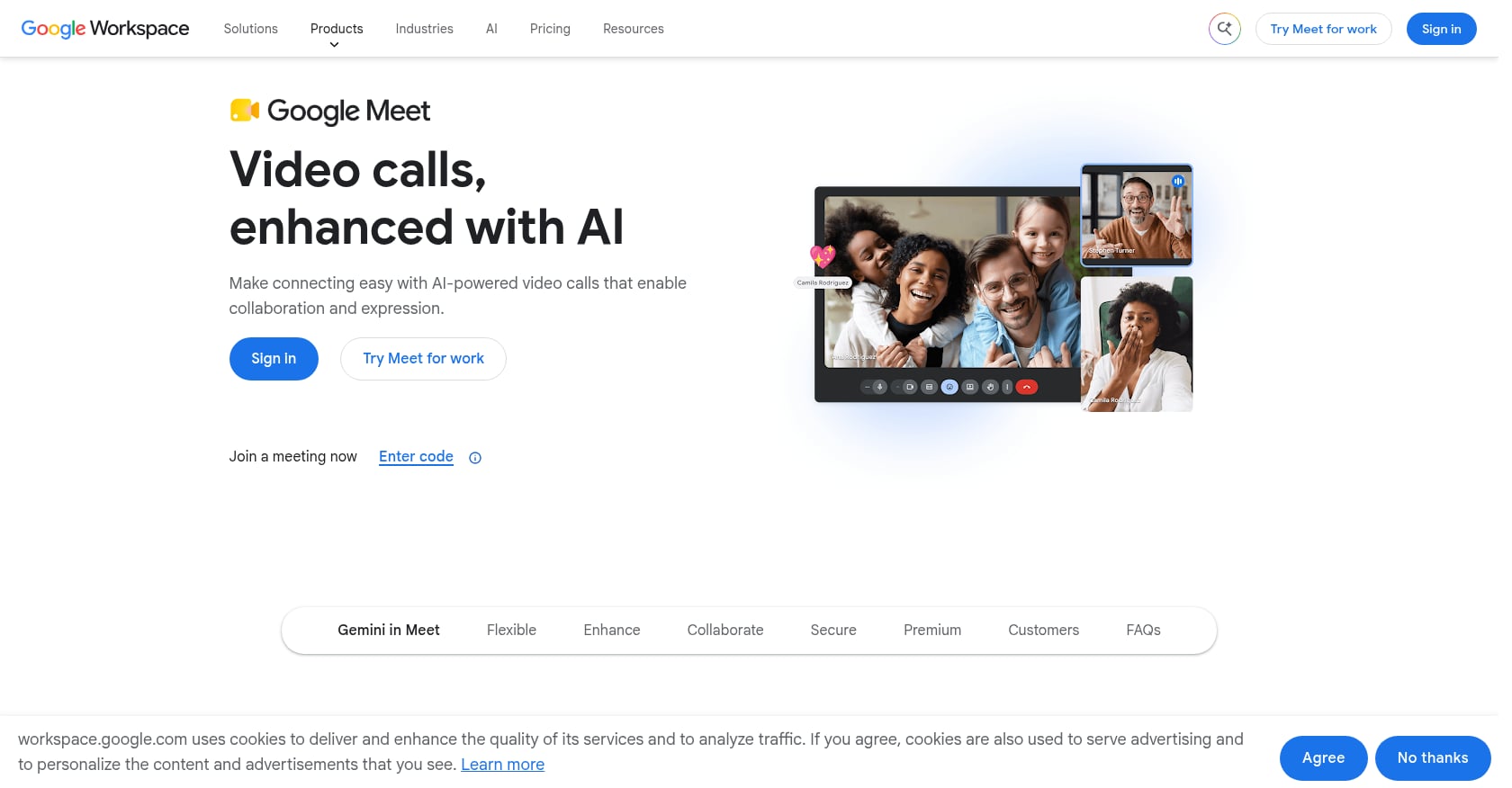
Best for: Google Workspace teams that want a free or bundled meeting tool with minimal guest friction.
Google Meet works in the browser. Guests click a link and join without downloading anything. For teams already paying for Gmail and Google Calendar, Meet is effectively free.
Pricing:
- Personal accounts: up to 100 participants, 60-minute group calls.
- Business Starter (~$7/user/mo): 100 participants, 24-hour meetings.
- Business Standard (~$14/user/mo): 150 participants, recording features.
- Business Plus (~$22/user/mo): 500 participants, additional capabilities.
Key features:
- Browser-based joining, no downloads
- Tight Gmail, Calendar, Drive, Docs integration
- Live captions and screen sharing
- Noise cancellation and recording on paid tiers
Tradeoffs:
- Not as full-featured as Zoom or Webex for advanced webinar workflows.
- Less compelling if your team does not use Google Workspace.
- Advanced meeting controls, recording, and larger meetings depend on tier.
User perspective: Google Workspace holds a 4.6/5 on G2 across roughly 48,000 reviews. Reddit users on r/smallbusiness frequently describe Meet as the simpler choice for external meetings because guests can join through the browser without another app install.
Verdict: Google Meet is the best Zoom alternative if your team already lives in Gmail and Calendar. It is the “good enough, already bundled” option.
3. Microsoft Teams
Best for: Microsoft 365 organizations that want to consolidate chat, files, and meetings in one hub.
Teams is the default for companies running Outlook, OneDrive, and SharePoint. It combines chat channels, file sharing, and video meetings into one app. The internal experience is strong. The external experience is where it struggles.
Pricing:
- Teams Essentials: ~$4/user/month
- Microsoft 365 Business Basic: ~$7/user/month
- Higher M365 plans add more AI and compliance features
Key features:
- Team chat, channels, meetings, file sharing
- Outlook scheduling and OneDrive/SharePoint co-editing
- Meeting recordings and transcripts (plan-dependent)
- Copilot recaps on eligible plans
Tradeoffs:
- Guest experience can be clunky: G2 reviewers and Reddit users both flag account switching, browser/app loops, and Mac/Safari issues for external participants.
- The app can feel heavy and resource-intensive.
- Some AI and premium features require add-on costs.
User perspective: Teams holds a 4.4/5 on G2 across about 19,000 reviews. Users praise the Microsoft 365 integration but regularly complain about slow loading, notification overload, and search difficulty. One r/smallbusiness discussion noted that multiple team members wasted meeting time helping external clients navigate Teams account prompts.
Verdict: Teams is the right Zoom alternative when your company is standardized on Microsoft 365. It is less ideal as the default meeting room for non-Microsoft guests.
4. Webex
Best for: Enterprises, security-conscious organizations, and Cisco room environments.
Webex is technically complete: video meetings, messaging, calling, webinars, events, polling, whiteboarding, and AI summaries depending on plan. It is the strongest option for organizations that need device interoperability and enterprise-grade controls.
Pricing:
- Free plan: ~100 attendees, 40-minute limit
- Paid Webex Meet plans: commonly ~$12-14.50/user/month depending on billing
Key features:
- Video meetings, messaging, calling, webinars, events
- Strong Cisco room ecosystem and device interoperability
- AI Assistant for meeting summaries and translation (plan-dependent)
- Enterprise security and compliance controls
Tradeoffs:
- Interface can feel complex and overwhelming for new or casual users.
- G2 reviewers praise reliable audio/video but flag navigation complexity and mobile gaps.
- Paid plans can be expensive for small teams that only need basic meetings.
User perspective: Webex holds a 4.2/5 on G2 across about 18,900 reviews. LinkedIn practitioner David Danto has argued that Webex is technically interesting because Cisco’s device strategy remains strong, even though it lost mindshare to Zoom and Teams over the past decade.
Verdict: Webex is a serious Zoom alternative for enterprises and room-heavy hybrid work. Not the simplest option for a small team running quick client calls.
5. RingCentral Video
Best for: Teams replacing both Zoom and a business phone system.
RingCentral Video makes the most sense when meetings are part of a larger communications replacement that includes phone, SMS, and team messaging.
Pricing:
- Free plan available
- Basic: $5/user/month
- Broader RingCentral UCaaS/phone plans cost more
Key features:
- Video meetings, team messaging, screen sharing
- AI notes and transcripts in some workflows
- Pairs with RingCentral voice/phone service
- Calling, SMS, video, and messaging in one vendor ecosystem
Tradeoffs:
- Overkill if you only need video meetings.
- Pricing becomes less straightforward when moving into broader RingCentral plans.
- Some users report lag, connection issues, and high CPU/RAM usage.
User perspective: RingCentral Video holds a 4.2/5 on G2 across 505 reviews. Users praise ease of use and reliable video but mention occasional audio and mobile issues.
Verdict: RingCentral Video makes sense if meetings are part of a larger phone and communications replacement. It is not the leanest Zoom alternative for simple video calls.
6. Zoho Meeting
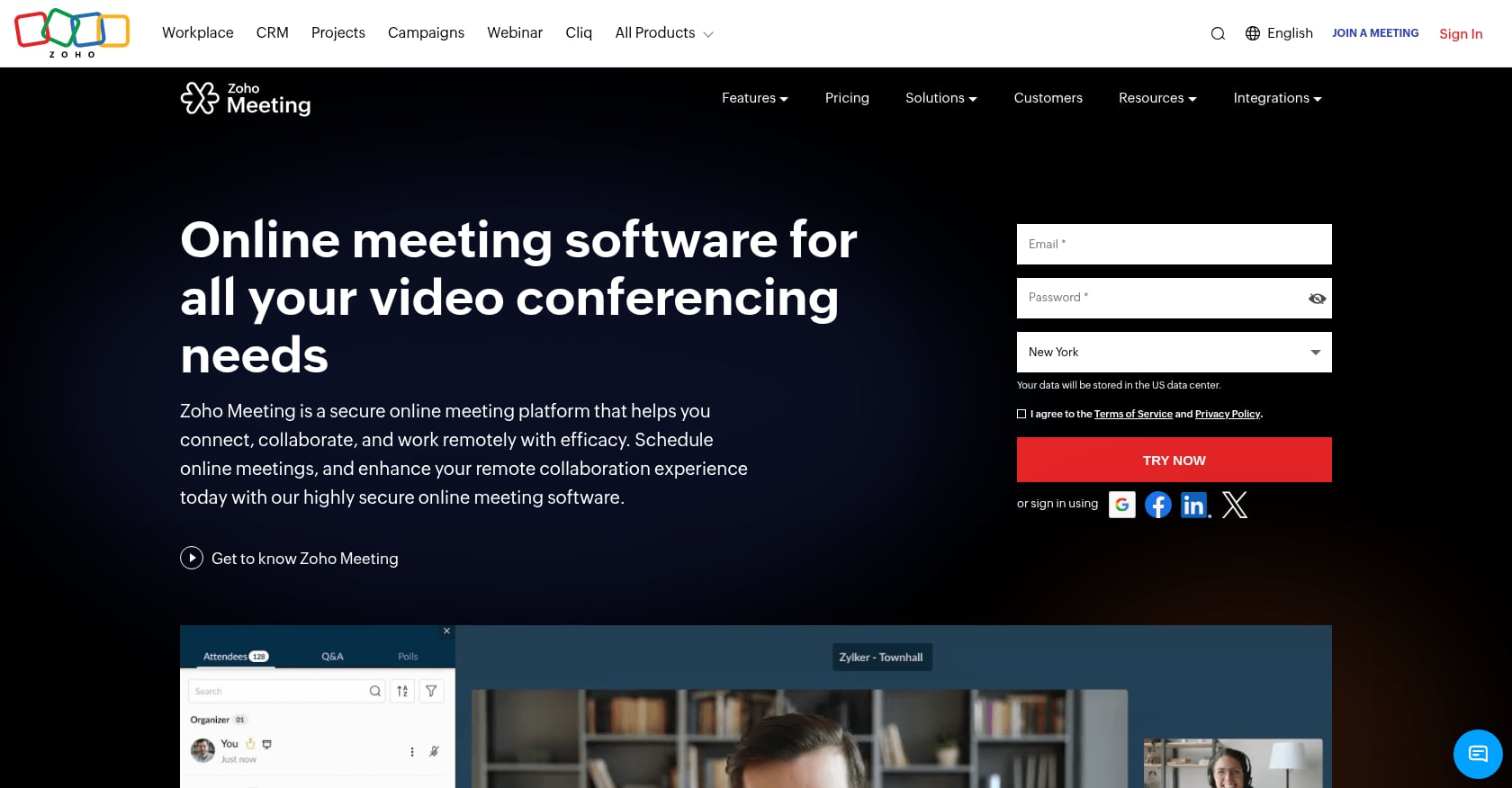
Best for: Budget-conscious teams and Zoho ecosystem users.
Zoho Meeting is the cheapest paid option on this list, starting at $1/month for the Standard plan. If your company already uses Zoho CRM, Projects, or Mail, adding Meeting is nearly frictionless.
Pricing:
- Free Edition available
- Meeting Standard: from $1/month
- Meeting Professional: from $3/month
Key features:
- Meetings and webinars
- Screen sharing, recording, chat, reactions, polls
- Webinar registration (plan-dependent)
- Strong integration within the Zoho ecosystem
Tradeoffs:
- Not as polished as Zoom, Meet, or Teams for advanced workflows.
- G2 reviewers flag inconsistent video quality in low-bandwidth situations.
- Missing-feature complaints appear alongside praise for affordability.
User perspective: Zoho Meeting holds a 4.5/5 on G2 across about 1,263 reviews. Users consistently praise ease of use and affordability while noting video/audio quality issues.
Verdict: Zoho Meeting is the budget pick, especially for teams already in the Zoho ecosystem. Not the best choice when external polish and advanced collaboration matter most.
7. GoTo Meeting
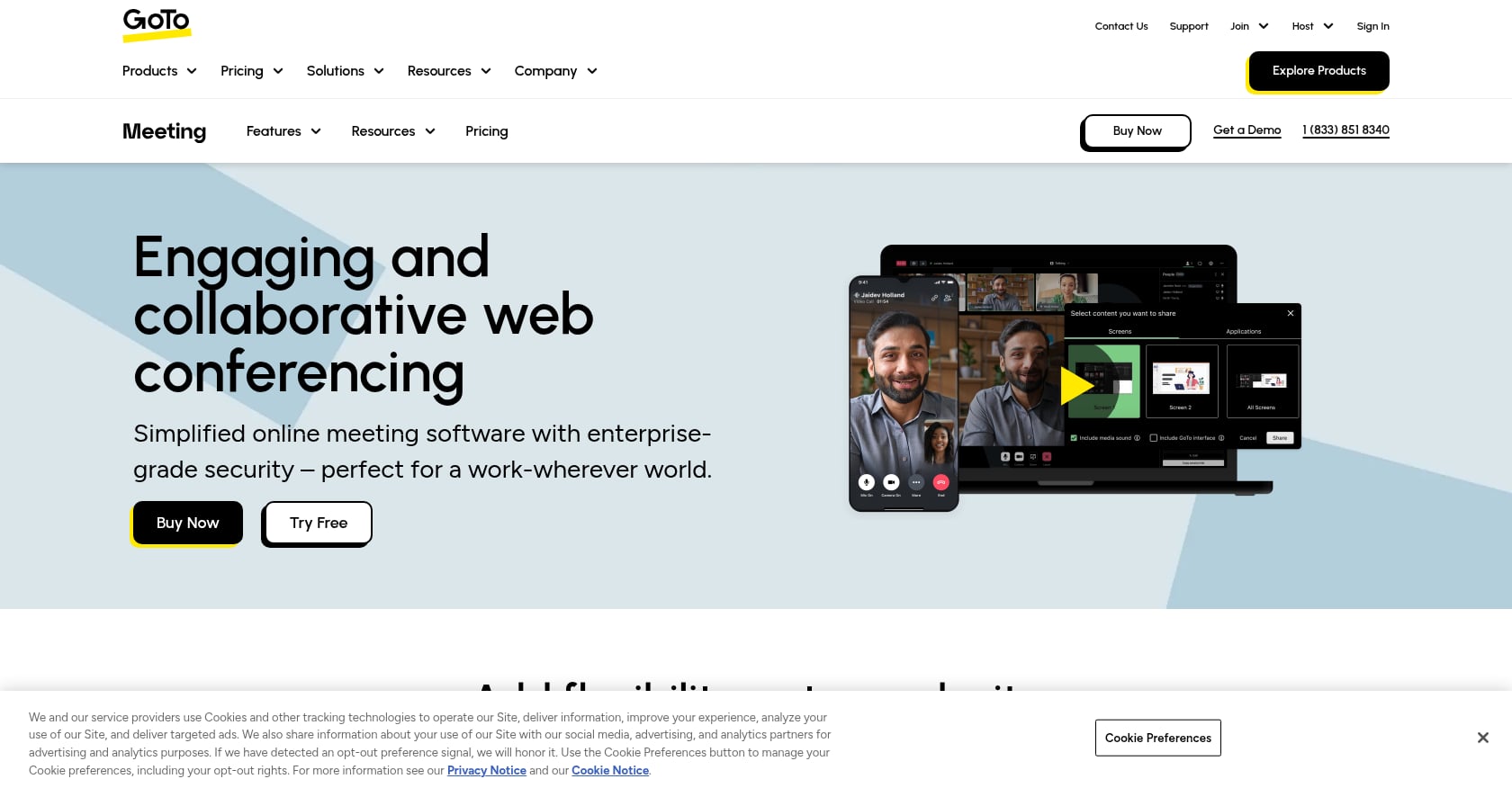
Best for: Reliable traditional business meetings, client training, and product demos.
GoTo Meeting has been around for years. It does video meetings, screen sharing, recording, and presenter tools. The reliability is its strength. The innovation is not.
Pricing:
- Professional: $12/month
- Business: $16/month
Key features:
- Video meetings, screen sharing, recording
- In-browser app and presenter tools
- AI meeting summaries/transcriptions (recent addition)
- Calendar integrations and reliable audio/video
Tradeoffs:
- G2 reviewers note the interface feels outdated compared with newer tools.
- Limited mobile smoothness and engagement customization.
- Not a workspace, just a meeting tool.
User perspective: GoTo Meeting holds a 4.2/5 on G2 across about 17,100 reviews. Users praise reliable client discussions and product demos but want UI modernization.
Verdict: GoTo Meeting is a safe, traditional choice for teams that value straightforward meeting reliability. It does not solve broader team-work fragmentation.
8. Whereby
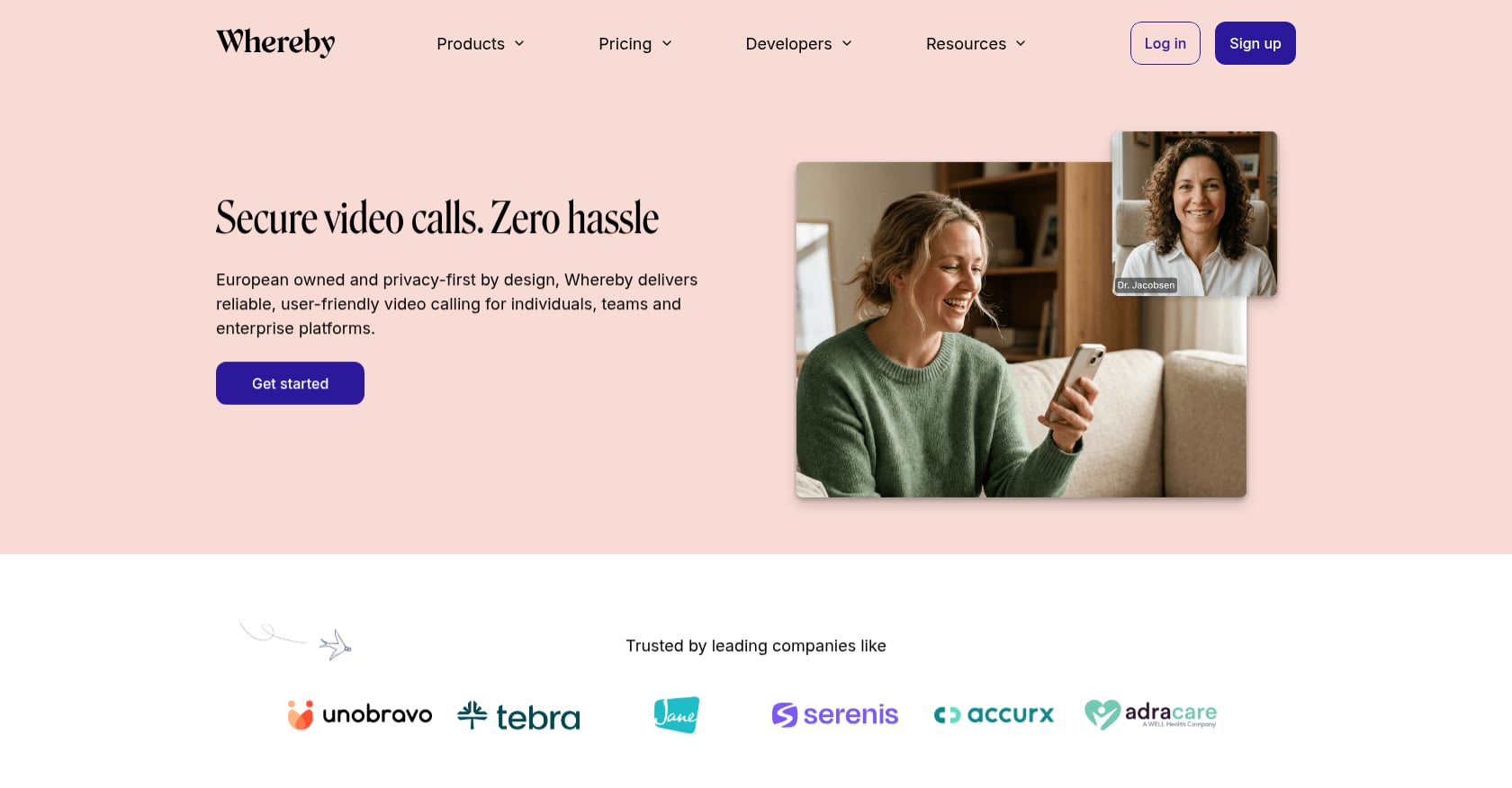
Best for: Consultants and agencies that need zero-download, browser-first client meetings.
Whereby’s entire pitch is simplicity. Guests click a permanent room link and join in the browser. No downloads. No account creation. No friction.
Pricing:
- Free plan available (limited attendees/time)
- Meetings Pro: $10.99/month
Key features:
- Browser-based meetings, no downloads or guest logins
- Permanent meeting room URLs
- Custom branding, recording, screen sharing, breakout rooms (plan-dependent)
- API/embed use cases for product teams
Tradeoffs:
- Not built for enterprise admin or large-scale meetings.
- Free plan is limited in attendees and time.
- G2 reviewers mention Safari/browser quirks and limited advanced controls.
User perspective: Whereby holds a 4.6/5 on G2 across 1,160 reviews. Users love the no-download experience and customizable rooms. Limitations show up at scale.
Verdict: Whereby is ideal when guest friction is the primary problem. It is a meeting-room tool, not a full work operating system.
9. Jitsi Meet
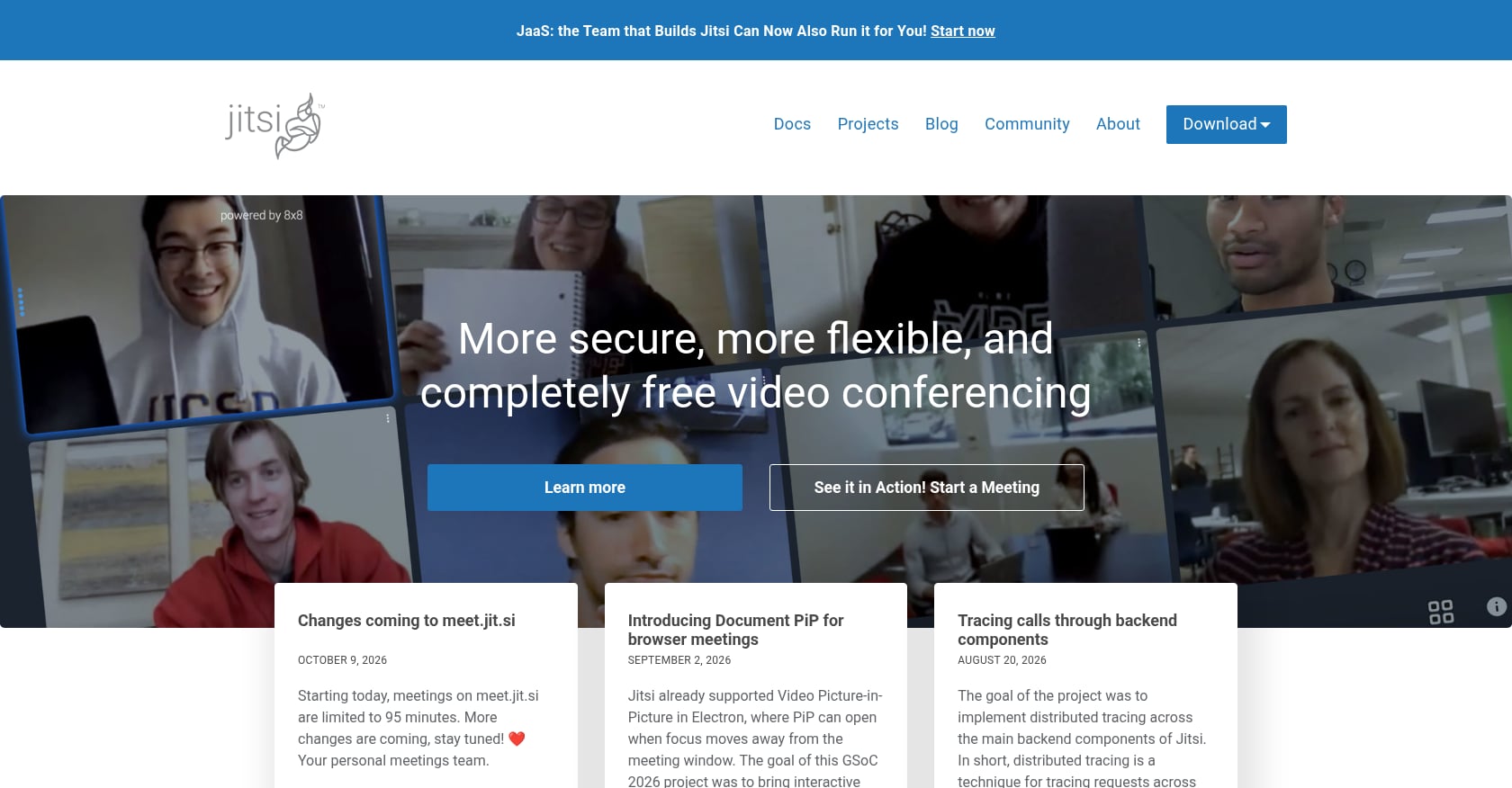
Best for: Privacy-first, open-source, and self-hosted meetings for technical teams.
Jitsi is free, open source (Apache 2.0), and does not require anyone to create an account. It is the strongest pick for teams that want full control over their meeting infrastructure.
Pricing:
- Software: Free and open source
- Self-hosting: server costs, setup, and maintenance are real expenses
Key features:
- Open source with ~30,200 GitHub stars
- Browser-based joining, no account required
- Self-hosting for complete data control
- Embeddable and customizable for technical teams
Tradeoffs:
- Quality can degrade with larger groups or weaker connections.
- G2 reviewers and Reddit users on r/foss warn that reliability depends heavily on server geography and bandwidth.
- Advanced admin, analytics, and polished mobile workflows lag behind commercial tools.
User perspective: Jitsi holds a 4.3/5 on G2 across 232 reviews. Users praise the no-cost, privacy-focused approach. One Reddit commenter cautioned that if a self-hosted server sits in France while users connect from India and Brazil, reliability will suffer compared with big-tech infrastructure.
Verdict: Jitsi is the best free, open-source Zoom alternative for technical and privacy-conscious teams. Not the safest default for high-stakes client meetings unless your team can own and manage the infrastructure.
Best Zoom Alternative by Use Case
| Use Case | Best Pick |
|---|---|
| All-in-one AI workspace (meetings, tasks, AI follow-up) | Velozity |
| Free/simple option for Google Workspace | Google Meet |
| Microsoft 365 internal collaboration | Microsoft Teams |
| Enterprise security and room systems | Webex |
| Phone plus video bundle | RingCentral Video |
| Lowest-cost meeting/webinar tool | Zoho Meeting |
| No-download client meeting room | Whereby |
| Open-source/self-hosted meetings | Jitsi Meet |
| Traditional training and demo platform | GoTo Meeting |
The Zoom Replacement Ladder
Most comparison articles treat every alternative as a horizontal swap. But teams leave Zoom for different reasons, and each reason points to a different level of replacement:
- Meeting link replacement: You just need a cheaper or simpler way to host a video call. Google Meet, Whereby, or Jitsi.
- Meeting plus team chat replacement: You want one app for video and messaging. Teams, Webex, or RingCentral.
- Meeting plus phone/webinar replacement: You need calling, webinars, or events alongside meetings. RingCentral, Webex, GoTo, or Zoho.
- Meeting plus workflow replacement: You want calls to connect directly to tasks, scheduling, and follow-up. Velozity.
- Meeting plus AI execution replacement: You want calls to automatically produce transcripts, action items, task automations, and AI-assisted follow-through. Velozity with AI Space and Co-Worker.
Most teams searching for the best Zoom alternative are somewhere between levels 2 and 4. Knowing your level saves you from buying a tool that solves a problem you do not have, or one that ignores the problem you actually do.
Hidden Costs to Check Before Switching from Zoom
Switching costs are rarely limited to the new subscription price. Before committing:
- AI summaries may be included, limited, or paid add-ons. Some tools advertise AI features but gate them behind premium tiers.
- Webinars are often separate products with separate pricing.
- Phone dial-in and international calling can add surprise line items.
- Recording storage may be capped. Check whether you need to upgrade or pay for cloud storage.
- External guests may need accounts or desktop apps. Practitioners on Reddit consistently flag Teams as the worst offender here, with guests hitting account loops and browser/app confusion.
- Internal adoption can fail if the tool is too complex. Owl Labs found that 67% of workers abandoned meeting-room video technology and used a laptop instead.
- Self-hosted tools save license fees but add infrastructure work. Jitsi is free software, but hosting costs are real.
- “Bundled” tools are only cheaper if your team already uses the suite. Buying Google Workspace just for Meet, or Microsoft 365 just for Teams, may not save money over Zoom.
The biggest hidden cost is fragmentation. A 2026 r/sysadmin thread described a typical workday juggling Teams, Slack, Meet, Zoom, Webex, texts, and phone tools, with users troubleshooting headset conflicts across platforms. If “replacing Zoom” means adding yet another disconnected tool, you have not solved anything.
The real question is whether your collaboration AI tool can turn meeting output into work without manual effort.
Want to see if Velozity can replace your current meeting, chat, and task stack?
The External Guest Friction Test
Before switching from Zoom, run this five-point test with a real external participant:
- Can a guest join without creating an account?
- Can a guest join from Chrome, Safari, and Edge in the browser?
- Does screen sharing work without confusing permissions dialogs?
- Can the host admit, mute, record, and share notes easily?
- Does the tool create usable follow-up (transcript, action items, summary) after the meeting?
Zoom scores well on points 1 through 4, which is why it remains popular. Most alternatives stumble on at least one. Google Meet and Whereby handle browser-based guest access cleanly. Teams often fails the account requirement test. Jitsi passes the no-account test but may stumble on reliability. Velozity addresses point 5 by turning meetings into searchable knowledge and tasks automatically.
The After-Meeting Cost Framework
Here is a quick way to estimate what meetings actually cost your team beyond subscription fees:
- 10 meetings per week, each requiring 10 minutes of manual notes and follow-up = 100 minutes per week per person.
- For a team of 5, that is over 8 hours per week spent on post-meeting admin.
- At a $50/hour blended cost, that is $400/week or roughly $1,600/month in hidden meeting tax.
Compare tools not just by subscription price, but by how much follow-up they automate. A tool that transcribes, extracts action items, creates tasks, and sends daily briefs can reclaim most of those hours. That is the strongest argument for an AI office over a standalone meeting app.
Final Recommendation: Which Zoom Alternative Should You Choose?
Here is the short version:
- Velozity if your goal is to replace Zoom as part of a broader move to unify meetings, presence, chat, transcription, tasks, scheduling, and AI co-workers in one AI office.
- Google Meet if you want the simplest bundled option in Google Workspace.
- Microsoft Teams if Microsoft 365 is already your system of record.
- Webex if enterprise controls, rooms, and security are non-negotiable.
- RingCentral if you also need phone and UCaaS.
- Zoho Meeting if price is the deciding factor.
- GoTo Meeting if you want a familiar training and demo platform.
- Whereby if client guest friction is the main issue you are solving.
- Jitsi if privacy and self-hosting are the priority.
The best Zoom alternative is not always another meeting app. If your real problem is fragmented work after the call, the best path is a workspace where conversations become execution.
Frequently Asked Questions
What is the best free alternative to Zoom?
For simple video calls, Google Meet offers free group meetings up to 60 minutes with 100 participants on personal accounts. Jitsi Meet is completely free and open source. Velozity offers free tiers across its Workspace, AI Space, and Co-Worker modules, making it the strongest free option for teams that want meetings, transcription, and task management together.
Is Google Meet better than Zoom?
Google Meet is not objectively better at video conferencing. It is better value if your team already pays for Google Workspace because Meet is bundled at no extra cost. Zoom generally offers more advanced meeting controls, webinar features, and standalone depth. The best pick depends on whether you need those extras or just a reliable meeting link.
Why do people switch away from Zoom?
Common reasons include the 40-minute limit on free group calls, the cost of paid plans ($13-20+/user/month for business tiers), frustration with managing multiple tools alongside Zoom (separate chat, tasks, notes, scheduling), and a desire to consolidate into an ecosystem they already pay for, like Google Workspace or Microsoft 365.
Is Microsoft Teams a good Zoom alternative?
Teams is an excellent Zoom alternative for internal collaboration within Microsoft 365 organizations. It combines chat, files, and meetings in one app. The weakness is external meetings: guests who do not use Microsoft often struggle with account prompts, app/browser confusion, and permissions. Test the guest experience before making Teams your default client-facing meeting tool.
What is the cheapest Zoom alternative for small businesses?
Zoho Meeting starts at $1/month for the Standard plan, making it the cheapest paid option. Google Meet is effectively free for Google Workspace users. Velozity’s free Workspace tier includes voice, video, transcription, and basic AI features at $0, with Pro starting at $6.99/user/month.
Can Jitsi replace Zoom for a business?
Jitsi can replace Zoom for small internal meetings, privacy-sensitive use cases, and technically capable teams. It is free and requires no accounts. However, call quality depends on server infrastructure, and it lacks the polished admin controls, analytics, and mobile experience of commercial tools. For high-stakes client meetings, a commercial alternative is safer unless your team can manage the hosting.
What happens to meeting notes and action items after a Zoom call?
With Zoom alone, someone has to manually write notes, identify action items, and enter them into a separate project management tool. Some Zoom plans include AI meeting summaries, but those summaries still live outside your task board. Tools like Velozity automate this by transcribing calls, extracting action items, creating tasks, and feeding everything into the same workspace where the team already communicates and plans.
How do I test a Zoom alternative before switching my team?
Start with a free plan or trial. Run your five-point guest friction test (account requirements, browser compatibility, screen sharing, host controls, post-meeting follow-up). Invite a real external participant. Check whether the tool integrates with your calendar, email, and existing project tools. For Velozity, a 30-day full-access trial with no credit card requirement lets you test the full AI office experience before committing.