
TL;DR
The best collaborative workspace solutions in 2026 go beyond chat and video calls. They connect live presence, meetings, transcription, task creation, and AI execution so nothing gets lost between a conversation and the work that follows. For lean teams tired of juggling five or six separate apps, Velozity is the strongest fit because it covers the full collaboration loop in one AI office. Microsoft Teams and Google Workspace remain solid choices for organizations already running those ecosystems.
Why Collaborative Workspaces Have Changed
Collaborative workspace software used to mean chat, docs, and video calls. That is no longer enough.
Remote and hybrid work is not going away. Gallup reported in 2026 that among remote-capable U.S. employees, 52% were hybrid, 26% exclusively remote, and just 22% fully on-site. These teams need more than a collection of apps. They need a workspace that captures decisions, assigns work, remembers context, and moves things forward without manual handoffs.
The real issue is not a shortage of tools. It is too many disconnected ones. Microsoft’s 2024 Work Trend Index found that 78% of AI users were bringing their own tools to work, creating both productivity gains and governance chaos. Meanwhile, teams stack Slack for chat, Zoom for calls, Notion for docs, ClickUp or Asana for tasks, Calendly for scheduling, and Fireflies or Otter for meeting notes. Decisions happen in one tool, notes live in another, and follow-ups become someone’s manual problem.
This guide ranks the 10 best collaborative workspace solutions based on how well they close that gap between conversation and execution. For teams that want one AI office instead of a fragmented stack, Velozity should be the first option to test.
Start with Velozity’s free plan.
What Is a Collaborative Workspace Solution?
A collaborative workspace solution is software that helps teams communicate, meet, share knowledge, coordinate work, and track execution in a shared digital environment. Think of it as your team’s operating system.
The best collaborative workspaces do not just store messages and files. They preserve context, assign ownership, and help teams act on decisions. For a closer look at how AI virtual offices fit into this picture, that guide covers the concept in detail.
The Collaboration Loop
Most buying guides compare features in isolation: chat here, meetings there, tasks somewhere else. A more useful lens is whether the workspace covers the full collaboration loop.
| Stage | What the workspace must do | Common failure |
|---|---|---|
| Presence | Show who is available, busy, or open to talk | Remote teams lose spontaneous questions |
| Conversation | Support chat, voice, video, and async updates | Work splits across multiple apps |
| Capture | Transcribe discussions with consent | Decisions vanish after the call ends |
| Structure | Convert discussion into decisions, owners, and due dates | AI summary exists but no one acts on it |
| Execution | Move tasks into boards with reminders and follow-ups | PM tool becomes manual admin work |
| Memory | Make past conversations and decisions searchable | Team repeats questions and loses context |
| AI co-work | Let AI summarize, draft, schedule, and execute approved actions | AI stays a side tool outside the workflow |
The strongest collaborative workspace solutions in 2026 cover most or all of these stages without forcing teams to wire together four different vendors.
At-a-Glance Comparison
| Tool | Best for | Starting paid price | Core strength | AI depth | Main tradeoff |
|---|---|---|---|---|---|
| Velozity | Teams wanting one AI office | Workspace $6.99/user/mo | Presence + meetings + transcription + tasks + AI co-workers | High | Early-stage review footprint |
| Microsoft Teams | Microsoft-centric orgs | $4/user/mo (annual) | Office integration + Copilot | High with Copilot | Heavy UX, licensing complexity |
| Slack | Team chat ecosystem | $7.25/user/mo (annual) | Messaging + integrations | Medium-high | Needs other tools for meetings, tasks, docs |
| Google Workspace | Docs and email-first teams | $7/user/mo | Gmail + Docs + Drive + Meet | Growing with Gemini | Not a full PM or virtual office |
| Zoom Workplace | Video-first collaboration | $14.16/user/mo (annual) | Reliable meetings + AI summaries | Strong for meetings | Still meeting-centric |
| Notion | Wiki and knowledge hub | $10/member/mo | Flexible docs + databases | Strong on Business tier | Requires structure discipline |
| ClickUp | Configurable work management | $7/user/mo (annual) | Tasks + docs + dashboards + automation | Strong but add-on pricing | Feature overload, performance complaints |
| Asana | Structured cross-functional projects | $10.99/user/mo (annual) | Task clarity and project visibility | Moderate | Not a communication or meeting hub |
| Miro | Visual collaboration and workshops | $8/member/mo (annual) | Infinite canvas + workshops + diagrams | Useful for synthesis | Not an execution hub |
| Gather | Virtual office presence | $12/member/mo | Persistent office + drop-in conversations | Limited | Needs separate PM and docs stack |
How We Evaluated These Tools
Every tool was assessed across ten dimensions:
- Breadth of collaboration features. Does it cover chat, calls, meetings, docs, tasks, and scheduling, or just one slice?
- Pricing transparency. Are AI features, storage, guests, and admin controls included or gated behind higher tiers?
- AI usefulness. Does AI summarize, create tasks, search memory, or execute work, or is it decorative?
- Meeting-to-task flow. Can the platform turn a conversation into assigned, trackable action items?
- Search and knowledge management. Is past context retrievable without digging through threads?
- Live presence. Can teammates see availability and drop in for quick conversations?
- Guest and external collaboration. Can you work with clients or partners without full onboarding?
- User sentiment. What do real users on G2, Reddit, and LinkedIn say about friction after adoption?
- Admin and security readiness. Are SSO, roles, and permissions available?
- Ease of adoption. Does the team need weeks of training or can they start in a day?
The 10 Best Collaborative Workspace Solutions
1. Velozity
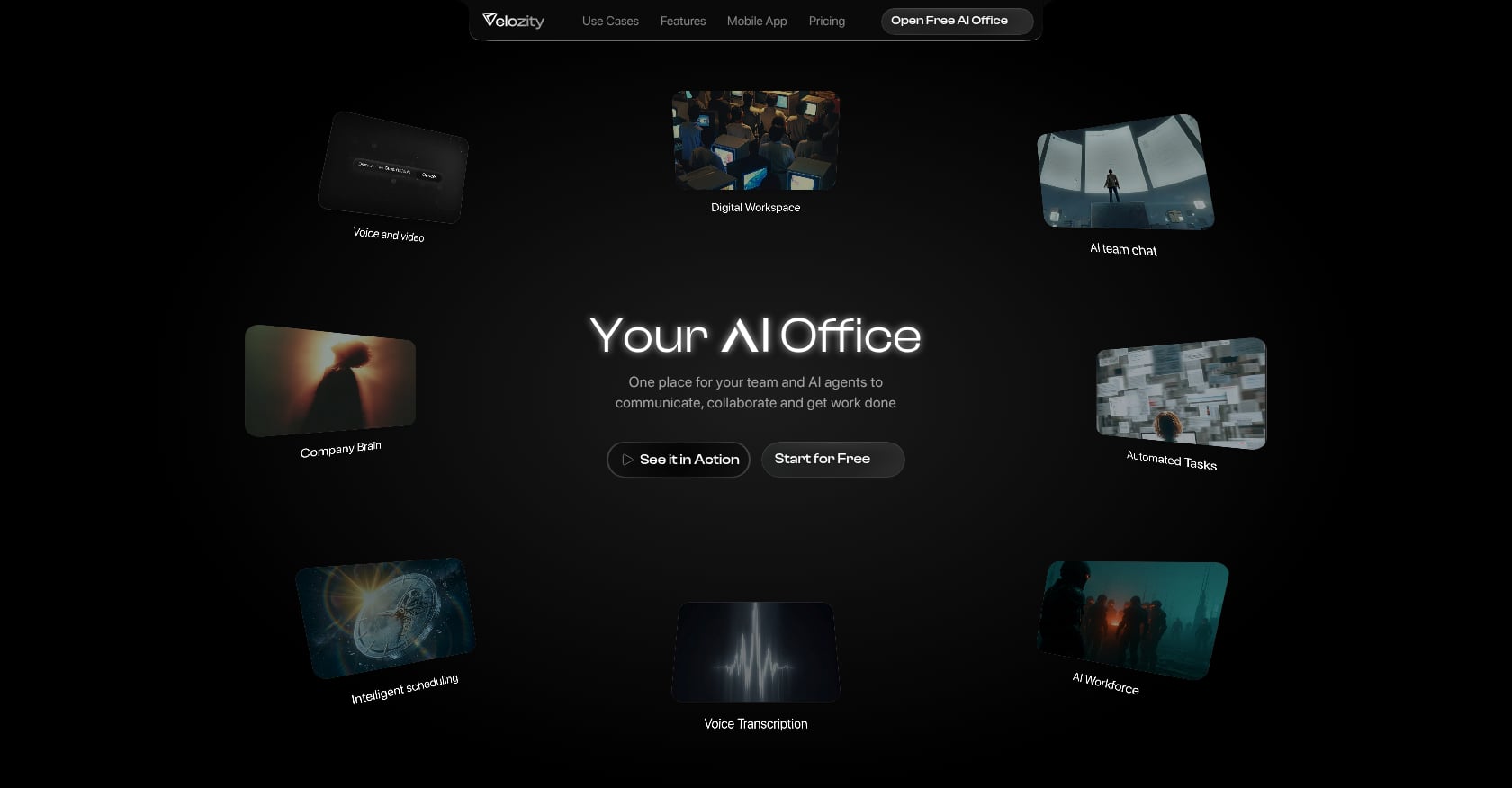
Best for: Lean remote and hybrid teams that want one AI office to replace a fragmented stack of chat, video, docs, task management, scheduling, and AI notetaker tools.
Pricing:
Velozity splits pricing into three modular blocks, so teams only pay for what they need:
- Workspace Pro: $6.99/user/month. Covers DMs, groups, live presence, calendar and booking pages, Guest Pass, unlimited meeting transcriptions, unlimited Actionables, and multiple admin roles.
- AI Space Pro: $7.99/user/month. Assigned only to teammates who need it. Adds voice-to-task, transcript-to-task, recurring connected sources, automatic source-based task creation, and daily briefs.
- Co-Worker Pro: $15/user/month. Adds 1,100 AI credits/month, wider model choices, stronger reasoning models, 10 AI Missions/month, and uncapped work sessions.
Free tiers exist for all three blocks.
Compare Velozity plans and pricing.
Key features:
- Live presence and cabins for drop-in audio/video without meeting links
- Built-in voice and video meetings
- Automatic transcription with AI-generated notes and action items
- AI Space that converts conversations, voice, and transcripts into assigned tasks with due dates
- AI Co-Worker that answers questions from workspace knowledge, runs AI Missions, and executes approved actions
- Calendar and booking pages built in
- Company Brain for searchable team memory and AI retrieval
- Guest Pass for external collaboration
- Team analytics and activity timelines
- Mobile app for iOS and Android
For teams unfamiliar with how agentic execution works, the concept is straightforward: the AI co-worker does not just summarize, it pushes approved tasks forward.
Tradeoffs:
- As a newer product, Velozity’s third-party review footprint is still growing. Teams should evaluate during the free trial.
- All-in-one tools may not match the deepest specialized features of mature point solutions (for example, Miro’s infinite canvas or ClickUp’s Gantt chart depth).
- Teams with strict enterprise compliance procurement may still default to Microsoft or Google.
- Specific third-party integrations should be verified during trial.
- The live presence model works best when the whole team opens it. Partial adoption reduces the benefit.
Practitioner perspective: A LinkedIn post by Sasha Tan captured the adjustment curve well: juggling Notion, Google Docs, Slack, Trello, and Zoom feels chaotic, and all-in-one tools require a short adjustment period but can feel liberating once workflows settle.
Bottom line: Choose Velozity if the biggest problem is not chat, docs, or meetings in isolation but the handoff between them.
2. Microsoft Teams
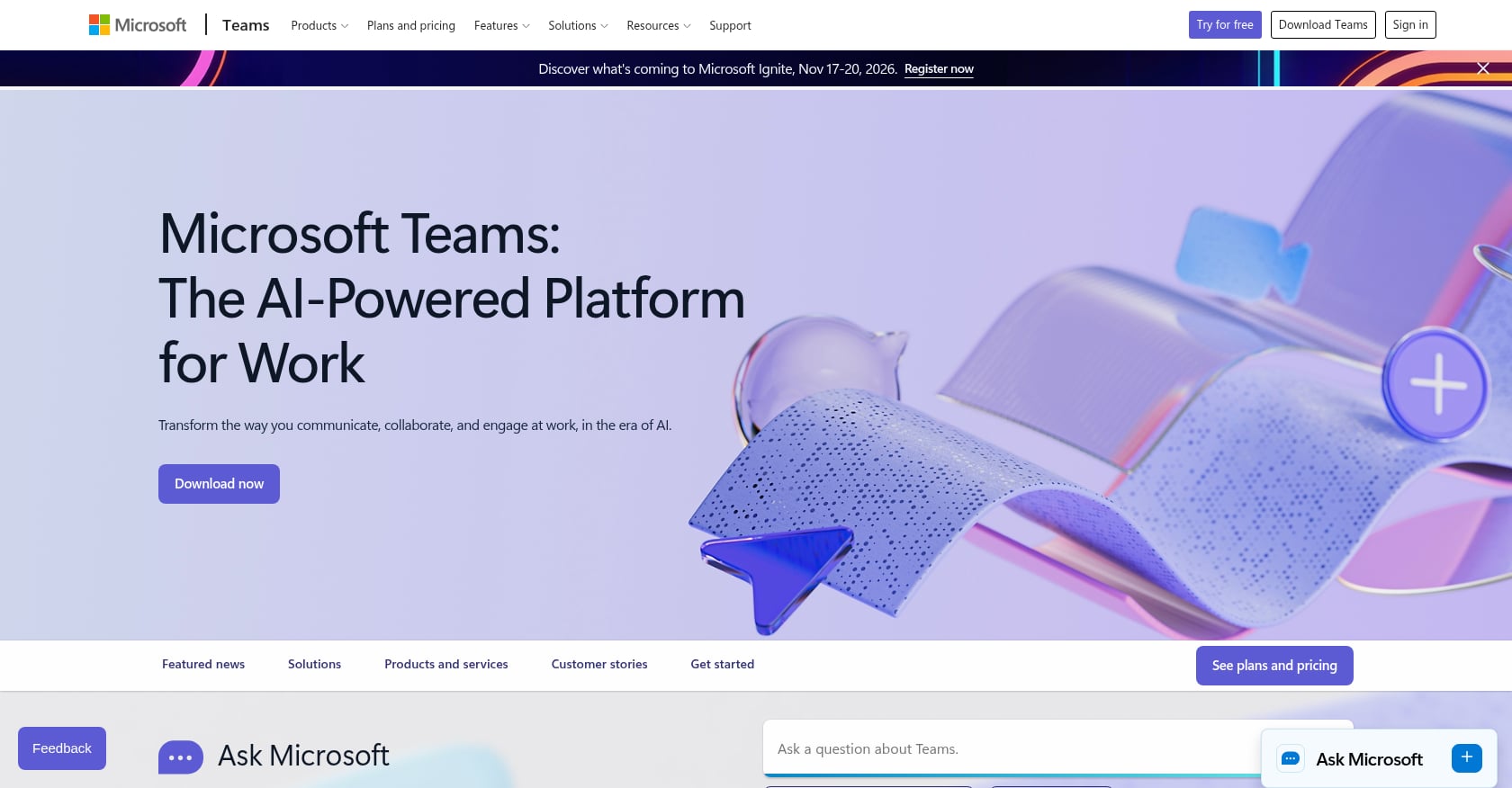
Best for: Companies already standardized on Microsoft 365 that need deep Office integration, enterprise admin controls, and Copilot AI across Word, Excel, PowerPoint, Outlook, and Teams.
Pricing:
- Teams Essentials: $4/user/month (paid yearly). Chat, calls, video meetings, file sharing, tasks, meeting recordings with transcripts and live captions, 10 GB cloud storage per user.
- Microsoft 365 Business Basic: $7/user/month (paid yearly). Adds custom business email, 1 TB cloud storage, web/mobile Office apps, AI chat with web grounding.
- Microsoft 365 Business Standard with Copilot: $23.50/user/month (paid yearly). Adds Copilot across Word, Excel, PowerPoint, Outlook, and Teams.
Key features:
- Chat, channels, calls, and video meetings
- OneDrive and SharePoint file collaboration
- Loop workspaces
- Planner, Bookings, and Forms depending on plan
- Meeting transcripts and live captions
- Copilot AI across Microsoft 365 apps on higher bundles
Tradeoffs:
- The app can be resource-heavy and overwhelming. G2 reviewers frequently mention slow launches, notification clutter, and feature overload.
- Licensing complexity is real. Understanding which features come with which plan takes effort.
- Not built around virtual-office presence the way newer tools are.
Practitioner perspective: A recurring theme on Reddit’s Microsoft Teams community is notification fatigue. One user specifically complained about unnecessary notifications for low-value messages, and multiple threads describe the desire for better multi-window and channel controls.
Bottom line: Microsoft Teams is the safest choice if the company already runs on Microsoft 365. It is not the lightest or most intuitive option for lean teams starting from scratch.
3. Slack
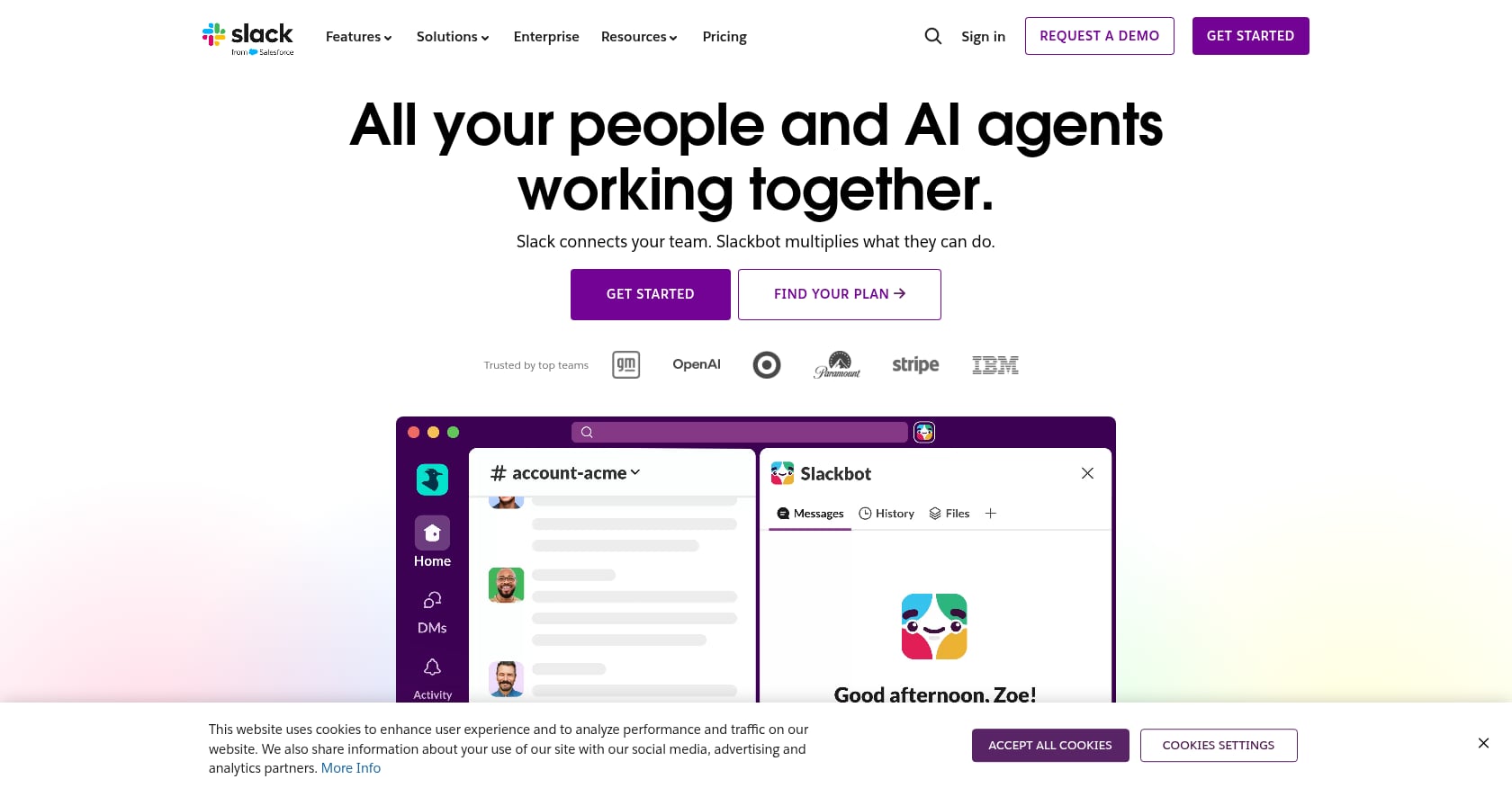
Best for: Teams that want best-in-class messaging, an enormous integration ecosystem, and strong async communication.
Pricing:
- Pro: $8.75/user/month (monthly) or $7.25/user/month (annually).
- Business+: $18/user/month (monthly) or $15/user/month (annually).
- All paid plans include unlimited message history, unlimited app integrations, group huddles, Slack Connect, and AI features like conversation summaries, search, and daily recaps.
Key features:
- Channels and DMs with threading
- Huddles for lightweight voice/video
- Clips for async video
- Workflow Builder
- 2,600+ app integrations
- Slack Connect for external collaboration
- AI summaries, search, recaps, and workflow generation
Tradeoffs:
- Slack is a communication tool, not a full collaborative workspace. Teams still need separate apps for deeper task management, docs, meetings, scheduling, and meeting transcription.
- Notification overload is the most common user complaint. Capterra reviewers praise the snooze and mute controls but note that noise management requires ongoing effort.
- Can become the place where everything is discussed but nothing is executed.
Practitioner perspective: On Reddit, one user argued that Slack search is better than Teams or Zoom when used properly, but another thread captured widespread frustration with Activity badges, muted-channel behavior, and unresolved UI papercuts.
Bottom line: Slack is excellent for communication. It is not a collaborative workspace solution on its own unless paired with meeting, task, and documentation tools. For teams considering whether to replace Slack, Zoom, and Notion with one platform, the tradeoff is feature depth versus workflow simplicity.
4. Google Workspace
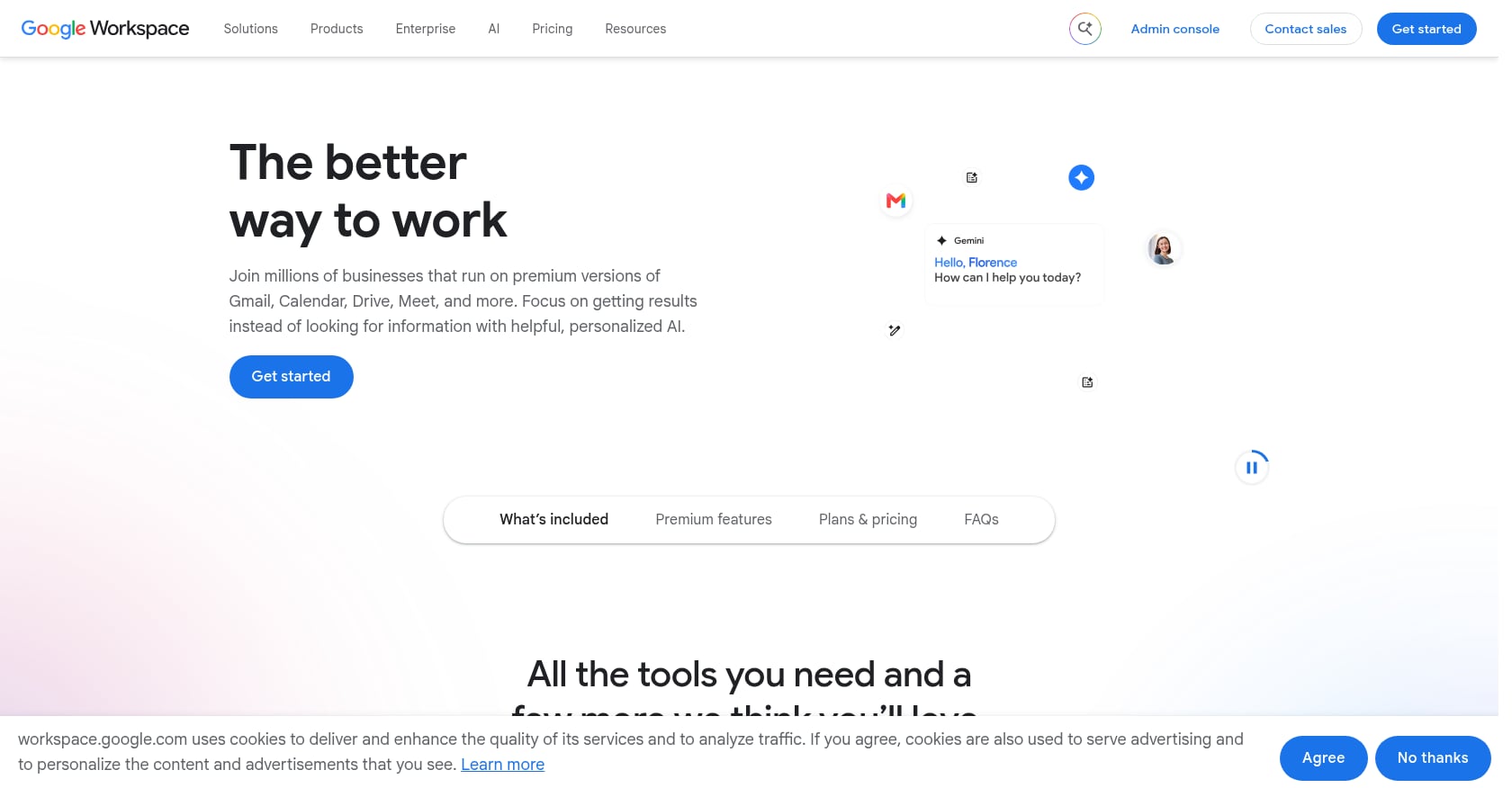
Best for: Teams that live in Gmail, Google Docs, Sheets, Slides, Drive, Calendar, and Meet and want simple, real-time document collaboration with business email.
Pricing:
- Starter: $7/user/month. 30 GB storage per person, custom business email, Gemini AI in Gmail and Chat, video meetings for 100 participants.
- Standard: $14/user/month. 2 TB storage, Gemini in Gmail, Docs, and Meet, meeting recording, noise cancellation, appointment booking pages.
- Plus: $22/user/month. 5 TB storage, 500-participant meetings, Vault, advanced endpoint management.
Key features:
- Gmail with custom domain
- Google Docs, Sheets, Slides with real-time co-editing
- Google Drive for file storage
- Google Meet for video meetings
- Calendar with appointment scheduling on Standard and above
- Gemini AI features across Workspace apps
- Admin controls and Vault on higher plans
Tradeoffs:
- Not a full task or project management system. Teams need a separate PM tool for structured work tracking.
- Google Chat is functional but rarely considered as strong as Slack for teams that live in chat.
- AI packaging can be confusing. Practitioners on Reddit report frustration with Gemini licensing, noting that which Gemini capabilities are included in which plan is not always clear.
Bottom line: Google Workspace is the better choice when docs and email are the center of work. It falls short when teams need live presence, automatic action items from meetings, or AI co-workers that execute tasks.
5. Zoom Workplace
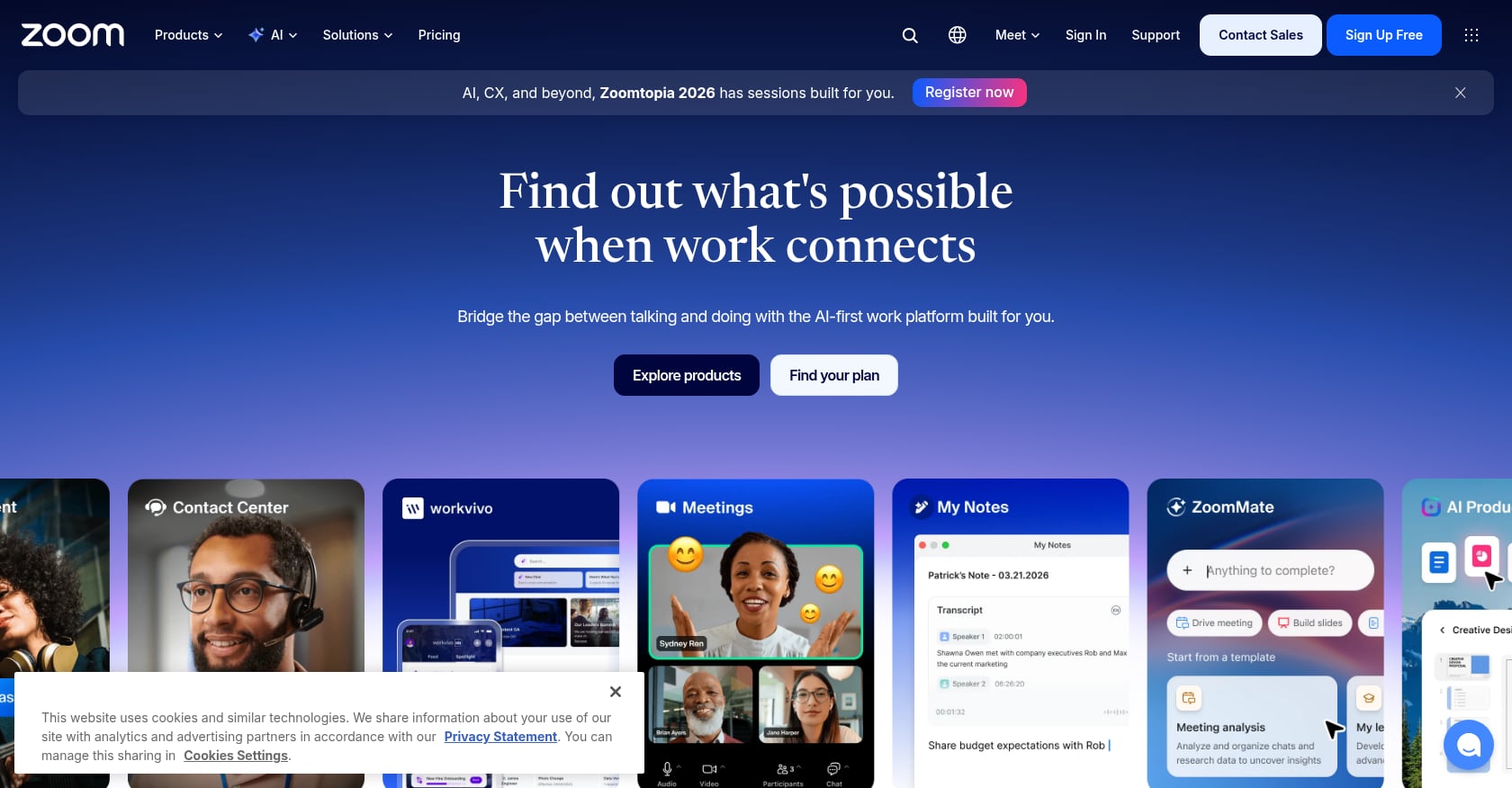
Best for: Teams whose collaboration revolves around meetings, webinars, client calls, and synchronous communication, especially sales, consulting, education, and customer success teams.
Pricing:
- Basic: Free. 40-minute meetings, 100 participants, limited AI meeting summaries, team chat, one booking page, three whiteboards.
- Pro: $16.99/user/month (monthly) or $14.16/user/month (annually). 30-hour meetings, unlimited summaries, clips, 10 GB cloud storage.
- Business: $21.99/user/month (monthly) or $18.33/user/month (annually). 300 participants, unlimited booking pages, unlimited whiteboards, SSO.
Key features:
- Meetings with AI Companion for summaries, action items, and questions
- Team Chat
- Mail and Calendar
- Scheduler and booking pages
- Whiteboard
- Clips for async video
- Cloud recordings and transcripts
- Tasks surfaced from conversations and meeting summaries
Tradeoffs:
- Still video-first. The more Zoom adds (chat, docs, canvas, tasks), the more it risks becoming cluttered. G2 reviewers describe a learning curve as features expand.
- Some users are sensitive to AI transcription consent and privacy concerns, particularly in academic and regulated settings.
- Teams often still need Slack or Teams for persistent chat, plus Notion or Google Docs for documentation, plus a PM tool.
Practitioner perspective: On Reddit, a comparison thread between Zoom AI Companion and dedicated notetakers found Zoom’s built-in AI useful because summaries appear directly after a meeting without a separate bot. For teams that want meetings that drive real action, the question is whether meeting output connects to task ownership automatically.
Bottom line: Zoom Workplace is best when video meetings are the center of collaboration. It is less compelling as a full workspace solution for task management, presence, or AI execution.
6. Notion
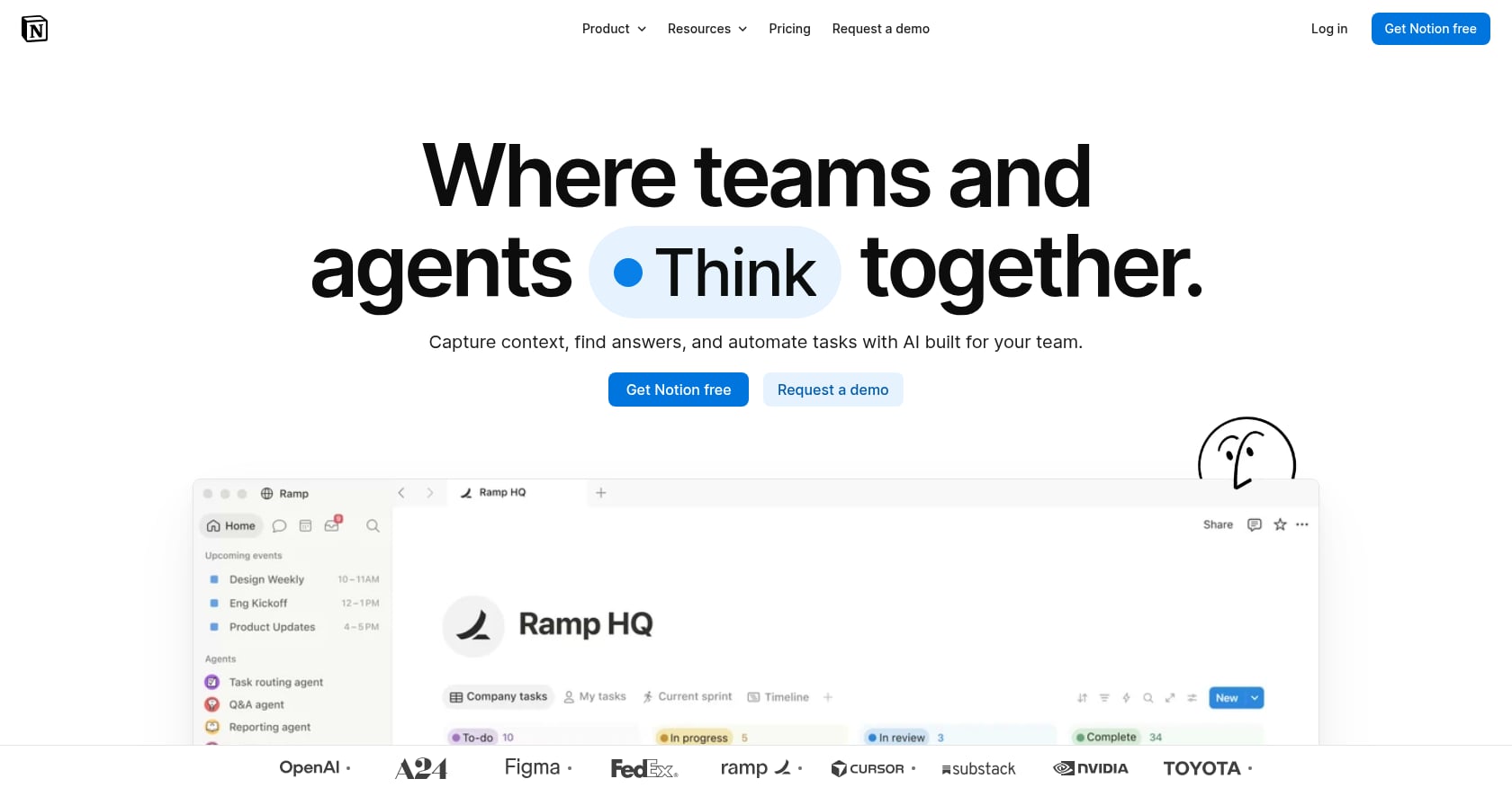
Best for: Teams that need a flexible knowledge base, wiki, documentation hub, databases, and lightweight project tracking, especially startups, product teams, content teams, and ops teams.
Pricing:
- Free: $0/member/month. Limited blocks, basic features.
- Plus: $10/member/month. Unlimited blocks, AI trial.
- Business: $20/member/month. Notion Agent, AI Meeting Notes, Enterprise Search beta, SAML SSO, granular permissions.
- Enterprise: Custom pricing.
Key features:
- Pages, docs, and wikis
- Databases with views (table, board, calendar, timeline)
- Forms and sites
- Charts
- Notion Agent and AI Meeting Notes on Business
- Enterprise Search beta on Business
- Permissions and SSO on Business/Enterprise
Tradeoffs:
- Notion can become messy without information architecture discipline. G2 reviewers note that value scales with how well the team structures its workspace.
- Not built around live team presence or drop-in conversations.
- Full AI features require the Business plan at $20/member/month, which has drawn criticism. Practitioners on Reddit have complained that Plus users need to upgrade to Business for full AI access, calling the pricing structure hard to follow.
Practitioner perspective: A LinkedIn post by Simon Heaton made an interesting observation: remote-first teams have an AI advantage because async work creates written context across Notion, Zoom, and Linear. The weakness is that context is split across tools unless AI can access all of it. That gap is exactly what unified workspaces with built-in knowledge retrieval aim to close.
Bottom line: Notion is excellent for knowledge. It is not a communication or execution platform, and teams using it typically still need chat, meeting, scheduling, and task tools alongside it.
7. ClickUp
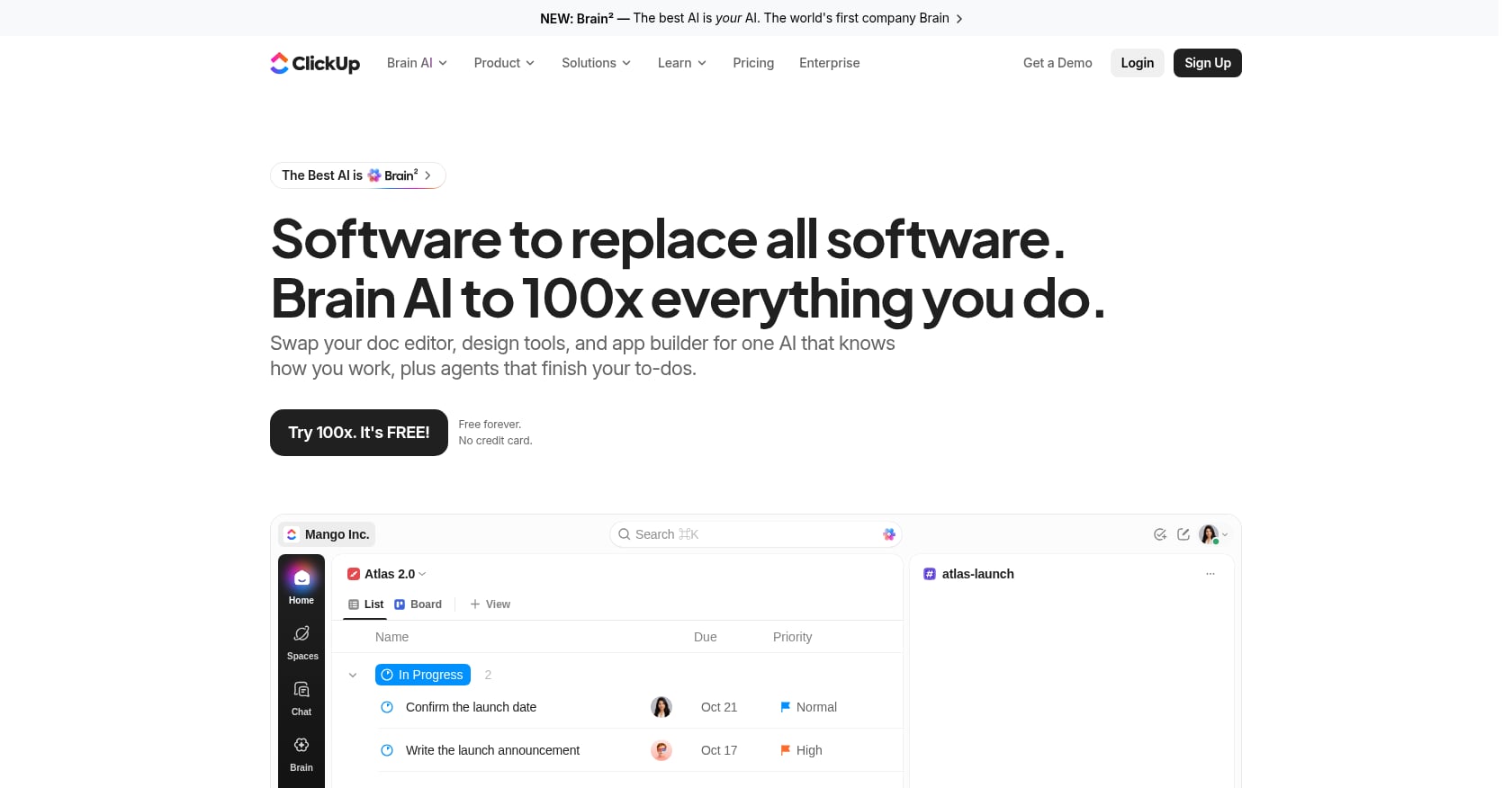
Best for: Teams that want maximum configurability in project management, with docs, goals, dashboards, whiteboards, chat, time tracking, and automation in one platform.
Pricing:
- Free Forever: $0. Unlimited tasks, collaborative docs, Kanban boards, sprint management.
- Unlimited: $10/user/month (monthly) or $7/user/month (annually). Unlimited spaces, Gantt charts, integrations, storage, time tracking, goals, ClickUp Chat.
- Business: $19/user/month (monthly) or $12/user/month (annually). Advanced dashboards, automations, workload management, Google SSO.
- AI add-ons: Brain AI at $9/user/month. Everything AI at $28/user/month with unlimited AI assistant, multi-model chat, enterprise search, and agent credits.
Key features:
- Tasks, lists, boards, Gantt, calendar, and timeline views
- Docs and wikis
- Dashboards and reporting
- Whiteboards
- Chat (within ClickUp)
- Goals and portfolios
- Automation rules
- ClickUp Brain AI (add-on)
Tradeoffs:
- Feature overload is real. Reddit users consistently describe ClickUp as powerful but overwhelming. One user said ClickUp has “plenty of useful tools” but that bugs and support were the worst parts.
- Performance complaints are common, including typing slowdown and loading issues.
- AI pricing adds another layer of cost and credit complexity on top of base plans.
- Teams may still need Slack, Zoom, or Google Workspace alongside it for communication and meetings.
Bottom line: ClickUp is strongest when project management depth is the priority. It is less compelling as a collaborative workspace for live communication, presence, and meeting-to-task execution.
8. Asana
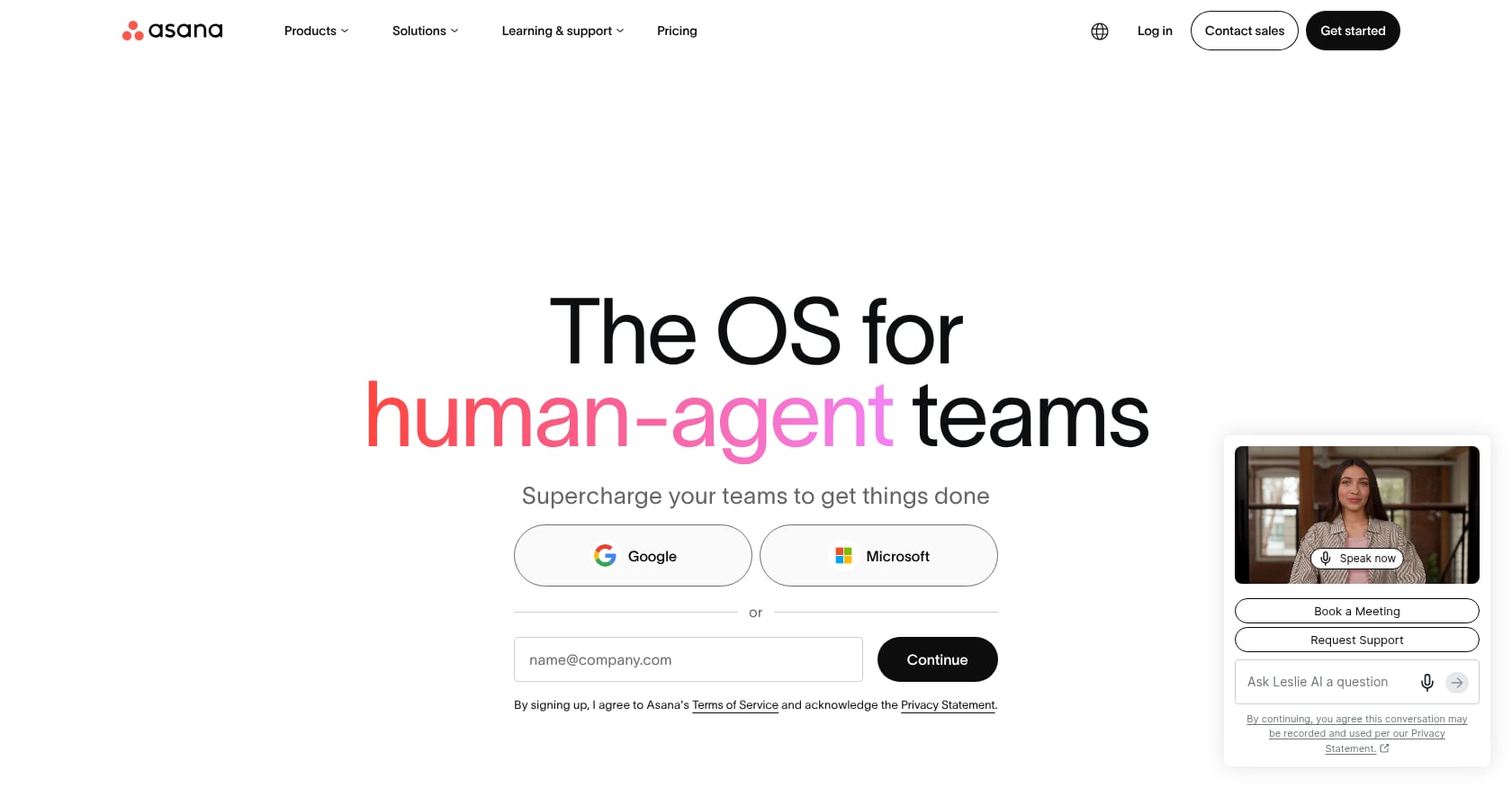
Best for: Cross-functional teams that need clean task ownership, timelines, dependencies, dashboards, goals, and portfolio views, especially marketing, operations, and PMO teams.
Pricing:
- Personal: Free for up to 2 users. Unlimited tasks, list/board/calendar views, unlimited storage (100 MB max per file).
- Starter: $10.99/user/month (annual). AI Studio Basic with 50K credits/month, Timeline and Gantt, dashboards, automations, forms, custom fields, unlimited guests.
- Advanced: $24.99/user/month (annual). Portfolios, goals, workload, approvals, Salesforce integration, 75K AI credits/month.
Key features:
- Task and project management with multiple views
- Dashboards and reporting
- Automations and forms
- Goals and portfolios
- Workload management
- AI Studio on paid plans
Tradeoffs:
- Not a communication or meeting platform. Asana handles tasks well but requires Slack, Teams, or Zoom for real-time collaboration.
- Pricing escalates quickly. G2 reviewers mention frustration with losing access to premium features after trials end.
- AI is present but not as central as in AI-office products.
Bottom line: Asana is great when the task board is the source of truth. It does not solve the communication, meeting capture, or AI execution parts of the collaboration loop.
9. Miro
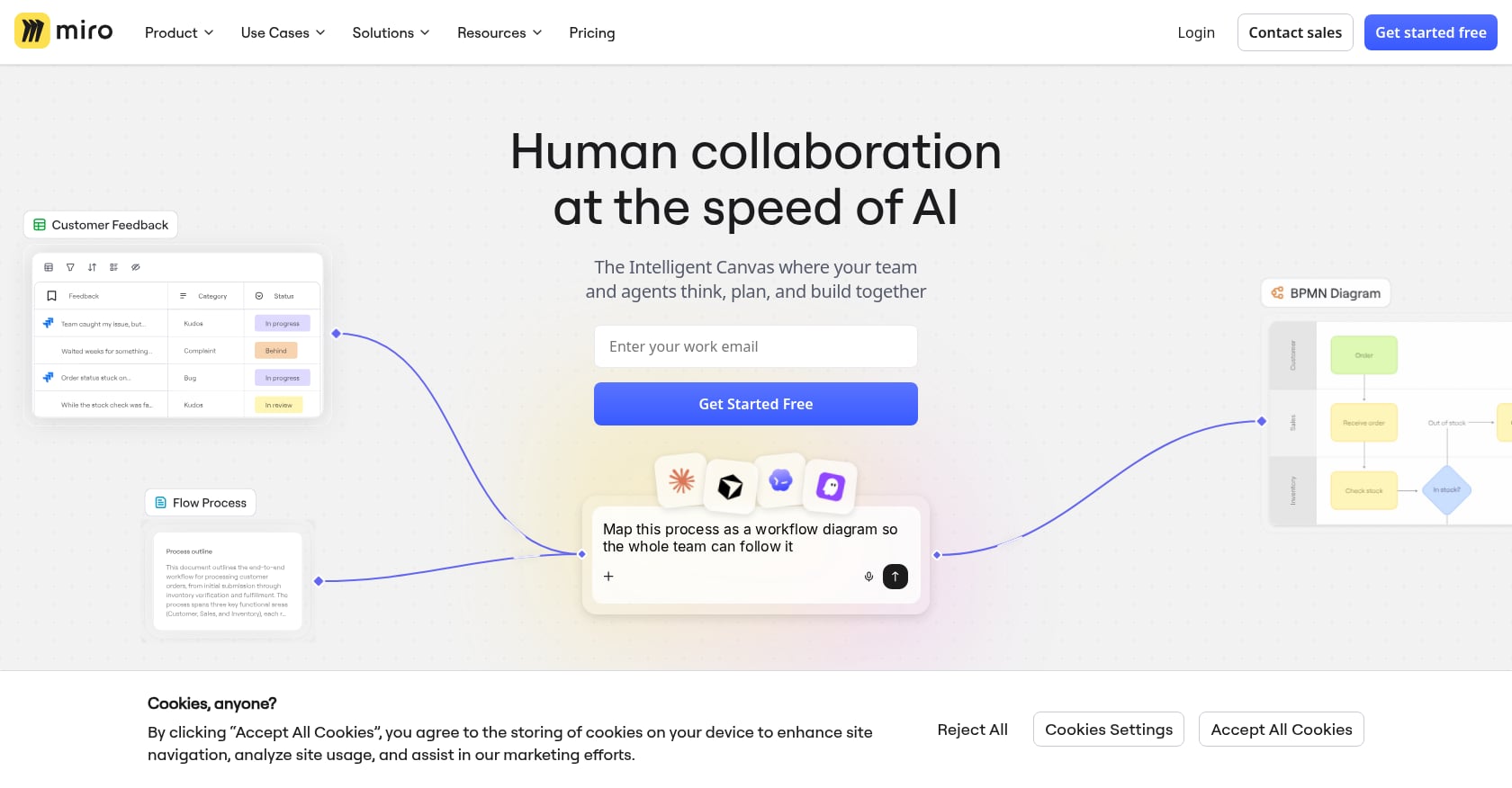
Best for: Product, design, UX, strategy, and workshop-heavy teams that need visual thinking, mapping, diagrams, brainstorming, and facilitation.
Pricing:
- Free: 3 editable boards, templates, 250+ integrations.
- Starter: $8/member/month (annual). Unlimited boards, 25 AI credits/member/month, visitor editing.
- Business: $20/member/month (annual). Unlimited workspaces, unlimited guests, advanced diagramming.
Key features:
- Infinite canvas with sticky notes, shapes, and connectors
- Whiteboarding and diagramming
- Workshop templates with voting and timer
- AI clustering, summarization, and diagram generation
- Integrations with project management and design tools
Tradeoffs:
- Not a replacement for chat, meetings, task management, or documentation. Miro is one layer of collaboration, not a full workspace.
- Large boards can slow down and become unwieldy.
- Pricing concerns surface regularly. Practitioners on Reddit describe frustration when functionality moves between pricing tiers.
Bottom line: Miro is where teams think visually. It is not where they communicate, capture decisions, assign tasks, or execute follow-ups.
10. Gather
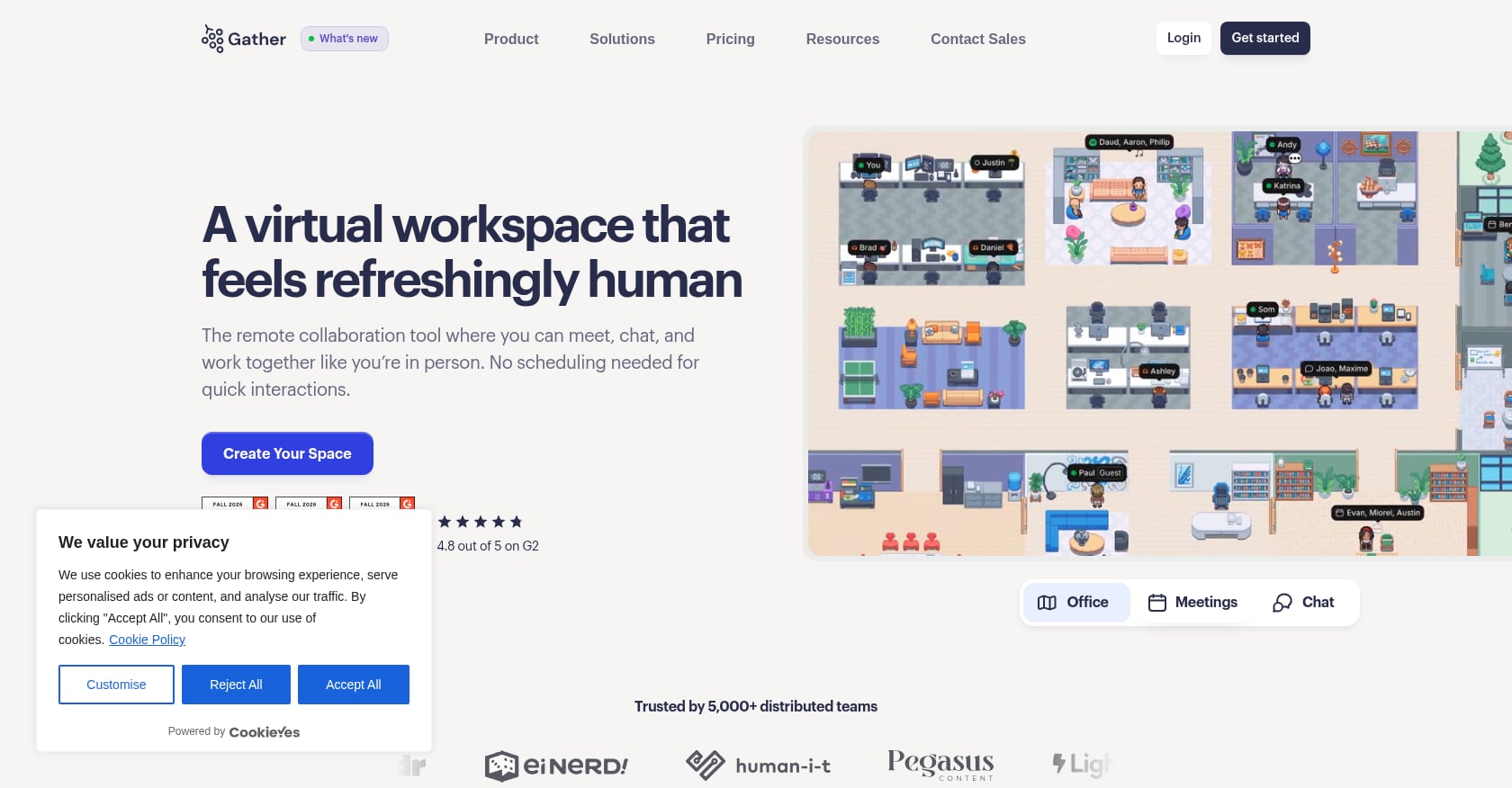
Best for: Remote teams that miss office presence, spontaneous conversations, and the ability to walk up to a teammate for a quick question.
Pricing:
- Essential: $12/member/month. Custom virtual office, meeting recordings (starting at 20 hours), unlimited meetings and chat, meeting transcriptions (starting at 30 hours), Google Calendar integration, hosted guests.
A 30-day free trial is available.
Key features:
- Persistent virtual office with customizable spaces
- Avatar-based movement and proximity audio/video
- Status indicators (available, busy, in a call)
- Calendar status sync
- Wave people over, lock or mute conversations
- Meeting recordings and transcriptions
Tradeoffs:
- Virtual offices can feel awkward at first. Practitioners on Reddit note that some teammates initially find the concept weird, though the “walk up and ask” model often wins people over.
- Not a task, project, or document management tool. Teams still need their full stack around it.
- Adoption depends heavily on team culture. If only half the team opens it, the presence benefit disappears.
Practitioner perspective: A Reddit user who tried Gather for nearly two years said the value was not replacing every meeting but making brainstorming and casual discussion feel more human. Another Reddit thread captured the core buyer question: do virtual offices reduce Slack overload, or do they become another app to keep open? As Flo Crivello argued in a widely shared LinkedIn post, Slack, Zoom, and Teams were originally complements to office work, not full replacements for the office experience. That gap is what presence-first tools try to fill.
Bottom line: Gather solves presence well. It does not solve task creation, meeting-to-action flow, AI execution, or knowledge retrieval. For teams that want presence combined with the rest of the collaboration loop, a more integrated workspace is the better path.
Point Solutions vs. Workspace Systems vs. AI Offices
Most buying guides blur the lines between very different types of tools. Clarity here saves time and money.
Point solutions solve one slice of collaboration. Slack handles chat. Zoom handles meetings. Calendly handles scheduling. Fireflies or Otter handle transcription. Each works well in isolation, but the handoffs between them create information gaps and manual rework. Microsoft’s 2023 Work Trend Index found that 68% of people said they did not have enough uninterrupted focus time during the workday. Adding more point solutions without reducing handoffs makes this worse, not better.
Workspace suites bundle multiple surfaces. Microsoft Teams, Google Workspace, and Zoom Workplace each combine chat, meetings, and some docs or task features. They reduce app count but often still require additional tools for deeper project management, knowledge bases, or AI execution.
AI offices unify presence, communication, meetings, transcription, task creation, scheduling, memory, and AI agents into a single environment. The goal is not just fewer apps but fewer dropped follow-ups. Velozity fits this category. For a deeper comparison, this guide on choosing a unified workspace vs. multiple apps walks through the tradeoffs in detail.
The right choice depends on where the biggest pain is. If only one workflow is broken, a point solution is fine. If work keeps getting lost between tools, consolidation matters more than feature depth in any single category.
How to Choose the Right Collaborative Workspace Solution
A quick decision tree:
- Want one AI office to replace multiple tools? Start with Velozity.
- Already standardized on Microsoft 365? Microsoft Teams is the path of least resistance.
- Need the best team chat? Slack.
- Need docs and email first? Google Workspace.
- Need the best meetings? Zoom Workplace.
- Need a wiki and custom knowledge system? Notion.
- Need deep project management? ClickUp or Asana.
- Need visual collaboration and workshops? Miro.
- Need virtual office presence only? Gather or Kumospace.
Beyond features, consider your team context. Fully remote teams should prioritize presence, async memory, and meeting capture. Hybrid teams need strong calendar integration, meeting notes, and clear task handoffs. Client-service teams need guest access, booking pages, and meeting records. Fast startups need low admin overhead and AI task automation to keep small teams moving at speed.
For teams with procurement or integration questions, talk to Velozity directly to verify setup details before committing.
Pricing Traps to Watch For
Starting price is not the real price. The real price is the cost of the entire workflow. Here are the hidden costs most comparison articles ignore:
- Is AI included or an add-on? ClickUp’s AI Brain starts at $9/user/month on top of base pricing. Notion’s full AI features require the $20/member/month Business plan. Velozity’s modular tiers let teams assign AI Space or Co-Worker seats only to the people who need them.
- Are meeting summaries and transcripts unlimited or capped? Free tiers and lower plans often limit transcription minutes, cloud recording hours, or AI queries.
- Is storage pooled or per user? Some plans advertise generous storage that becomes tight once video recordings and files accumulate.
- Are guests free or paid? Collaboration with clients, contractors, and partners can change the math quickly.
- Are security features gated behind higher tiers? SSO, admin roles, DLP, and audit logs are often locked to Business or Enterprise plans.
- Are annual plans required for the advertised price? Many tools show annual pricing prominently while the monthly price is 20 to 40 percent higher.
- Does the tool replace apps or add another tab? A $7/user/month tool that still requires $8.75 for Slack, $16.99 for Zoom, and $12 for Calendly is not cheap. It is just the cheapest piece of an expensive stack. The Zoom collaboration report found that employees using more than 10 apps are more likely to need 15 minutes or longer to refocus between tasks.
Final Recommendation
If your team only needs one narrow function, pick the best point solution: Slack for chat, Zoom for video, Notion for docs, Asana for structured projects, Miro for workshops. Each is excellent at its core job.
But if the real problem is that work gets lost between tools, that meeting decisions evaporate, that follow-ups depend on someone remembering to copy action items into a task board, then consolidation matters more than feature depth in any one category.
Velozity is built for that problem. Its AI office model covers the full collaboration loop: presence, conversation, transcription, action items, tasks, scheduling, memory, and AI co-workers. The free plan lets teams test whether the all-in-one model fits their workflow before committing.
Frequently Asked Questions
What is the best collaborative workspace solution for small teams?
For small teams that want fewer tools, Velozity is the strongest starting point because it combines live presence, chat, voice/video, transcription, AI action items, tasks, scheduling, and AI co-workers. If the team already runs on Google or Microsoft, Google Workspace or Microsoft Teams may be easier to adopt since the ecosystem is already in place.
What is the difference between collaboration software and project management software?
Collaboration software helps teams communicate and share context. Project management software tracks tasks, deadlines, and ownership. The best collaborative workspace solutions connect both so conversations become assigned work rather than disappearing into chat history.
Can one collaborative workspace replace Slack and Zoom?
It depends on the platform. A workspace needs real-time chat, presence, and meeting functionality to genuinely replace both. Velozity is designed for this because it includes chat, drop-in cabins, and built-in voice/video meetings. Microsoft Teams can also serve as a combined chat and meeting tool for organizations on Microsoft 365.
What should remote teams look for in a workspace solution?
Prioritize live presence (so teammates know who is available), meeting capture with transcription, searchable knowledge, clear task ownership, guest access for external collaboration, and AI-generated action items. Presence matters most because remote work often kills the spontaneous questions and hallway context that in-office teams take for granted. For a practical management framework, this guide on how to manage remote and hybrid teams covers the people side in depth.
Are AI collaboration tools worth the cost?
They are worth it when they reduce manual follow-up and information search. Microsoft’s 2024 Work Trend Index found that 75% of global knowledge workers were already using AI at work, with the majority reporting that it saved them time and helped them focus on higher-value work. The risk is not AI adoption itself but scattered adoption across personal tools without governance or shared context.
What is the biggest mistake when choosing a collaborative workspace?
Choosing a tool because it has the most features rather than because it closes the team’s biggest workflow gap. A chat tool does not automatically solve execution. A task tool does not automatically solve communication. A meeting tool does not automatically preserve decisions. The question that matters is whether the platform closes the loop from conversation to action.
How much does tool sprawl actually cost?
More than most teams realize. Beyond direct subscription costs (which can easily exceed $50/user/month when stacking chat, video, docs, tasks, scheduling, and AI notetakers), the hidden tax is context switching, lost decisions, and manual rework. Zoom’s research found that employees juggling many apps need 15 minutes or longer to refocus between tasks. That refocus cost compounds across every person, every day.