
TL;DR
The average organization runs 10 separate collaboration apps, and most teams overpay by 40-60% on overlapping capabilities. This guide compares the 10 best AI collaboration tools across pricing, features, and honest tradeoffs. Velozity leads as the only all-in-one AI workspace that natively covers chat, meetings, transcription, tasks, and AI agents in a single flow. If you prefer best-of-breed tools, Slack wins for messaging, Zoom for video, and ClickUp for deep project management.
The problem isn’t that your team lacks tools. It’s that you have too many.
Research from Zylo found that the average organization maintains 10 team collaboration apps, 11 project management tools, and 15 duplicate training apps. Yet 79% of companies have taken no steps to consolidate. The result is a quiet tax on every team: context switching between chat, video, docs, and task boards, with information falling through the cracks at every handoff.
AI is supposed to fix this. And according to Deloitte’s 2026 State of AI report, 66% of organizations already report productivity gains from enterprise AI. Worker access to AI tools rose 50% in 2025 alone. But here’s the catch: bolting AI onto a fragmented stack just makes the fragmentation smarter, not simpler.
The real question isn’t “which AI collaboration tool should I add?” It’s “how much of my workflow can one tool actually cover?” This guide compares 10 tools across that spectrum, from single-function AI assistants to full-stack AI workspaces, so you can pick the right level of consolidation for your team.
Start free with Velozity, no card required, to see what a unified AI workspace feels like.
What Makes an AI Collaboration Tool Worth It?
Before jumping into the list, it helps to have a framework. Not every tool that slaps “AI” on its marketing page deserves the label. Here’s what separates a genuinely useful collaboration AI tool from a rebranded chatbot.
Native AI, not bolt-on. The best tools build AI into the core workflow. If you need a separate add-on subscription or third-party integration to get AI features, that’s a cost and friction penalty. Look for tools where AI is woven into everyday actions like summarizing threads, extracting tasks from meetings, or answering questions from your company’s knowledge base.
Conversation-to-execution coverage. Most collaboration happens in a predictable arc: someone has a conversation (chat or meeting), decisions get made, tasks emerge, and work gets done. The fewer handoffs between tools in that arc, the less information gets lost. A tool that covers chat but not tasks forces you to manually bridge the gap. One that handles meetings but not follow-up leaves action items orphaned.
For a deeper look at why this matters, read about unified workspaces vs. multiple apps.
Pricing transparency. This is the biggest gap in the market. Many tools advertise a low per-user price, then gate AI features behind expensive tier upgrades or metered credit systems. The real cost often lands 40-60% higher than the sticker price, according to PricePulse analysis.
User control and privacy. AI features that record, transcribe, or summarize should be opt-in. Your data shouldn’t train vendor models without consent.
At-a-Glance Comparison Table
All prices verified September 2026. Confirm at official pages before purchasing.
| Tool | Starting Price (per user/mo) | AI Included? | Meetings Built-in? | Tasks Built-in? | Live Presence? | Best For |
|---|---|---|---|---|---|---|
| Velozity | $0 (free) / $6.99 (Pro) | Yes, native | Yes | Yes | Yes (cabins) | All-in-one AI workspace |
| Slack | $0 / $7.25 (Pro) | Partial (full at $15) | Huddles only | No | No | AI-assisted messaging |
| Zoom Workplace | $0 / $14.16 (Pro) | Yes, on paid plans | Core feature | No | No | Video meetings + AI notes |
| ClickUp | $0 / $7 + $9 AI ($16+) | Add-on ($9-$28) | No | Core feature | No | Deep PM + AI agents |
| Notion | $0 / $20 (Business w/ AI) | Business tier only | No | Partial (databases) | No | Knowledge/wiki + AI writing |
| Fireflies.ai | $0 / $10 (Pro) | Partial (credits) | Joins meetings | No | No | Meeting transcription |
| monday.com | $9 (Basic) | Partial (higher tiers) | No | Core feature | No | Cross-dept project mgmt |
| Asana | $0 / $10.99 (Starter) | Partial (higher tiers) | No | Core feature | No | Structured portfolio PM |
| Gather | ~$7 (annual) | No | Spatial video | No | Yes | Spatial virtual office |
| Kumospace | $0 / $16 (Business) | No | Spatial video | No | Yes | Corporate virtual office |
Now, the detailed breakdown.
The 10 Best AI Collaboration Tools
1. Velozity
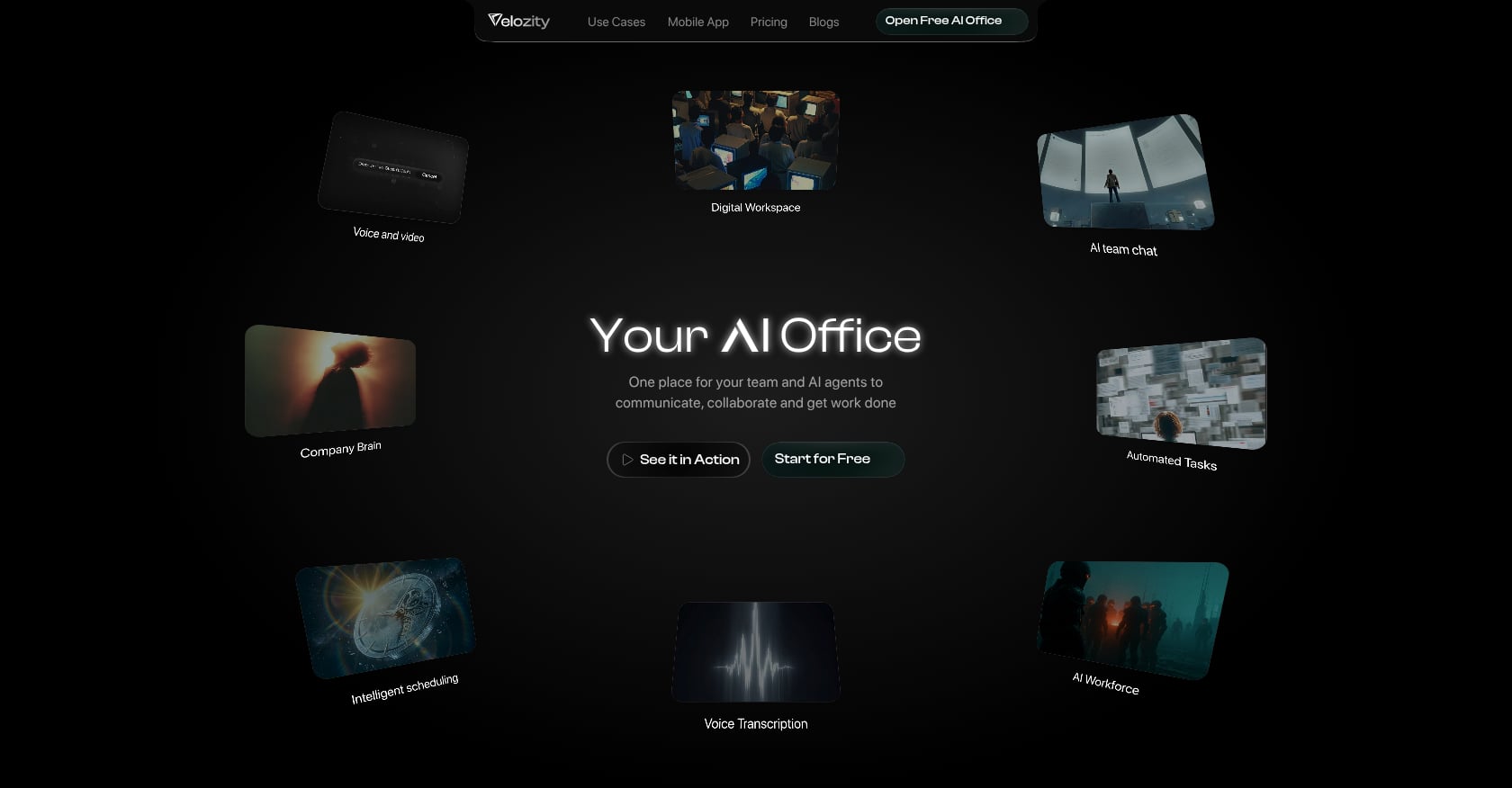
Best for: Startups and remote teams that want to replace Slack + Zoom + Notion + Calendly + AI notetakers with a single AI-native workspace
Velozity calls itself “Your AI Office,” and the positioning is accurate. It’s the only collaboration AI tool on this list that natively unifies live presence, chat, voice/video meetings, automatic transcription, AI-generated action items, task management, scheduling, and autonomous AI agents in one product. The conversation-to-execution arc that other tools leave to integrations happens inside a single interface here.
Key AI features:
- Live presence with “cabins” for drop-in audio/video, no meeting links needed
- Built-in voice and video meetings with automatic transcription
- AI-generated action items extracted from meetings and conversations
- AI Space: a voice/text-to-tasks pipeline that turns conversations into structured, assigned tasks
- AI Co-Worker agents that answer questions from your workspace knowledge, run “AI Missions,” and execute approved actions (read more about agentic execution)
- Company Brain: AI retrieval across conversations and files
- Integrated calendar and booking pages
- Task and project management (Kanban/list views)
- Guest Pass for external collaborators
Pricing:
Velozity uses a modular approach with three building blocks, each with Free and Pro tiers:
- Workspace (chat, presence, meetings): Free or $6.99/user/month (Pro)
- AI Space (conversation-to-task automation): Free or $7.99/user/month (Pro)
- Co-Worker (AI agents): Free or $15/user/month (Pro)
Not every user needs every paid module. Admins can mix Free and Pro seats across the team. Full Pro across all three modules costs $29.98/user/month. See the full pricing breakdown.
Free tier: Generous free-forever plans on all three modules. Includes DMs, groups, limited transcription (300 shared minutes/month), 15 Actionables per week, and 150 AI credits/month. A 30-day full-access trial requires no credit card.
Tradeoffs:
- All-in-one tools trade some specialist depth for breadth. If you need extremely advanced PM features (like ClickUp’s custom automations) or Notion’s database flexibility, Velozity may not match those niche capabilities.
- Early-stage review presence on G2 (0 reviews as of mid-2026), which means limited third-party validation.
- Integration catalog isn’t prominently documented on the site. Verify specific third-party needs during the free trial.
Who should pick this: Teams spending $40-60/user/month on a fragmented stack of chat, video, docs, and AI tools. Velozity’s user stories report 85% less friction, $214 saved per user/month, and 97% less tool switching.
Who shouldn’t: Enterprise teams locked into Microsoft 365 or Google Workspace ecosystems with deep compliance requirements around specific vendors.
2. Slack
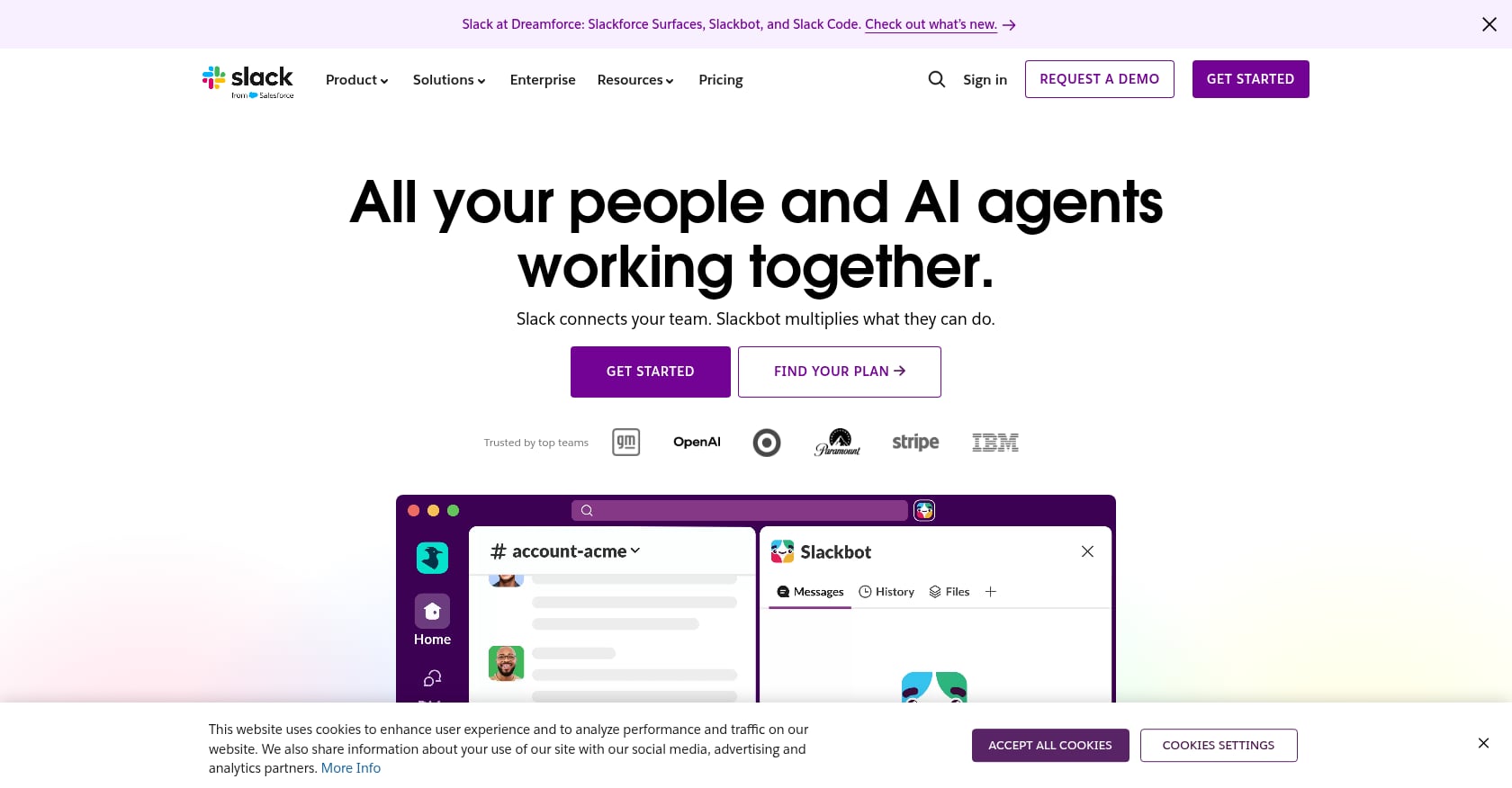
Best for: Teams already invested in the Slack ecosystem needing AI-powered communication summaries and search
Slack remains the default team messaging tool for a huge portion of the market. Its AI features, rolled out across 2025 and 2026, add conversation summaries, thread recaps, and AI-powered search answers directly into the chat experience.
Key AI features:
- Conversation and thread summaries (Pro plan)
- Huddle notes with AI transcription (Pro plan)
- AI search answers, file summaries, and translations (Business+ plan)
- Workflow AI and Slackbot access (Business+ plan)
Pricing:
- Free: 90-day message history, limited features
- Pro: $7.25/user/month (annual), includes basic AI summaries
- Business+: $15/user/month (annual), includes full AI suite
The standalone Slack AI add-on was discontinued. The Business+ price increase from $12.50 to $15 effectively bundles AI whether or not you use it. An overwhelming number of users on enterprise review sites view this as a forced upsell, according to analysis from BridgeApp.
Hidden cost: Only single-channel guests are free. Give a contractor access to a second channel and they become a paid seat.
Tradeoffs:
- No native meetings (huddles are informal, not a Zoom replacement)
- No task management, no project boards, no scheduling
- No transcription for formal meetings
- Full AI requires Business+ at $15/user/month, nearly double the Pro price
Who should pick this: Teams that live in Slack and just need smarter search and summaries on top of their existing meeting and PM tools.
Who shouldn’t: Teams trying to consolidate tools. Slack solves one slice of collaboration and requires you to bolt on everything else.
3. Zoom Workplace
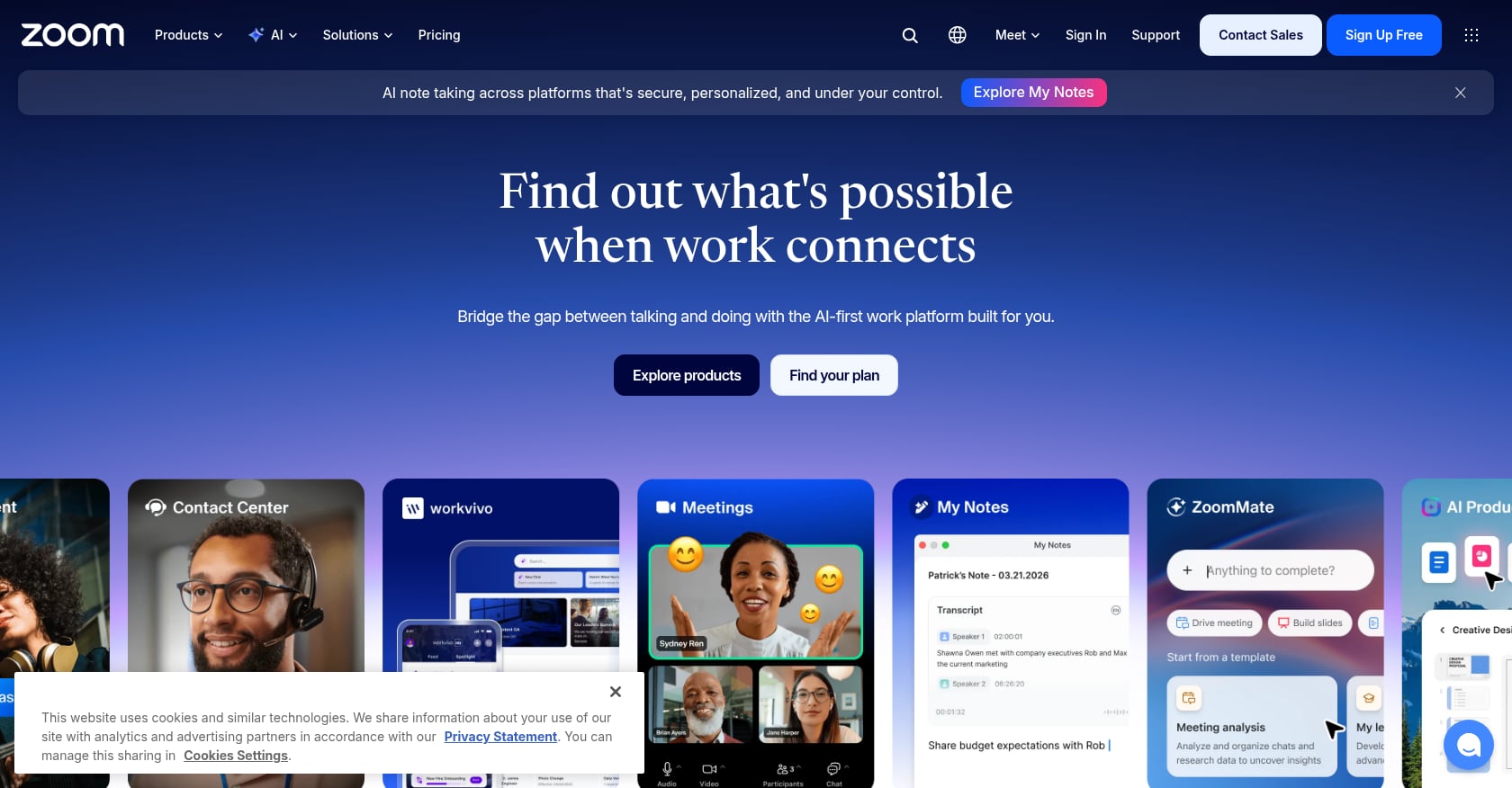
Best for: Teams that need reliable video meetings with bundled AI note-taking
Zoom needs no introduction for video conferencing. Zoom Workplace, its 2025-2026 rebrand, bundles AI Companion features into paid plans: meeting summaries, action items, and chat drafting.
Key AI features:
- AI Companion on all paid plans: meeting summaries, action items, chat drafts
- Custom AI Companion add-on ($12/user/month): cross-platform note-taking for Google Meet and Microsoft Teams
- Standalone AI Companion tier ($10/user/month) for free-plan users
Pricing:
- Basic: Free (40-minute cap on group meetings)
- Workplace Pro: $14.16/user/month (annual)
- Workplace Business: $18.33/user/month (annual)
Zoom’s pricing page has quietly sprawled into twenty-odd separately priced products. The core meeting product is competitive, but add-ons for phone, rooms, webinars, and events stack up fast.
Tradeoffs:
- Meeting-centric only. No task management, no live presence, no project workflows.
- AI summaries land in Zoom, but tasks live elsewhere. The gap between meeting output and execution remains open. For tools that turn meetings into real action items, you need a different approach.
- Free tier’s 40-minute limit pushes most teams to paid plans quickly.
Who should pick this: Teams that run lots of scheduled video meetings and want AI notes without adding a separate notetaker tool.
4. ClickUp
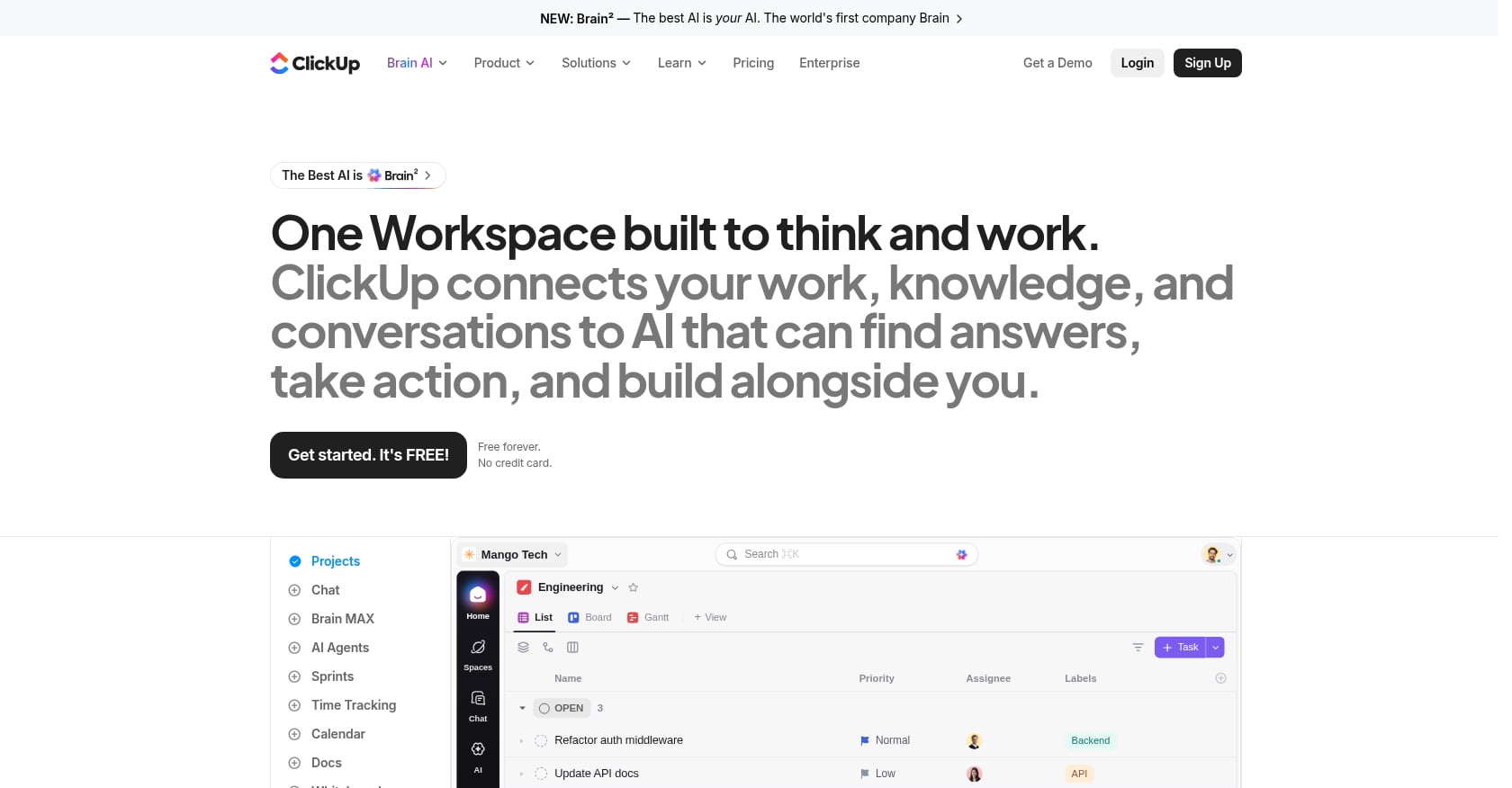
Best for: Teams needing deep, customizable project management with AI-powered task automation
ClickUp is one of the most feature-dense project management tools available. Its AI layer, ClickUp Brain, adds task summaries, writing assistance, and agentic workflows that route requests to different AI models depending on the task.
Key AI features:
- Brain AI ($9/user/month add-on): task summaries, AI writing, smart search
- Everything AI ($28/user/month add-on): full agentic workflows, multi-model routing across Claude, GPT, and Gemini
- Automatic model selection based on task requirements
Pricing:
- Free: Unlimited members, 60MB total shared storage
- Unlimited: $7/member/month (annual)
- Business: $12/member/month (annual)
- Enterprise: Custom
AI is layered on top. A Business seat with full AI costs $12 + $28 = $40/user/month. This is the hidden AI tax that many teams discover only after committing.
Tradeoffs:
- No native video meetings, no live presence, no transcription
- Complexity is real. Practitioners on Reddit and YouTube consistently report that ClickUp’s one-size-fits-all approach makes things incredibly complex. Budget 20-40 hours of admin work in the first month and 5-10 hours monthly ongoing.
- AI add-on pricing can double or triple the effective per-seat cost
Who should pick this: Teams with a dedicated project manager who can invest the setup time and wants maximum PM customization. Worth it for teams where project management is the bottleneck, not communication.
Who shouldn’t: Small teams without a PM champion. The setup burden alone can stall adoption.
5. Notion
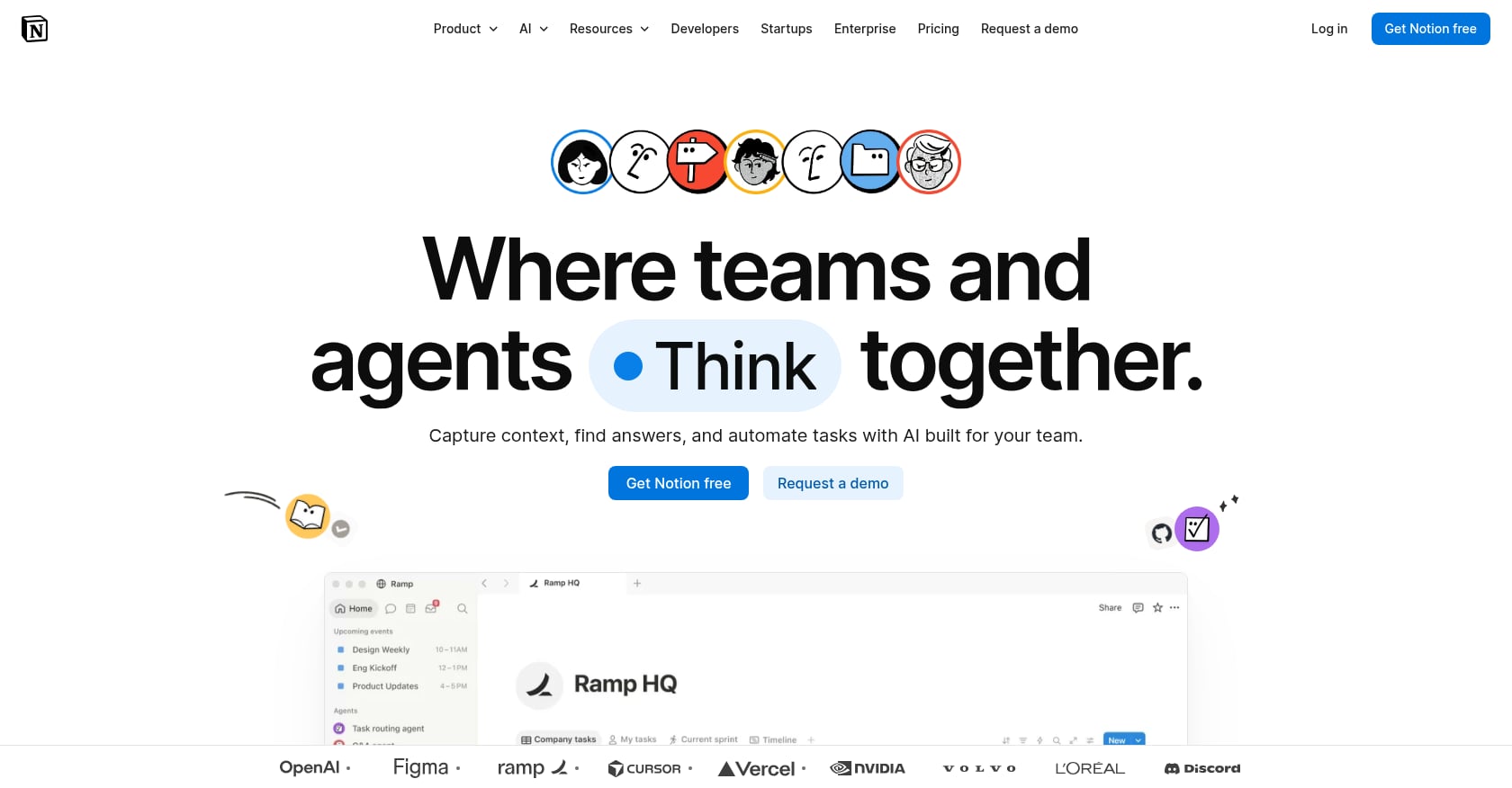
Best for: Teams that want a flexible docs, wiki, and database hub with embedded AI writing and agents
Notion has become the default knowledge management layer for startups and creative teams. Its 2025 restructuring folded AI directly into the Business plan, eliminating the standalone AI add-on.
Key AI features:
- AI writing, summarization, and Q&A across docs and databases
- Custom Agents running on a metered credit system ($10 per 1,000 monthly credits)
- AI-powered search across the workspace
Pricing:
- Free: $0 (limited AI trial)
- Plus: $10/user/month (annual), no full AI
- Business: $20/user/month (annual), full AI included
- Enterprise: Custom
The biggest pricing shift: Notion discontinued its $10/member/month AI add-on and auto-upgraded subscribers to the Business plan. Practitioners on Reddit describe being surprised by the change, with one customer noting the “discontinuing their AI add-on plan” move felt like a forced upgrade.
Tradeoffs:
- No native meetings, no video/voice, no live presence
- Full AI requires the $20/user/month Business tier. Free and Plus plans get only a limited trial.
- Heavy Custom Agent usage adds unpredictable costs on top of the seat price
- Database flexibility is powerful but has a learning curve
Who should pick this: Teams that need a central knowledge base, wiki, or documentation hub with AI writing assistance. Pairs well with a meeting tool and a chat app (though that adds cost and fragmentation).
6. Fireflies.ai
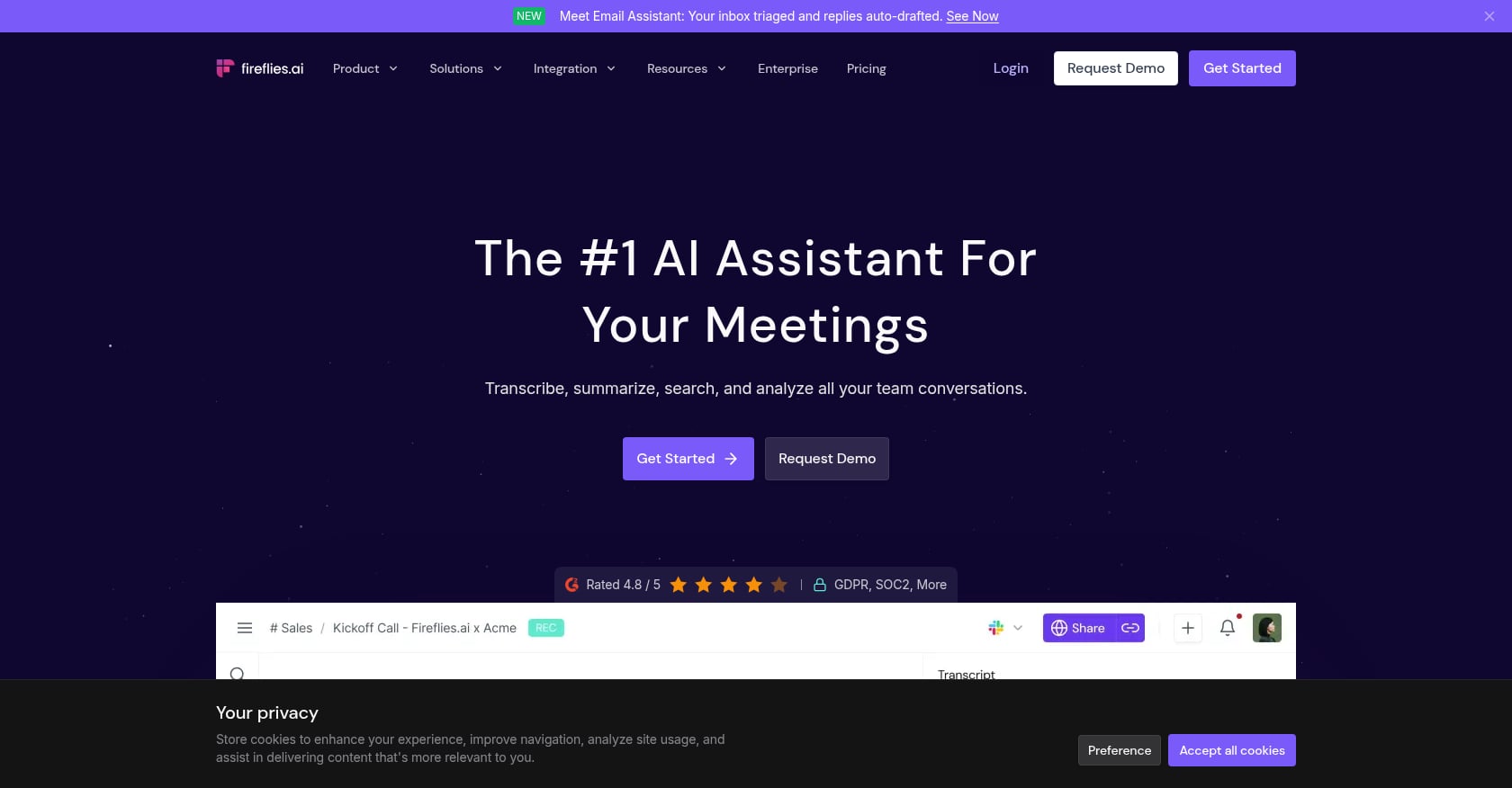
Best for: Sales and ops teams that need standalone meeting recording, transcription, and CRM integration
Fireflies.ai is a dedicated AI meeting assistant. It joins your calls (Zoom, Meet, Teams), records them, transcribes, and extracts summaries and action items. Its CRM integrations make it popular with sales teams who need call notes pushed into Salesforce or HubSpot.
Key AI features:
- Automatic meeting recording and transcription
- AskFred: AI-powered Q&A across meeting transcripts
- Action item extraction and summary generation
- CRM and collaboration tool integrations
Pricing:
- Free: Limited transcription
- Pro: $10/user/month (annual)
- Business: $19/user/month (annual)
- Enterprise: $39/user/month (annual)
Hidden cost trap: The most useful AI features (AskFred, advanced summaries, action-item extraction) run on a monthly credit allowance. Hit the cap and those features pause mid-month. Heavy users report paying $15-50/month above the sticker price to maintain access.
Tradeoffs:
- Transcription only. No chat, no task management, no scheduling, no live presence.
- Fireflies only takes notes and cannot help you move work forward with automation. The gap between a meeting summary and an executed task remains entirely manual.
- Credit-gated AI creates unpredictable monthly costs
Who should pick this: Sales teams that need call transcripts synced to a CRM. It does one thing and does it well.
Who shouldn’t: Teams looking for a collaboration AI tool that covers more than meeting notes. Fireflies is an add-on to your stack, not a replacement for any part of it.
7. monday.com
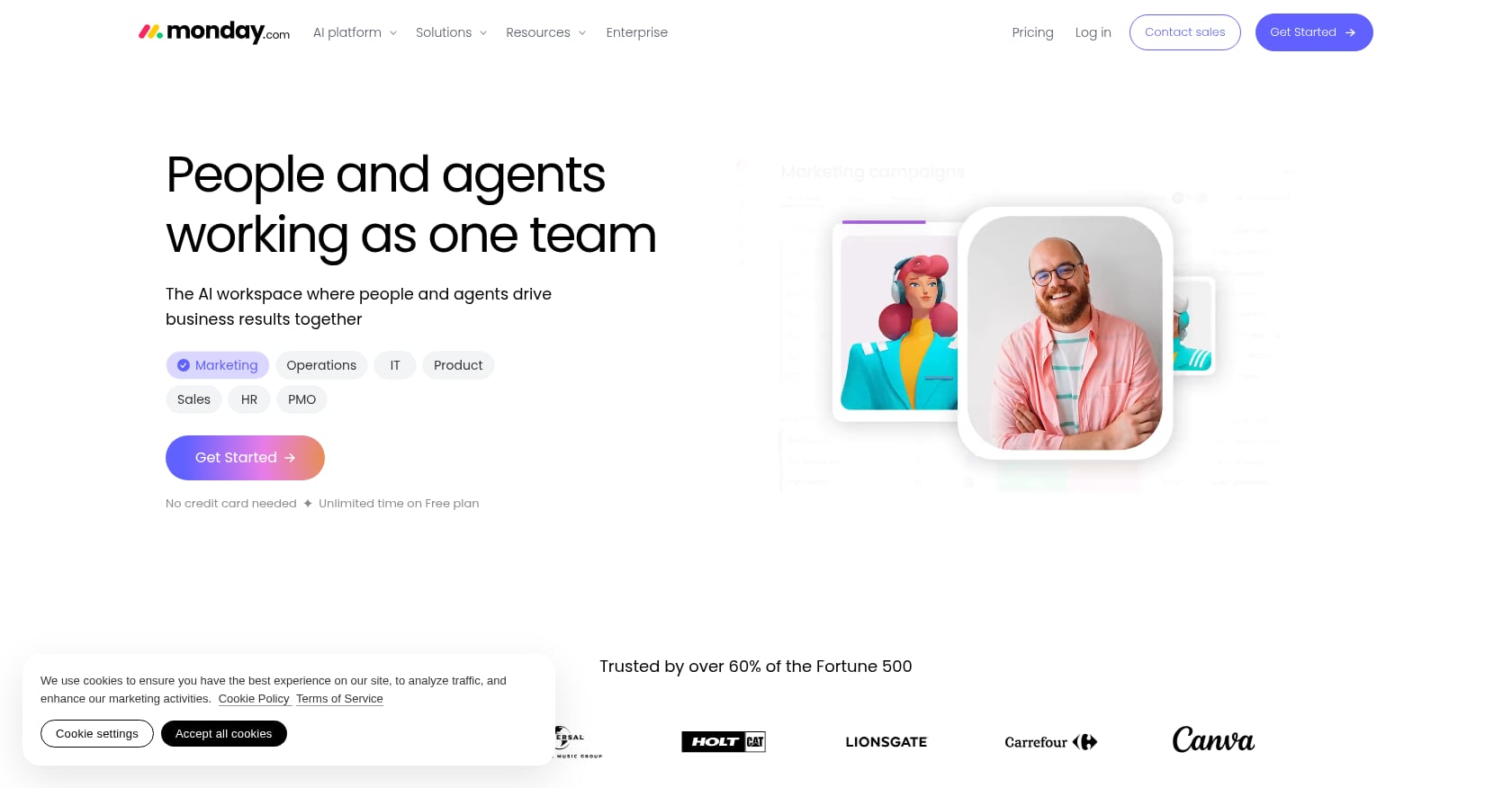
Best for: Cross-departmental project collaboration at enterprise scale
monday.com is a work management platform built for visual project tracking across departments. Its AI features help automate status updates, prioritize tasks, and generate planning suggestions.
Key AI features:
- AI-powered status updates and prioritization
- Automated repetitive task management
- Planning assistance and workload optimization
- AI features bundled in higher-tier plans
Pricing:
- Basic: $9/seat/month
- Standard: $12/seat/month
- Pro: $19/seat/month
- Enterprise: Custom
AI capabilities are gated behind Standard and above. The Basic plan is essentially AI-free.
Tradeoffs:
- No native meetings, no live presence, no transcription
- Strong on project management but weak on real-time communication
- Minimum seat requirements on paid plans can inflate costs for very small teams
- AI features are narrowly focused on task management automation, not broader collaboration
Who should pick this: Mid-size to large companies that need visual project tracking across marketing, ops, and engineering, and already have a separate communication stack.
8. Asana
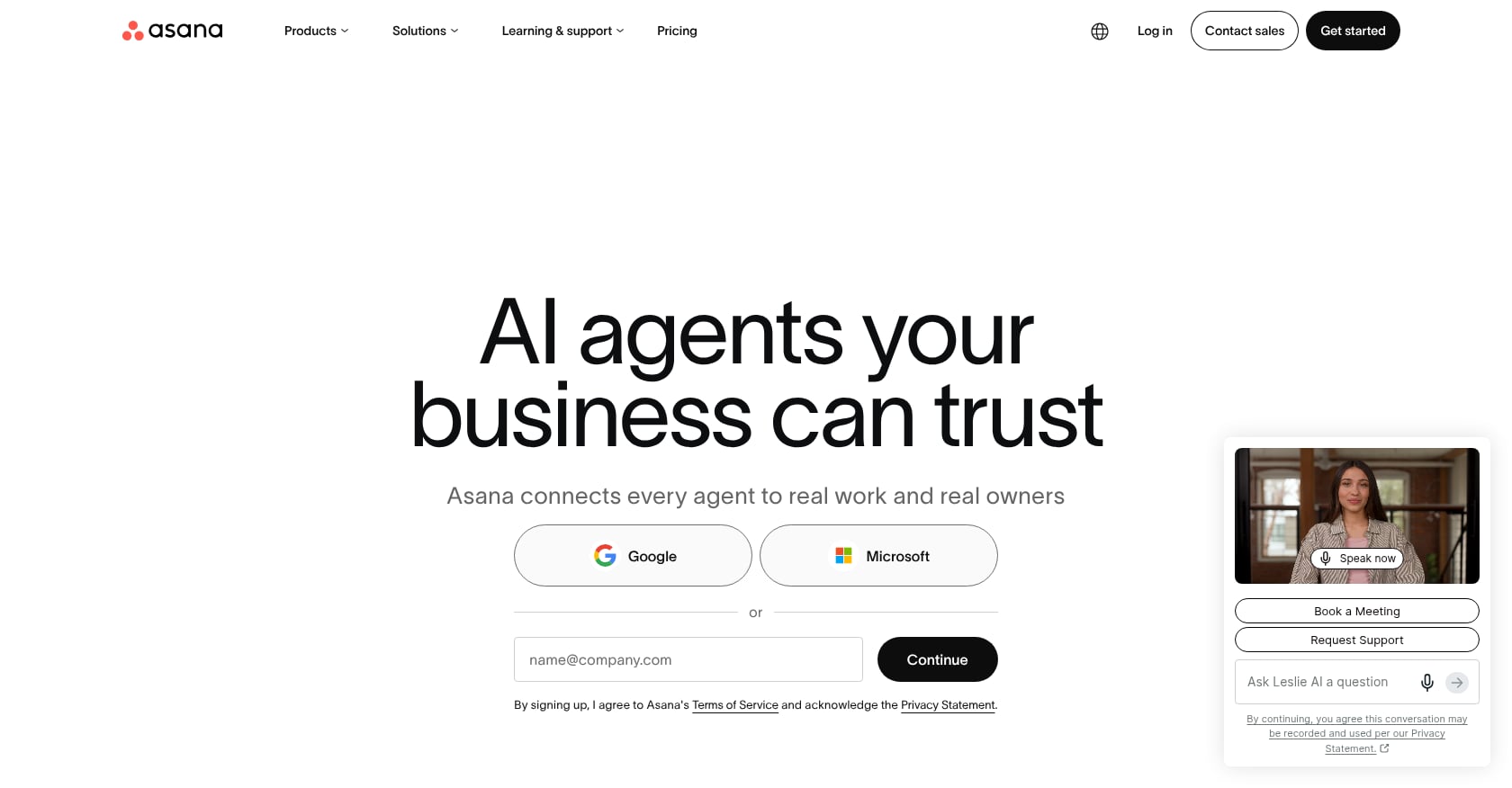
Best for: Teams that need structured project and portfolio management with AI-assisted planning
Asana occupies a similar space to monday.com but leans more toward structured workflows, portfolio management, and goal tracking. Its AI features focus on project insights and planning optimization.
Key AI features:
- AI-powered planning and task insights
- Smart status updates and project health tracking
- Workflow automation with AI suggestions
Pricing:
- Free: For individuals and small teams (limited features)
- Starter: $10.99/user/month
- Advanced: $24.99/user/month
AI features become meaningful at the Advanced tier.
Tradeoffs:
- No native chat, no meetings, no transcription
- A pure PM tool that requires a full communication stack alongside it
- Advanced tier pricing ($24.99) is steep compared to competitors with similar PM depth
- Less flexible than ClickUp for custom workflows, more opinionated in its structure
Who should pick this: Teams already using Asana that want incremental AI improvements. Strong for portfolio-level visibility across multiple projects.
9. Gather
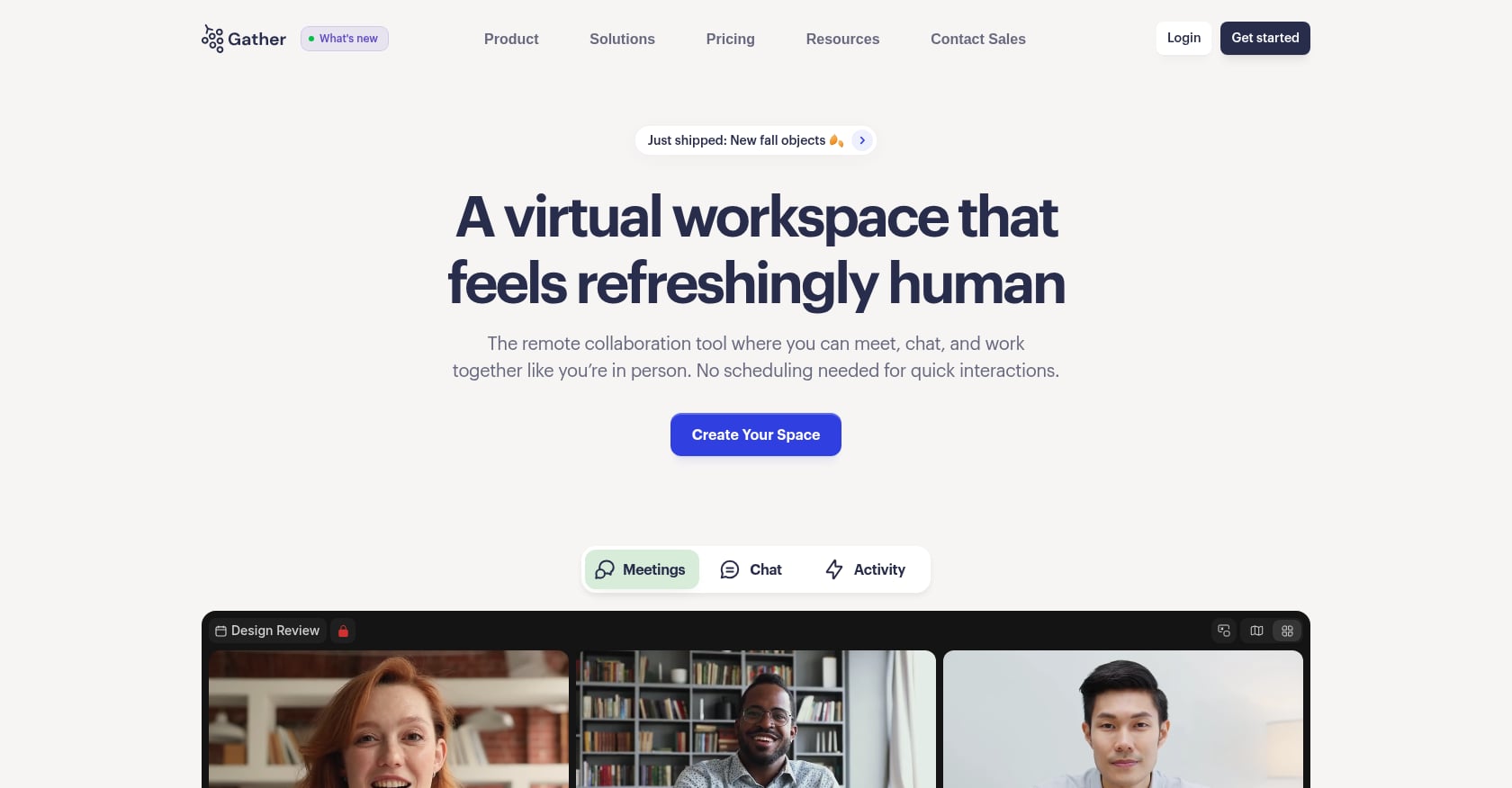
Best for: Remote teams that want a spatial virtual office with proximity-based video chat
Gather takes a different approach to collaboration entirely. Instead of channels or video links, it creates a 2D virtual office with a retro game aesthetic where team members walk around and automatically connect via proximity-based video. The pitch: recreate the spontaneous hallway conversations that remote work kills.
Key features:
- Spatial virtual office with customizable floors and rooms
- Proximity-based audio/video (walk near someone to start talking)
- Virtual whiteboards and presentation spaces
- Screen sharing within the spatial environment
Pricing: Around $7/user/month on annual plans. Free 30-day trial.
One team reported that by using Gather, messages on Slack and Google Chat dropped by about 80%, suggesting it genuinely shifts communication patterns. For a broader look at this category, read about AI virtual offices for remote teams.
Tradeoffs:
- No AI meeting notes, no task management, no scheduling
- Gather lacks a native mobile application, which limits its usefulness for teams on the go
- Presence-only play: you still need a full stack of other tools for everything beyond real-time communication
- The game-like aesthetic doesn’t suit every company culture
Who should pick this: Remote teams where spontaneous interaction and team bonding matter more than AI-powered task automation.
10. Kumospace
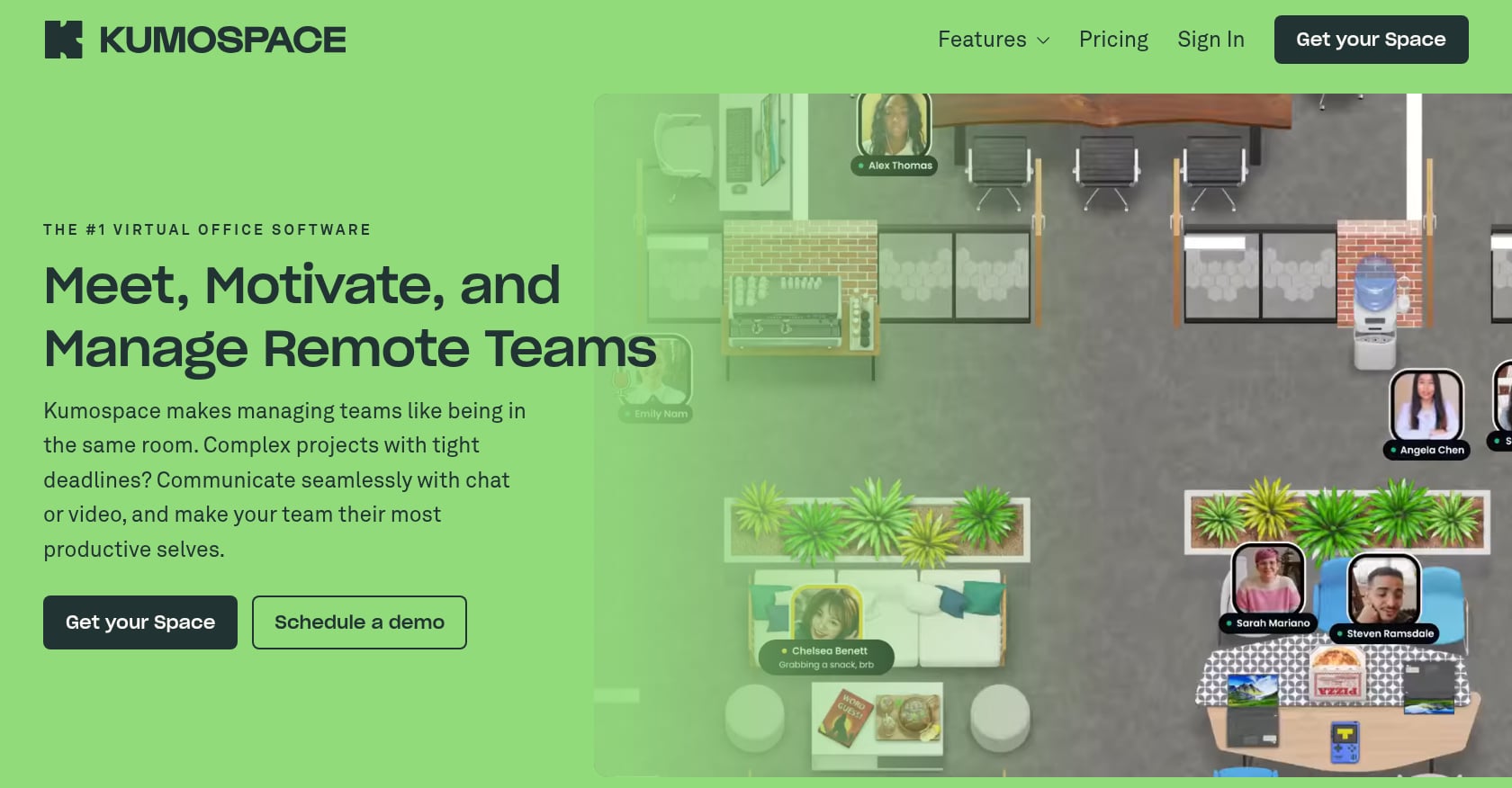
Best for: Companies wanting a polished, corporate-friendly virtual office with spatial audio
Kumospace is Gather’s more buttoned-up cousin. Same spatial office concept, but with a more professional aesthetic and features aimed at enterprise teams and virtual events.
Key features:
- Virtual office with spatial audio and video
- Professional-grade room designs
- Virtual event hosting capabilities
- Screen sharing and presentation tools
Pricing:
- Free: Up to 5 members
- Business: $16/user/month (annual) or $20/month-to-month, with a 5-member minimum
Tradeoffs:
- No AI transcription, no task management, no scheduling
- Skip Kumospace if your team only needs scheduled meetings, or if you suspect people will treat an always-on virtual office as overhead
- Significantly pricier than Gather for similar core functionality
- The 5-member minimum on paid plans means you’re paying at least $80/month regardless of team size
Who should pick this: Companies that want virtual office presence with a polished look and occasionally host virtual events. Not a fit for teams prioritizing AI-powered workflows.
What Does a Full Collaboration Stack Actually Cost?
This is where the math gets uncomfortable for teams running fragmented tools.
Stack A: Best-of-breed (per user/month, annual billing)
| Tool | Role | Cost |
|---|---|---|
| Slack Pro | Chat | $7.25 |
| Zoom Workplace Pro | Meetings | $14.16 |
| Notion Business | Docs + AI | $20.00 |
| Fireflies.ai Pro | Transcription | $10.00 |
| Total | $51.41 |
That’s before any AI add-ons for Slack (which requires Business+ at $15 for full AI) or a scheduling tool like Calendly ($12/user/month for Pro). A realistic loaded cost easily exceeds $60/user/month. For a 10-person team, that’s $7,200+ per year.
Stack B: Velozity Pro (all modules, per user/month)
| Module | Cost |
|---|---|
| Workspace Pro | $6.99 |
| AI Space Pro | $7.99 |
| Co-Worker Pro | $15.00 |
| Total | $29.98 |
That covers chat, live presence, meetings, transcription, AI-generated tasks, AI agents, scheduling, and project management. For a 10-person team, that’s roughly $3,600/year, about half the fragmented stack.
The savings aren’t just financial. Every handoff between tools (copying meeting notes into a task board, pasting Slack threads into docs) is a point where information degrades or disappears. Many teams accidentally overpay by using overlapping tools with redundant capabilities.
Check the detailed pricing comparison to model costs for your team size.
How to Choose the Right AI Collaboration Tool
The right choice depends on where your biggest collaboration pain lives.
If your problem is scattered communication: Start with Slack (if you just need smarter chat) or Velozity (if you also want meetings, presence, and tasks in the same place).
If your problem is unproductive meetings: Zoom Workplace handles AI meeting notes well. Fireflies.ai works if you need CRM integration for sales calls. But if you want meeting notes to automatically become tasks, you need a tool that spans both.
If your problem is project management chaos: ClickUp or monday.com give you deep PM capabilities. Asana is strong for portfolio-level visibility. Just know that none of these handle communication natively.
If your problem is remote team disconnection: Gather or Kumospace create virtual presence. Velozity’s cabins approach solves the same problem while also covering the rest of the workflow.
If your problem is all of the above: That’s the tool-fragmentation problem, and it’s the reason all-in-one AI collaboration tools exist. Explore use cases by team type to see which consolidation path fits.
The most expensive option is often the one you already have: five or six overlapping subscriptions that nobody fully uses but everyone depends on for one small thing.
Try Velozity free for 30 days to see if consolidation works for your team.
FAQ
What is an AI collaboration tool?
An AI collaboration tool is software that combines team communication features (chat, video, file sharing) with artificial intelligence capabilities like automatic meeting transcription, task generation, smart search, and autonomous agents. The AI layer automates repetitive coordination work so teams spend less time on admin and more time on actual work.
Are there free AI collaboration tools?
Yes. Several tools offer free tiers with AI features. Velozity provides free-forever plans across all three of its modules (Workspace, AI Space, and Co-Worker). Slack has a free plan with 90-day message history but limited AI. ClickUp offers a free plan with 60MB storage. Notion’s free tier includes a limited AI trial. The depth of AI features on free plans varies significantly, so check what’s actually included before committing.
Can one tool replace Slack, Zoom, and Notion?
Yes, though with tradeoffs. Velozity is designed specifically to replace Slack, Zoom, and Notion with a single AI workspace covering chat, meetings, transcription, tasks, and scheduling. The tradeoff is that an all-in-one tool may not match the specialist depth of each individual best-of-breed tool. For most teams, the reduction in context switching and cost outweighs the loss of niche features they rarely use.
How much do AI collaboration tools cost per user?
Prices range from $0 (free tiers) to $40+ per user per month for full-featured plans with AI. The real cost is often higher than advertised because many tools gate AI behind premium tiers or metered credit systems. A fragmented stack of Slack Pro + Zoom Pro + Notion Business + Fireflies Pro runs about $51/user/month. A consolidated tool like Velozity covers comparable functionality for roughly $30/user/month.
What is the “conversation-to-execution gap” in collaboration tools?
It’s the disconnect between where conversations happen and where work gets tracked. A meeting on Zoom produces notes. Those notes need to become tasks in ClickUp. The tasks need follow-up in Slack. Each handoff requires manual effort, and information gets lost at every step. Tools that natively span from conversation to execution (chat to meeting to task to completion) eliminate these gaps.
Do AI collaboration tools work for small teams?
Absolutely. Small teams often benefit most because they can’t afford the time overhead of managing multiple tools. A 5-person startup juggling Slack, Zoom, Notion, and a notetaker is spending significant time just keeping information synchronized. A single collaboration AI tool that covers the full workflow saves both money and cognitive load.