
TL;DR
AI task automation tools capture, organize, assign, and execute work with less manual input, but the right tool depends on where your tasks originate. If most work starts in meetings and team conversations, an all-in-one AI office like Velozity closes the loop from conversation to execution fastest. If work lives in app triggers or project boards, tools like Zapier, Make, ClickUp, or Asana are stronger fits. This guide compares 12 tools on pricing, real user feedback, and honest tradeoffs so you can choose based on your workflow, not hype.
Start free with Velozity and see how an AI Office handles everything from live presence to task execution.
At-a-Glance Comparison
| Tool | Best For | Starting Price | Free Plan | Pricing Watch | Top Strength |
|---|---|---|---|---|---|
| Velozity | Teams turning conversations into tasks | Free; Pro from $6.99/user/mo | Yes | Modular seat tiers; verify transcription minutes | Replaces chat, meetings, tasks, scheduling, and AI notetaker in one workspace |
| Zapier | No-code app-to-app automation | Free; paid from ~$19.99/mo | Yes | Task limits; pay-per-task billing | Largest integration library |
| Make | Visual branching workflows | Free; paid from ~$9/mo | Yes | Credits expire; operation limits | Visual multi-branch workflow builder |
| n8n | Technical teams wanting self-hosting | Free self-hosted; cloud from €24/mo | Yes | Self-hosting ops cost | Best control and extensibility |
| ClickUp | All-in-one project/task management | Free; paid from $7/user/mo | Yes | AI credits and plan changes | Deep customization and dashboards |
| Asana | Enterprise work management with AI | Free; Advanced $24.99/user/mo | Yes | AI Studio credit tiers | Strong work graph and governance |
| Motion | AI calendar and task scheduling | $19/seat/mo annually | Trial only | Credits and extra credit costs | Automatic daily planning |
| Reclaim.ai | Protecting focus time in the calendar | Free Lite; Starter $10/seat/mo | Yes | Attendee add-ons on higher tiers | Auto-rescheduling and focus protection |
| Fireflies.ai | Meeting transcripts and action items | Free; Pro $10/seat/mo | Yes | AI credits and storage limits | Searchable meeting memory |
| Sembly AI | Structured meeting notes and AI chat | Free trial; Basic $17/mo | Trial | Credit limits per plan | Multi-meeting AI chat |
| Lindy | No-code AI agents for admin work | $29.99/user/mo | Trial | Credits consumed unpredictably | Powerful agent concept |
| Power Automate | Microsoft 365 and enterprise RPA | ~$15/user/mo (Premium) | Varies | Licensing complexity | Deep Microsoft ecosystem fit |
Pricing and credit policies change often. Verify before purchase.
What Is AI Task Automation?
AI task automation uses artificial intelligence to capture, organize, prioritize, assign, schedule, or execute tasks with minimal manual effort. The key difference from traditional automation: AI can interpret unstructured inputs like meeting transcripts, voice notes, chat threads, and emails, not just predefined triggers.
Here is how the categories break down:
| Type | What It Does | Example |
|---|---|---|
| Traditional automation | Runs fixed if-this-then-that rules | Form submitted → CRM lead created |
| AI task automation | Interprets messy inputs into structured tasks | Meeting transcript → assigned tasks with deadlines |
| AI workflow automation | Moves work across multiple steps and apps | Score lead → update CRM → notify sales → draft email |
| Agentic automation | AI plans and executes multi-step work with approvals | AI coworker drafts follow-up, creates task, schedules reminder |
| RPA | Automates desktop and legacy systems | Pull invoice data from desktop app, upload to ERP |
The most important distinction that current guides miss: there is a massive gap between “AI found an action item” and “AI created the task, assigned it, scheduled follow-up, reminded the owner, and helped execute next steps.” The first is task creation. The second is task completion. The best AI task automation tools push toward completion, not just capture. Understanding how agentic execution works is central to evaluating any tool on this list.
How to Choose Based on Where Work Starts
The biggest mistake teams make is picking an AI task automation tool based on feature lists instead of workflow fit. The right tool depends on where tasks originate in your daily work.
If work starts in meetings, chats, and voice notes: Use an AI office or conversation-to-task tool. Velozity, Fireflies, or Sembly fit here.
If work starts in app events: A form gets submitted, a CRM record changes, a support ticket arrives. Zapier, Make, or Power Automate fit here.
If work starts in technical APIs and webhooks: n8n gives developers the control they need.
If work starts in project boards: ClickUp or Asana handle task creation, assignment, and reporting inside a project system.
If work starts in your calendar: Motion or Reclaim turn task backlogs into time blocks and reshuffle when meetings move.
If work needs autonomous agent execution: Lindy or agentic features in platforms like Velozity’s Co-Worker handle multi-step tasks with approvals.
Practitioners on Reddit consistently reinforce this. In one automation thread, users repeatedly said the right tool depends on workflow type, with most teams combining tools rather than relying on one. That is exactly why a unified workspace approach matters: fewer handoffs between conversation, decision, task, and execution means fewer things fall through the cracks.
The numbers back this up. McKinsey’s 2026 AI survey found that nearly nine in ten respondents use AI regularly, but only 37% report positive financial impact. The differentiator? Nearly three-quarters of high-performing AI organizations redesign workflows around AI, compared with roughly one-quarter of everyone else. Buying tools is not enough. Rethinking how work flows from input to outcome is what creates value.
Best AI Task Automation Tools in 2026
1. Velozity
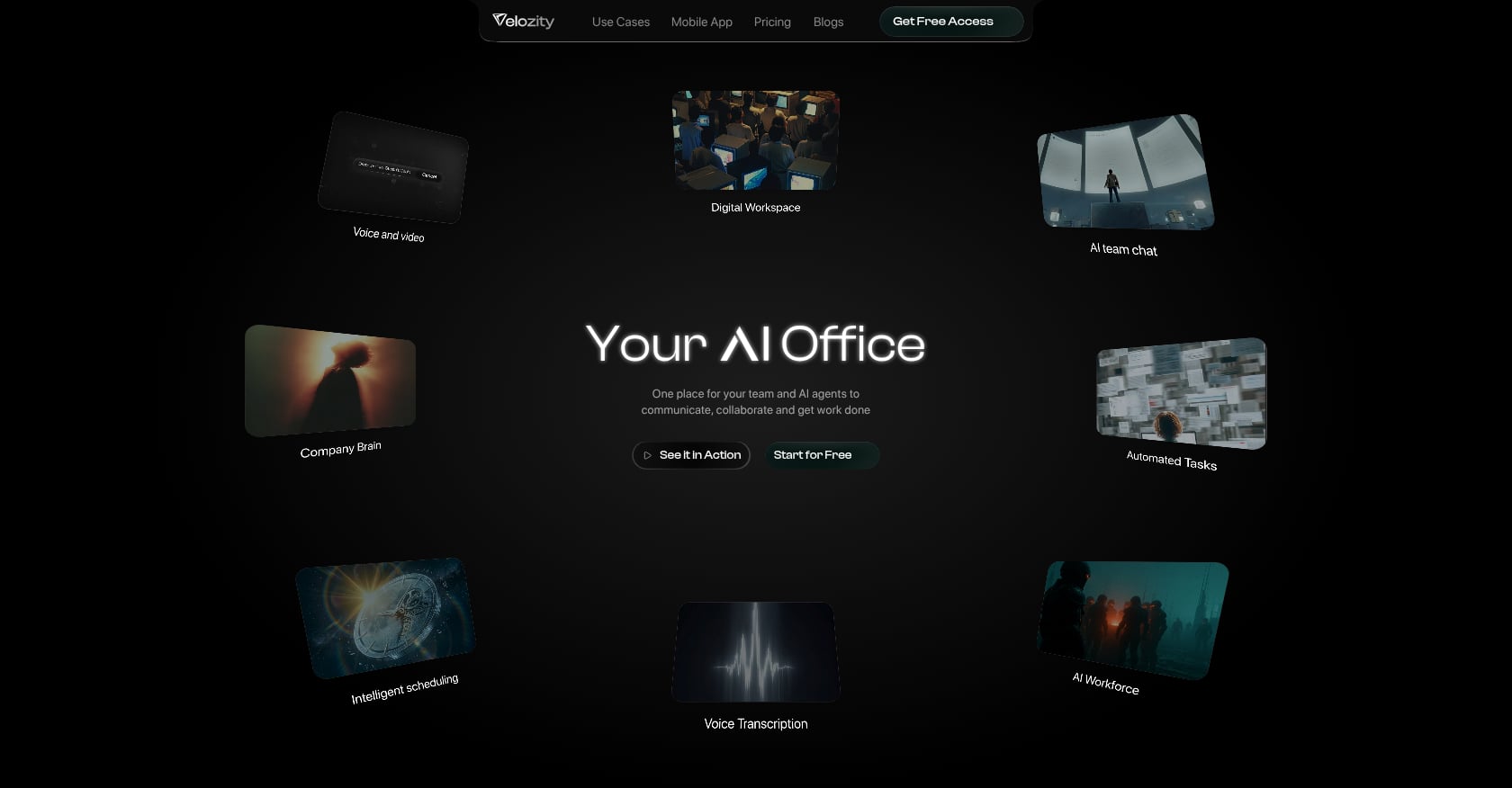
Best for: Remote and hybrid teams that want one AI Office for presence, chat, meetings, transcription, tasks, scheduling, and AI coworkers.
Pricing:
- Free Workspace: $0 (DMs/groups, 300 shared transcription minutes/month, 15 Actionables/week, limited features)
- Pro Workspace: $6.99/user/month (unlimited transcriptions, unlimited Actionables, multiple admins)
- Free AI Space: $0 (15 Actionables/week, ~200 personal transcription minutes/month)
- Pro AI Space: $7.99/user/month (unlimited Actionables, 800-1000 personal transcription minutes/month, daily briefs)
- Free Co-Worker: $0 (150 AI credits/month, 1 AI Mission/month)
- Pro Co-Worker: $15/user/month (1,100 AI credits, 10 AI Missions/month, wider model choices)
Key features:
- Live presence and drop-in audio/video cabins for quick decisions without scheduling a meeting
- Built-in voice/video meetings with automatic transcription and AI notes
- AI-generated action items that become assigned tasks with due dates
- AI Co-Worker agents that answer questions from workspace knowledge, run AI Missions, and execute approved actions
- Native calendar and booking pages
- Company Brain retrieval across workspace conversations and files
- Guest Pass for external collaboration
- Team analytics, timelines, and daily/end-of-day briefs
Tradeoffs:
- Early public review footprint compared with mature competitors (G2 profile exists but has limited reviews)
- All-in-one tools can be less deep than best-of-breed in specific niches
- Buyers should verify specific third-party integrations during the free trial
- Minor transcription-minute inconsistency on pricing page; confirm at checkout
User perspective: Homepage case studies report outcomes including 85% less friction, 4x quicker coordination, $214 saved per user/month, and 97% less tool switching. Third-party review volume is still growing, which is typical for newer products in this category.
Verdict: Choose Velozity if your biggest automation problem is not one app talking to another, but the messy handoff from conversation to task to follow-through. It is the strongest fit for teams looking to replace Slack and Zoom with a single AI workspace.
Compare Velozity plans to see which modules fit your team size.
2. Zapier
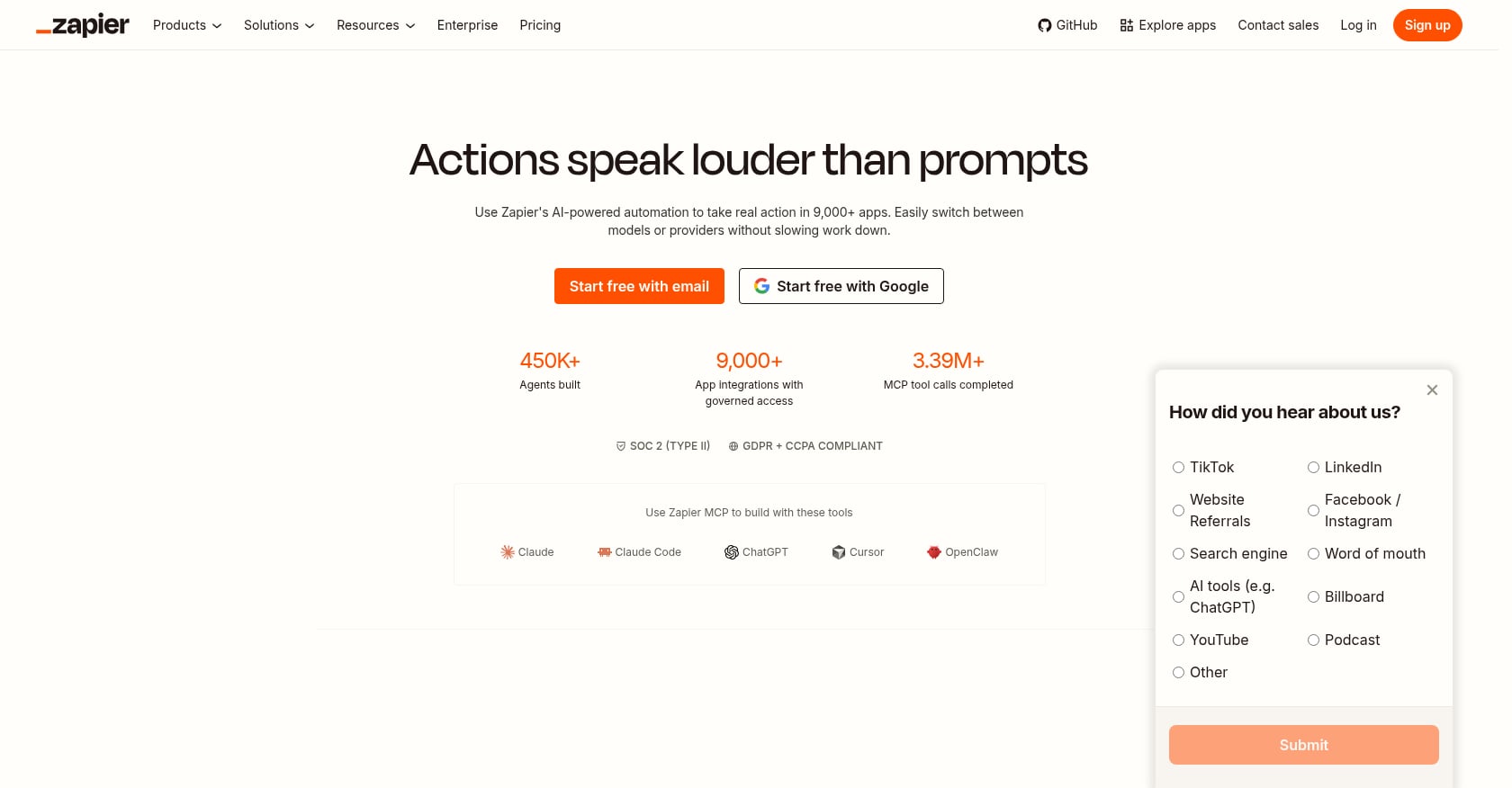
Best for: Small businesses and non-technical teams connecting cloud apps quickly.
Pricing:
- Free: 100 tasks per month, two-step Zaps, one user, 15-minute polling
- Paid plans from ~$19.99/month billed annually
- Pay-per-task billing enabled by default for users who joined after January 2024
Key features:
- 7,000+ app integrations
- AI-powered workflow building
- Tables, forms, chatbots, and agents in newer positioning
- Useful for lead routing, CRM updates, form-to-task workflows, Slack notifications, and data syncing
Tradeoffs:
- Not a project management or communication system
- Task-based pricing can spike when workflows run frequently or include many steps
- Debugging complex multi-step Zaps gets difficult
- AI agents add governance complexity
User perspective: G2 reviewers praise Zapier for ease of use and integration breadth, but frequently mention expense and pricing complexity. Reddit automation users complain that Zapier’s task-based pricing feels punishing once automations become serious or high-volume.
Verdict: Choose Zapier when work is already structured as app events. Skip it as your main task automation hub if most work starts in meetings, chats, and messy team context.
3. Make
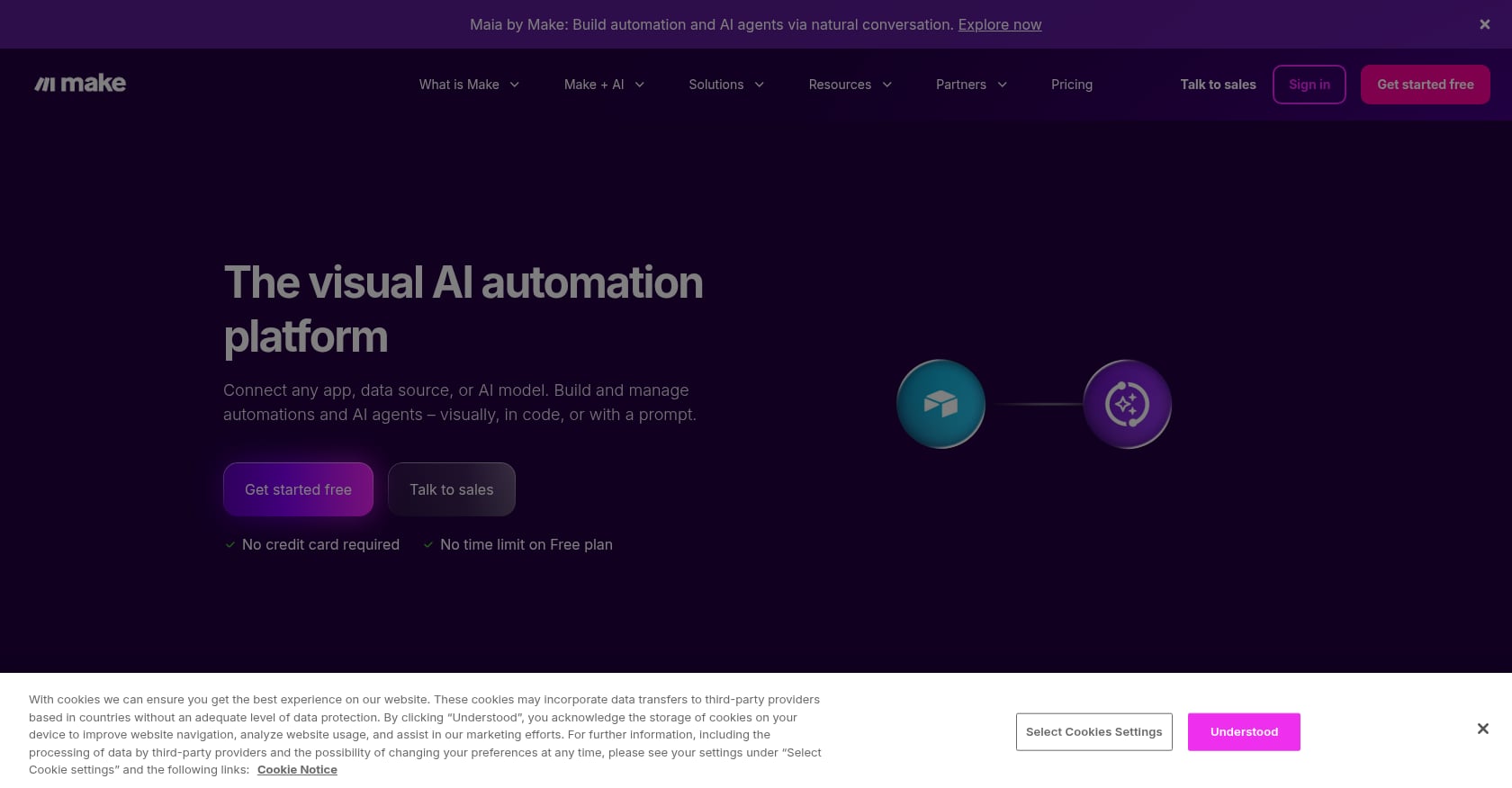
Best for: Ops teams and advanced no-code users who want visual control over complex branching workflows.
Pricing:
- Free: 1,000 credits/month
- Paid plans from roughly $9-$10.59/month depending on billing cycle
- Unused credits expire at the end of the billing term
Key features:
- Visual scenario builder with multi-step, branching, conditional logic
- 350+ AI app ecosystem and MCP server
- Strong for lead enrichment, multi-route support workflows, data transformations, and API operations
Tradeoffs:
- Steeper learning curve than Zapier for beginners
- Credit and operation pricing requires careful estimation before committing
- Workflow maps become hard to maintain without documentation
- Not a communication or task hub by itself
User perspective: Reddit users describe Make as a common Zapier alternative when pricing or workflow flexibility becomes an issue. One user in a platform comparison thread praised the visual AI-assisted building but warned that configuration gets complex as workflows scale.
Verdict: Choose Make when your workflow needs branches, transformations, and visual control. It handles complex processes better than simple trigger-action tools, but it still needs a separate system of record for tasks and conversations.
4. n8n
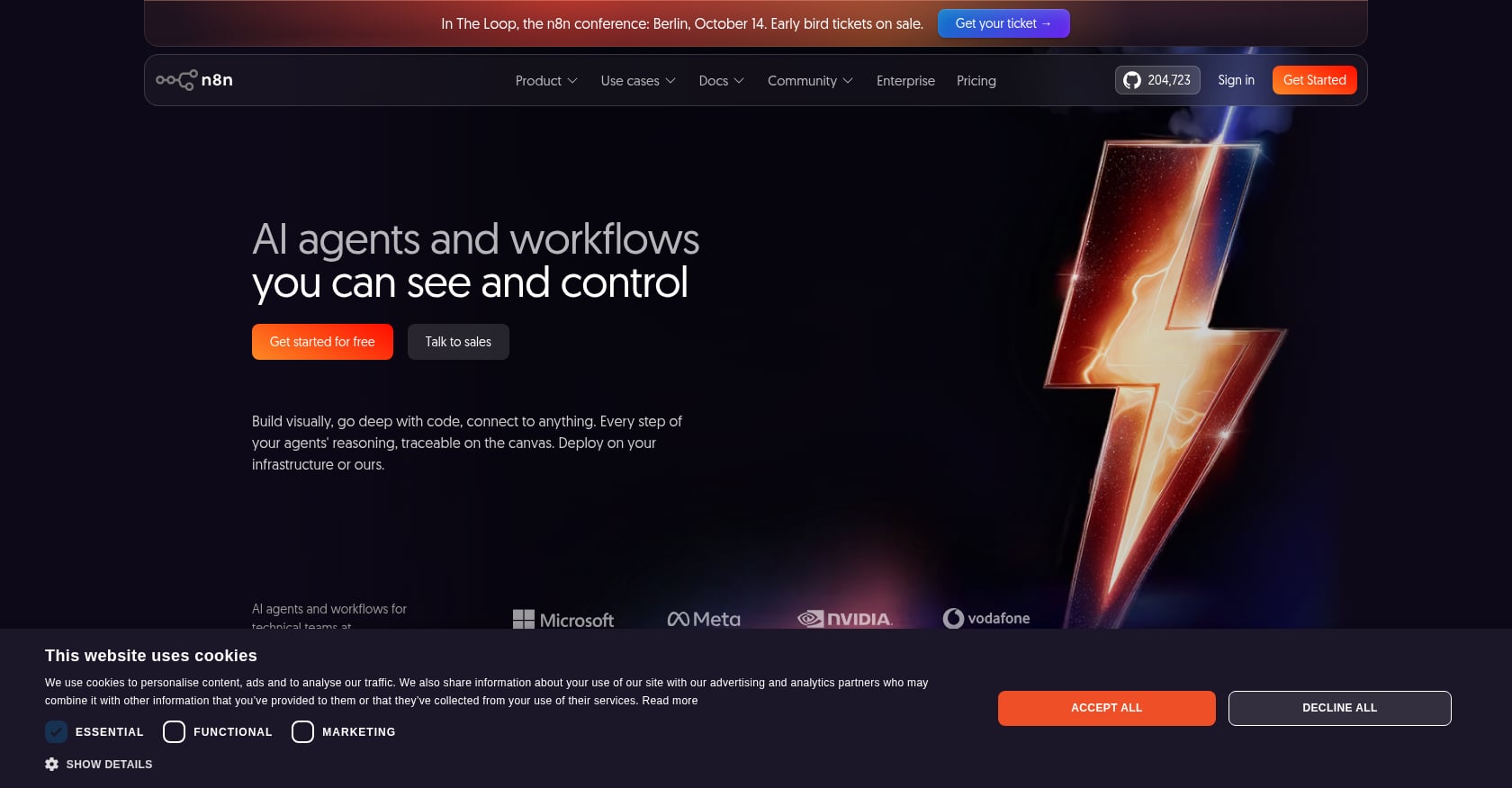
Best for: Developers and security-conscious teams that want self-hosted, extensible automation infrastructure.
Pricing:
- Self-hosted Community Edition: free
- Cloud plans from €24/month for 2,500 executions
- Self-hosting is not truly free at production scale (updates, backups, monitoring, security patches)
Key features:
- Node-based workflow builder with custom JavaScript/Python steps
- AI agent nodes, RAG pipelines, tool-calling agents, and chained prompts
- API and webhook-native workflows
- Full self-hosting option for data control
Tradeoffs:
- Requires technical ownership and comfort with APIs, data structures, and debugging
- Self-hosting operational burden is real: Reddit n8n users warn that the cost is updates, backups, scaling, and security, not just the server
- Non-technical teams will struggle
- Not a collaboration environment; it automates between systems
User perspective: Capterra reviewers praise n8n’s automation potential but warn about the learning curve, especially for users who are not comfortable with webhooks and conditional logic. G2 summaries echo concerns about pricing for small teams on self-hosted plans.
Verdict: Choose n8n if you want automation infrastructure, not just an automation app. It is overkill for teams that just need meetings, tasks, and follow-up to stop falling through the cracks.
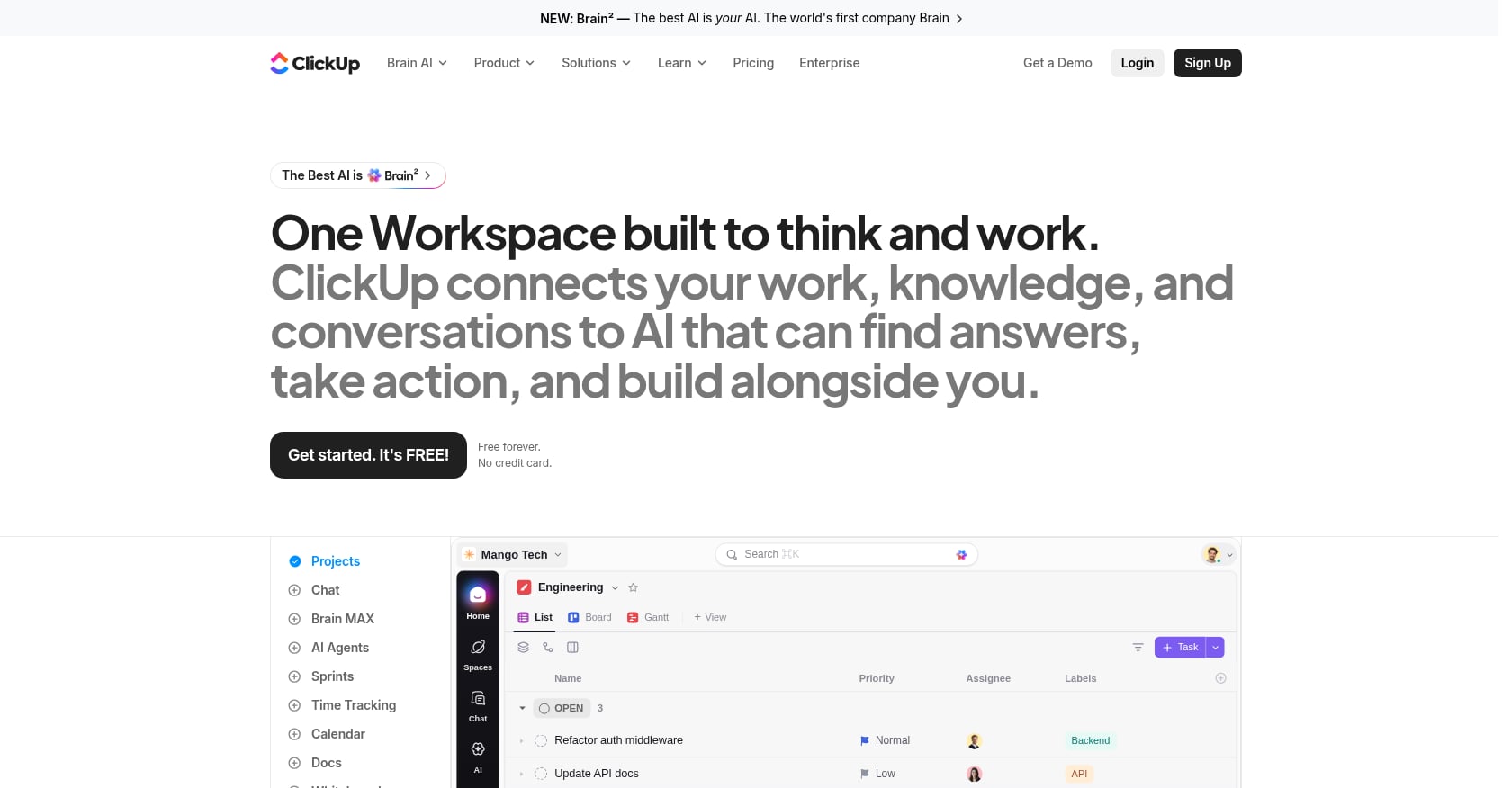
5. ClickUp
Best for: Teams that want tasks, docs, dashboards, goals, and AI in a single project management platform.
Pricing:
- Free Forever
- Unlimited: $7/user/month billed annually
- Business: $12/user/month billed annually
- Enterprise: custom pricing
- Note: some workspaces may see newer plan structures with different pricing and AI credit inclusions. Reddit users discussed a $16/user/month Business-style plan in August 2026 with premium AI features. Verify current plans before purchasing.
Key features:
- Task lists, boards, docs, goals, dashboards, whiteboards, forms, and built-in automations
- ClickUp Brain for AI-powered task and content assistance
- Good for task templates, recurring tasks, status automations, sprint workflows, and project dashboards
Tradeoffs:
- Breadth creates complexity: many users report the UI feels overwhelming
- AI features may require credits or add-on pricing
- Can become bloated without disciplined setup and taxonomy
- Not a replacement for live presence, native video meetings, or built-in scheduling
User perspective: G2 reviewers like ClickUp for consolidating scattered work, but many find navigation and setup challenging. Capterra summaries highlight complaints about the tool being hard to use and overwhelming because of its feature depth. Reddit discussions echo the pattern: tons of features, but speed, polish, and bugs frustrate power users.
Verdict: Choose ClickUp if your team already thinks in projects, statuses, and dashboards. If work starts in live conversation and needs instant follow-through, consider pairing it with a meeting tool or switching to a workspace that handles both.
6. Asana
Best for: Larger teams standardizing work management with portfolios, approvals, and governed AI workflows.
Pricing:
- Free (basic features)
- Advanced: $24.99/user/month billed annually (includes AI Studio Basic with 75K credits/month per billing account)
- AI Studio Plus: $135/account/month billed annually (100K credits/month)
- Enterprise: custom pricing (200K AI Studio credits/month)
Key features:
- Projects, tasks, goals, portfolios, workload management, approvals, and reporting
- AI Studio for AI-powered workflow creation
- AI Teammates for higher-order AI work inside the Asana work graph
Tradeoffs:
- More enterprise work management than lightweight task automation
- AI power depends heavily on Asana adoption and data quality
- Costs climb with larger teams and AI package additions
- Does not replace chat, meetings, live presence, or scheduling
User perspective: G2’s AI Marketplace commentary warns that budget-conscious users may find AI features locked behind higher tiers with credit systems that burn quickly. Reddit discussions around AI Teammates show buyer interest mixed with questions about consumption-based pricing.
Verdict: Choose Asana if governance, portfolios, and cross-functional process design matter more than replacing your communication stack. It works best when Asana is already your system of record.
7. Motion
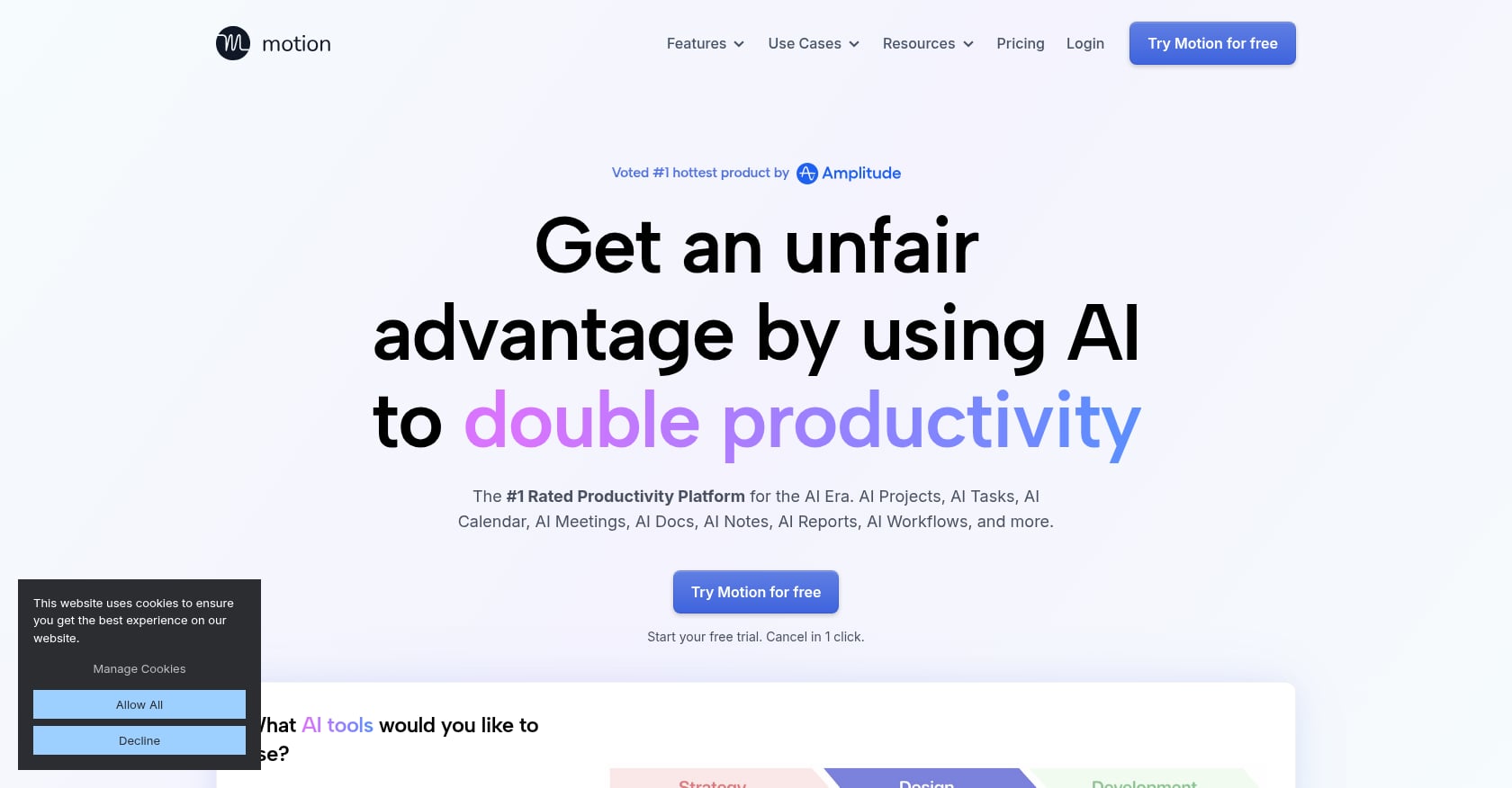
Best for: Solo professionals and small teams that want AI to automatically plan each day by placing tasks into calendar blocks.
Pricing:
- Pro AI: $19/seat/month billed annually (7,500 credits/seat/month; extra credits at $0.25/100)
- Business AI: $29/seat/month billed annually (15,000 credits/seat/month; extra credits at $0.19/100)
- Free trial available; no permanent free tier
Key features:
- AI task manager that auto-schedules tasks into the calendar
- Rescheduling when meetings move or deadlines shift
- AI chat, docs, wiki, and notes
- Team capacity planning and dashboards on Business AI
- Meeting assistant features
Tradeoffs:
- Great for time blocking, less complete for team-wide task execution
- Can feel expensive as a glorified to-do list
- Credit pricing adds another layer of cost estimation
- Not ideal as the primary team workspace
User perspective: Reddit users praise Motion’s automatic task assignment and calendar blocking as genuinely useful. But other Motion subreddit users complain about pricing, support responsiveness, and the feeling that the product is expanding toward enterprise AI features while basic user-requested improvements remain missing.
Verdict: Choose Motion when your core problem is “What should I work on next, and where does it fit in my calendar?” Do not choose it as your only AI task automation platform if the team also needs chat, meetings, transcripts, shared task boards, and AI coworkers.
8. Reclaim.ai
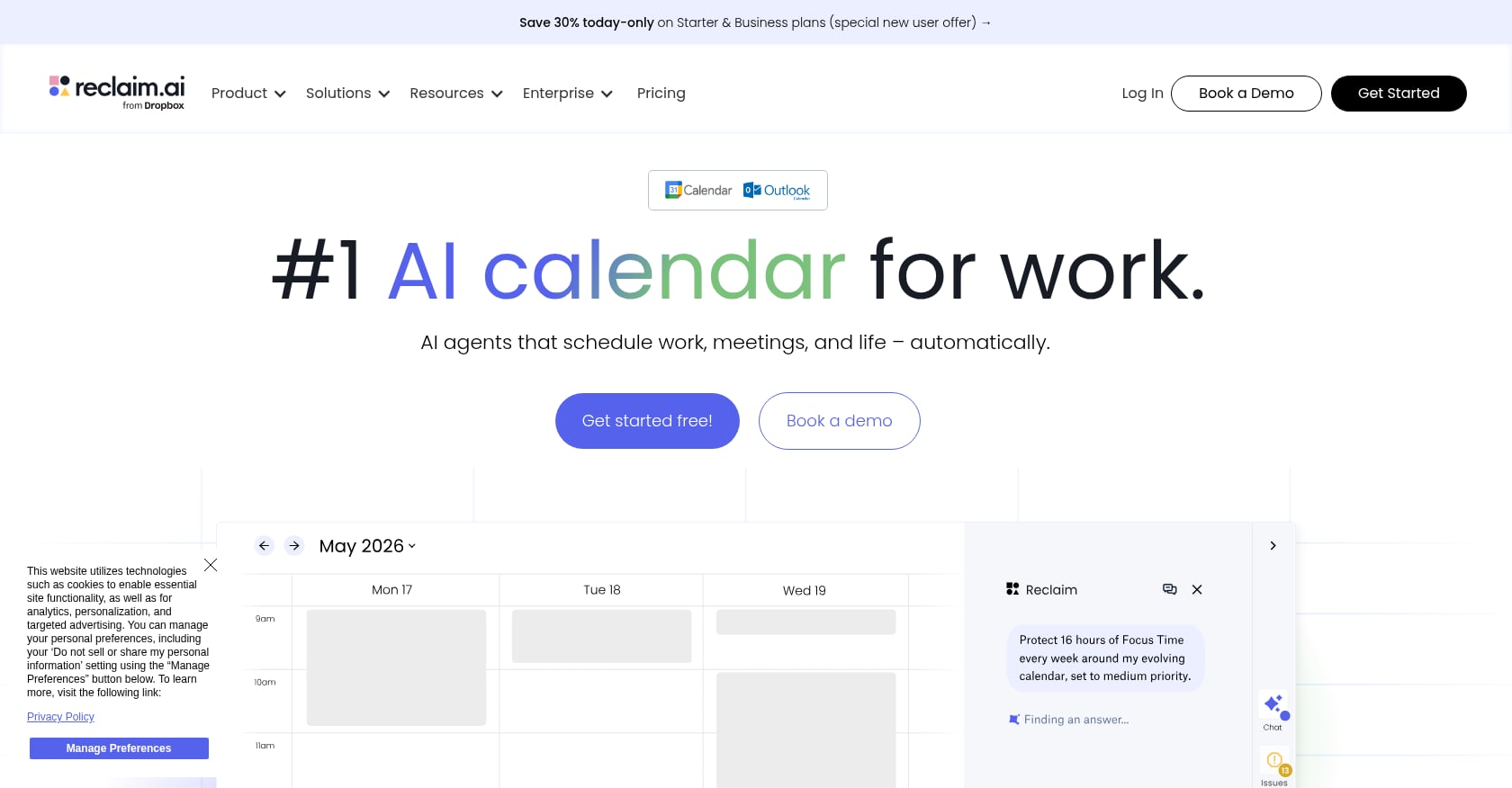
Best for: Busy professionals defending focus time, habits, and smart meetings inside the calendar.
Pricing:
- Lite: free forever (5 AI Agents, one-user team, one-week scheduling range)
- Starter: $10/seat/month billed annually
- Business: $15/seat/month billed annually
- Attendee-user add-ons may apply for smart meetings with three or more people
Key features:
- Focus Time, Habits, and Buffer Time blocks
- Smart Meetings and meeting quality scoring
- Calendar sync and scheduling links
- Task recommendations from meeting action items
- Integrations with Google Tasks, Slack, Zoom, Todoist, Asana, ClickUp, Jira, and Linear depending on plan
Tradeoffs:
- Calendar-first, not task-execution-first
- Best when tasks already exist somewhere else; does not replace project management or chat
- Auto-rescheduling can create calendar noise if configured poorly
- Advanced features locked to higher tiers
User perspective: G2 shows Reclaim at 4.8 out of 5 from roughly 139 reviews, with users praising automatic scheduling and focus protection. Some reviewers note that focus time can land in odd slots and that unexpected events trigger too much reshuffling.
Verdict: Choose Reclaim if your biggest bottleneck is defending time for existing tasks. It is not the same as automating task capture or execution.
9. Fireflies.ai
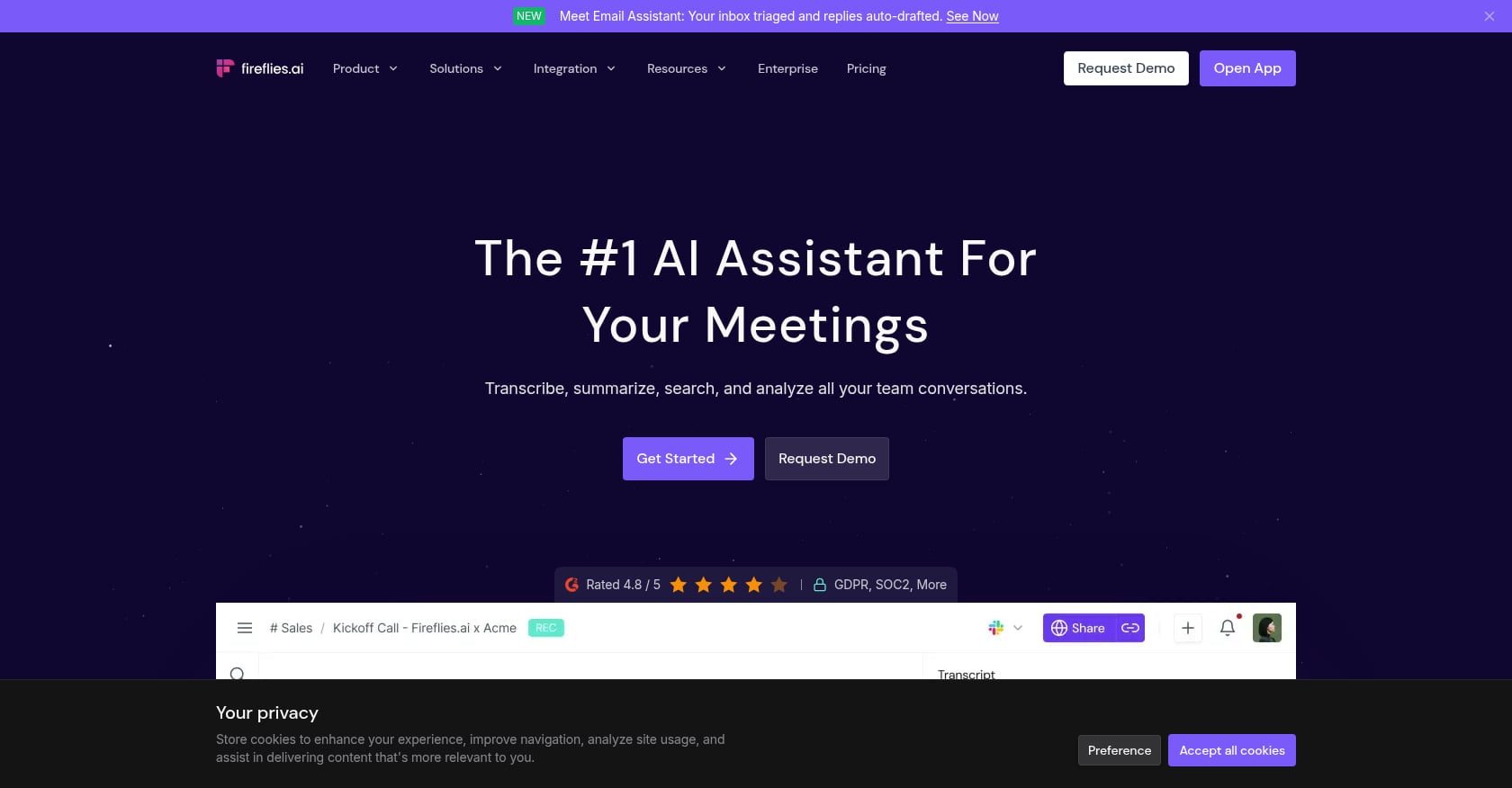
Best for: Teams needing searchable meeting transcripts, AI summaries, and action-item capture across customer and internal calls.
Pricing:
- Free (limited transcriptions and 20 AI credits)
- Pro: $10/seat/month billed annually
- Business: $19/seat/month billed annually (30 AI credits, conversation intelligence)
- Enterprise: $39/seat/month billed annually
Key features:
- Meeting recording and transcription across Zoom, Google Meet, Teams, and other platforms
- AI summaries and searchable meeting history
- Action items and built-in task manager
- AI Skills, Voice Agents, and Email Assistant on paid plans
- Team analytics on Business
Tradeoffs:
- Strong meeting layer, weaker as a full task execution hub
- Needs integration with another tool to close tasks and track follow-through
- AI credits and storage limits can be confusing
- Transcript accuracy and recording consent culture matter
User perspective: G2 references 753 reviews, with users valuing transcripts, summaries, and the ability to return to the exact point where something was discussed. However, a Reddit Fireflies Business user complained about “sneaky” AI-credit costs for advanced features, calling the pricing structure unclear. Understanding the difference between meetings that produce action and meetings that just produce notes is the core question here.
Verdict: Choose Fireflies if meetings are your main source of lost action items and you are comfortable integrating it with a separate task management system. If you want meeting capture and task execution in one place, Velozity is the broader option.
10. Sembly AI
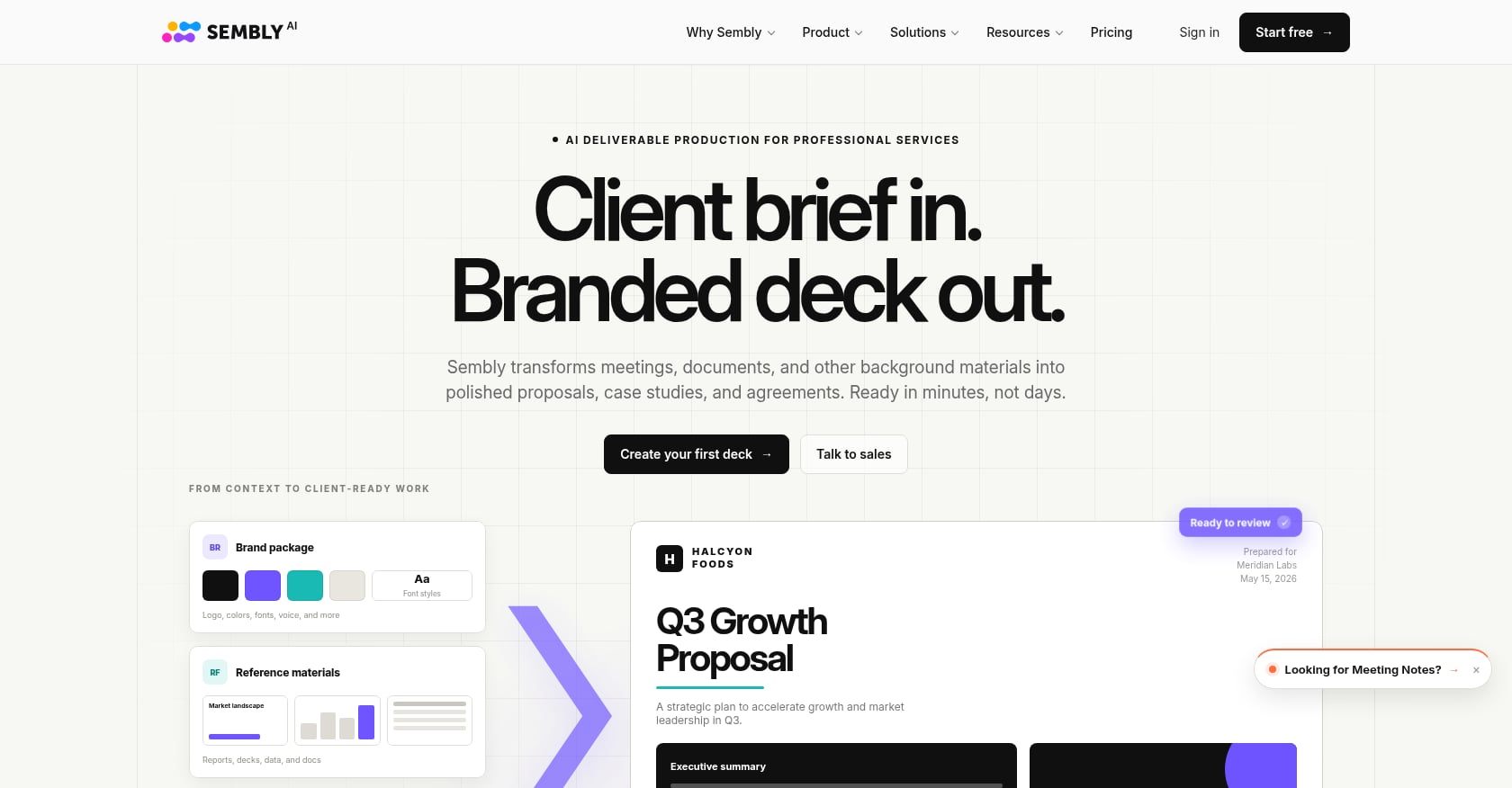
Best for: Teams wanting structured meeting notes, AI chat over meeting content, and multi-meeting intelligence.
Pricing:
- Free Trial: 750 monthly credits per user
- Basic: $17/month (2,500 credits/user/month)
- Pro: $29/user/month (3,000 credits, workspace automations, webhooks, MCP access)
- Max: $39/user/month (3,500 credits, HD video capture, SSO, HIPAA compliance)
- Enterprise: custom
Key features:
- Meeting capture, transcription, notes, summaries, and task extraction
- AI chat over individual and multiple meetings
- Workspace automations and webhook access on Pro
- Compliance features on Max
Tradeoffs:
- Primarily a meeting assistant, not a full task management or collaboration platform
- Smaller community discussion and review volume compared to well-known alternatives
- Credit model needs explanation for new buyers
- Best paired with a task or project hub
User perspective: G2 shows Sembly AI at 4.6/5 from 45 reviews. Users praise ease of use and time savings, but issues include AI inaccuracy in summaries, speaker attribution problems, and a bug where very long meetings get split into smaller segments.
Verdict: Choose Sembly when meeting intelligence is the main job and you have a separate task system. It is a narrower alternative to a workspace that handles meeting-to-task-to-execution in one flow.
11. Lindy
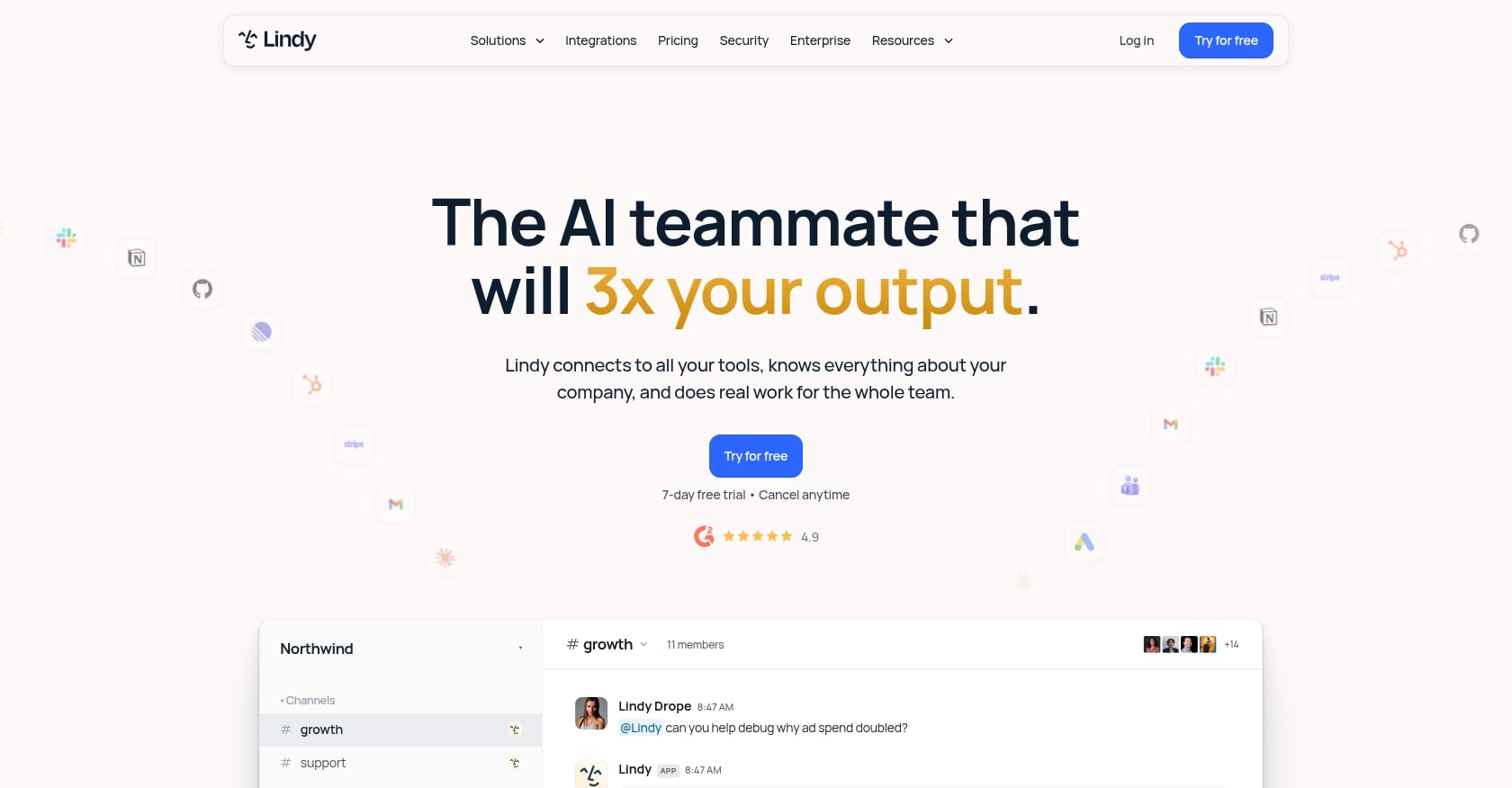
Best for: Individuals and teams who want no-code AI agents to handle email, scheduling, meeting prep, inbox management, and recurring routines.
Pricing:
- Plus: $29.99/user/month (3,000 credits/user/month)
- Pro: $99.99/user/month (15,000 credits/user/month)
- Max: $199.99/user/month (35,000 credits/user/month)
- Enterprise: custom
- Seven-day free trial with full Pro features
Key features:
- Slack-native AI teammate in threads and mentions
- Scheduled routines and persistent workspace context
- 40+ skills and custom skill creation
- Meeting recording, notes, scheduling, prep, and follow-up
- Daily briefs, nudges, and catch-ups
- Inbox management and reply drafting
Tradeoffs:
- Credits can be consumed unpredictably when agents run actions, make errors, or require retries
- Public sentiment is polarized: strong concept, serious billing concerns
- Best for scoped admin work, not a complete team workspace
- Requires tight approval gates and monitoring
User perspective: Trustpilot shows 1.7/5 from 39 reviews, with several complaints about credit consumption and billing. One reviewer reported using all 3,000 monthly credits in a single day, calling the monthly rate misleading. A third-party review analysis noted that the best-evidenced complaint across G2, Reddit, and Quora is unpredictable credit cost, especially when agent-building errors consume credits.
Verdict: Choose Lindy if you want powerful no-code AI agents and are ready to manage credit usage carefully. For teams that need collaboration, meetings, tasks, and agents in one shared office, a workspace-centered approach is more predictable.
12. Microsoft Power Automate
Best for: Enterprises and Microsoft-heavy teams automating workflows across Microsoft 365, SharePoint, Outlook, Teams, Dynamics, and legacy desktop applications.
Pricing:
- Premium: ~$15/user/month (unlimited cloud flows within service limits, attended desktop RPA, 5,000 AI Builder credits/month)
- Process: ~$150/bot/month for unattended RPA
- Additional AI Builder capacity: $500/month per 1M service credits
- Microsoft licensing guidance confirms these rates, though specific entitlements change frequently
Key features:
- Cloud flows and desktop flows with attended RPA
- Unattended bots through Process/Hosted Process licensing
- AI Builder for forms processing, text classification, prediction, and recognition
- Process mining
- Deep integration with the entire Microsoft ecosystem
Tradeoffs:
- Licensing complexity is a major buying risk; premium connectors and AI Builder changes can surprise buyers
- More enterprise process automation than modern team workspace
- Requires governance and admin involvement
- Not the simplest path for lean teams
User perspective: A Capterra reviewer called Power Automate flexible and strong for daily processes but said it can be daunting because of its power. Practitioners on Reddit describe Microsoft licensing as a “minefield,” noting it is easy to build something that unexpectedly requires premium licensing for users.
Verdict: Choose Power Automate when workflows live in Microsoft 365 or legacy enterprise systems. It is not built for lean teams that want to automate meetings, action items, chat, scheduling, and AI coworkers together.
Honorable Mention: Notion AI
Notion AI makes sense if your team already lives in Notion for docs, wikis, databases, and lightweight projects. Business and Enterprise plans include Notion AI capabilities, with Custom Agents available at $10 per 1,000 monthly credits. Notion Agent, AI Meeting Notes, and database automations are useful additions.
The catch: Reddit Notion users reacted strongly to Custom Agent credit pricing, complaining about no rollover, high costs, and uncertainty about how credits affect normal AI usage. Notion also is not a live presence, video meeting, or native scheduling platform. Treat it as a knowledge-base automation layer, not a standalone AI task automation solution.
Practical AI Task Automation Examples
AI task automation is easiest to evaluate through real workflows. Here are seven common scenarios mapped to the tools that handle them best.
Meeting to task board. Transcript turns into action items with owners, due dates, and project placement. A reminder fires when the deadline approaches. Best fits: Velozity, Fireflies, Sembly.
Voice note to assigned work. A founder records a voice note while walking. AI extracts tasks, assigns teammates, and schedules follow-up. Best fit: Velozity (native voice-to-task through Velozity’s mobile app).
Lead routing. Form submission triggers AI classification, CRM update, Slack alert to sales, and a drafted follow-up email. Best fits: Zapier, Make, Power Automate.
Support ticket triage. New ticket arrives, AI labels the issue and sentiment, routes it to the right queue, and drafts a response. Best fits: Zapier, Make, Power Automate, Lindy.
Calendar planning. Task backlog gets scheduled into focus blocks. When a meeting moves, tasks reshuffle automatically. Best fits: Motion, Reclaim.
Project intake. A request form triggers AI to draft a project plan, assign subtasks, and create dependencies. Best fits: ClickUp, Asana.
Knowledge-base question to task. An employee asks an AI assistant about a process. The AI finds the source, suggests the next action, and creates a task. Best fits: Velozity (Company Brain), Notion AI.
Hidden Costs to Check Before You Buy
“Starting at $X/month” is almost never the full story with AI task automation software. Here are the cost layers most comparison articles skip.
Per-seat pricing is predictable but expensive if every user needs a paid seat. Velozity’s modular approach (separate Workspace, AI Space, and Co-Worker seats) lets teams assign paid AI features only to people who need them.
Per-task or per-operation pricing starts cheap but can spike. Zapier’s free plan includes 100 tasks per month, and pay-per-task billing kicks in automatically for many users. Make’s operation limits and expiring credits add another layer of estimation.
AI credits are the hardest for buyers to forecast. Usage depends on model calls, context size, retries, failed runs, and agent behavior. Lindy and Notion users both report frustration with credit predictability.
Add-on costs for premium models, transcription, storage, SSO, RPA bots, guests, and analytics often sit outside the base price. Asana’s AI Studio, for example, has Basic, Plus, and Pro tiers with different credit pools.
Implementation cost gets overlooked entirely. Setup, debugging, migration, governance, documentation, and ongoing workflow maintenance all cost time, which is a real budget line for any team evaluating AI workflow automation.
About 20% of respondents in McKinsey’s 2026 survey said AI-related operating costs constrained their AI use, even though 60% plan to increase AI investment. The takeaway: cutting app overload matters as much as adding AI features. Fewer tools with more coverage often beats a stack of specialized subscriptions.
AI Task Automation Safety Checklist
AI that creates tasks, sends messages, or takes actions on your behalf needs guardrails. PwC’s 2026 AI business predictions recommend teams map agentic workflows step by step, specifying where agents own work, where people own work, and how oversight happens.
A practical checklist:
- Get consent for meeting recording and transcription before enabling AI capture
- Keep humans in the loop for external sends, payments, deletions, contract changes, and production actions
- Require source links back to the transcript, task, or conversation that generated each action
- Use least-privilege permissions for AI agents and automation workflows
- Separate draft mode from execution mode so AI proposes before it acts
- Review AI-generated tasks for owner and due-date errors before they propagate
- Audit failed workflows regularly, not just successful ones
- Track cost per completed workflow, not cost per AI call
Which Tool Should Your Team Use?
Knowledge workers still spend 60% on coordination work like chasing updates, attending unnecessary meetings, and switching between tools. The goal of AI task automation is to eliminate that overhead, not create another layer of it.
Here is the decision in plain terms:
- Choose Velozity if you want one AI Office for meetings, live presence, tasks, scheduling, knowledge retrieval, and AI coworkers.
- Choose Zapier if you need easy app-to-app automations and your work is already event-driven.
- Choose Make if you need visual branching workflows with more flexibility than Zapier.
- Choose n8n if you have technical owners who want self-hosting and deep API control.
- Choose ClickUp or Asana if your task system is already the project management hub and you need AI added to it.
- Choose Motion or Reclaim if the main bottleneck is calendar planning, not task capture.
- Choose Fireflies or Sembly if the main bottleneck is meeting notes and action items, and you have a separate task system.
- Choose Lindy if you want AI agents for scoped admin work and can manage credits.
- Choose Power Automate if your workflows live inside Microsoft 365 or legacy enterprise systems.
Most teams do not need more AI tools. They need fewer handoffs between conversation, decision, task, schedule, and execution. That is the core argument for consolidation over stacking.
Have questions about which setup fits your team? Contact the Velozity team to talk through your workflow before committing.
Frequently Asked Questions
What is AI task automation?
AI task automation is the use of artificial intelligence to capture, organize, assign, schedule, or execute tasks with less manual effort. Unlike traditional rule-based automation, AI task automation can interpret unstructured inputs like meeting transcripts, voice notes, chat messages, and emails to create structured work.
What is the difference between AI task automation and workflow automation?
AI task automation focuses on individual tasks: capturing them, assigning them, tracking them. AI workflow automation covers the full chain of steps across multiple apps or systems. For example, task automation might create a task from a meeting note, while workflow automation might also route that task, notify stakeholders, update a CRM, and draft a follow-up email.
Can AI create tasks from meeting notes?
Yes. Tools like Velozity, Fireflies, and Sembly can generate action items from meeting transcripts. The key difference between tools is what happens next: some only extract the action item, while others assign it, set a deadline, add project context, and schedule follow-up reminders.
What is the best free AI task automation tool?
Velozity offers free tiers across Workspace, AI Space, and Co-Worker modules with meaningful capabilities including DMs, limited transcription, 15 Actionables per week, and 150 AI credits per month. Zapier’s free plan includes 100 tasks per month with two-step workflows. ClickUp and Asana also have free plans, though AI features are limited or require paid tiers.
Is AI task automation safe?
It can be, with the right guardrails. Always get consent for recording, keep humans in the loop for consequential actions, use least-privilege permissions, and audit failed workflows. Tools that separate draft mode from execution mode and require approval before acting are safer than tools that execute autonomously without oversight.
Do AI task automation tools replace project managers?
No. They reduce the manual coordination that project managers spend too much time on: status updates, meeting follow-ups, task assignments, and scheduling. The strategic work of prioritization, stakeholder management, risk assessment, and decision-making still needs a human.