
TL;DR
The AI agent market is projected to hit $11.78 billion in 2026, but practitioners warn that most agent spending is wasted on problems a simple automation could solve. This guide breaks AI agents for business automation into three categories (workflow automation, multi-agent frameworks, and workspace-embedded agents), compares 8 tools with verified pricing, and includes a decision framework so you pick the right type for your team, not just the trendiest name.
The Market Is Huge. The Waste Is Bigger.
AI agents for business automation are everywhere right now. According to PwC, 79% of companies report using agentic AI today, and two-thirds say those agents have already boosted productivity. The market is projected to grow from $11.78 billion in 2026 to over $251 billion by 2034 at a 46.61% CAGR.
Those numbers are real. So is the waste.
Gartner predicts that roughly 40% of agentic AI projects will be scrapped by 2027 because they were built around hype rather than substance. A recent MIT report found that 95% of generative AI deployments in business settings produced zero return. And the practitioner consensus on Reddit’s r/AI_Agents community is blunt: a lot of agent spending should have been simple automations.
Ryan Gavin, CMO of Slack at Salesforce, predicts that 2026 will be “the year of the lonely agent,” where companies spin out hundreds of agents per employee, most of which sit idle like unused software licenses. The winning approach is not more agents. It’s fewer, well-scoped agents placed where work actually happens.
That distinction, where and how agents operate, matters more than any feature checklist. And it’s the framework most buyer guides miss entirely. Understanding how AI agents execute work without human bottlenecks is the starting point for making a smart choice.
Three Types of AI Agents for Business (A Framework Nobody Else Uses)
Most listicles lump every AI agent tool into one flat list, as if Zapier and CrewAI solve the same problem. They don’t. AI agents for business automation fall into three distinct categories, and choosing the wrong category wastes more money than choosing the wrong tool within a category.
Category 1: Workflow Automation Agents
These connect apps and run triggered workflows. Think “when X happens in Salesforce, do Y in Slack, then Z in Google Sheets.” They work best for predictable, repeatable processes. Tools: Zapier, Make, n8n.
Category 2: Multi-Agent Builder Frameworks
These let developers (or advanced no-coders) design teams of agents that collaborate on complex tasks. They’re for building custom agent architectures, not for plugging into an existing tool. Tools: CrewAI, Relevance AI.
Category 3: Workspace-Embedded AI Agents
These agents live inside the platform your team already works in, operating alongside people from conversation to execution. Instead of being a separate tool you manage, they’re part of your daily workflow. Tools: Velozity, Lindy AI, Microsoft Copilot Studio.
Quick decision guide:
- If your bottleneck is connecting apps and automating repetitive handoffs, pick Category 1.
- If you need custom multi-step reasoning agents and have developers to build them, pick Category 2.
- If your bottleneck is turning team conversations into completed work, pick Category 3.
For a deeper look at how workspace-embedded agents function as AI team members, that distinction between “tool you configure” and “teammate that executes” is worth understanding before you compare features.
At-a-Glance Comparison Table
| Tool | Starting Price | Free Tier | Best For | Key Differentiator | Billing Model |
|---|---|---|---|---|---|
| Velozity | $6.99/user/mo | Yes (all modules) | Remote teams wanting agents in their workspace | Conversation-to-execution: meetings to tasks to agents | Per user/mo, modular |
| Zapier Agents | $33.33/mo | Yes (400 activities) | Cross-app automation, solo operators | 7,000+ app integrations | Per activity |
| n8n | $24/mo (Starter) | Yes (self-hosted unlimited) | Technical teams, data privacy | Execution-based billing, self-hostable | Per execution |
| Lindy AI | $29.99/user/mo | No (7-day trial only) | Knowledge workers, email/calendar | Slack-native AI teammate | Per user + credits |
| Copilot Studio | $200/mo (25K credits) | Included w/ M365 Copilot | Microsoft enterprises | Deep M365 integration | Credit-based |
| Relevance AI | $29/mo (Pro) | No | Sales and GTM teams | Multi-agent “Workforce” builder | Actions + vendor credits |
| CrewAI | Free (open source) | Yes (MIT license) | Developers building custom agents | Role-based crew architecture | Execution-based (hosted) |
| Make | ~$10.59/mo | Yes (1,000 ops) | Budget visual automation | Cheapest at volume | Per operation |
Now let’s break each one down.
1. Velozity
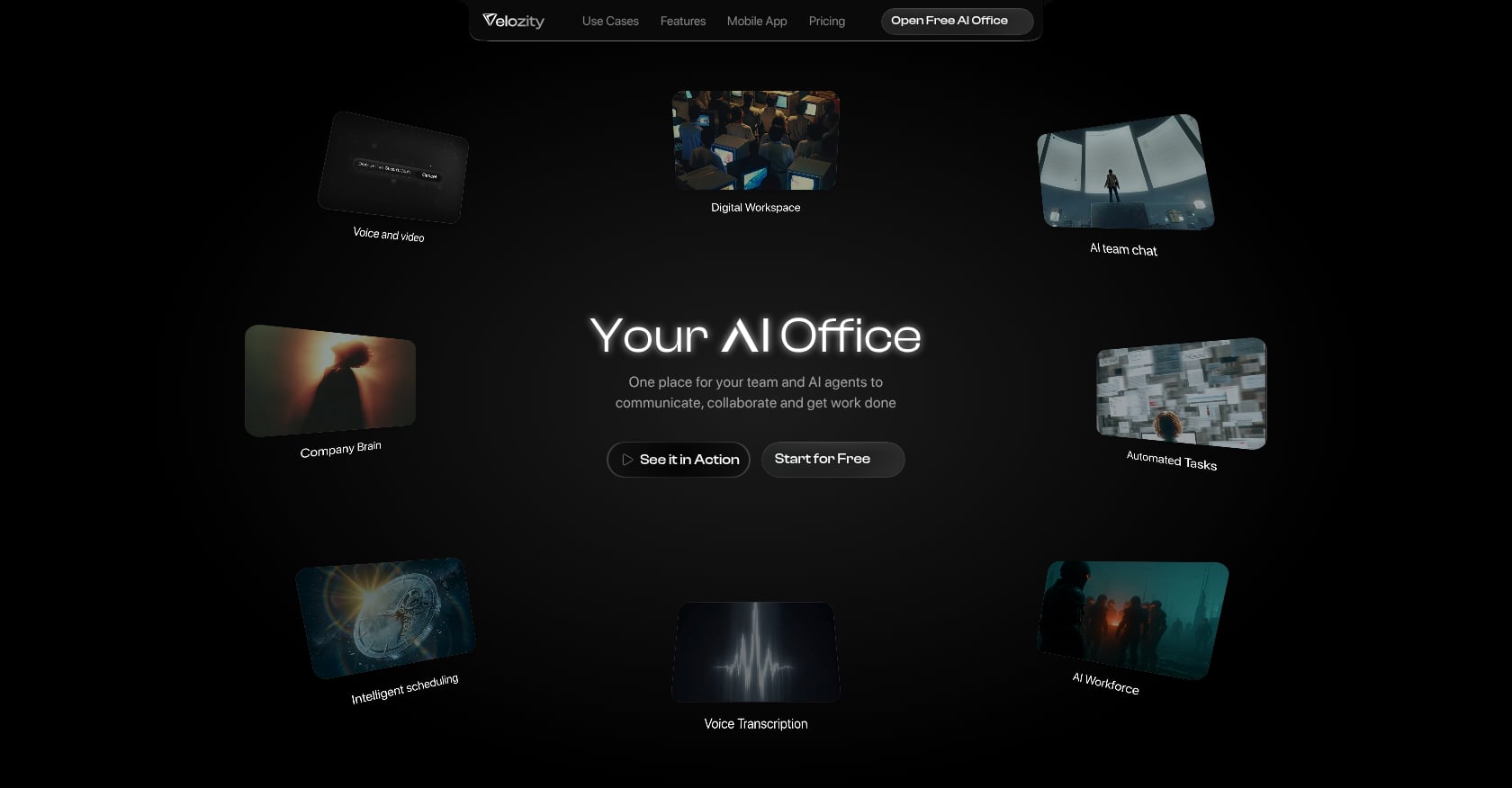
Best for: Remote and hybrid teams that want AI agents embedded in their communication and task flow, not as a separate tool to manage.
Velozity positions itself as “Your AI Office,” an all-in-one workspace that unifies live presence, chat, voice/video calls, transcription, AI-generated action items, task management, scheduling, and agentic AI Co-Workers. The core idea is that conversations should flow directly into execution without requiring you to copy information between five different apps.
Pricing (modular, mix and match):
- Workspace Free: $0. Workspace Pro: $6.99/user/mo
- AI Space Free: $0. AI Space Pro: $7.99/user/mo
- Co-Worker Free: $0 (150 AI credits/mo, 1 AI Mission/mo). Co-Worker Pro: $15/user/mo (1,100 credits/mo, 10 Missions/mo)
- 30-day free trial with full access, no card required
See current pricing details here.
Key features:
- Meeting transcription with auto-generated action items that flow directly into task boards
- Live presence with “cabins” for drop-in audio/video, replacing the need for scheduled meeting links
- AI Co-Worker that answers questions from workspace knowledge, runs AI Missions, and executes approved actions
- Integrated calendar and booking pages, eliminating external scheduling tools
- Company Brain for AI retrieval across files and conversations
Why it leads this list: Most AI agents for business automation create another tool to manage. Velozity’s agents live inside the workspace where your team already communicates, so the path from “we discussed this in a meeting” to “the AI Co-Worker drafted it and assigned it” happens without switching contexts. The pricing page estimates up to $319 saved per user per month when replacing Slack, Zoom, and Notion with a single platform.
User proof:
- “$214 saved per user/month” (Sumit Nirmal)
- “97% less tool switching” (Sudha Software Solutions)
- “85% less friction” (Devcansol)
Tradeoffs to know:
- An all-in-one approach may not match specialized tools on every advanced feature. If you need, say, Jira-level sprint planning, verify during the trial.
- Migration requires shifting habits. Teams used to separate chat and meeting tools need adjustment time.
- The public integrations catalog isn’t prominently documented. Confirm your specific third-party needs before committing.
2. Zapier Agents
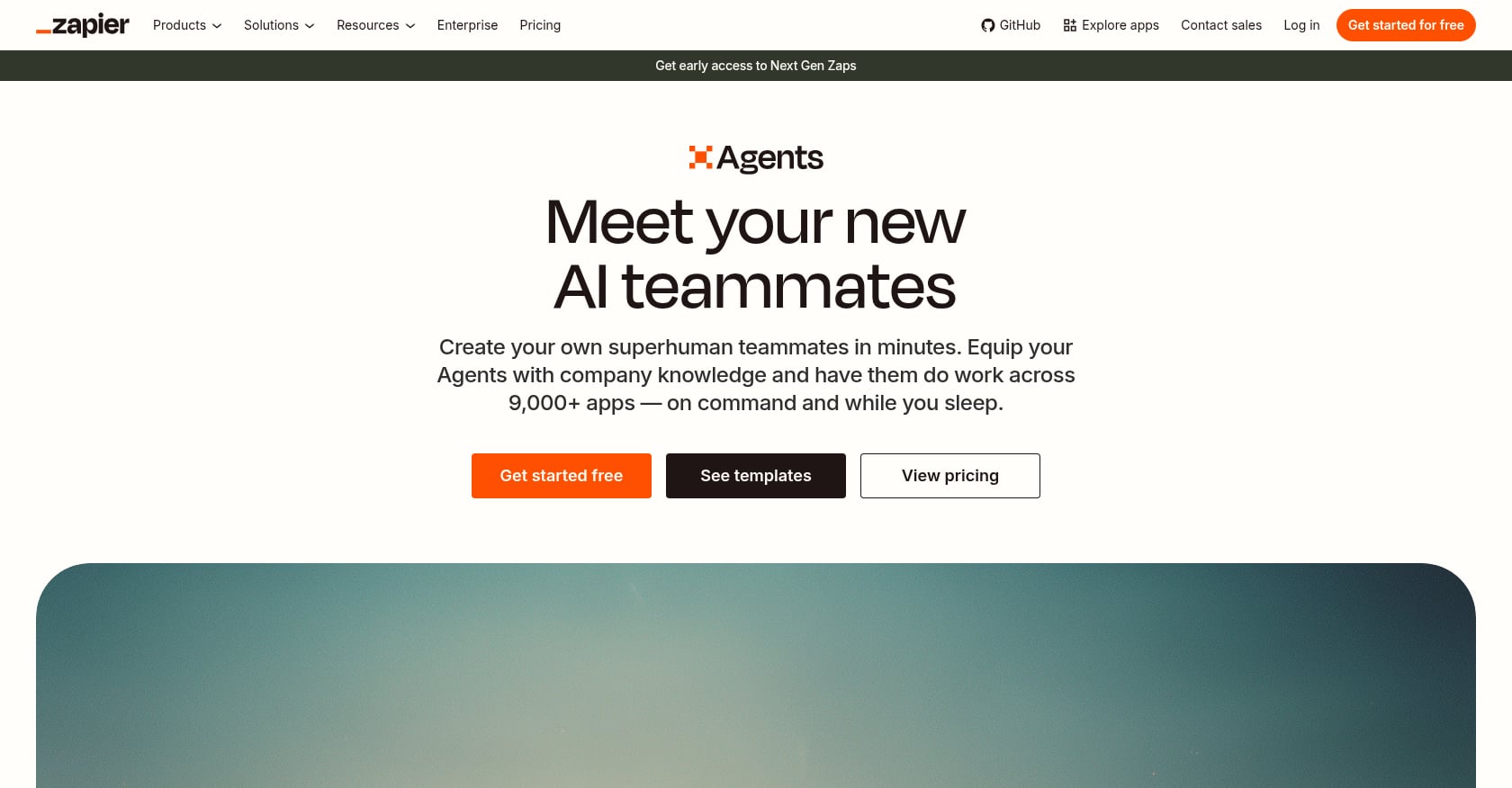
Best for: Small teams and solo operators already in the Zapier ecosystem who want AI to handle lead research, support triage, or content drafting across 7,000+ apps.
Zapier Agents lets you build AI-powered agents using natural language instructions. The agents can browse the web for live context, connect to thousands of apps, and include human approval steps before executing actions.
Pricing:
- Free: 400 activities/month
- Agents Pro: ~$33.33/mo ($400/year) for 1,500 activities
- Professional plan (broader Zapier): starts at $29.99/mo for 750 tasks (monthly billing), $19.99/mo billed annually
- Rated 4.5/5 by 2,000+ users
Key features:
- Natural-language agent builder (no code required)
- 7,000+ app integrations
- Web browsing for live context
- Human-in-the-loop approval steps
Tradeoffs to know:
- Task-based pricing punishes complex workflows. More steps means faster burn through your monthly allowance, making costs hard to predict at scale.
- AI credits drain quickly under real use. Several reviewers report paid-plan AI credits emptying faster than expected.
- At 5,000 tasks/month, Zapier costs roughly $123 to $148/month, while Make offers equivalent capacity for around $25/month. Price-sensitive teams should run the math carefully.
3. n8n
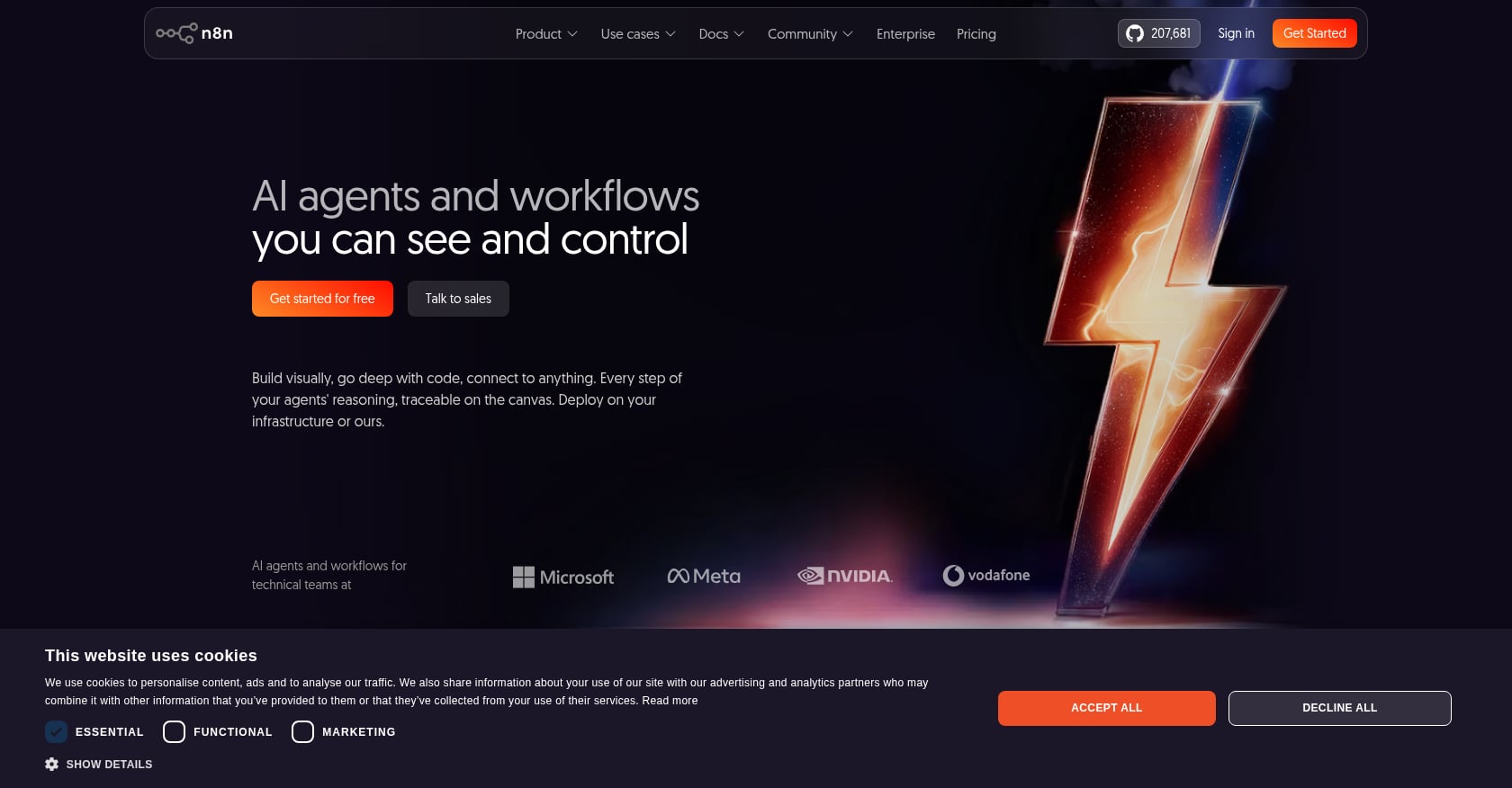
Best for: Technical teams, AI agent builders, and organizations with data residency requirements who want full control and dramatically lower costs.
n8n is a workflow automation platform with a powerful AI Agent node that turns it into an orchestration tool comparable to LangChain, but with a visual interface and 500+ integrations. The self-hosted Community Edition is completely free with unlimited executions.
Pricing:
- Self-hosted Community Edition: Free, unlimited executions
- Cloud Starter: $24/mo for 2,500 executions
- Cloud Pro: $60/mo for 10,000 executions
- Business: $667/mo for 40,000 executions
Key features:
- Execution-based billing (one workflow run = one execution, regardless of step count)
- Free self-hosting with no usage limits
- Visual AI agent orchestration with 500+ integrations
- Full data control when self-hosted
Tradeoffs to know:
- This is not a beginner platform. You need technical comfort to get real value, especially from self-hosting.
- A pricing gap between Pro ($60/mo, 10K executions) and Business ($667/mo, 40K) strands mid-size teams who outgrow Pro but can’t justify the jump.
- No built-in team workspace features. You’re building automations, not a collaborative environment.
Practitioner perspective: Developers on Reddit frequently recommend n8n as the most cost-effective option for AI agent workflows at meaningful volume, precisely because execution-based billing doesn’t punish multi-step complexity the way Zapier’s task-based model does.
4. Lindy AI
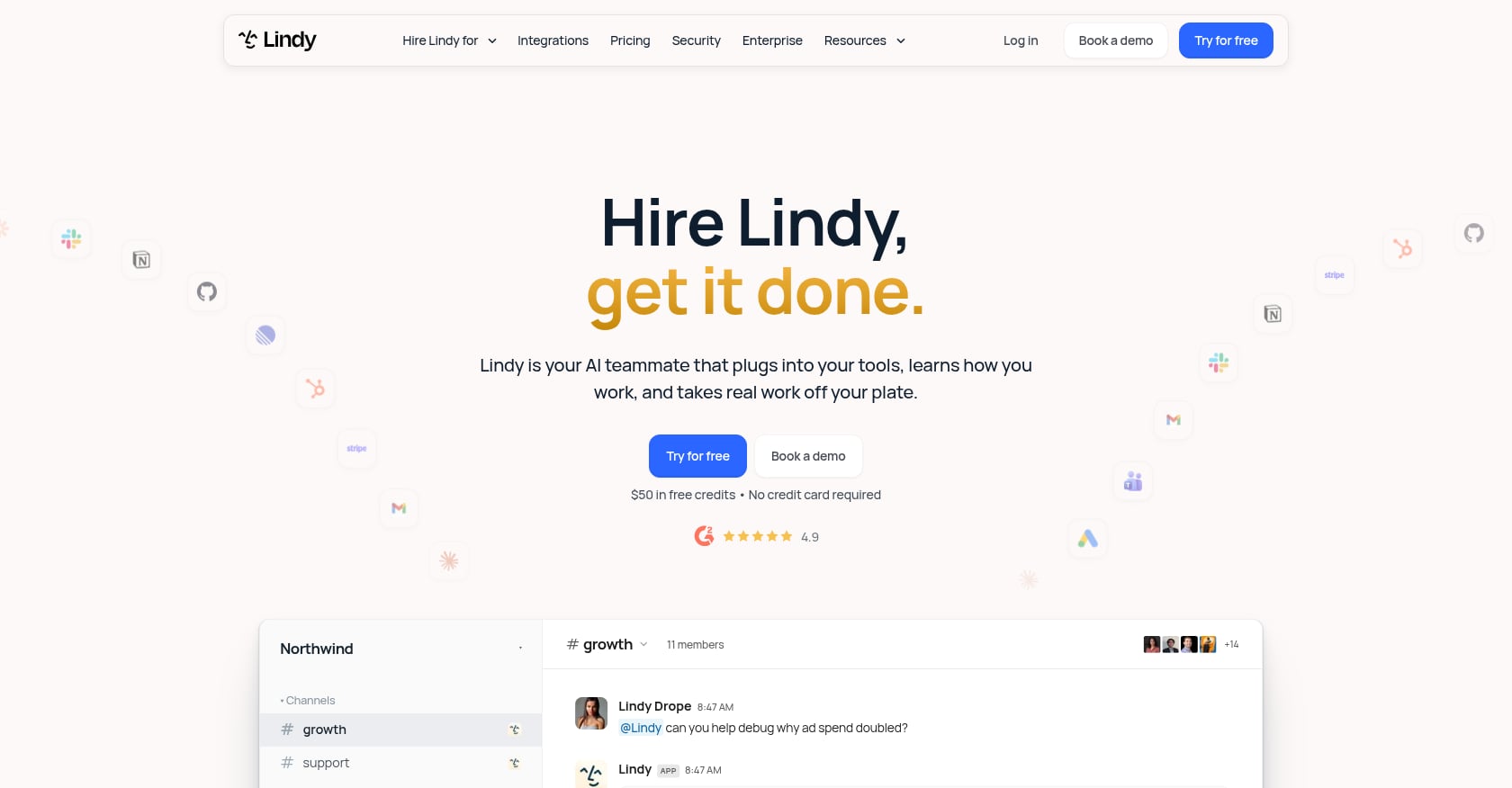
Best for: Solo operators and knowledge-work teams automating email, calendar, and Slack-based workflows.
Lindy positions itself as an AI teammate that reads your tools, performs chained work across them, and reports back in Slack. It supports 1,000+ integrations and MCP (Model Context Protocol) for extended capabilities.
Pricing:
- No free plan. The old 400-credit free tier was discontinued in early 2026.
- 7-day free trial only
- Plus: $29.99/user/mo (3,000 credits)
- Pro: $99.99/user/mo (15,000 credits)
- Max: $199.99/user/mo (35,000 credits)
For anyone running Lindy as a genuine production system, Pro at $99.99/month is the realistic starting point.
Key features:
- Slack-native agent that works in your existing channels
- Chained multi-tool workflows
- 1,000+ integrations with MCP support
- Email and calendar automation
Tradeoffs to know:
- Lindy holds a 4.9 rating from 171 G2 reviewers but a 1.7 rating from 39 Trustpilot reviewers (77% rated one star). That split is worth investigating before you commit.
- Credit consumption on premium actions is aggressive. Real workflows drain credits faster than the tier numbers suggest.
- Without a free plan, the barrier to testing is higher than most alternatives on this list.
5. Microsoft Copilot Studio
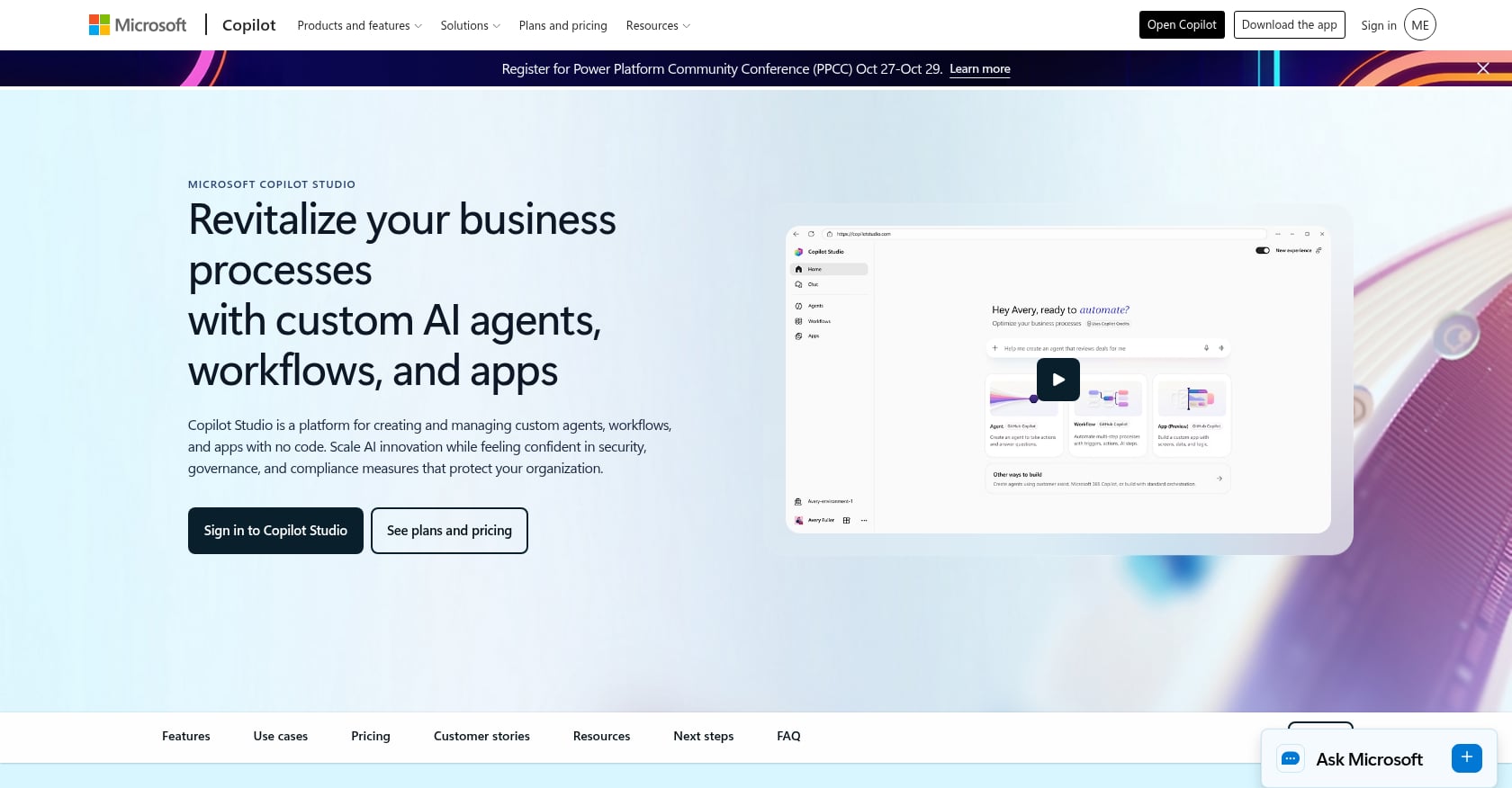
Best for: Enterprises already deep in the Microsoft 365 ecosystem who want to extend Copilot with custom agents.
Copilot Studio is Microsoft’s low-code agent builder, tightly integrated with Teams, Power Platform, and the broader M365 suite. For organizations already paying for M365 Copilot licenses, internal agents come at no additional credit cost.
Pricing:
- Internal agents for M365 Copilot-licensed users: Included at no additional credit cost
- Prepaid capacity: $200/mo for 25,000 Copilot Credits
- Pay-as-you-go: $0.01/credit via Azure
- The catch: A scripted FAQ answer costs 1 credit. A reasoning-model response costs 100 credits. Tenant graph grounding costs 12 credits per response.
Key features:
- Deep M365, Teams, and Power Platform integration
- Low-code builder accessible to non-developers
- Access to Microsoft’s AI models within the enterprise security perimeter
Tradeoffs to know:
- Credit math is genuinely complex. Different response types consume credits at wildly different rates, making budgeting difficult.
- Requires M365 ecosystem commitment ($18 to $30/user/mo) on top of agent costs. This isn’t a standalone purchase.
- Building effective agents still requires understanding Power Platform concepts and data connectors.
Active agents in the Microsoft 365 ecosystem grew 15x year-over-year, with more than 230,000 organizations using Copilot Studio. The adoption is real, but so is the vendor lock-in.
6. Relevance AI
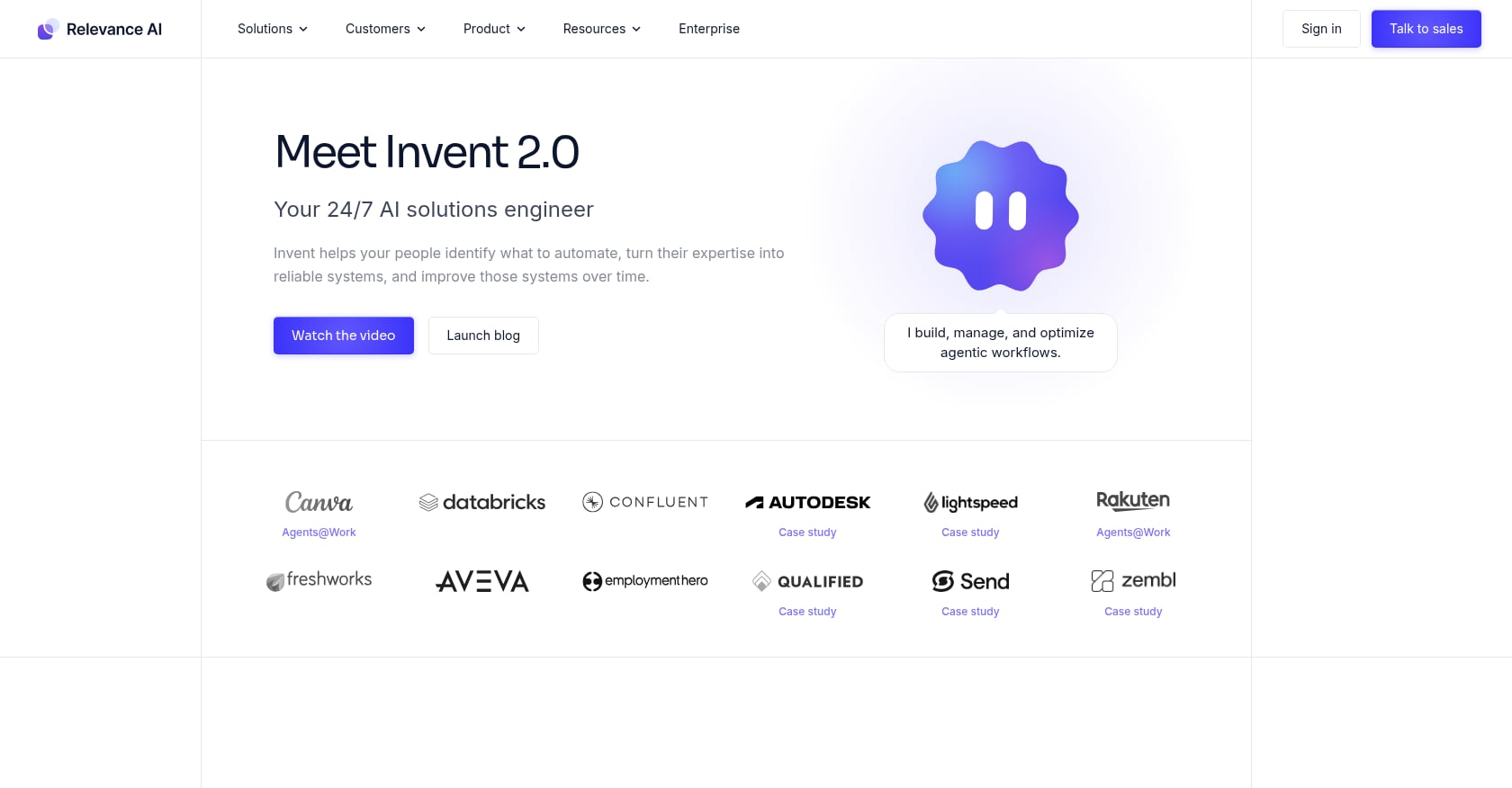
Best for: Sales teams, marketing ops, recruiters, and founders who need repeatable multi-step AI workflows without an engineering team.
Relevance AI offers a no-code “Workforce” builder where you can create multiple agents that collaborate on complex tasks like lead research, outbound sequencing, and content generation.
Pricing:
- Pro: $29/mo for 2,500 Actions
- Team: $349/mo for 7,000 Actions
- Extra Actions: $80 per 1,000
- BYO API keys option (eliminates vendor credit markup)
- Rated 4.3/5 on G2 (20 reviews)
Key features:
- No-code multi-agent builder with template library
- BYO API keys to control LLM costs
- Strong sales and GTM workflow templates
- Multi-agent collaboration within a single workflow
Tradeoffs to know:
- Without your own API key, Relevance charges the model’s standard rate plus a 20% markup.
- Additional document storage costs $100 per GB, which adds up fast for knowledge-heavy use cases.
- Real team usage runs $199 to $599/month once you factor in agent credits and seat multipliers. The $29 starting price is misleading for anything beyond light personal use.
7. CrewAI
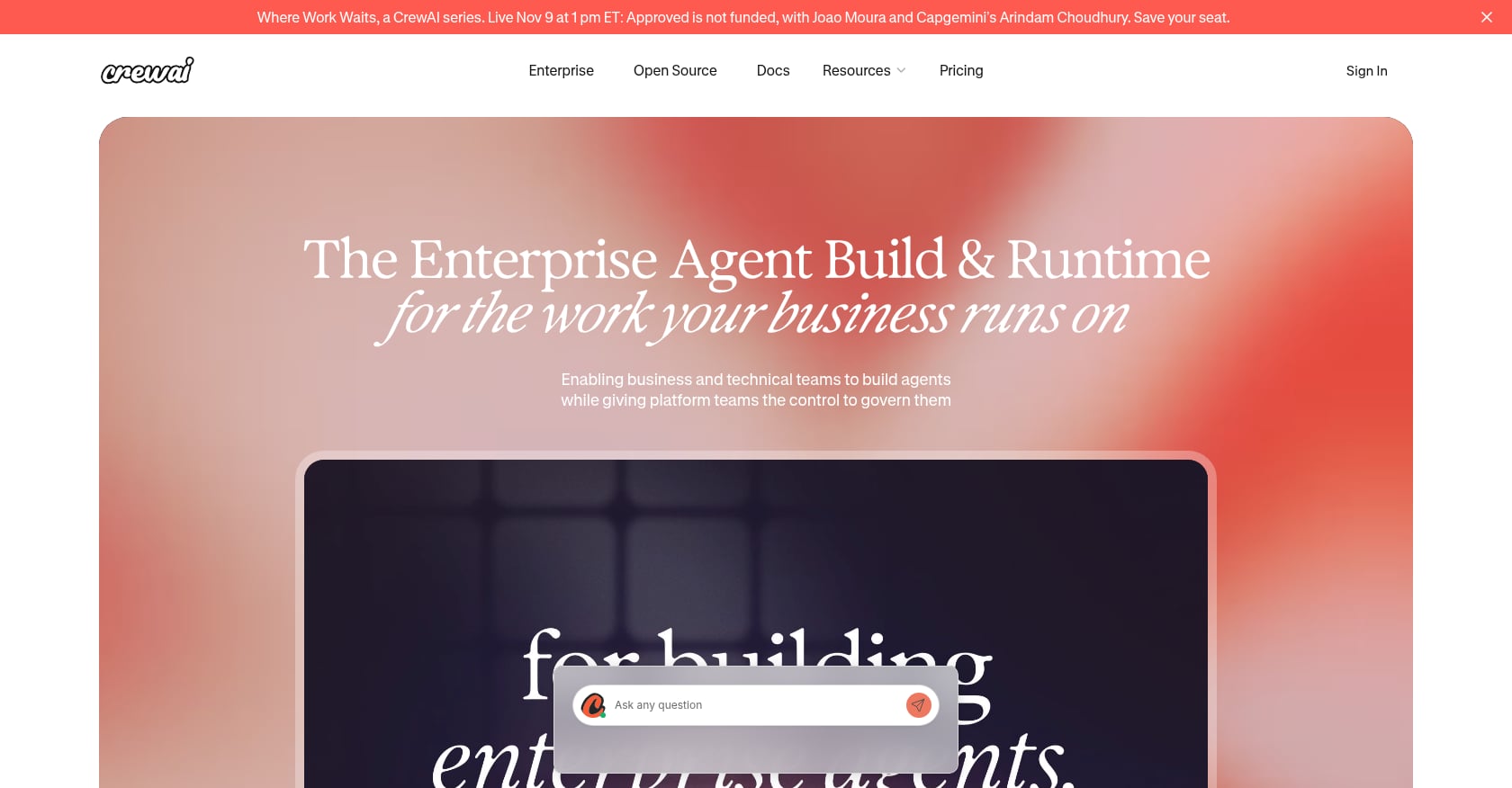
Best for: Developer teams who want full control over multi-agent architecture and already manage their own infrastructure.
CrewAI is an open-source Python framework (MIT license) for building multi-agent systems with role-based collaboration. As of September 2026, it has roughly 59,100 GitHub stars and claims use by 65% of the Fortune 500.
Pricing:
- Open-source framework: Free (MIT license, unlimited self-hosted use)
- Hosted platform (AMP): Free tier with 50 workflow executions/month. Enterprise tier is custom-quoted.
- Self-hosted running costs: LLM API fees ($50 to $150/mo typical) plus infrastructure ($10 to $50/mo)
The $25/month Professional tier that existed from the October 2025 AMP launch was removed in spring 2026.
Key features:
- Role-based agent crew design where agents have defined roles, goals, and collaboration patterns
- MIT license with no usage limits on self-hosted deployments
- Full control over model selection, prompts, and tool integrations
- Active open-source community
Tradeoffs to know:
- Token costs are the hidden expense. Practitioners on Reddit warn that a four-agent crew with tool usage can burn $2 to $5 per execution on GPT-4. Use cheaper models for non-critical agent tasks.
- Requires Python proficiency. This is not a no-code platform.
- The managed platform’s free tier (50 executions/month) is too limited for production workloads.
8. Make
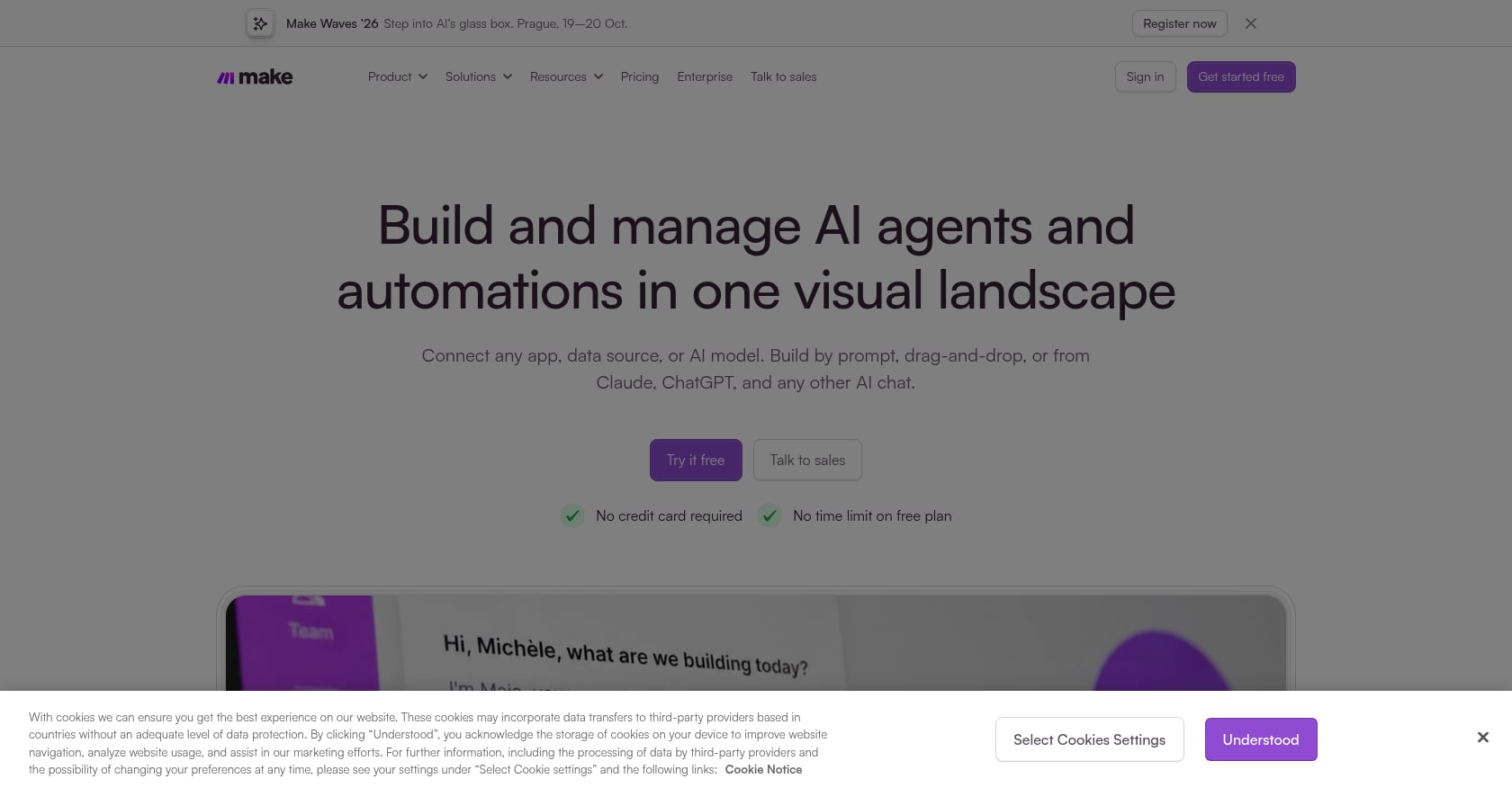
Best for: Budget-conscious teams needing visual multi-app automations with more complex logic than Zapier, without requiring full AI agent reasoning.
Make (formerly Integromat) is a visual workflow automation platform that beats Zapier on price at nearly every volume tier. At 5,000 operations per month, Make costs around $25 compared to Zapier’s $123 to $148.
Pricing:
- Free: 1,000 operations/month
- Core: ~$10.59/mo for 5,000 operations
- Pro and higher tiers scale with volume
Key features:
- Visual workflow builder with branching logic
- Hundreds of app integrations
- Significantly cheaper than Zapier at scale
- Supports complex multi-step scenarios
Tradeoffs to know:
- Steeper learning curve than Zapier, especially for non-technical users.
- AI agent capabilities are less mature than dedicated agent platforms. Make is primarily an automation tool, not an AI reasoning platform.
- If you need agents that make judgment calls or handle ambiguous inputs, Make alone won’t get you there.
Make belongs in the conversation about business automation because many teams discover (often after overspending on agent tools) that their problem was a $25/month automation, not a $300/month AI agent. Understanding AI task automation tools at the simpler end of the spectrum can save significant money.
When You Do NOT Need an AI Agent
This is the section most AI agent articles won’t write, but it’s the one that will save you the most money.
Practitioners on Reddit’s r/AI_Agents community sound a consistent warning: AI agent spending is set to more than double in 2026, but a large share of that spend goes toward agents that should have been simple automations. One common refrain is that a “$200/month workflow beats a $3,000 agent” for most repeatable business processes.
Here’s a quick decision framework:
Use a simple automation (Zapier, Make) when:
- Your process follows a predictable if/then pattern
- You’re connecting two or three apps with clear trigger-action logic
- The task requires no judgment, just data movement
Use an AI agent when:
- The task requires reasoning across multiple data sources
- Inputs are ambiguous or vary significantly each time
- You need the system to make contextual decisions, not just execute steps
Use a workspace-embedded agent when:
- Your bottleneck is the gap between team conversations and completed work
- Action items from meetings routinely fall through the cracks
- You want agents that participate in your team’s flow, not ones you visit in a separate tool
Gartner places AI agents squarely in the “Trough of Disillusionment” on its hype cycle. That’s not a reason to avoid them. It’s a reason to be precise about where they create value. The firms seeing real returns, that 61% efficiency boost that multiple surveys report, are the ones that scope tight and deploy where genuine reasoning is required.
How to Choose the Right AI Agent for Your Business
Forget feature lists for a moment. The right AI agent for business automation depends on three variables: your team’s technical skill, your team size, and where your workflow actually breaks down.
If you’re a solo operator or tiny team (1 to 5 people):
Start with Zapier Agents if you need cross-app automations, or Lindy if your work centers on email and calendar. Both have low setup friction. But watch credit consumption closely.
If you’re a remote or hybrid team (5 to 50 people):
The biggest cost isn’t any single tool. It’s the stack. You’re probably paying for Slack, Zoom, a project management tool, a scheduling tool, and an AI notetaker. That’s $50 to $80 per user per month before you add an AI agent. A workspace-embedded approach, where AI agents operate inside the platform your team already communicates in, eliminates that fragmentation. This is exactly why startups replace their SaaS stack with a unified platform.
If you’re a technical team or agency:
n8n (self-hosted) or CrewAI gives you the most control and the lowest marginal cost. But budget for LLM API fees, because token costs are the real expense, not the platform.
If you’re an enterprise locked into Microsoft:
Copilot Studio is the path of least resistance. Just budget carefully around the credit system.
Cost comparison for a 5-person remote team:
- Separate stack (Slack + Zoom + Notion + Calendly + AI notetaker): ~$60 to $80/user/mo = $300 to $400/mo total
- Add a standalone AI agent (Lindy Pro): +$500/mo
- Velozity (Workspace Pro + AI Space Pro + Co-Worker Pro): ~$29.98/user/mo = ~$150/mo total, with AI agents included
The math favors consolidation, especially for teams where meetings, tasks, and AI execution should all live in one place.
Try Velozity free for 30 days to see if consolidation works for your team’s workflow.
Frequently Asked Questions
What is an AI agent for business?
An AI agent is software that can perceive its environment, make decisions, and take actions to accomplish goals with minimal human intervention. In a business context, this ranges from simple workflow triggers (connecting apps automatically) to sophisticated agents that reason across data sources, draft communications, and execute multi-step tasks. The key difference from traditional automation is that agents handle ambiguity and make contextual decisions rather than following rigid if/then rules.
How much do AI agents cost?
Costs vary wildly by category. Workflow automation agents like Zapier start free but can reach $150+/month at moderate volume. Developer frameworks like CrewAI are free to self-host but incur $50 to $150/month in LLM API fees. Workspace-embedded agents like Velozity start at $6.99/user/month for the workspace with AI Co-Worker available from $0 (free tier) to $15/user/month. Enterprise options like Copilot Studio start at $200/month for credit packs. The biggest hidden cost is credits: many platforms charge per action or per AI response, and those charges accumulate faster than the listed prices suggest.
Can AI agents replace employees?
No, and framing them that way leads to failed projects. AI agents for business automation work best as teammates that handle routine reasoning tasks, freeing people for judgment-heavy work. Gartner predicts that by 2028, 15% of day-to-day business decisions will be made autonomously by agentic AI, but that still leaves 85% requiring human involvement. The most successful deployments use human-AI collaboration models where agents execute with human oversight, not full autonomy.
What’s the difference between AI agents and workflow automation?
Workflow automation follows predefined rules: “when this happens, do that.” AI agents apply reasoning to decide what to do, often across multiple steps and data sources. A Zapier workflow that creates a Trello card when an email arrives is automation. An AI agent that reads the email, determines urgency, drafts a response, assigns a team member, and updates the project board is agentic. The practical test: if the process requires no judgment calls, use automation. If it requires contextual decisions, consider an agent.
Are AI agents worth the investment in 2026?
For well-scoped deployments, yes. Companies using AI agents report a 61% boost in employee efficiency, and 51% of organizations already have agents in production. But Gartner warns that 40% of agentic AI projects will be scrapped by 2027 due to poor scoping. The pattern is clear: narrow, well-defined agent deployments generate returns. Broad, unfocused “let’s add AI agents everywhere” initiatives don’t.
Which AI agent is best for small businesses?
For small businesses without a developer on staff, the choice depends on your primary need. If you need to connect existing apps, start with Zapier’s free tier. If you need AI embedded in your team’s daily work (meetings, tasks, communication), Velozity’s free tiers across all modules let you test without financial risk. Avoid enterprise-grade tools like Copilot Studio unless you’re already paying for the Microsoft 365 ecosystem.
How do I avoid overspending on AI agents?
Three rules practitioners consistently share: First, start with a simple automation before reaching for an agent. Many “agent” use cases are solved by a $10/month Make scenario. Second, monitor credit and token consumption weekly during the first month. Several tools (Zapier, Lindy, Copilot Studio) have credit systems where costs can spike unexpectedly. Third, consolidate tools where possible. Paying for a chat app, a meeting app, a task app, and then adding an AI agent on top creates cost layers that a unified workspace approach can eliminate.