
TL;DR
Most organizational knowledge is born in meetings and conversations, not typed documents, yet most AI knowledge management tools only handle the latter. This guide compares 9 options across pricing, AI features, and real user sentiment. Velozity stands out for teams wanting a full conversation-to-execution pipeline. Notion AI and Confluence + Rovo work best if you’re already locked into those ecosystems. Glean is the enterprise search heavyweight but costs $50-75+/user/month. For small teams on a budget, Tettra and Slite offer focused alternatives under $10/user/month.
Why AI Knowledge Management Tools Matter More Than Ever
The AI knowledge management market hit $18.37 billion in 2026, growing at a CAGR of 8.74% with projections pointing toward $31.26 billion by 2032. That growth reflects a real operational pain: teams are drowning in scattered information across Slack threads, Google Docs, Zoom recordings, email chains, and project boards.
Gartner projects that AI-augmented knowledge management can reduce average information retrieval time by 35-40%. Organizations using these tools report support ticket deflection rates between 40-60%. The productivity gains are measurable, not theoretical.
But here’s the gap most comparison articles miss. Knowledge doesn’t start as a neatly formatted wiki page. It starts in a standup call, a brainstorm session, a client meeting. The pipeline from conversation to structured, searchable knowledge (and then to assigned tasks) is where teams actually struggle. Understanding how AI for knowledge management works is the first step toward picking the right tool.
The throughline across every Reddit thread, Atlassian forum, and Slack community discussing these tools comes down to two things: connector breadth and whether the AI can actually do something useful beyond search.
Start free with Velozity’s AI Office to see the full conversation-to-knowledge pipeline in action.
At-a-Glance Comparison Table
| Tool | Starting Price | Best For | AI Features | Free Tier | Knowledge Source |
|---|---|---|---|---|---|
| Velozity | $6.99/user/mo | Teams replacing fragmented SaaS stacks | Company Brain, AI Co-Worker, auto-transcription to tasks | Yes (all modules) | Conversations + meetings + files |
| Notion AI | $20/user/mo (Business) | Notion-native knowledge teams | Workspace Q&A, agents, meeting notes | Limited AI trial | Documents + databases |
| Guru | ~$10-25/user/mo | Support/IT teams of 15+ | Verified answers, browser extension, MCP | Up to 3 users | Curated knowledge cards |
| Glean | ~$50-75/user/mo | Large enterprises, 100+ seats | Cross-app search, permission-aware | No | Indexes 275+ tools |
| Confluence + Rovo | $6.70/user/mo | Atlassian ecosystem teams | AI search, chat, agents (credit-based) | 10 users (no AI) | Confluence pages + Jira |
| Slite | $8-10/user/mo | Small teams wanting simple AI KB | Ask AI, doc verification, Slite Agent | 14-day trial only | Documentation |
| MS Copilot M365 | $18-30/user/mo (add-on) | Microsoft-first organizations | Cross-M365 AI, SharePoint search | Copilot Chat free | M365 ecosystem |
| Document360 | ~$199/project/mo | Customer-facing docs + API docs | Eddy AI suite, AI search | 14-day trial only | Structured documentation |
| Tettra | $8/user/mo | Slack-first small teams | Kai AI bot in Slack | Up to 10 users | Wiki pages + Slack threads |
What Makes a Good AI Knowledge Management Tool in 2026?
Before walking through each tool, here are the criteria that actually matter when evaluating AI knowledge management tools. These aren’t abstract, they come from patterns in practitioner discussions across Reddit, G2 reviews, and Atlassian Community forums.
Knowledge capture breadth. Does the tool only manage documents you manually create? Or can it capture knowledge from meetings, conversations, and chat threads? The best tools close the gap between where knowledge is created and where it’s stored.
AI retrieval quality. Semantic search is table stakes. The question is whether the AI provides sourced, cited answers or just keyword matches. Practitioners on Reddit consistently report that unsourced AI answers create more confusion than they solve.
Integration depth. Users searching for AI knowledge management tools want a solution that connects with Google Workspace, Slack, Office 365, and their project management stack. If the tool lives in a silo, adoption will stall.
Action-ability. Does the tool just store knowledge, or does it help you act on it? The ability to go from an AI-surfaced insight to an assigned task, without switching apps, separates the best tools from the rest.
Pricing transparency. This is the number-one frustration in the category. Many vendors hide pricing behind “contact sales” pages, which wastes time for teams with clear budgets. Tools that publish real numbers earn more trust.
Verification and governance. AI-generated answers need human oversight. Tools with built-in verification workflows prevent outdated or incorrect information from spreading. As one Atlassian Community article put it, Rovo itself does not verify source quality, so pairing it with verification workflows is essential.
The 9 Best AI Knowledge Management Tools, Reviewed
1. Velozity
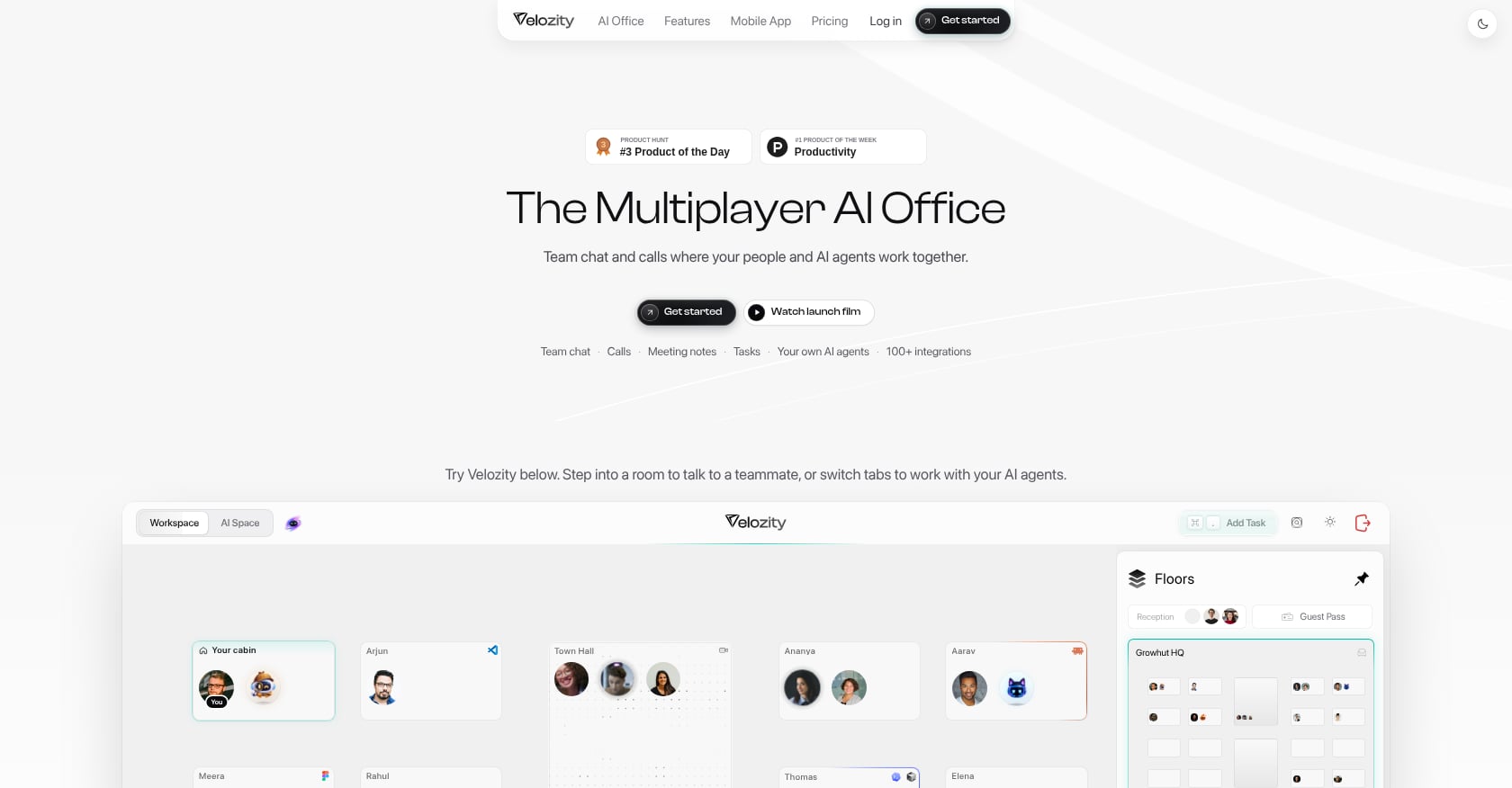
Best for: Teams drowning in tool fragmentation who want chat, meetings, transcription, tasks, scheduling, and AI agents in one place.
Velozity takes a fundamentally different approach to knowledge management. Instead of building another document repository, it captures knowledge at the source: meetings, conversations, and voice notes. The “Company Brain” feature lets you query across files and conversations using AI retrieval, turning your team’s everyday interactions into searchable organizational memory.
The conversation-to-execution pipeline is the real differentiator. Meetings automatically generate transcriptions, which feed AI-generated action items, which become assigned tasks with due dates. No manual note-taking, no copying summaries into a separate project tool.
Pricing:
- Workspace Free: $0 (300 shared transcription min/mo, 15 actionables/week)
- Pro Workspace: $6.99/user/month
- AI Space Free: $0 (limited features)
- Pro AI Space: $7.99/user/month
- Co-Worker Free: 150 AI credits/month
- Pro Co-Worker: $15/user/month
All modules have free tiers, and there’s a 30-day full-access trial with no credit card required.
Key features:
- Built-in voice/video meetings with automatic transcription
- AI-generated action items that flow directly into task boards
- Company Brain for AI-powered retrieval across all workspace knowledge
- AI Co-Worker agents that execute approved actions, not just answer questions
- Live presence and “cabins” for drop-in audio/video conversations
- Integrated calendar and booking pages
- Mobile apps on iOS and Android
Limitations:
- All-in-one approach may not match every specialized feature of a best-of-breed tool in a single category.
- Adopting the presence/cabins workflow requires behavior change from teams used to calendar-heavy scheduling.
- Newer to the market than established players, with fewer third-party reviews so far.
Why it’s #1 for knowledge management: Most AI knowledge management tools treat knowledge as static documents. Velozity captures it where it actually originates, in conversations, and turns it into structured, searchable, actionable work. For teams looking to consolidate their AI collaboration tools, the stack-replacement math is compelling.
See Velozity’s full pricing breakdown
2. Notion AI
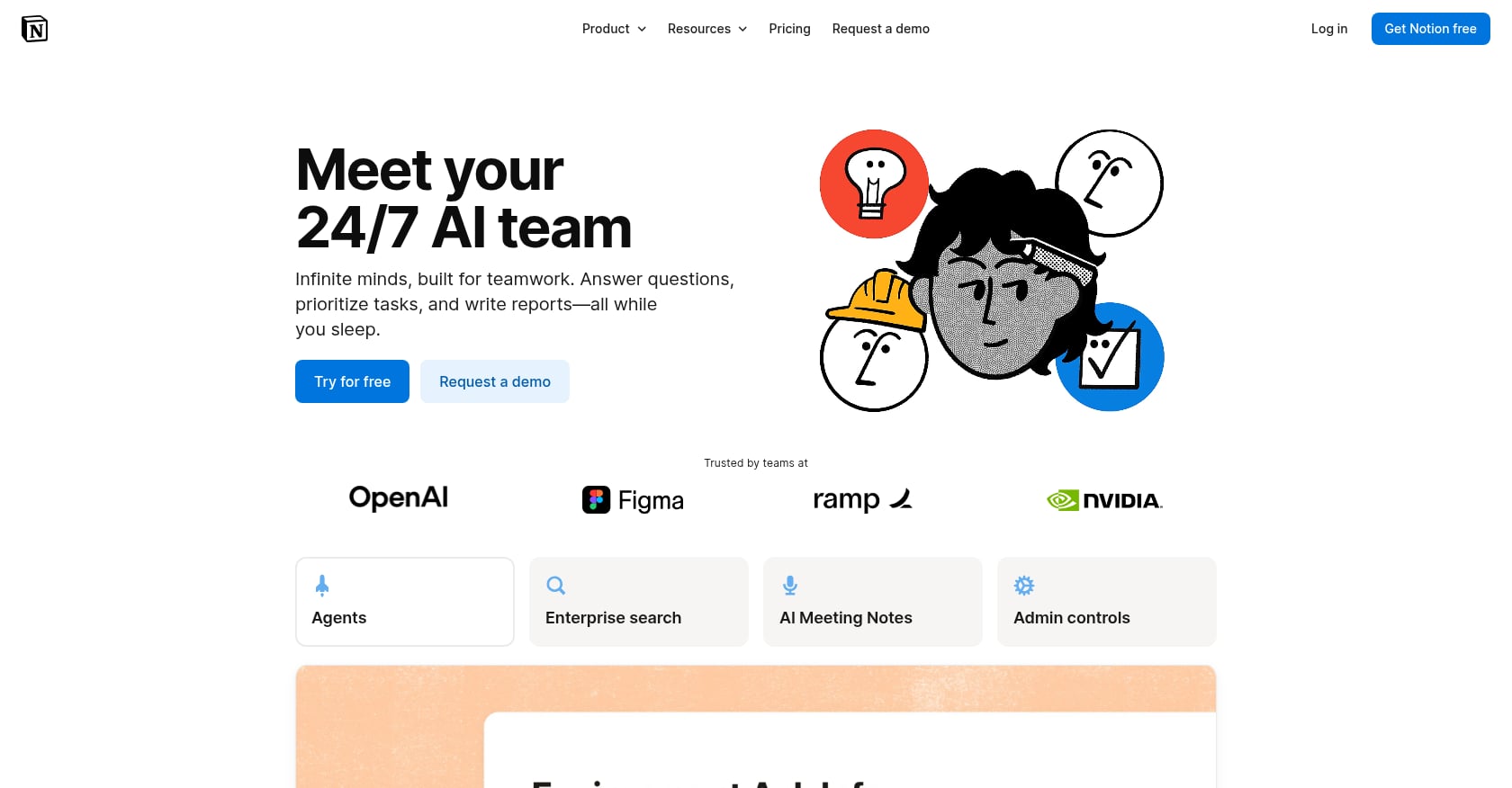
Best for: Knowledge workers who already live in Notion and want docs, wikis, databases, and AI in one place.
Notion has become the default workspace for many startups and knowledge teams, and its AI layer turns that document ecosystem into something searchable and assistive. The AI can answer questions across your workspace, generate meeting notes, and (as of the Business 3.0 update) edit databases through an agent interface.
Pricing:
- Free: $0 (limited features, no AI)
- Plus: $10/user/month (billed annually)
- Business: $20/user/month (billed annually), full Notion AI included
- Enterprise: custom pricing
Custom Agent runs bill separately at $10 per 1,000 Notion Credits. Routine AI writing and search don’t consume credits.
Key features:
- Workspace-wide AI Q&A with sourced answers
- Database-editing agent for structured data manipulation
- AI-powered meeting notes
- Custom agents for repetitive workflows
- Docs, wikis, and project databases in one platform
Limitations:
- Full AI is locked behind the $20/month Business plan. For small teams, that’s a steep price for knowledge management.
- Users on r/Notion report the AI doesn’t reliably “see” every database entry, with one May 2025 thread documenting it missing hundreds of journal entries.
- No built-in meetings, transcription, or real-time presence. Knowledge capture from conversations requires external integrations.
User sentiment: The most-upvoted comment about Notion AI on r/Notion (132 upvotes) reads: “I wouldn’t mind it if it were free, but it’s definitely not something worth paying for.” However, sentiment shifted after the Business 3.0 keynote in September 2025, with the database-editing agent and meeting notes cited as the killer features that changed minds.
3. Guru
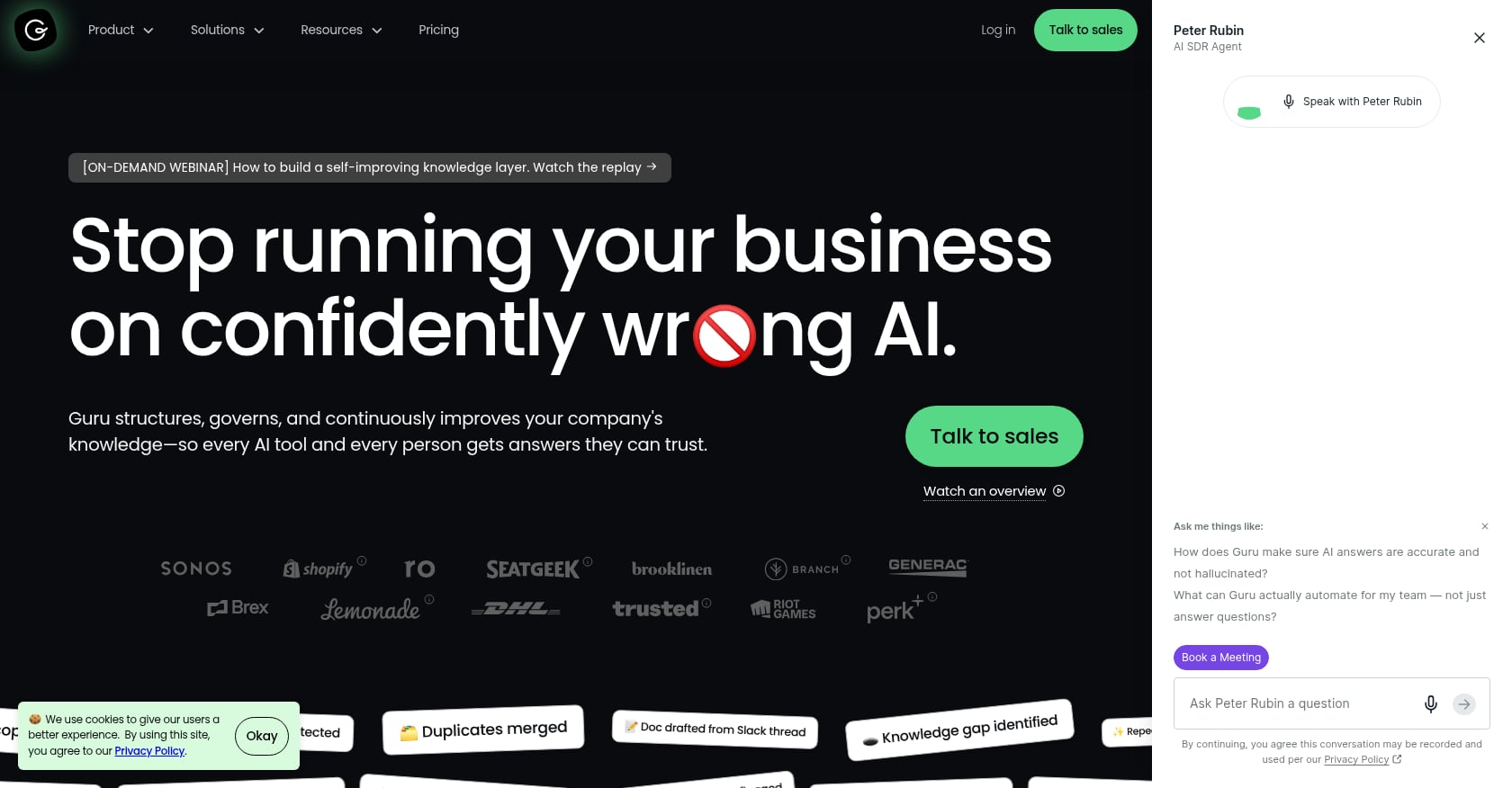
Best for: Support and IT teams of 15+ who need a governed, AI-searchable knowledge base with verification workflows.
Guru structures company documents into “knowledge cards,” verifies them on a schedule, and delivers cited answers through a browser extension. The verification workflow is its signature feature: content owners get reminders to review and confirm accuracy, which prevents the knowledge rot that plagues most wikis. Guru also supports MCP connections, letting AI tools like Claude access verified company knowledge.
Pricing:
Guru moved to sales-led pricing, describing itself as “the enterprise AI knowledge solution custom fit to you.” Independent sources estimate the Starter tier at approximately $10/user/month billed annually, with the Team plan at around $25/seat/month (10-seat minimum). Guru holds a 4.8 out of 5 average on GetApp from 640 reviews.
Key features:
- Browser-extension delivery for in-context knowledge surfacing
- Scheduled verification workflows with content owner reminders
- AI-powered search with cited answers
- MCP integration for AI tool access
- Strong search quality once content is properly maintained
Limitations:
- Per-seat pricing punishes success: the more useful Guru becomes, the more active users you have, the bigger the invoice.
- No meeting transcription, no task management, no built-in chat. It’s a pure knowledge layer.
- Content governance is essential. Practitioners report that Guru surfaces knowledge fast, but only if someone has been feeding and pruning it consistently.
- For teams under 10 or those with lightweight knowledge needs, it doesn’t make sense.
4. Glean
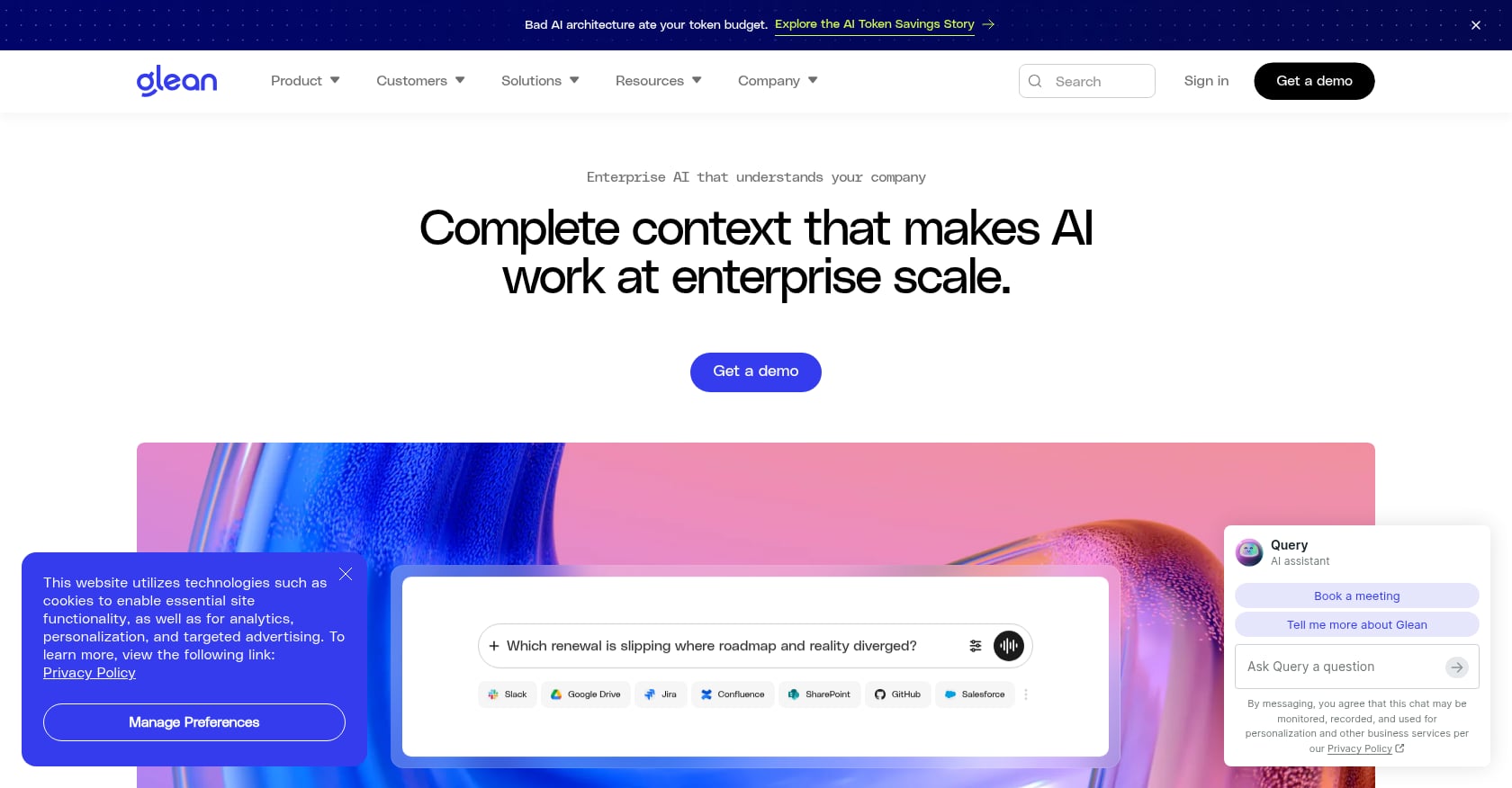
Best for: Large enterprises with 100+ seats and knowledge scattered across dozens of SaaS tools.
Glean is the enterprise search heavyweight. It indexes 275+ workplace tools, from Slack and Google Drive to Confluence and Salesforce, and answers questions using only what each employee is permitted to see. Permission-aware search is the core value proposition, making it suitable for organizations with strict access controls.
Pricing:
Glean does not publish public pricing. Based on community reports, typical enterprise pricing starts at approximately $50-75+ per user per month, with a minimum contract of around 100 seats (~$60,000/year ACV minimum). Typical first-year enterprise deployment costs around $98,890 based on 174 Vendr transactions.
Key features:
- Cross-application semantic search across 275+ connectors
- Permission-aware results (respects existing access controls)
- AI-generated answers with source citations
- Knowledge graph that improves with usage
- Enterprise-grade security and compliance
Limitations:
- Overkill and too expensive for SMBs. The minimum contract alone puts it out of reach for most small teams.
- Search-first, not workflow-first. Glean doesn’t help you create tasks, manage projects, or run meetings.
- Enterprise sales cycle required, no self-serve signup.
- On r/sysadmin and r/ITManagers, the debate often comes down to Glean versus Microsoft Copilot, with practitioners noting that if your team burns 10+ hours/week digging through documents and Slack, the per-user cost starts looking reasonable. If they’re mostly searching in one or two places, you’re overpaying.
5. Confluence + Rovo
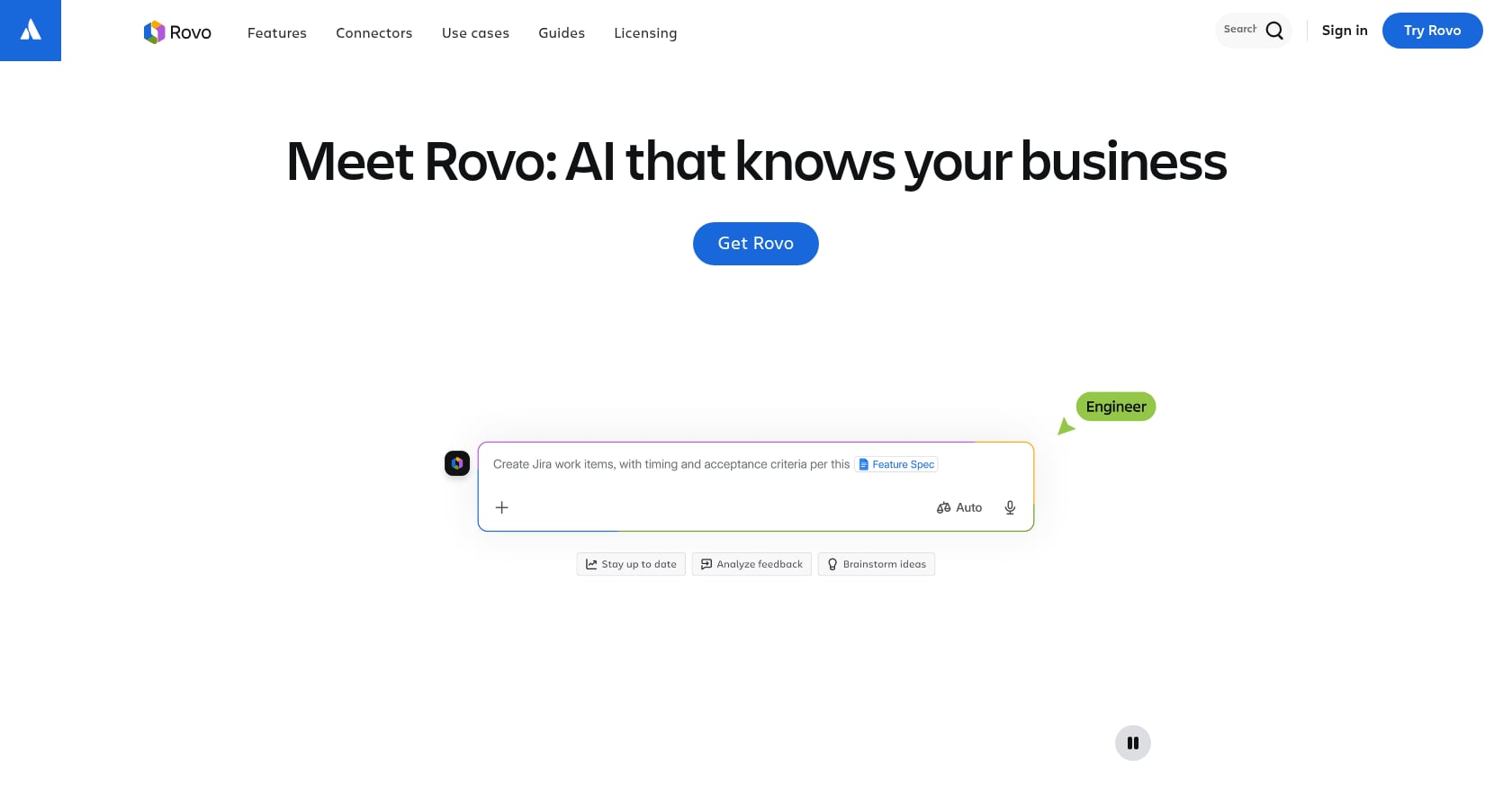
Best for: Teams already invested in the Atlassian ecosystem (Jira + Confluence) who want AI layered on top.
Atlassian Rovo is the AI layer across Atlassian’s cloud products, providing search, chat, autonomous agents, and the Rovo Studio builder inside Confluence, Jira, and other Atlassian tools. Since the April 2025 bundling, Rovo comes included with paid Atlassian plans rather than as a separate line item.
Pricing:
The cheapest entry is Confluence Standard at $6.70/user/month or Jira Standard at $7.91. Rovo AI (search, chat, and agents) is included with paid tiers. The catch: the included AI is metered by a monthly credit allowance. From December 3, 2026, credits past that allowance are billed at $0.01 per credit ($10 per 1,000), and extra usage is on by default.
Key features:
- AI search across Confluence pages and Jira issues
- Rovo Chat for conversational Q&A against your Atlassian content
- Autonomous agents via Rovo Studio
- Definitions and summaries of Atlassian content
- Tight integration with Jira workflows
Limitations:
- Only valuable within the Atlassian ecosystem. No standalone value for teams using other tools.
- Rovo does not verify source quality. Atlassian Community articles explicitly recommend pairing it with verification workflows.
- Credit-based metering can cause surprise bills if usage spikes.
- No built-in meetings, live presence, or communication features.
If your knowledge already lives in Jira and Confluence, this is close to unbeatable on price for AI search and summaries. But for teams needing AI knowledge management tools that span multiple ecosystems, look elsewhere.
6. Slite
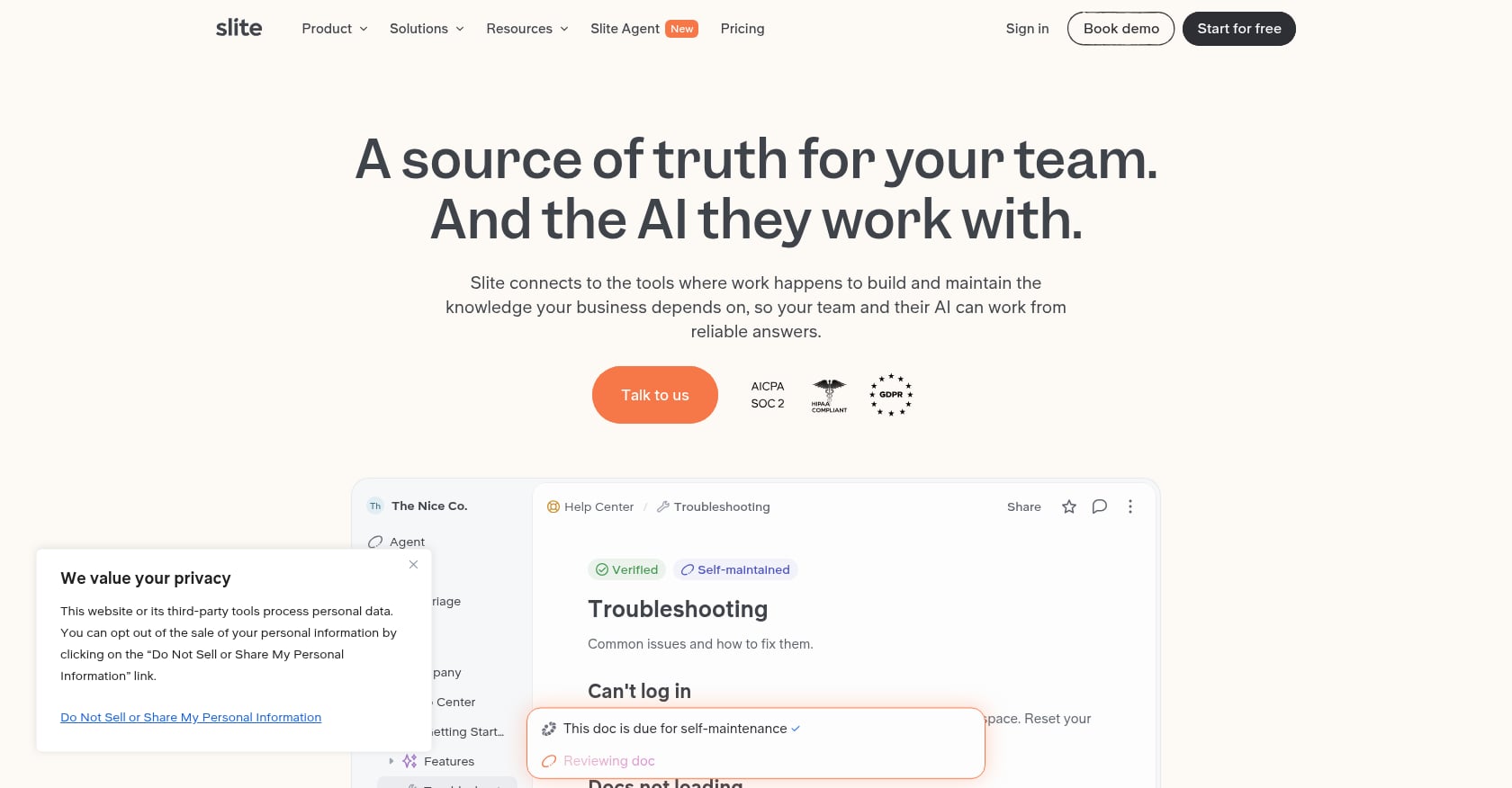
Best for: Small to mid-size teams wanting a focused, simple knowledge base with AI Q&A.
Slite positions itself as the clean, minimal alternative in the AI knowledge management tools space. The interface is designed for teams that just want to write, organize, and search documentation without the complexity of a full workspace platform.
Pricing:
- Basic: $10/user/month (billed yearly)
- Pro: $20/user/month (billed yearly)
- 14-day free trial, no permanent free plan
Some sources still reference a Standard tier at $8/user/month that includes unlimited docs, AI search, document verification, and core collaboration features. The catch at that tier: 30 AI questions per user per month.
Key features:
- Ask AI for natural language search across your knowledge base
- Document verification with scheduled review reminders
- Slite Agent for automated Q&A
- Clean, simple interface (G2 ease-of-use score of 9.3/10)
- Quick onboarding with minimal setup
Limitations:
- 30 AI questions per user per month on the Standard plan is restrictive for heavy users.
- No meeting transcription, no task management, no communication features.
- No permanent free plan, only a trial.
- Pure documentation tool. You still need a separate stack for everything else.
For the conversation-to-knowledge pipeline, teams using Slite would need to pair it with separate tools for meetings, chat, and task automation, which adds cost and friction.
7. Microsoft Copilot for M365
Best for: Organizations deeply invested in Microsoft 365 who want AI layered across Word, Excel, Teams, and SharePoint.
Microsoft Copilot embeds AI assistance across the entire M365 suite. It can draft documents in Word, analyze data in Excel, summarize Teams meetings, and search across SharePoint. For knowledge management, the primary value is unified AI search and summarization across your Microsoft ecosystem.
Pricing:
- Copilot for M365 Business: $18/user/month (annual) or $25.20/user/month (monthly)
- Copilot for M365 Enterprise: $30/user/month as an add-on to a qualifying base license
- True all-in cost: $30-90/user/month depending on base plan plus Copilot
Key features:
- AI search and summarization across SharePoint, OneDrive, Teams, and Outlook
- Document generation and editing in Word, PowerPoint, and Excel
- Meeting summarization in Teams
- Copilot Studio for custom agent creation
- Enterprise-grade compliance and security
Limitations:
- Only searches within the M365 ecosystem. If your knowledge lives in Slack, Notion, or Google Workspace, Copilot can’t reach it.
- Expensive all-in when you factor in the base license cost on top of the Copilot add-on.
- Not a standalone knowledge management tool. It’s an AI layer on productivity software.
- Practitioners on Reddit note that agent-pricing fragmentation between 2025 and 2026 has made the true cost confusing.
8. Document360
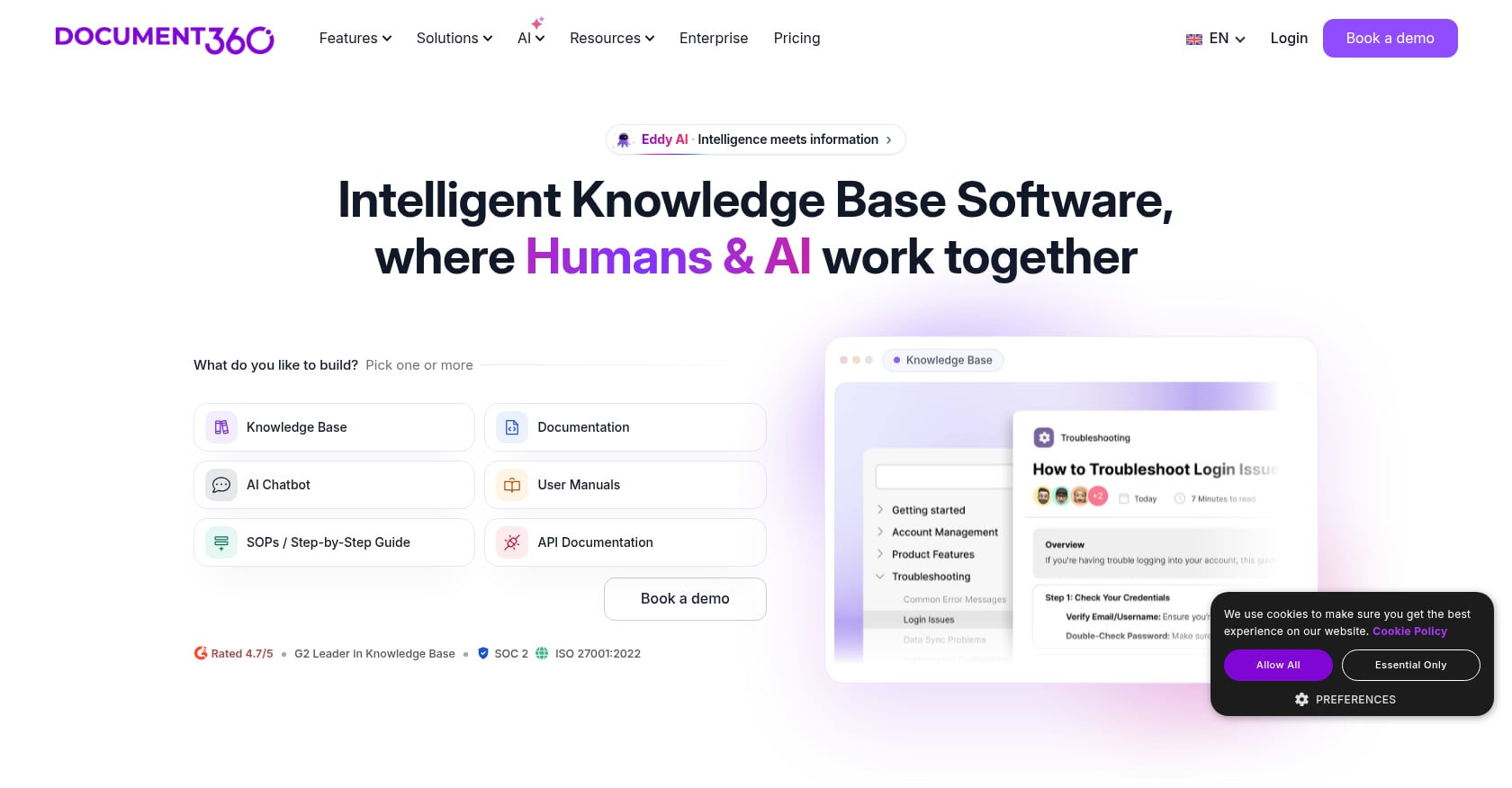
Best for: Mid-market to enterprise teams building structured customer-facing documentation with approval workflows.
Document360 is a knowledge base platform designed for customer help centers, internal handbooks, and API documentation. It includes AI search (via its “Eddy AI” feature) and review workflows for content governance. This is a publishing-oriented tool rather than a team collaboration platform.
Pricing:
Document360 moved to fully hidden, sales-led pricing in late 2024. Based on independent estimates, the Professional tier runs approximately $199-249/project/month, and the Business tier around $399-499/project/month. Note: per-project fees mean every new knowledge base is a separate subscription. The free tier was discontinued in November 2024.
Key features:
- Eddy AI suite for AI-powered search and content suggestions
- Approval workflows for content governance
- API documentation support with versioning
- Category-based organization for large documentation sets
- Analytics on article performance and search queries
Limitations:
- Per-project pricing is expensive for teams running multiple knowledge bases.
- AI Search is locked behind the Business tier.
- No free tier anymore.
- One Reddit user on r/SaaS stated: “I’m using Document360 as my knowledge base provider and I really don’t enjoy them and they are very expensive for what they offer.”
- Not designed for internal team communication or knowledge capture from conversations.
9. Tettra
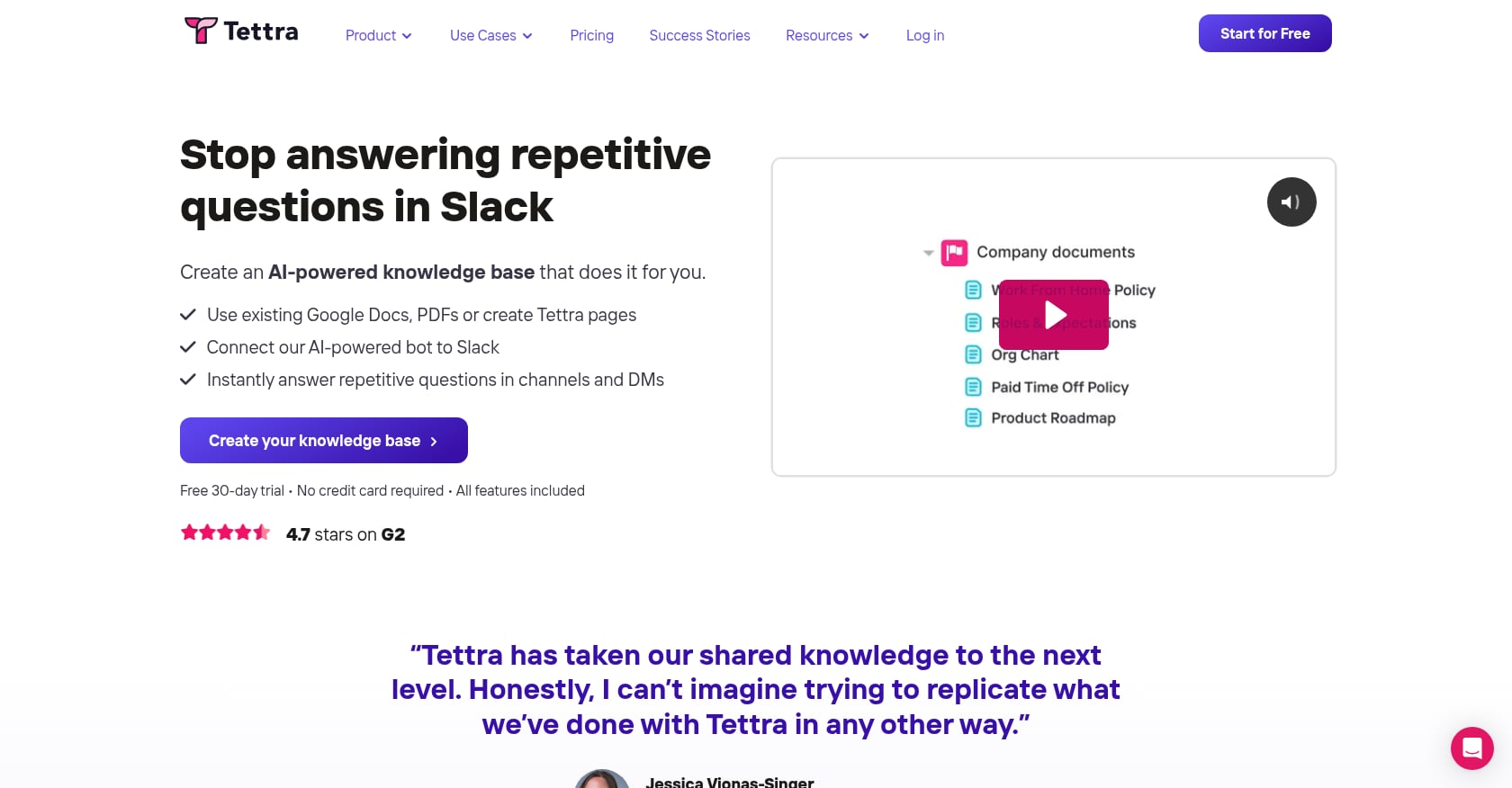
Best for: Slack-first small teams needing lightweight AI Q&A at an affordable price.
Tettra takes a narrow but effective approach. It answers questions directly in Slack through its Kai AI assistant, pulling from its wiki pages and even mining existing answers from Slack threads. For teams where Slack is the center of work, Tettra turns those scattered conversations into a searchable knowledge base without changing anyone’s workflow.
Pricing:
- Free: up to 10 users (limited features, no AI)
- Scaling: $8/user/month ($6.40/user/month billed annually)
- Professional: custom pricing
Key features:
- Kai AI bot that answers questions directly in Slack
- Wiki pages with straightforward editing
- Mines existing Slack thread answers to build knowledge automatically
- Affordable per-seat pricing for small teams
- Verification requests to keep content current
Limitations:
- The AI is most valuable if your team is Slack-centric. Teams-only shops get significantly less benefit.
- Free plan is limited to 10 users and lacks AI features.
- No meetings, no task management, no multimedia support.
- Lightweight by design, which means you’ll outgrow it as your team scales or your knowledge management needs become more complex.
How to Choose the Right AI Knowledge Management Tool
The “best” tool depends entirely on your team’s context. Here’s a decision framework:
If your knowledge lives mostly in conversations and meetings: Velozity is the only tool on this list that natively captures knowledge from meetings, transcribes it, extracts action items, and routes them into tasks. Most other tools require you to manually document what was discussed, which is the step where knowledge dies. Teams building collaborative workspace solutions for remote and hybrid work will find this approach particularly valuable.
If you’re already locked into an ecosystem: Notion AI makes sense for Notion shops. Confluence + Rovo is the obvious choice for Atlassian teams. Microsoft Copilot fits M365-heavy organizations. Switching ecosystems just for better AI is rarely worth the migration cost.
If you need enterprise-wide search: Glean is purpose-built for large organizations with knowledge scattered across dozens of tools. Budget $60K+ annually.
If you want governed, verified knowledge: Guru’s verification workflows are the strongest in the category. Pair it with your existing communication and meeting tools.
If you’re a small team on a budget: Tettra (Slack-first) or Slite (clean documentation) both work under $10/user/month. Accept that you’ll need separate tools for everything else.
Practitioners on Reddit consistently report the most success when they master 2-3 specialized tools rather than spreading thin across 10 generic ones. The question is whether those 2-3 tools can be consolidated into one.
The Hidden Cost of Tool Fragmentation
Here’s a calculation most teams never do. A typical mid-stage startup pays per user for chat (Slack at $8.75/month), video meetings (Zoom at $16.99), scheduling (Calendly at $12), project management (ClickUp or Notion at $7.91-$13.49), and an AI meeting notetaker (Fireflies or similar at $14-$18). That’s $59-$69 per user per month before you even add a dedicated knowledge management layer.
The cost isn’t just financial. Every tool switch is a context switch. Every piece of knowledge that lives in one tool but needs to be acted on in another creates a gap where things get lost. The meeting transcript sits in your notetaker. The action items get manually typed into your project board. The decision context never makes it into the wiki. Three months later, nobody remembers why a choice was made.
For a deeper look at how much a virtual office setup actually costs, that breakdown helps quantify where consolidation saves real money.
This is the core argument for unified AI knowledge management tools: not that any single feature is better than the best-of-breed alternative, but that the handoffs between tools are where knowledge, time, and money disappear.
The Conversation-to-Knowledge Gap
The biggest blind spot in the AI knowledge management category is the gap between where knowledge is created and where it’s stored. Most tools assume knowledge starts as a document. In reality, it starts as a conversation.
A product decision gets made on a video call. A client shares requirements in a meeting. A team lead explains a process during a standup. If nobody writes it down (and let’s be honest, nobody does consistently), that knowledge evaporates.
Practitioners across Reddit forums confirm this pattern. AI tools can now extract action items from meetings reliably, but the pipeline from meeting transcript to assigned task in your project management system remains the core gap. The tools that close this loop, turning conversations into structured, searchable, actionable knowledge automatically, represent the next generation of AI agents functioning as team members rather than passive databases.
41% of knowledge management teams now prioritize AI adoption. The teams seeing the biggest gains aren’t just adding AI search to their existing documentation. They’re rethinking the entire knowledge lifecycle from capture through execution.
Explore Velozity’s AI Office approach to see how the conversation-to-execution pipeline works in practice.
Frequently Asked Questions
What is an AI knowledge management tool?
An AI knowledge management tool uses artificial intelligence to help organizations capture, organize, search, and act on their collective knowledge. Unlike traditional knowledge bases that rely on manual documentation and keyword search, AI-powered tools offer semantic search (understanding intent, not just matching words), automatic content generation from meetings and conversations, verified answers with source citations, and in some cases, autonomous agents that can execute tasks based on organizational knowledge.
How much do AI knowledge management tools cost?
Prices range widely. Free tiers exist for tools like Velozity, Tettra, and Confluence. Mid-range tools like Slite, Notion AI, and Guru run $8-25/user/month. Enterprise platforms like Glean start at $50-75/user/month with minimum contracts around $60,000/year. Microsoft Copilot adds $18-30/user/month on top of existing M365 licenses. Document360 uses per-project pricing starting around $199/project/month.
What’s the difference between AI knowledge management and enterprise search?
Enterprise search (like Glean) focuses on finding information across existing tools. AI knowledge management is broader: it includes capturing knowledge, organizing it, keeping it verified and current, making it searchable, and ideally connecting it to workflows and tasks. The best AI knowledge management tools do both search and the full knowledge lifecycle.
Can AI knowledge management tools replace wikis?
For many teams, yes. Tools like Notion AI, Guru, and Slite function as wiki replacements with AI search layered on top. The advantage over traditional wikis is that AI can surface answers without requiring users to know where to look, and verification features help prevent content from going stale.
Which AI knowledge management tool is best for small teams?
For small teams under 15 people, Tettra (free up to 10 users, $8/user/month after) and Slite ($8-10/user/month) offer focused knowledge base features at reasonable prices. Velozity’s free tiers across all modules make it viable for small teams that also want to consolidate chat, meetings, and task management into one AI collaboration tool for teams.
Do AI knowledge management tools work with Slack and Microsoft Teams?
Most do, but the depth of integration varies. Tettra is built specifically around Slack. Glean indexes both Slack and Teams. Guru delivers answers through a browser extension that works alongside any platform. Velozity includes its own built-in chat with AI, removing the need for a separate Slack or Teams subscription. Check each tool’s specific integrations during a trial before committing.
How do AI knowledge management tools handle data privacy?
This varies significantly by vendor. Enterprise tools like Glean and Microsoft Copilot maintain permission-aware search (only showing users what they’re authorized to see). Velozity’s AI features are opt-in with no model training on user data. Always review the specific privacy policy and data handling practices for any tool you’re evaluating, especially if your organization handles sensitive information.
What’s the biggest mistake teams make when adopting AI knowledge management tools?
Buying a tool without assigning content governance. Every AI knowledge management tool, no matter how advanced, is only as good as the knowledge it has access to. Practitioners consistently report that the tools that fail are the ones nobody feeds. Before you commit, make sure someone owns the process of adding, verifying, and pruning content. The AI handles retrieval brilliantly. Curation is still a human job.