
TL;DR
Most AI collaboration tools only solve a piece of the puzzle: chat, meetings, tasks, or notes. The result is a fragmentation problem that costs Fortune 500 companies $161 billion a year. This guide ranks 8 tools by workflow coverage, real pricing (including hidden AI add-ons), honest tradeoffs, and what actual users say. Teams wanting a single workspace that covers everything from live presence to AI-powered task execution should start with Velozity. Teams with narrower needs will find strong options in Slack, Zoom, ClickUp, and others.
The $161 Billion Problem Nobody Talks About
Here is a number that should make every team lead uncomfortable: coordination failures cost Fortune 500 companies $161 billion each year, according to Atlassian’s State of Teams 2026 report. They call it the “fragmentation tax,” and it’s growing faster than most companies realize.
The root cause isn’t laziness or bad management. It’s tools. Employees switch between apps more than 1,100 times daily. Ninety-one percent of organizations use at least one AI-powered tool, yet 87% of knowledge workers say they lack the time or capacity to coordinate because everyone is stuck in execution mode.
The irony is sharp: 89% of executives say AI has made their people faster, but only 6% can point to clear, organization-wide ROI. AI is speeding up individuals while leaving teams fragmented.
True AI collaboration doesn’t mean bolting AI features onto siloed apps. It means embedding AI into the team workflow, from conversation to decision to execution, in one place. That’s the lens this guide uses to evaluate every tool on this list.
For a deeper look at how AI agents fit into team structures, see this guide on human-AI collaboration models.
Start free with Velozity’s AI Office, no credit card required.
At-a-Glance Comparison Table
| Tool | Category | Starting Price | AI Cost | Best For | Free Tier? |
|---|---|---|---|---|---|
| Velozity | All-in-one AI Office | $0; Pro from $6.99/user/mo | Included in tiers | Teams replacing 5+ tools | Yes |
| Slack | Team chat | $7.25/user/mo | Requires $15/user Business+ | Channel-based teams | Yes (limited) |
| Zoom Workplace | Video meetings | $13.33/user/mo | Included; add-ons from $12/mo | Meeting-heavy teams | Yes (40-min cap) |
| ClickUp | Project management | $7/user/mo | +$9–$28/user add-on | Task-centric teams | Yes |
| Notion | Docs/wiki | $10/user/mo | Requires $20/user Business | Documentation-first teams | Yes (limited AI) |
| Asana | Project management | $10.99/user/mo | Metered (5 req/user/mo) | Portfolio management | Yes (10 users) |
| monday.com | Work management | $9/seat/mo (3-seat min) | Credit-based add-on | Visual board-based teams | Yes (2 seats) |
| Fireflies.ai | Meeting transcription | $10/user/mo | Credit-based | Meeting notes only | Yes |
What to Look for in an AI Collaboration Tool
Before picking any platform, run it through these five filters.
Workflow coverage. Does the tool handle communication, meetings, tasks, and AI together? Or does it only solve one slice, forcing you to integrate (and pay for) everything else? A longitudinal study from arXiv (N=15) confirmed that most AI implementations in 2025 boosted individual tasks like coding and writing while leaving team-level collaboration issues, such as performance accountability and fragile communication, completely unresolved. Only 24% of AI implementations target team-level work, according to Atlassian’s research.
AI depth. There’s a big difference between AI that summarizes a meeting and AI that creates tasks, assigns owners, and follows up autonomously. Look for tools that move beyond passive summaries toward agentic execution.
Real pricing. The advertised price is almost never the actual price when AI is involved. You need to add up the base plan, AI add-ons, per-seat minimums, and credit systems. More on this below.
Integration needs vs. consolidation. Some teams genuinely need best-of-breed tools wired together. But for most, the overhead of managing integrations, syncing data, and training people across platforms outweighs the marginal feature depth. Practitioners on Reddit back this up: an analysis of 10,000+ SaaS-related posts found that over 42% of complaints cited tools being “too complex,” “bloated,” or “doing too many things poorly.”
Privacy and consent. AI features that record, transcribe, or analyze conversations need clear opt-in models. Check whether the vendor trains models on your data.
The 8 Best AI Collaboration Tools in 2026
1. Velozity
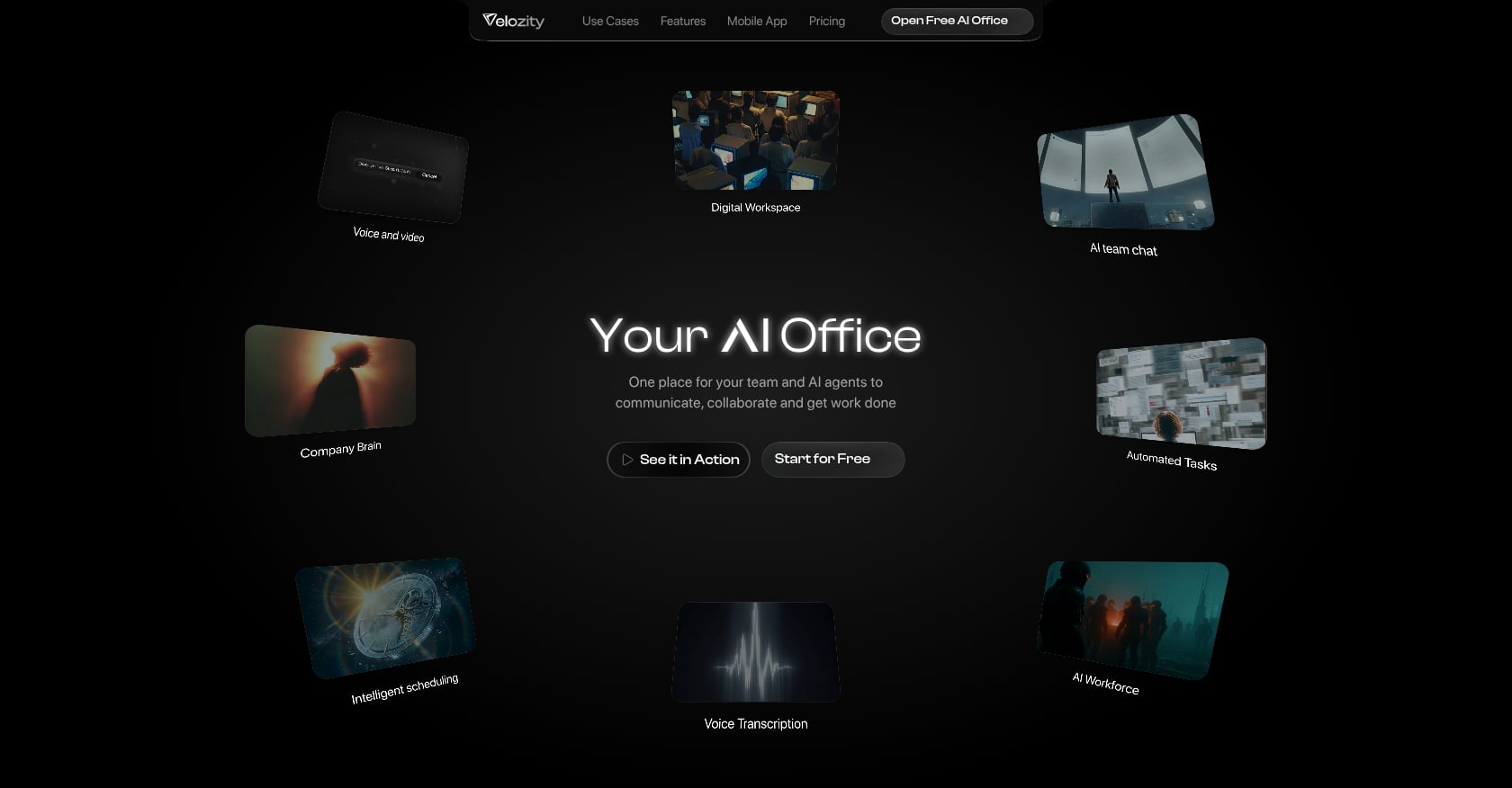
Best for: Teams replacing Slack + Zoom + Notion + Calendly + AI notetakers with one workspace
Velozity is an all-in-one AI Office that unifies live presence, chat, voice/video meetings, automatic transcription, AI-generated action items, task management, scheduling, and AI Co-Worker agents. The core idea is simple: conversation flows into execution without leaving the platform.
Key features:
- Live presence “cabins” for drop-in audio and video, no meeting links needed
- Built-in voice and video meetings with automatic transcription and AI notes
- AI Space that converts voice, text, or transcript inputs into structured, assigned tasks
- AI Co-Worker agents that execute approved actions, answer questions from your Company Brain, and run configurable “AI Missions”
- Integrated calendar and booking pages
- Team analytics, daily morning briefs, and end-of-day briefs
- Guest Pass for external collaboration without full onboarding
Pricing:
Velozity uses three modular building blocks, each with a free and Pro tier:
- Workspace: Free ($0) or Pro ($6.99/user/month)
- AI Space: Free ($0) or Pro ($7.99/user/month)
- Co-Worker: Free ($0) or Pro ($15/user/month)
Teams can mix free and Pro seats. Not everyone needs every paid tier, which keeps costs manageable for smaller teams.
Compare Velozity’s full pricing and the savings against a typical SaaS stack.
What users say:
User stories on Velozity’s site report 97% less tool switching, $214 saved per user per month, and 4x quicker team coordination. The platform is early-stage (G2 profile exists with 0 reviews as of mid-2026), so independent review data is still building.
Tradeoffs:
- As an all-in-one tool, individual features may not match the depth of specialized best-of-breed platforms in every category
- Adopting live presence cabins requires a behavior shift from calendar-heavy workflows
- Public integrations catalog is not yet prominently documented; teams should verify specific third-party needs during the 30-day free trial
- Still building its review footprint on third-party sites
Verdict: Velozity is the strongest pick for teams that recognize the fragmentation tax and want AI collaboration that spans the full workflow, not just one layer. It’s especially compelling for startups and lean remote teams where every dollar and every context switch counts. Teams heavily invested in a single ecosystem (Salesforce, Microsoft 365) and needing deep enterprise integrations should verify compatibility first.
For more on how this kind of AI collaboration tool works for teams, see the detailed breakdown.
2. Slack
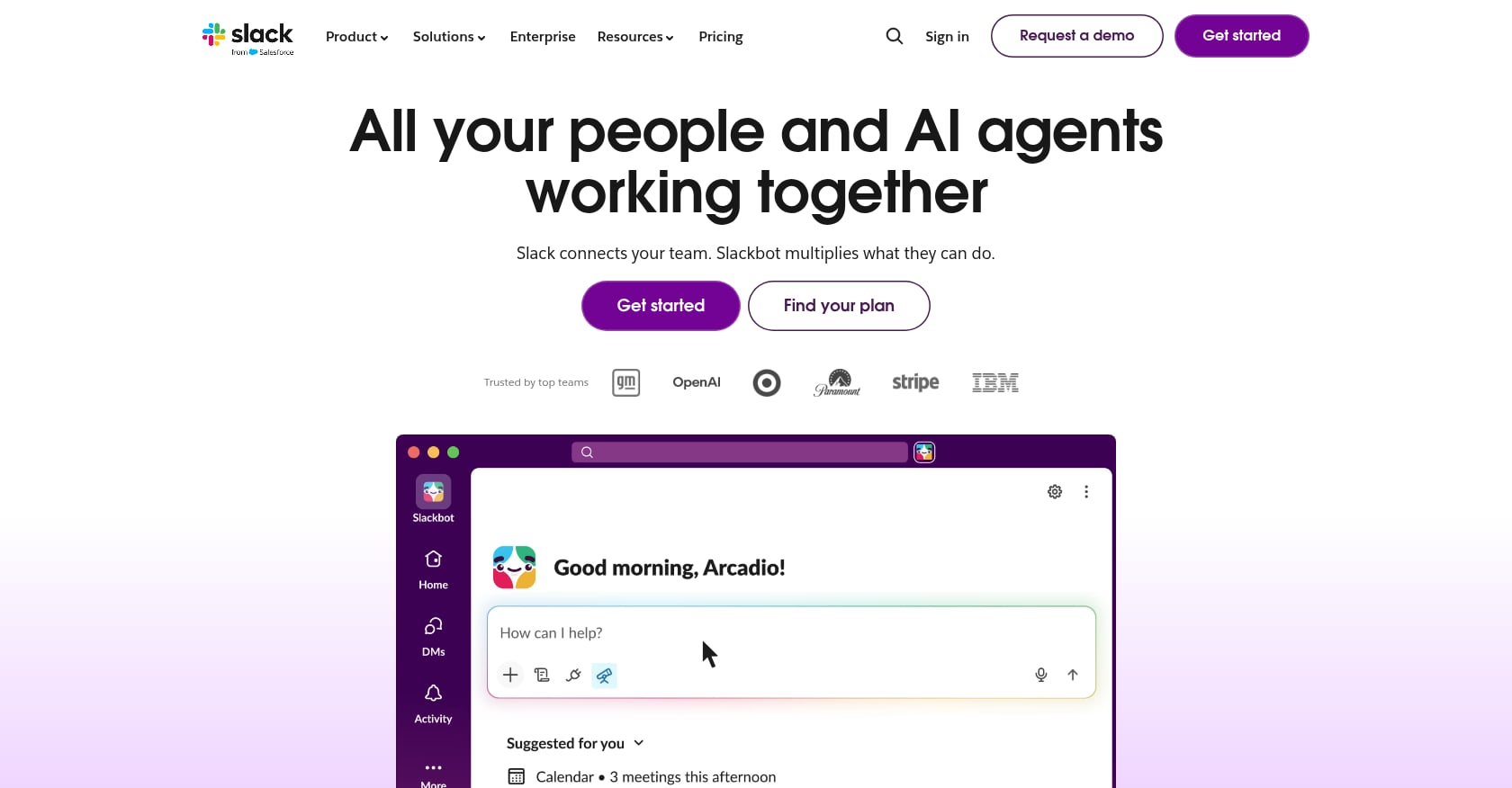
Best for: Teams whose coordination lives in channels and threads
Slack is the default team chat tool for millions of organizations, and its AI features have gotten stronger. AI can now summarize channels, threads, and huddles, and AI-powered search surfaces context beyond simple keyword matches.
Key features:
- Channel-based messaging with threads, huddles, and clips
- AI summaries of conversations and threads
- AI-powered search that understands context
- Extensive app marketplace with 2,600+ integrations
- Workflow Builder for simple automation
Pricing:
- Free: 90-day message history
- Pro: $7.25/seat/month (annual)
- Business+: $15/seat/month (annual), required for advanced AI
What users say:
Slack enjoys a ~4.5/5 rating on G2 with over 55,000 reviews. However, practitioners on forums note the “upgrade tax”: for a team on Pro that just wants AI features, moving to Business+ roughly doubles the per-seat price. That’s a significant jump for what amounts to summarization.
Tradeoffs:
- Chat-only platform. No native meetings, tasks, transcription, or scheduling
- Advanced AI requires the Business+ tier, a 107% price increase over Pro
- Agentforce AI agents cost $125/user/month as an add-on at the enterprise level
- Notification fatigue is a persistent complaint, and AI summaries only partially solve it
Verdict: The right choice for teams already deep in the Slack ecosystem who don’t mind paying for Business+ to unlock AI. Skip it if you need meetings, tasks, or transcription. You’ll end up stacking more tools on top.
3. Zoom Workplace
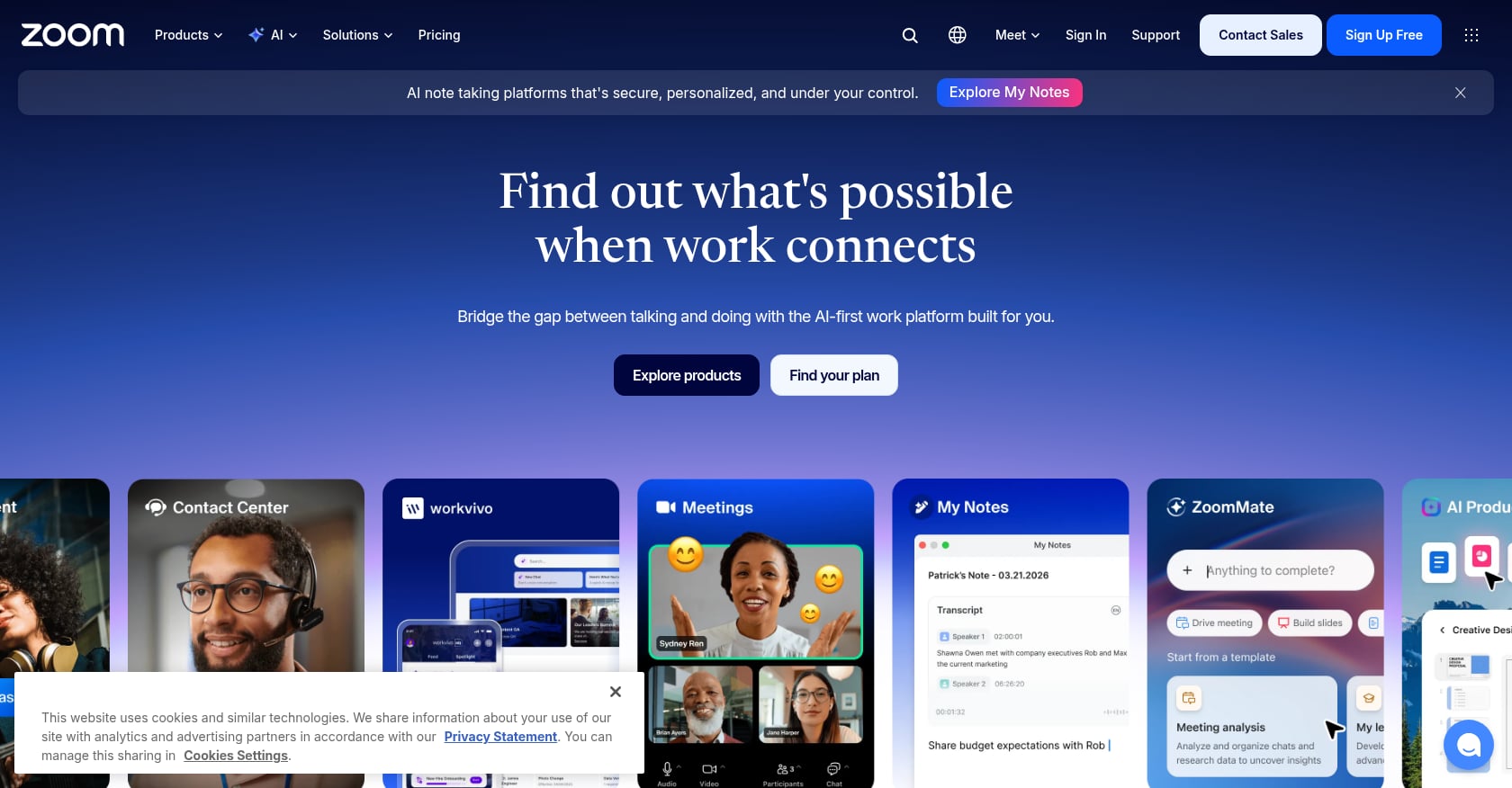
Best for: Meeting-heavy teams that need built-in AI transcription and summaries
Zoom remains the default video meeting platform for most organizations. Its AI Companion, included free on paid plans, generates meeting summaries, action items, and real-time question suggestions.
Key features:
- Video and audio meetings with AI Companion
- Automatic meeting summaries and action items
- Real-time question suggestions during calls
- Chat and whiteboard features
- AI-generated chat message drafts
Pricing:
- Free: 40-minute group meeting limit
- Pro: $13.33/user/month (annual)
- AI Companion: Included on paid plans
- Custom AI add-on (cross-platform recording): +$12/user/month
What users say:
Zoom holds a ~4.5/5 on G2 with 56,000+ reviews. Users appreciate that AI Companion is included rather than gated behind an expensive tier. The main frustration is ecosystem lock-in: AI Companion only works inside Zoom’s own apps.
Tradeoffs:
- AI Companion works only within Zoom’s ecosystem; cross-platform functionality requires the $12/month add-on
- Integrations limited to Google Drive, Microsoft OneDrive, and Slack
- No native task management or persistent team presence
- Meeting-centric. Doesn’t address what happens before or after the call
Verdict: Strong for teams running the majority of their meetings in Zoom. But if your collaboration pain extends beyond meetings into task follow-through and daily coordination, Zoom solves only one piece.
4. ClickUp
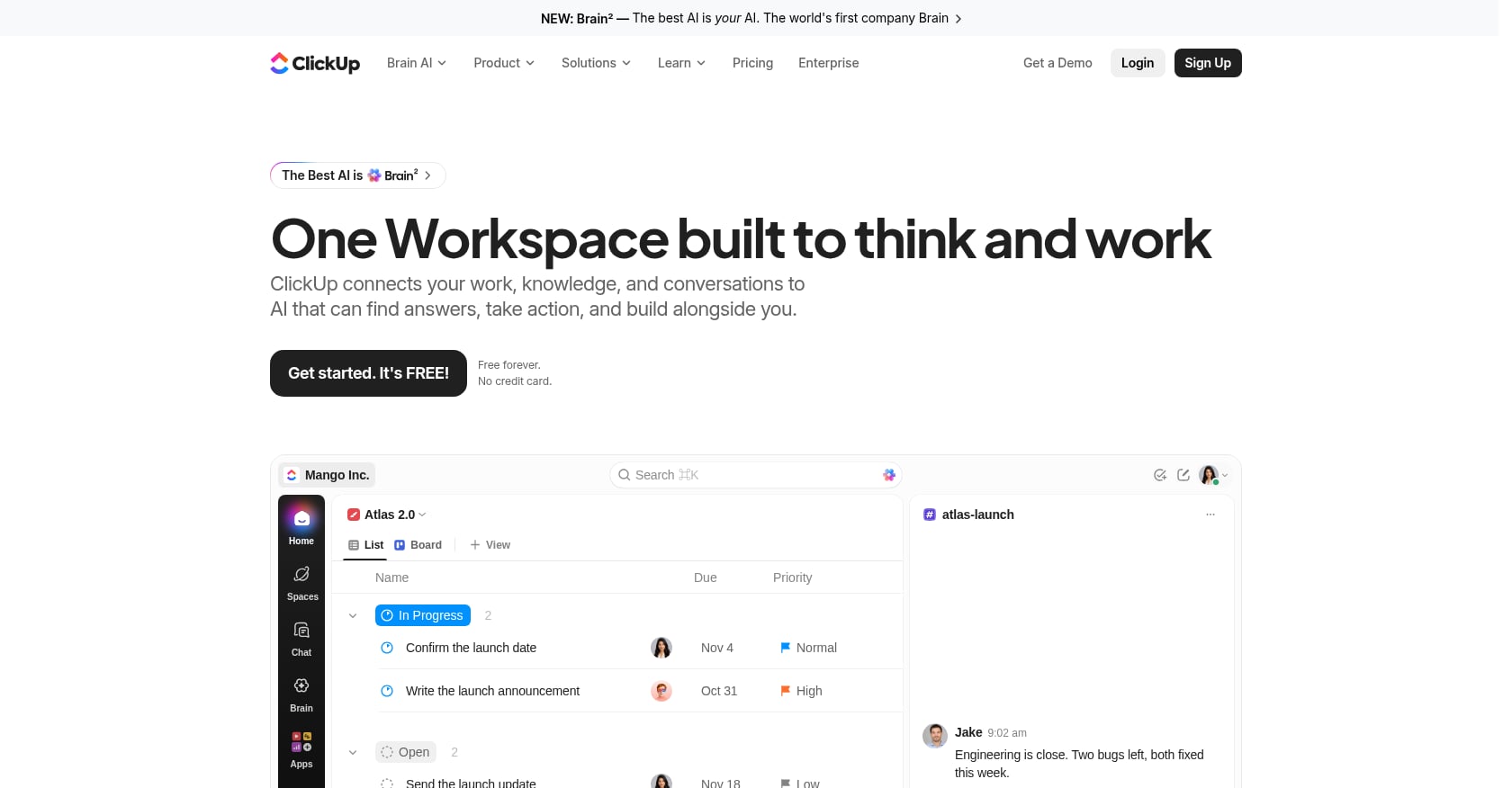
Best for: Task-centric teams wanting project management and AI writing in one space
ClickUp is a feature-dense project management platform. Its AI Brain helps with writing, summarization, and task automation. The tool tries to do everything, and for task management specifically, it does a lot well.
Key features:
- Hierarchical task management (spaces, folders, lists, tasks)
- ClickUp Docs with AI-powered writing and editing
- Multiple views (list, board, Gantt, timeline, calendar)
- Time tracking, goals, and dashboards
- AI Brain for search across workspace, writing assistance, and automation
Pricing:
- Free Forever: Limited features
- Unlimited: $7/user/month (annual)
- Business: $12/user/month (annual)
- Brain AI add-on: $9/user/month
- Everything AI add-on: $28/user/month
Here’s where it gets expensive. A Business seat ($12) plus Everything AI ($28) totals $40 per user per month, more than three times the advertised $12. And you can’t buy AI for only the people who use it; the entire workspace must be on the same AI tier. For a 20-person team where five people actually need AI, you’re still paying for all 20.
What users say:
ClickUp has a strong ~4.7/5 on G2. But the complexity complaints are real. Practitioners on Reddit frequently cite feature bloat as a reason for churning. One recurring theme: the tool tries to do so many things that onboarding takes weeks and most teams only use 30% of its capabilities.
Tradeoffs:
- AI pricing is steep and non-negotiable at the workspace level
- No native video meetings or live presence
- Steep learning curve due to feature density
- Performance can lag on larger workspaces
Verdict: Excellent for teams whose primary pain is task and project management. But for AI collaboration across the full workflow (chat, meetings, follow-up), you’ll need to pair it with other tools, which brings the fragmentation tax right back.
5. Notion
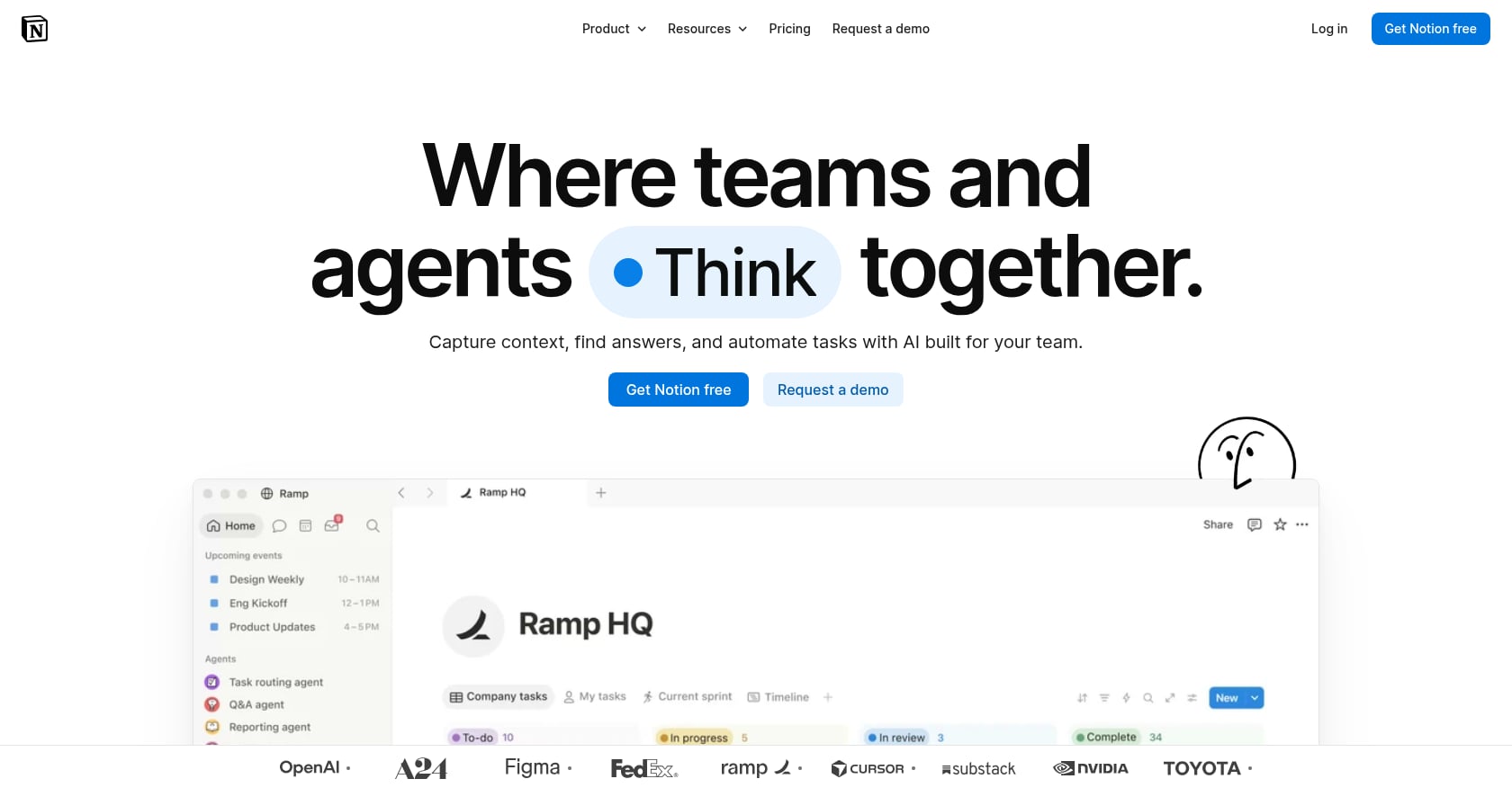
Best for: Documentation-first teams building a shared knowledge base
Notion has over 100 million users and remains the go-to for wikis, docs, and lightweight databases. Its AI features help with writing, summarization, and (on Business plans) meeting notes and enterprise search.
Key features:
- Flexible docs, wikis, and databases
- Notion AI for writing, summarizing, and Q&A
- Notion Agent for autonomous workflows (Business plan)
- AI Meeting Notes (Business plan)
- Templates marketplace with thousands of options
Pricing:
- Free: Limited blocks for teams
- Plus: $10/user/month (annual)
- Business: $20/user/month (annual), required for full AI features
The standalone Notion AI add-on was retired in May 2025 for new Free and Plus customers. Full AI capabilities now require the Business plan. As one Reddit user pointed out, for a 50-member team, that’s an extra $500/month just for AI summarization features.
What users say:
Notion’s community is passionate but divided on the AI pricing shift. Many long-time users feel priced out of features they expected to remain accessible on lower tiers. The platform’s strength remains its flexibility as a knowledge management tool.
Tradeoffs:
- Full AI locked behind the $20/user Business plan
- No native video/voice meetings, live presence, or real-time communication
- Can become unwieldy as workspace complexity grows
- Database performance slows with large datasets
Verdict: If your team’s collaboration bottleneck is documentation and knowledge access, Notion is hard to beat. But it doesn’t address communication, meetings, or task execution, so it will always be one tool among several. For a deeper comparison, see unified workspace vs. multiple apps.
6. Asana
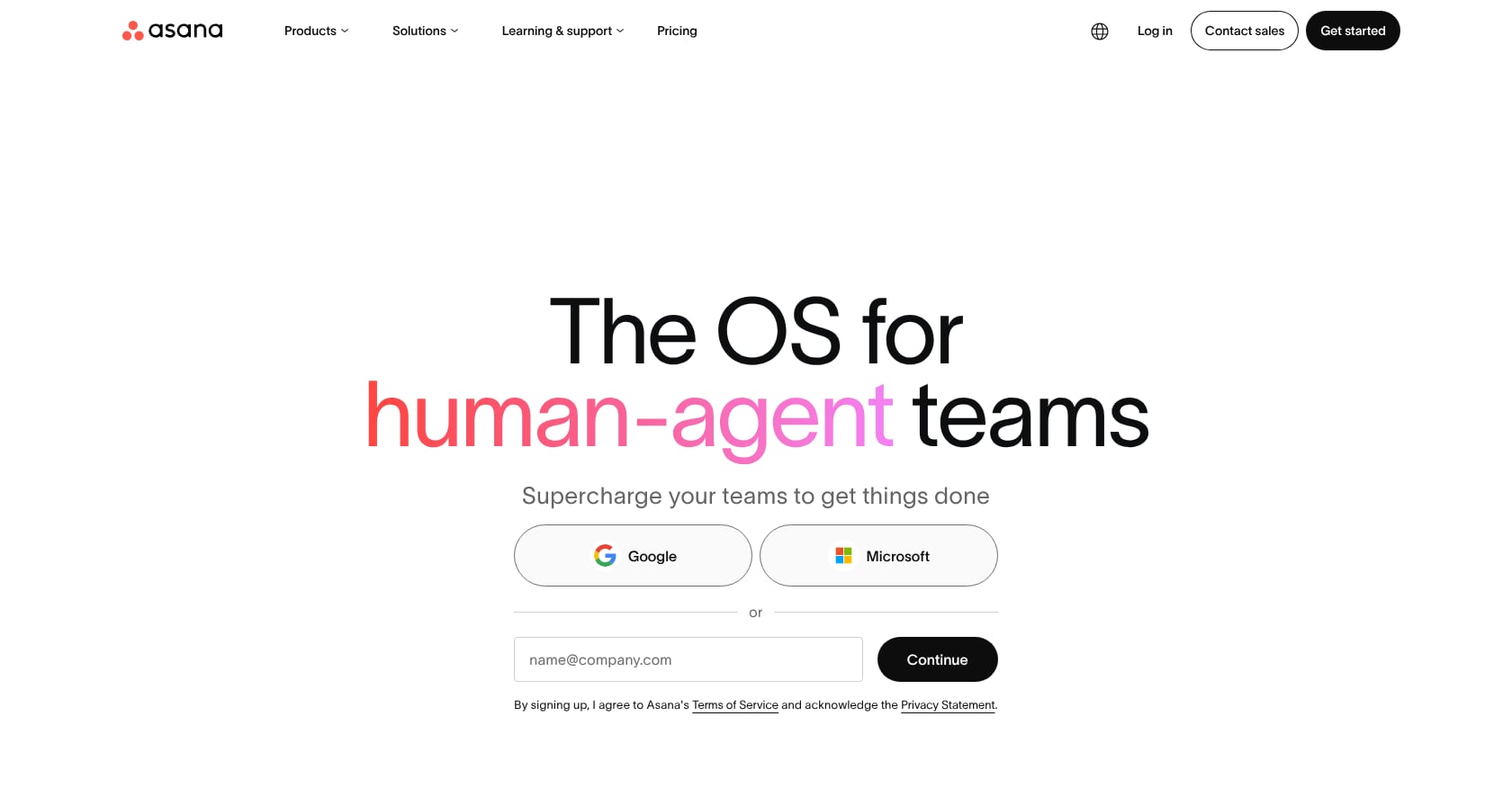
Best for: Cross-functional teams managing portfolios, goals, and complex projects
Asana excels at structured project management with clear hierarchies. Its AI Studio allows teams to build automated workflows, though usage is heavily metered on lower tiers.
Key features:
- Task, project, and portfolio management
- AI Studio for workflow automation
- Goals and milestones tracking
- Multiple project views (list, board, timeline, calendar)
- Forms and intake workflows
Pricing:
- Personal: Free (up to 10 users)
- Starter: $10.99/user/month (annual)
- Advanced: $24.99/user/month (annual), a 127% jump from Starter
- AI included on paid plans but metered: 5 AI requests per user per month, capped at 50 per account on Starter
Five AI requests per user per month is barely enough to test the feature, let alone rely on it. Teams serious about AI-powered project management will need the Advanced tier, at which point the price competes directly with full-stack alternatives.
What users say:
Asana’s project management core earns consistent praise. The AI metering frustrates power users who expected more generous limits on paid plans.
Tradeoffs:
- AI usage is heavily rationed on Starter
- No native communication, meetings, or transcription
- Advanced tier pricing is aggressive for what’s included
- Limited customization compared to ClickUp’s flexibility
Verdict: A solid pick for teams focused on portfolio-level project management. Not the right choice if you need AI collaboration that extends beyond task tracking into communication and meetings.
7. monday.com
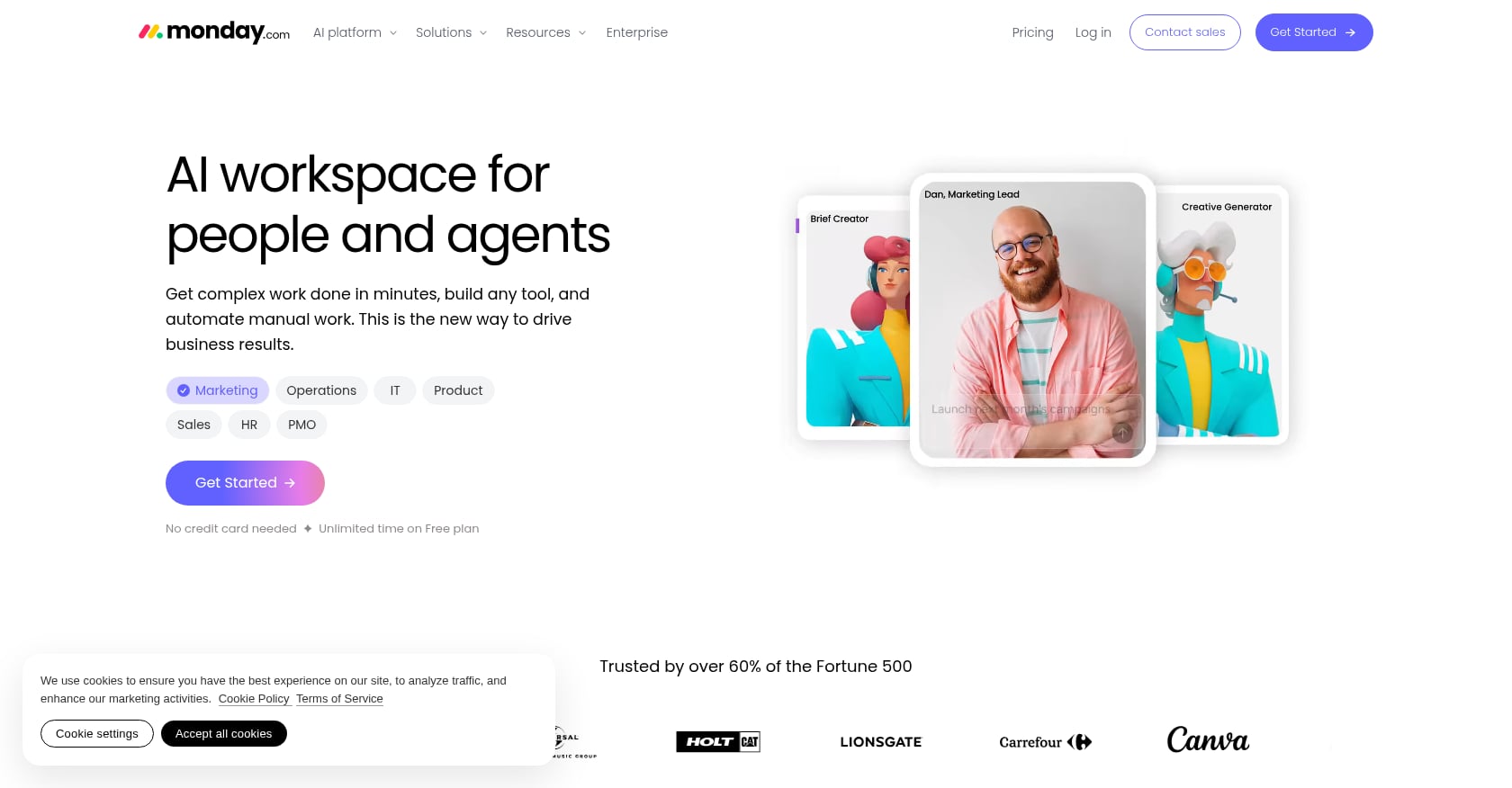
Best for: Visual, board-based work management with customizable workflows
monday.com shines at making work visible. Its colorful boards, automations, and dashboards appeal to teams that think visually. AI features are available but run on a credit-based system.
Key features:
- Customizable boards with multiple column types
- Automations and integrations
- Dashboards for cross-board visibility
- AI-powered content generation, formulas, and summaries
- Workdocs for collaborative writing
Pricing:
- Free: 2 seats
- Basic: $9/seat/month (annual)
- Standard: $12/seat/month (annual)
- Pro: $19/seat/month (annual)
- All paid plans require a 3-seat minimum
AI credits must be purchased as part of your plan and are no longer included for free. The math: 1 AI credit = $0.01, and 1 AI action consumes roughly 8 credits ($0.08). Costs are unpredictable because usage varies by team.
What users say:
Users praise the intuitive visual interface. The 3-seat minimum frustrates solo users and 2-person teams. The credit-based AI model adds a layer of cost uncertainty that many find annoying.
Tradeoffs:
- 3-seat minimum means solo users and tiny teams overpay
- AI credits create unpredictable, opaque costs
- No native meetings, communication, or transcription
- Can get expensive quickly as you add seats and automations
Verdict: Best for teams that love visual boards and need flexible work management. Not ideal for teams seeking comprehensive AI collaboration across communication, meetings, and task execution.
8. Fireflies.ai
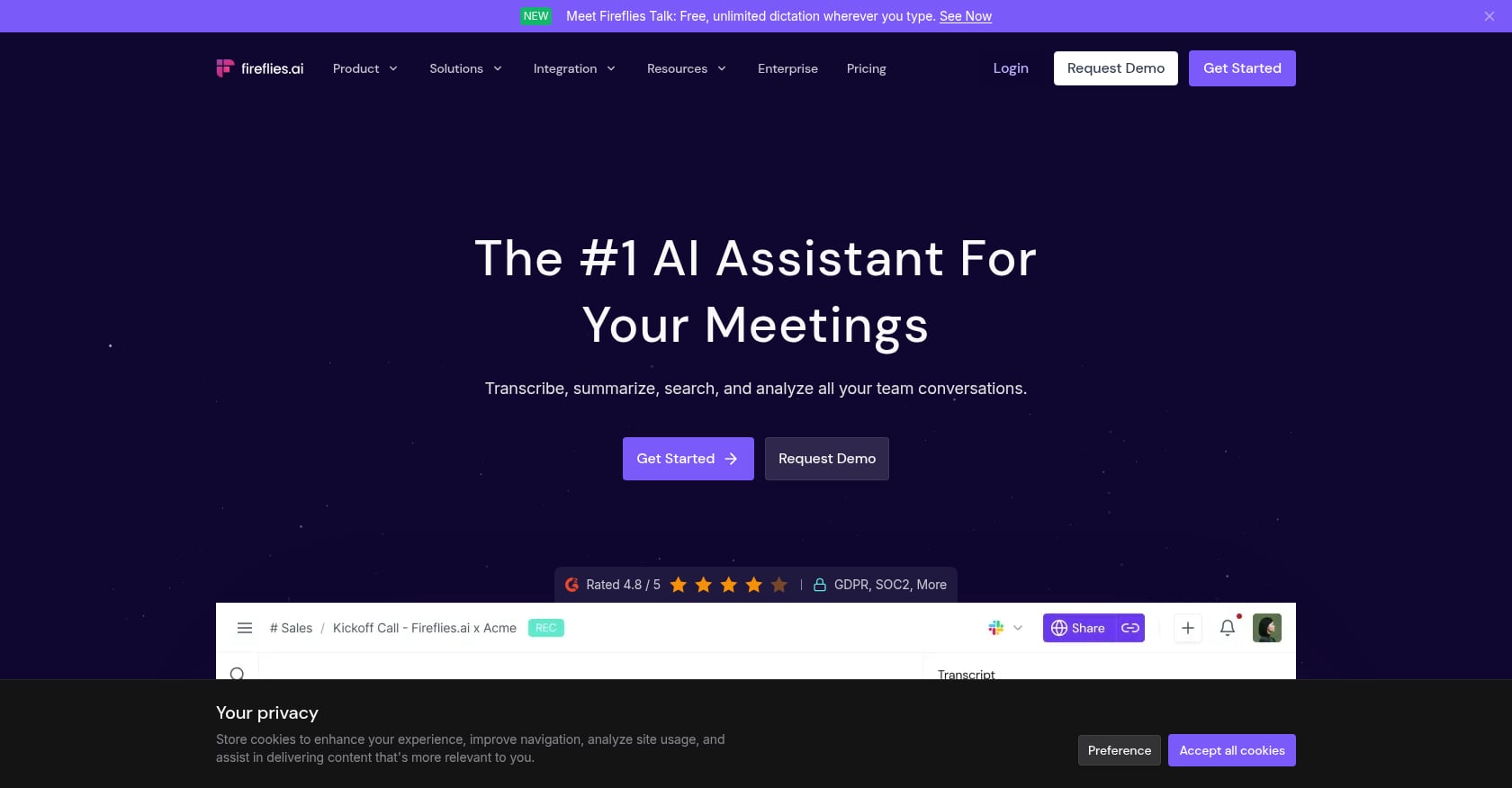
Best for: Teams that need reliable meeting transcription and CRM sync without switching meeting platforms
Fireflies.ai joins your meetings (on Zoom, Teams, Google Meet, and others), transcribes them, and generates summaries and action items. It’s a focused tool that does one thing well.
Key features:
- Automatic meeting transcription across platforms
- AI-generated summaries, action items, and topic tracking
- CRM integration (Salesforce, HubSpot)
- Searchable conversation intelligence
- API access for custom workflows
Pricing:
- Free: Unlimited transcription, 400 storage minutes per team
- Pro: $10/user/month (annual)
- Business: $19/user/month (annual)
- Enterprise: $39/user/month (annual)
What users say:
Fireflies.ai holds a 4.7/5 on G2 based on 755 reviews. After testing 20+ AI note-takers, one reviewer noted it’s not the most advanced option but “consistently makes my list of the best AI note-takers” due to its value-for-price balance. However, many users criticize the pricing model’s opacity. Complaints about hidden fees, unwanted auto-enrollment in AI credits, and buried payment settings surface regularly in reviews.
Tradeoffs:
- Smartest AI features run on a monthly credit system that can quietly run dry
- Meeting notes only. No chat, task management, presence, or scheduling
- Adding another single-purpose tool increases the fragmentation tax
- Audio-only bot presence in meetings can be distracting to participants
Verdict: A strong pick if transcription and meeting notes are your only unmet need. For teams wanting AI collaboration that connects meetings to tasks and follow-through, it’s one more tool in an already crowded stack.
The Fragmentation Problem: Why Stacking Tools Costs More Than You Think
Most teams don’t set out to build a bloated tool stack. It happens gradually. Slack for chat. Zoom for meetings. Notion for docs. Asana or ClickUp for tasks. Fireflies for transcription. Calendly for scheduling.
Let’s do the real math for a single user on mid-tier plans with AI enabled:
| Tool | Monthly Cost (per user) |
|---|---|
| Slack Business+ | $15.00 |
| Zoom Pro | $13.33 |
| Notion Business | $20.00 |
| Fireflies Pro | $10.00 |
| Asana Starter | $10.99 |
| Total | $69.32 |
That’s $69+ per user per month for partial coverage, and it doesn’t account for the time lost switching between apps, the action items that fall through the cracks between platforms, or the integration maintenance overhead.
According to research from Zoom, employees who use more than 10 applications report communication issues at a rate of 54%, compared to 34% among those using fewer than five apps. The global cost of collaboration inefficiencies reaches an estimated $1.2 trillion annually.
The generative AI collaboration market itself was valued at $6.8 billion in 2025 and is projected to grow at a 23.1% CAGR through 2035. That growth will only compound the fragmentation problem unless teams consolidate intentionally.
This is why the consolidated workspace model matters. A single platform that handles presence, chat, meetings, transcription, tasks, scheduling, and AI agents eliminates the glue code between tools. For startups watching every dollar, the savings are significant. Read more on why startups are replacing their SaaS stack to reduce this overhead.
How to Choose: A Simple Decision Path
Your best option depends on where the pain is sharpest.
If your pain is chat noise and scattered conversations: Slack is battle-tested for channel-based teams. Velozity covers chat plus meetings, tasks, and AI agents in one workspace.
If your pain is meeting follow-through: Fireflies.ai handles transcription well as a standalone tool. Velozity builds transcription directly into the workflow so meetings automatically generate assigned tasks.
If your pain is task and project tracking: ClickUp and Asana both excel at structured project management, though AI add-on costs can escalate quickly.
If your pain is documentation and knowledge management: Notion remains the strongest wiki and docs platform. For teams wanting AI-powered knowledge retrieval built into their daily workflow, Velozity’s Company Brain feature covers this without a separate tool.
If your pain is all of the above: That’s the fragmentation tax in action. A consolidated approach, one tool covering the full conversation-to-execution workflow, is the most effective fix. Companies using AI-powered collaboration tools see a 52% increase in workflow automation, but only when AI operates at the team level rather than within individual silos.
Explore collaborative workspace solutions designed specifically for remote and hybrid teams.
Try Velozity free for 30 days to see if a unified AI Office fits your team’s workflow.
Frequently Asked Questions
What is AI collaboration?
AI collaboration refers to teams using artificial intelligence tools to work together more effectively. This includes AI-powered meeting transcription, automated task creation, intelligent search across conversations and documents, and increasingly, AI agents that execute work alongside human team members. The concept covers both the tools themselves and the strategic approach of embedding AI into team workflows rather than individual tasks.
How much do AI collaboration tools cost in 2026?
Costs vary widely and are often higher than advertised. Base plans range from free to $20+/user/month, but AI features frequently require premium tiers or paid add-ons. For example, ClickUp’s full AI suite pushes a $12 Business plan to $40/user/month. Slack’s advanced AI requires a $15/user Business+ plan. A consolidated tool like Velozity starts at $0 with free tiers across all modules, with Pro plans from $6.99/user/month. See the full pricing breakdown.
Can one tool replace Slack, Zoom, and Notion?
Yes. Unified AI workspace platforms are designed to consolidate chat, meetings, transcription, docs, tasks, and AI into a single product. The tradeoff is that individual features may not match the depth of specialized best-of-breed tools, but the reduction in context switching, integration overhead, and per-user costs often outweighs that gap. For a detailed comparison, see how to replace Slack, Zoom, and Notion with one tool.
What is the AI fragmentation tax?
The fragmentation tax is a term from Atlassian’s State of Teams 2026 report describing the coordination cost that builds up when AI makes individuals faster but team-level coordination doesn’t keep pace. AI-boosted speed without matching coordination infrastructure results in misaligned priorities, duplicated work, and communication breakdowns. Atlassian estimates this costs the Fortune 500 $161 billion annually.
Are free AI collaboration tools good enough?
For very small teams or individual use, free tiers can work. Velozity, Slack, ClickUp, and Fireflies.ai all offer functional free plans. However, free tiers typically cap message history, transcription minutes, AI usage, or team size. Teams of five or more that rely on AI features daily will likely need paid plans within a few weeks of serious use.
Why do only 6% of companies see organization-wide AI ROI?
According to Atlassian’s Teamwork Lab, the disconnect comes from where AI is deployed. Knowledge workers spend 80% of their time on collaborative tasks, yet only 24% of AI implementations target team-level work. Most AI tools boost individual productivity (writing faster, coding faster) without addressing the coordination layer where most time is actually spent. Closing that gap requires AI that operates within the team workflow, not just within individual apps.