
TL;DR
The average company runs 118 SaaS apps, and teams lose about 4 hours weekly to context switching between them. AI collaboration tools have matured from simple chatbots into agentic systems that summarize, route, and execute work. This guide compares 10 options across pricing, AI capabilities, and honest tradeoffs, organized by category so you can pick the right approach (not just the right tool) for your team. If consolidation is the goal, start with an all-in-one AI workspace like Velozity. If you need a specialist, the breakdown below will point you to the right one.
The Real Cost of Running Too Many Tools
Here’s a number that should make anyone managing a team uncomfortable: employees toggle between apps roughly 1,200 times a day and lose about 9% of their work time doing it. That’s not a rounding error. It’s nearly half a day, every week, spent clicking between tabs instead of thinking.
The problem is getting worse, not better. Atlassian’s State of Teams 2026 report found that AI-driven tool fragmentation now costs the Fortune 500 $161 billion a year. And according to Zylo, 53% of SaaS licenses sit idle, wasting roughly $21 million annually at the average company. Organizations maintain 10 duplicate team collaboration apps on average.
The response to this fragmentation has been a new generation of AI collaboration tools that don’t just add a chatbot to an existing product. They rethink what collaboration software should look like when AI can transcribe, summarize, assign tasks, and push work forward without human bottlenecks. The question isn’t whether you need AI in your collaboration stack. It’s whether you need five tools with overlapping AI features, or one that covers the full workflow.
Practitioners on Reddit consistently echo this sentiment: the best remote collaboration tools solve specific pain points your team actually experiences. Generic “best tool” advice fails because every team’s workflow is different. That’s why this guide is organized by category, not ranked alphabetically.
Before jumping into the full breakdown, here’s a quick comparison.
Explore Velozity’s features to see what an all-in-one AI workspace looks like in practice.
At-a-Glance Comparison Table
| Tool | Starting Price | AI Add-on Cost | Free Tier | Best For | Key Limitation |
|---|---|---|---|---|---|
| Velozity | $6.99/user/mo | Modular: AI Space $7.99, Co-Worker $15 | Yes (all modules) | Consolidating chat + meetings + tasks + AI agents | Fewer third-party reviews (early stage) |
| Slack | $7.25/user/mo | Separate per-user add-on | Yes (limited) | Chat-first async teams | AI summarizes but won’t act |
| Notion AI | $20/user/mo (Business required) | Agent credits extra | Trial only | Doc-heavy knowledge teams | No meetings, no real-time presence |
| ClickUp | $7/user/mo | $9/user Brain add-on | Yes | Maximum task customization | Steep learning curve |
| Zoom Workplace | $14.16/user/mo | ZoomMate $20/user/mo | Yes (40-min cap) | Meeting-centric teams | Chat and tasks are bolted on |
| monday.com | $9/user/mo | Included | Yes | Visual project planning | No meetings or transcription |
| Asana | $10.99/user/mo | Included in Business | Yes (basic) | Portfolio project management | No built-in communication |
| Fireflies.ai | $10/seat/mo | AI credits metered | Yes (limited) | Meeting transcription and CRM sync | No chat, tasks, or PM features |
| MS 365 Copilot | $30/user/mo add-on | Bundled | No | Microsoft-locked enterprises | Very expensive; ecosystem lock-in |
| Miro AI | $8/user/mo | Included | Yes (basic) | Visual brainstorming and workshops | Not for ongoing collaboration |
What “AI Collaboration Tool” Actually Means in 2026
Two years ago, “AI collaboration tool” meant a chatbot that could answer questions or summarize a thread. That definition is outdated.
In 2026, AI collaboration tools fall on a spectrum. At one end, passive AI features summarize meetings and surface search results. At the other end, agentic AI systems act on your behalf: creating tasks from transcripts, drafting follow-ups, assigning work based on context, and executing multi-step workflows without you clicking a button.
A Substack practitioner captured this shift well: “Instead of asking ‘which AI tool should I use for this task,’ you start asking ‘how should my AI team handle this workflow.’” That reframe matters. The tools below range from those that bolt AI onto existing interfaces to those that build entire human-AI collaboration models from the ground up.
One more thing worth understanding: AI pricing is more confusing than ever. Notion locked full AI behind its $20/month Business plan. ClickUp Brain is a $9/user add-on. Zoom’s agentic layer (ZoomMate) costs $20/user on top of your plan. Microsoft Copilot runs $30/user on top of your M365 subscription. The true all-in cost per user matters more than the sticker price.
With that context, here are the 10 best AI collaboration tools, organized by approach.
All-in-One AI Workspaces
1. Velozity
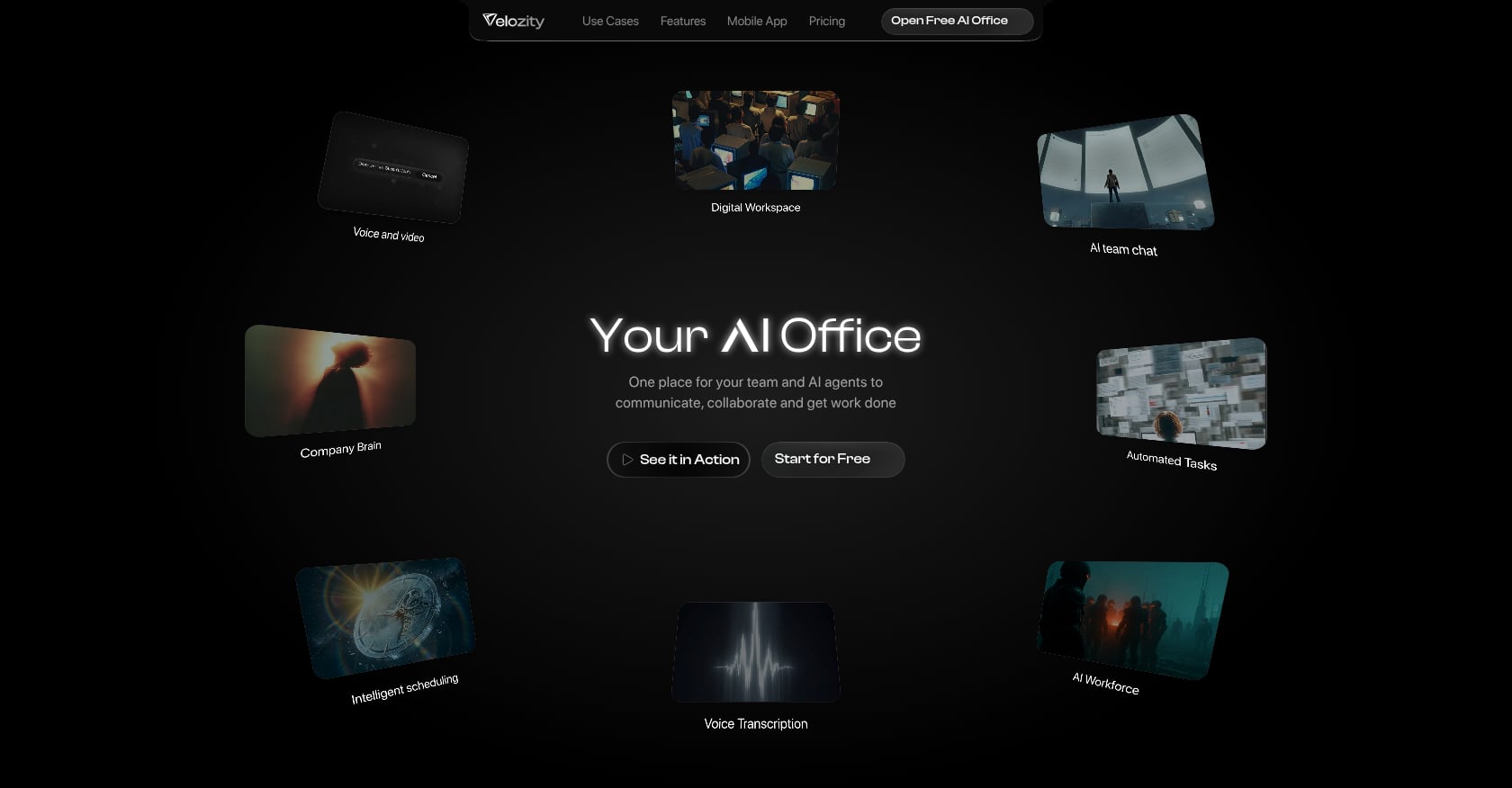
Best for: Remote-first startups and SMBs that want to consolidate 4 to 6 tools into a single AI-powered workspace.
Pricing:
Velozity uses modular pricing across three building blocks, each with a Free and Pro tier:
- Workspace (chat, presence, meetings, calendar): Free or $6.99/user/mo
- AI Space (voice-to-task, transcript-to-task, daily briefs): Free or $7.99/user/mo
- Co-Worker (AI agent that executes approved actions): Free or $15/user/mo
Not every user needs every paid module, which keeps costs flexible. A full Pro stack runs about $30/user/mo, but many teams will mix Free and Pro seats across modules.
Key AI features:
- Live presence “cabins” for spontaneous drop-in audio/video (the virtual hallway conversation that Slack and Zoom can’t replicate)
- Built-in voice and video meetings with automatic transcription
- AI-generated action items that flow directly into task boards
- AI Co-Worker that executes approved actions, not just summaries
- Company Brain for retrieval across files and conversations
- Native calendar with booking pages (replacing Calendly)
- Guest Pass for external collaborators
Why it stands out:
The pitch is simple math. If your team pays for Slack ($7.25) + Zoom ($14-18) + Notion ($20 for AI) + Fireflies ($10-19) + a PM tool ($7-11), that’s $58 to $75+ per user per month before you factor in the time cost of switching between them. Velozity aims to replace that entire stack. Reported user testimonials include $214 saved per user per month and 97% less tool switching.
Honest tradeoffs:
- As an all-in-one platform, it may not match every best-of-breed tool on advanced niche features
- The integration catalog isn’t publicly documented yet, so verify specific third-party needs during the trial
- Early G2 profile with no reviews as of mid-2026, which means less independent validation
User perspective: Reported testimonials from the Velozity site describe “10x smarter collaboration” and significantly reduced tool switching, though independent third-party reviews are still building up.
Start free with Velozity (30-day full access, no card required, plus free-forever tiers on all modules).
Communication-First Tools With AI Bolt-Ons
1. Slack
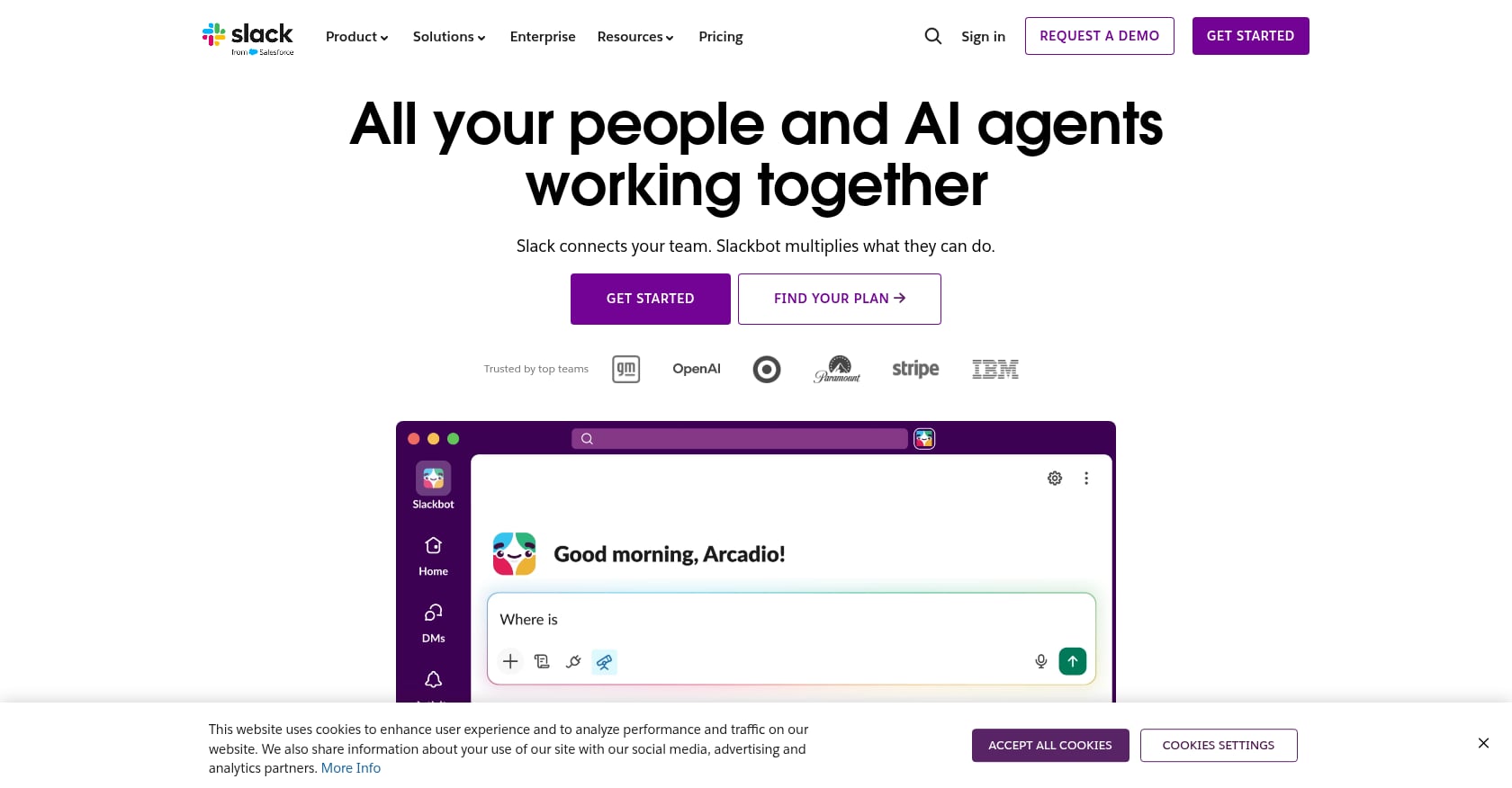
Best for: Chat-first async teams already invested in the Slack ecosystem who need better search and summaries.
Pricing: Starts at $7.25/user/month (Pro plan). Slack AI is an additional per-user add-on on top of your plan cost.
Key AI features:
- Channel and thread summaries
- AI-powered search across conversations
- Huddle transcription
Tradeoffs:
- Slack AI only works with data inside Slack. It can’t reach into your project management tool, your docs, or your CRM.
- It summarizes but won’t act. It won’t create a task, send a follow-up, or update a status based on what it finds.
- The AI add-on must be purchased for every user in the workspace, not just the ones who need it. As one Reddit user put it, while they liked the features, the price wasn’t “at all worth the price they’re asking for it,” especially since you have to subscribe for everyone.
- Slack came under scrutiny for its AI training policy, which tapped user data to train AI services and required users to email the company to opt out.
What it does well: Integrations. Slack connects to practically everything, and for teams that live in channels, the AI summaries genuinely reduce the “catch-up tax” of missing a long thread.
Not ideal for: Teams needing meetings, tasks, and AI-driven execution. Those require additional tools, which brings you right back to the fragmentation problem.
2. Microsoft 365 Copilot
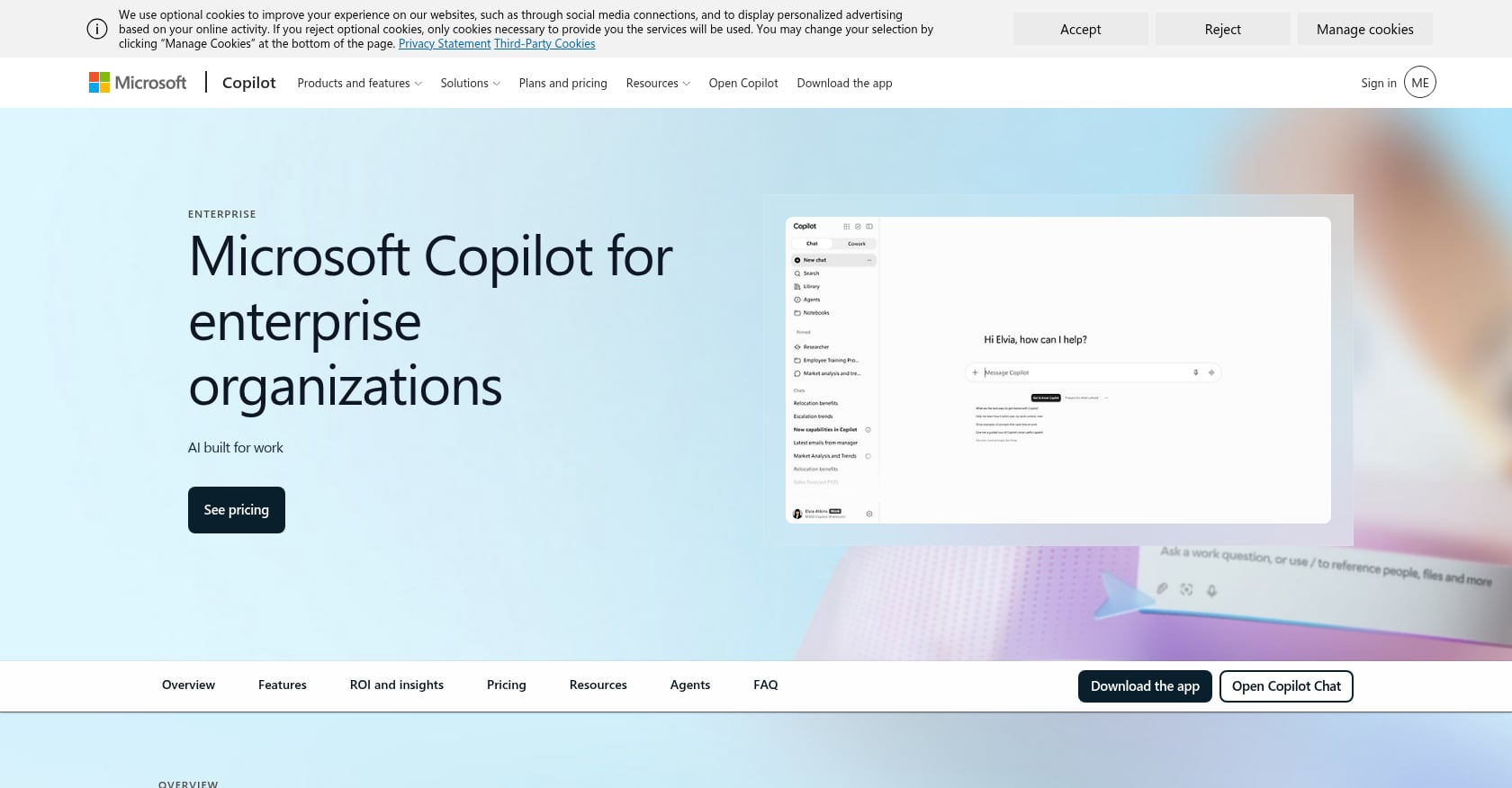
Best for: Large enterprises fully standardized on the Microsoft 365 ecosystem.
Pricing: $30/user/month as an add-on to your existing Microsoft 365 subscription. There is no free tier for Copilot itself.
Key AI features:
- Meeting recaps and action items in Teams
- Drafting in Word, Excel, PowerPoint, and Outlook
- Cross-app data grounding via Microsoft’s Semantic Graph
Tradeoffs:
- At $30/user/month on top of your M365 license, it’s the most expensive option on this list by a wide margin
- Locked to the Microsoft ecosystem. If your team uses non-Microsoft tools for any part of the workflow, Copilot can’t reach them.
- Overkill for SMBs and startups that don’t need (or want) the full Microsoft stack
What it does well: For organizations already paying for M365 E3 or E5, Copilot adds meaningful productivity across every Microsoft app. The Semantic Graph means it can pull context from emails, documents, and meetings simultaneously.
Task and Project Tools With AI Layers
1. ClickUp
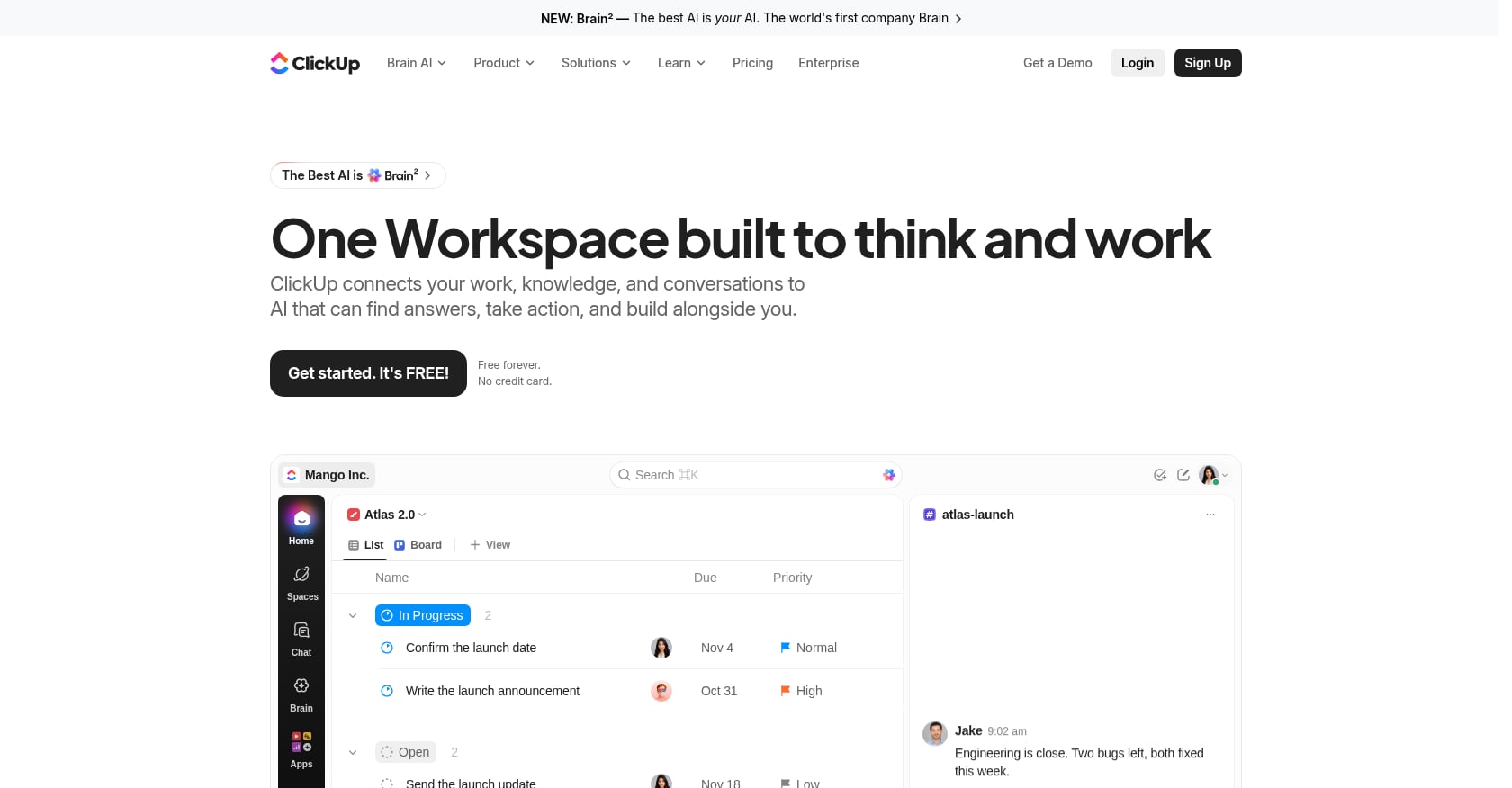
Best for: Teams wanting maximum task management customization with an AI layer on top.
Pricing: Starts at $7/user/month. ClickUp Brain, the AI add-on, costs $9/user/month extra, which can nearly double the per-seat cost.
Key AI features:
- AI-powered task creation and summarization
- Natural language automation setup
- Meeting notes with attendees, summaries, key takeaways, and action items
- Formula and document generation
Tradeoffs:
- The learning curve is real. “Learning Curve” is the second most-cited complaint on G2, with 1,752 mentions. Ease of Setup scores 8.2/10, the lowest of all measured G2 metrics.
- The G2/Trustpilot split is notable: 4.7/5 on G2 from 11,500+ reviews, but 3.6/5 on Trustpilot
- No built-in video conferencing. You still need Zoom or another meeting tool.
- The median time to ROI across G2 reviewers is 11 months, suggesting productivity gains take time to materialize.
User perspective: One product manager shared on G2: “I feel insecure when I use ClickUp. Somewhere in the back of my mind, I fear losing tasks just because after a couple of weeks of using ClickUp on an everyday basis I still feel that I don’t have control over it.” Meanwhile, another user was genuinely impressed by the AI meeting notes, calling them comprehensive with attendees, summary, key takeaways, and next steps.
A G2 reviewer also noted that “the AI features are useless but since I haven’t seen real usages of it maybe my opinion is a little radicalized.” The takeaway: ClickUp Brain’s value depends heavily on how intentionally your team uses it.
2. monday.com
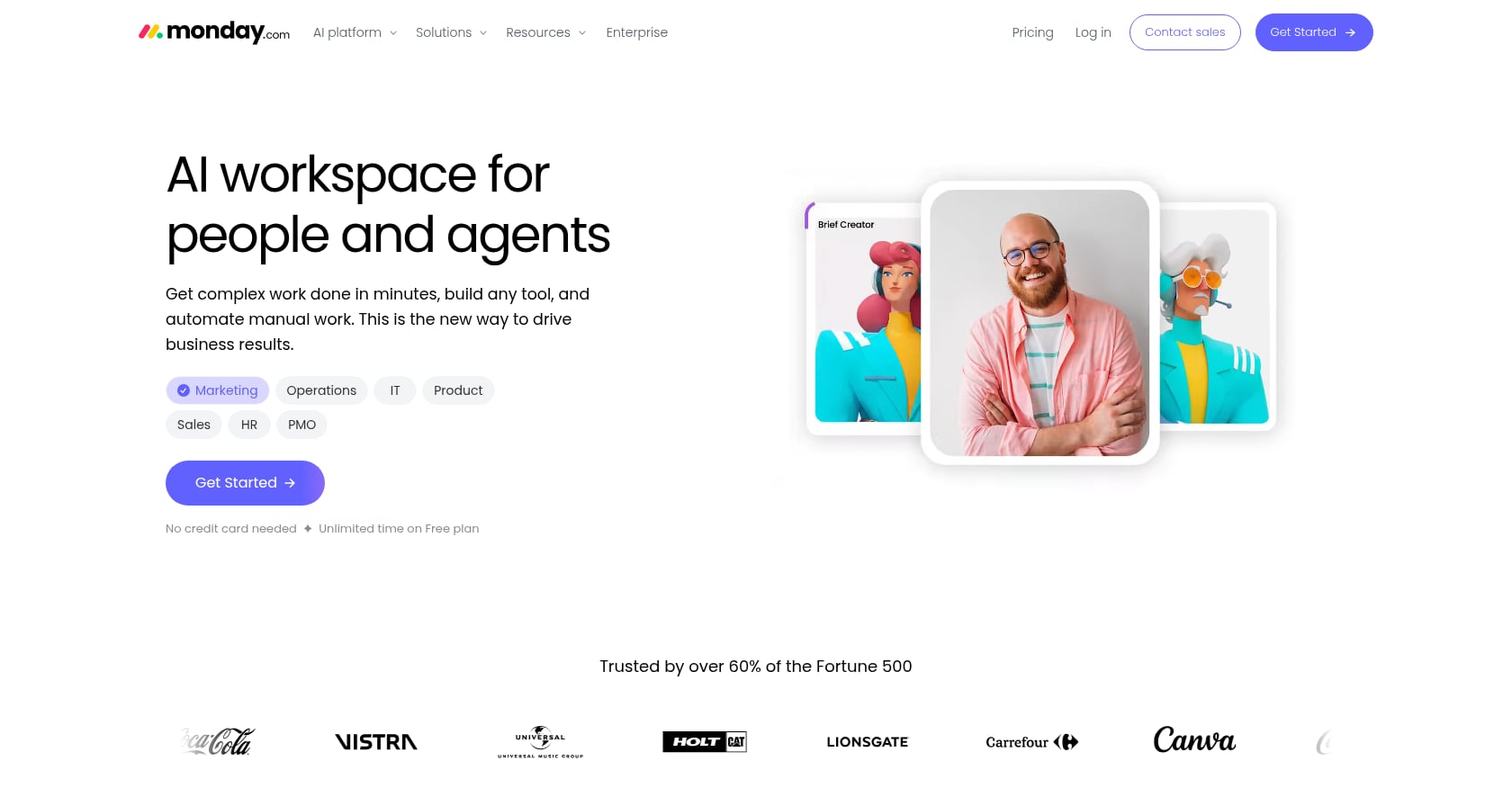
Best for: Visual project planning teams, operations, and CRM-adjacent workflows.
Pricing: Starts at $9/user/month with AI features included (no separate add-on).
Key AI features:
- NLP task classification
- Formula generation
- Email drafting and status updates
- AI-assisted workflow automation
Tradeoffs:
- No built-in meetings or transcription. Communication happens elsewhere.
- Primarily a work management tool, not a collaboration hub. Chat is limited.
- The visual board approach works great for some workflows and feels restrictive for others.
What it does well: Ease of setup. monday AI Work Platform scores 8.8 on G2’s Ease of Setup metric (compared to ClickUp’s 8.2), making it one of the fastest tools to get running. Including AI in the base price instead of charging an add-on is also a welcome move. For teams that need AI-powered task automation within a visual framework, it’s a strong pick.
3. Asana
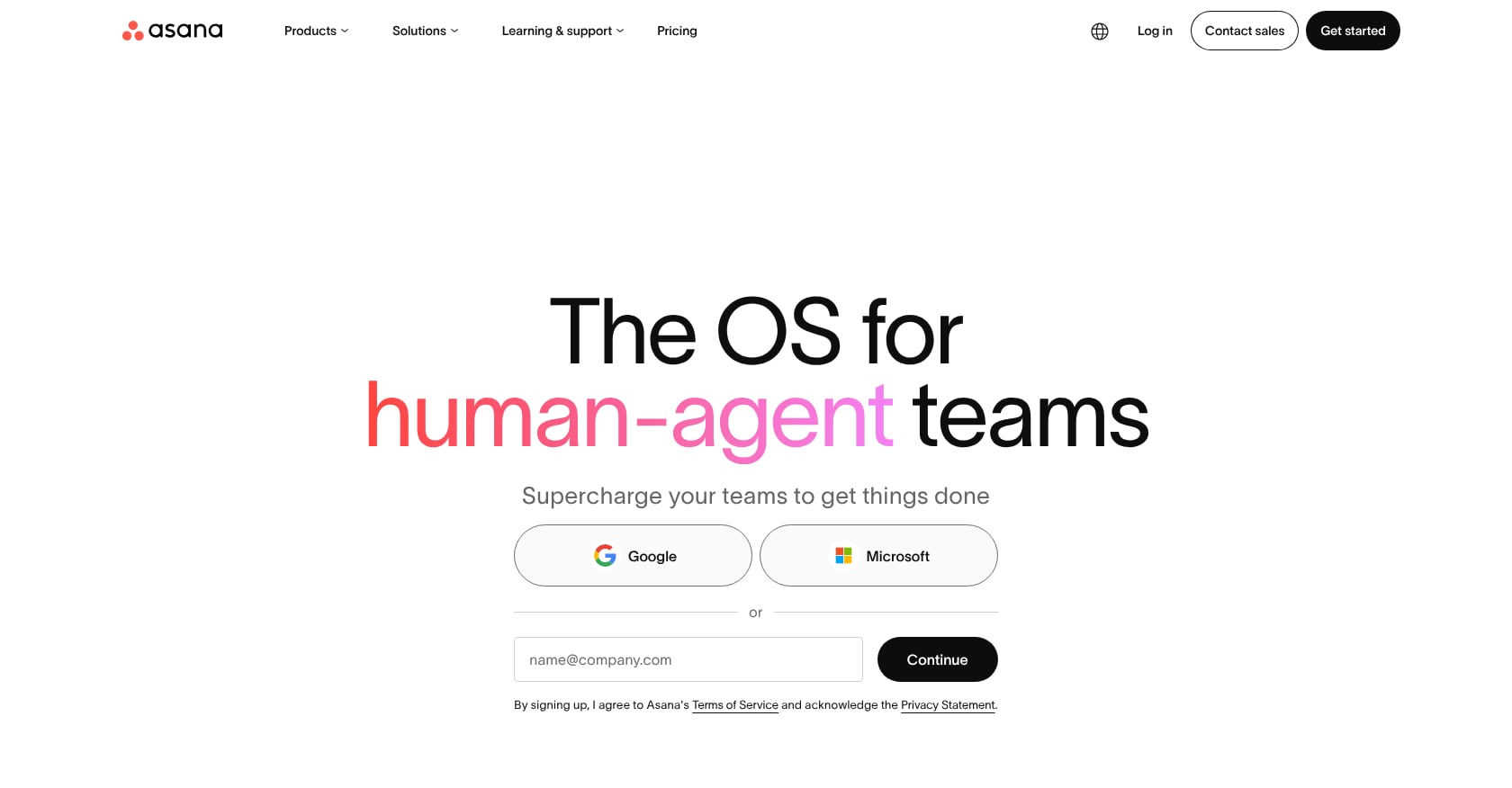
Best for: Cross-functional project management with portfolio-level visibility and AI-powered forecasting.
Pricing: Starts at $10.99/user/month. AI Teammates features are included in the Business tier.
Key AI features:
- Agentic task flow using Asana’s Work Graph
- Forecasting resource constraints and due dates
- Smart status updates and workflow recommendations
Tradeoffs:
- No built-in chat, voice, or video. Asana is purely a work management layer, which means you need separate communication tools.
- The Business plan required for full AI access pushes costs higher for smaller teams
- Less flexible than ClickUp for custom field and view configurations
What it does well: Portfolio management. For organizations running multiple projects across departments, Asana’s AI forecasting and resource visibility are genuinely useful. The Work Graph architecture gives it structural advantages for understanding task dependencies.
Meeting AI Specialists
1. Zoom Workplace
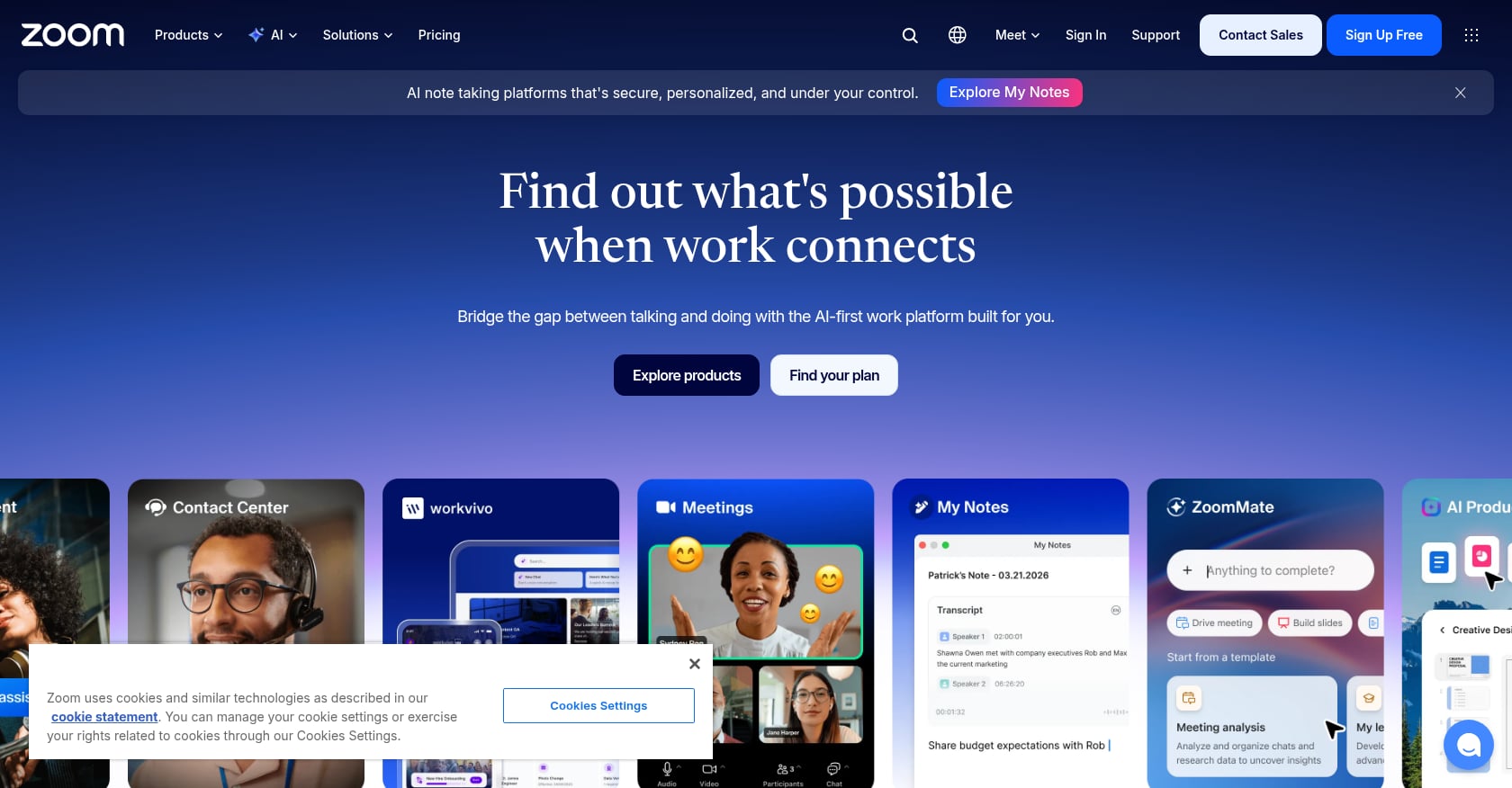
Best for: Teams whose biggest pain point is meetings, specifically capturing outcomes, generating notes, and summarizing discussions.
Pricing: Zoom Pro costs $14.16/user/month (billed annually), Business $18.33/user/month. AI Companion features are bundled at no extra cost into all paid plans. ZoomMate, the agentic AI layer, launched in June 2026 at $20/user/month with 2,200 AI credits per month.
Key AI features:
- Meeting summaries and real-time Q&A
- AI-generated action items
- Chat drafting and smart compose
- ZoomMate: agentic follow-through on meeting outcomes
Tradeoffs:
- Primarily a meetings tool. Chat, tasks, and project management are bolted on, not core to the experience.
- ZoomMate at $20/user/month makes the full AI-capable Zoom experience $34 to $38/user/month
- You still need separate tools for task management, documentation, and async workflows
What it does well: Video quality remains best-in-class, and having AI built directly into the meeting experience (not as a third-party bot) creates a smoother user experience. For teams that can afford it, ZoomMate pushes Zoom closer to being an AI collaboration tool rather than just a meeting app. But the gap between “meeting AI” and “full workflow AI” remains wide. Understanding the difference between meetings that drive real action and meetings that generate notes nobody reads is essential.
2. Fireflies.ai
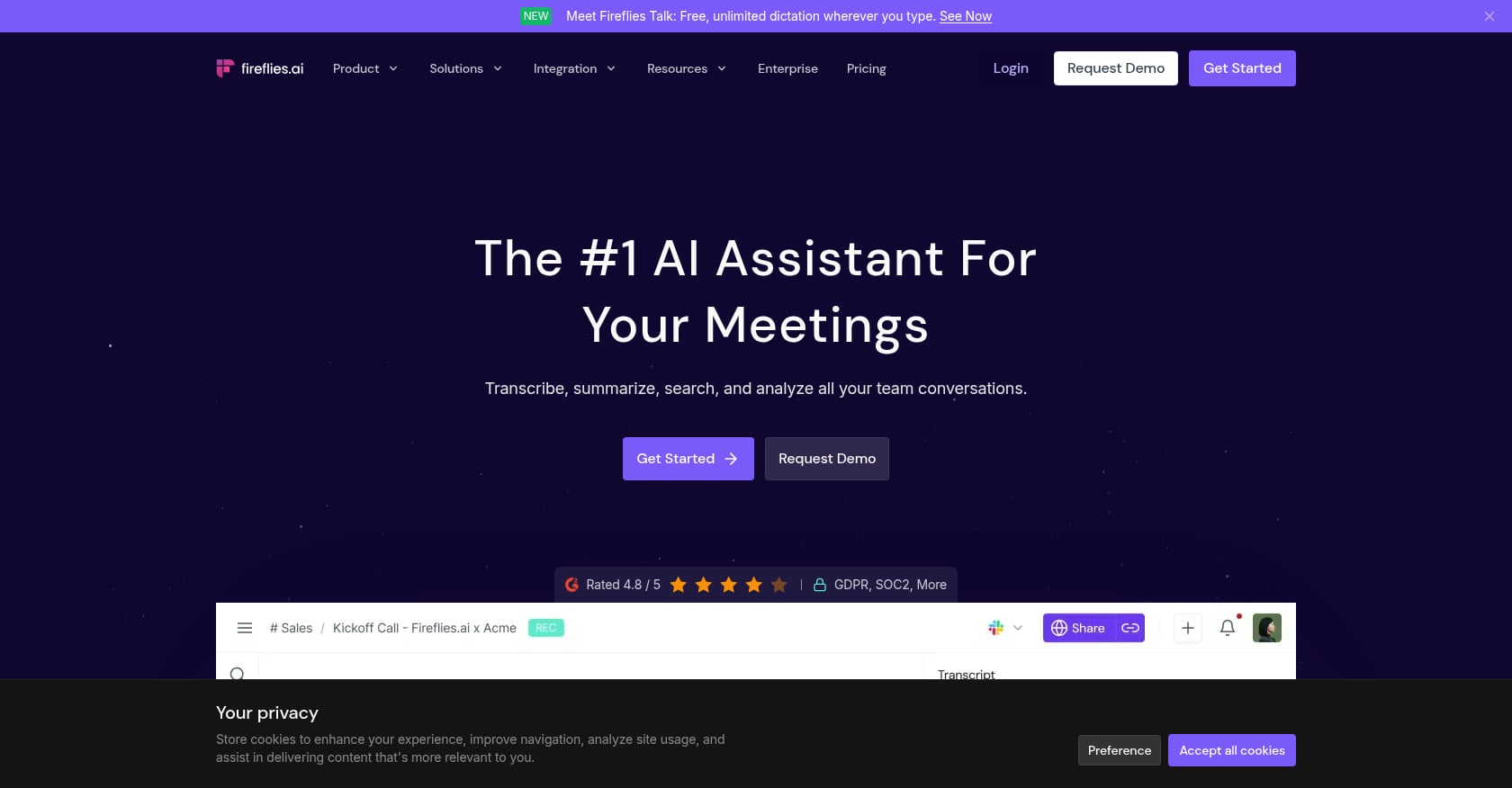
Best for: Meeting-heavy teams wanting transcription, summaries, and CRM sync without replacing their existing stack.
Pricing: Free plan with unlimited transcription. Paid plans from $10 to $39 per seat per month (billed annually).
Key AI features:
- Automatic meeting transcription and summarization
- Action item extraction
- CRM integration (Salesforce, HubSpot)
- Topic tracking and sentiment analysis
Tradeoffs:
- Unlike most meeting tools, Fireflies doesn’t meter transcription minutes; it meters storage and AI credits. That changes which plan you actually need.
- No chat, tasks, or project management. Fireflies is purely a meeting intelligence layer.
- Adds another tool to your stack rather than consolidating it
What it does well: Cross-platform meeting coverage. Fireflies works with Zoom, Google Meet, Teams, and other conferencing tools, making it a useful add-on if you’re not ready to switch your meeting platform. The CRM sync is particularly valuable for sales teams.
Knowledge and Docs With AI
1. Notion AI
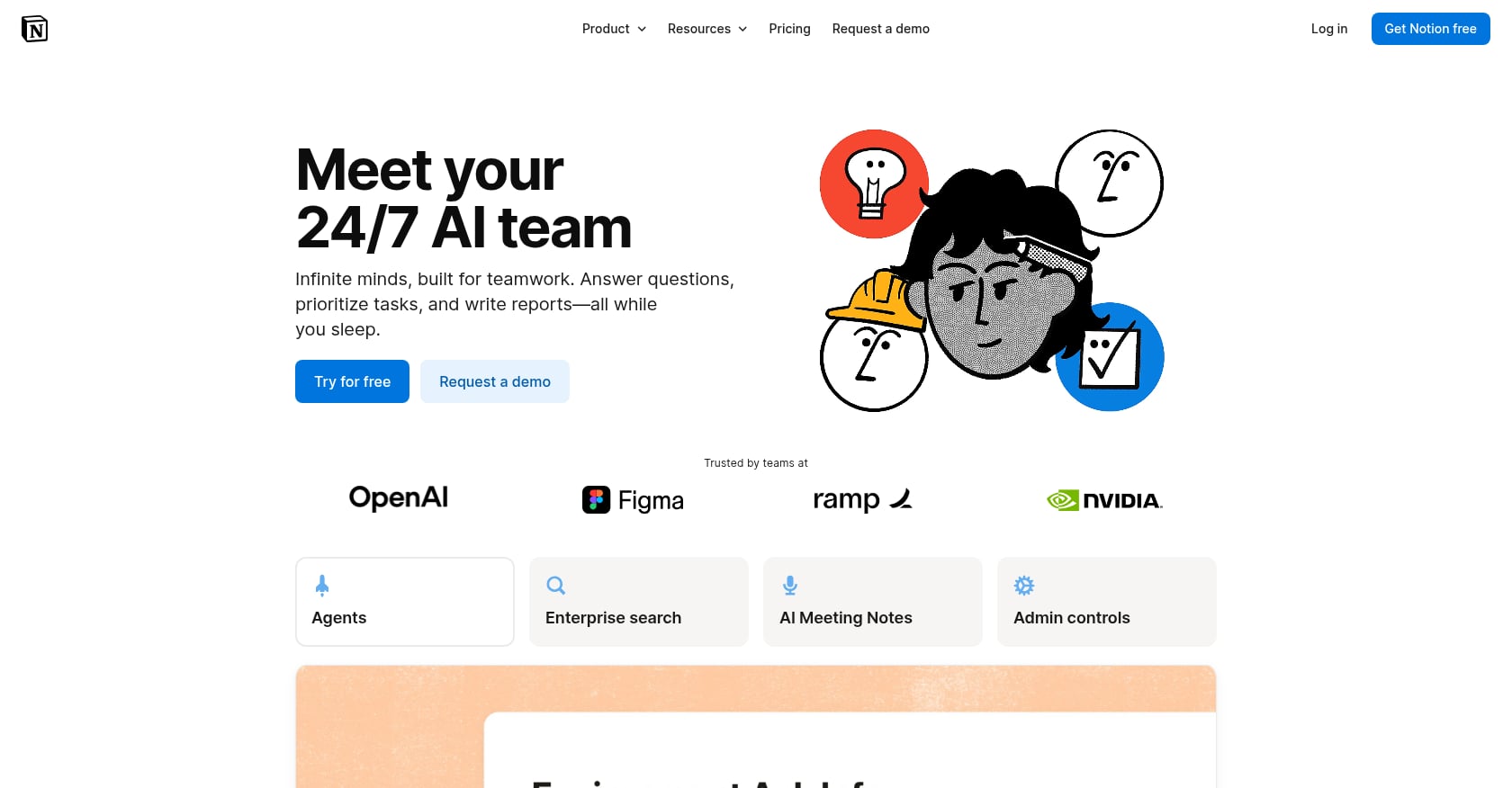
Best for: Doc-heavy teams wanting a wiki and lightweight task management with AI writing and Q&A assistance.
Pricing: Four tiers in 2026: Free ($0), Plus ($10/user/month), Business ($20/user/month), and Enterprise (custom). Full Notion AI now lives on the Business plan. Free and Plus users only get a limited trial.
Key AI features:
- Workspace Q&A across all pages
- AI writing and editing assistance
- Meeting notes (manual, not auto-transcribed from calls)
- Custom AI agents (credits cost extra on top of Business)
Hidden cost that frustrates users: The pricing restructure is the biggest pain point practitioners report. Teams previously on Plus at $10/user/month with the $10 AI add-on paid $20 total. Now they must move to Business at $20/user/month but lose the a la carte option. For small teams that used AI heavily on a tight budget, the bundling felt like a forced upgrade.
Tradeoffs:
- Notion AI cannot access real-time data from external systems and operates exclusively within Notion’s ecosystem
- No built-in meetings, video, or real-time presence
- Custom Agent credits are an additional cost on top of the Business plan, making the true AI cost hard to predict
What it does well: Documentation and knowledge management. If your team’s primary collaboration artifact is written documents, Notion’s AI writing assistance and workspace Q&A are genuinely useful. The wiki structure also makes it a strong internal knowledge base.
Visual Collaboration
1. Miro AI
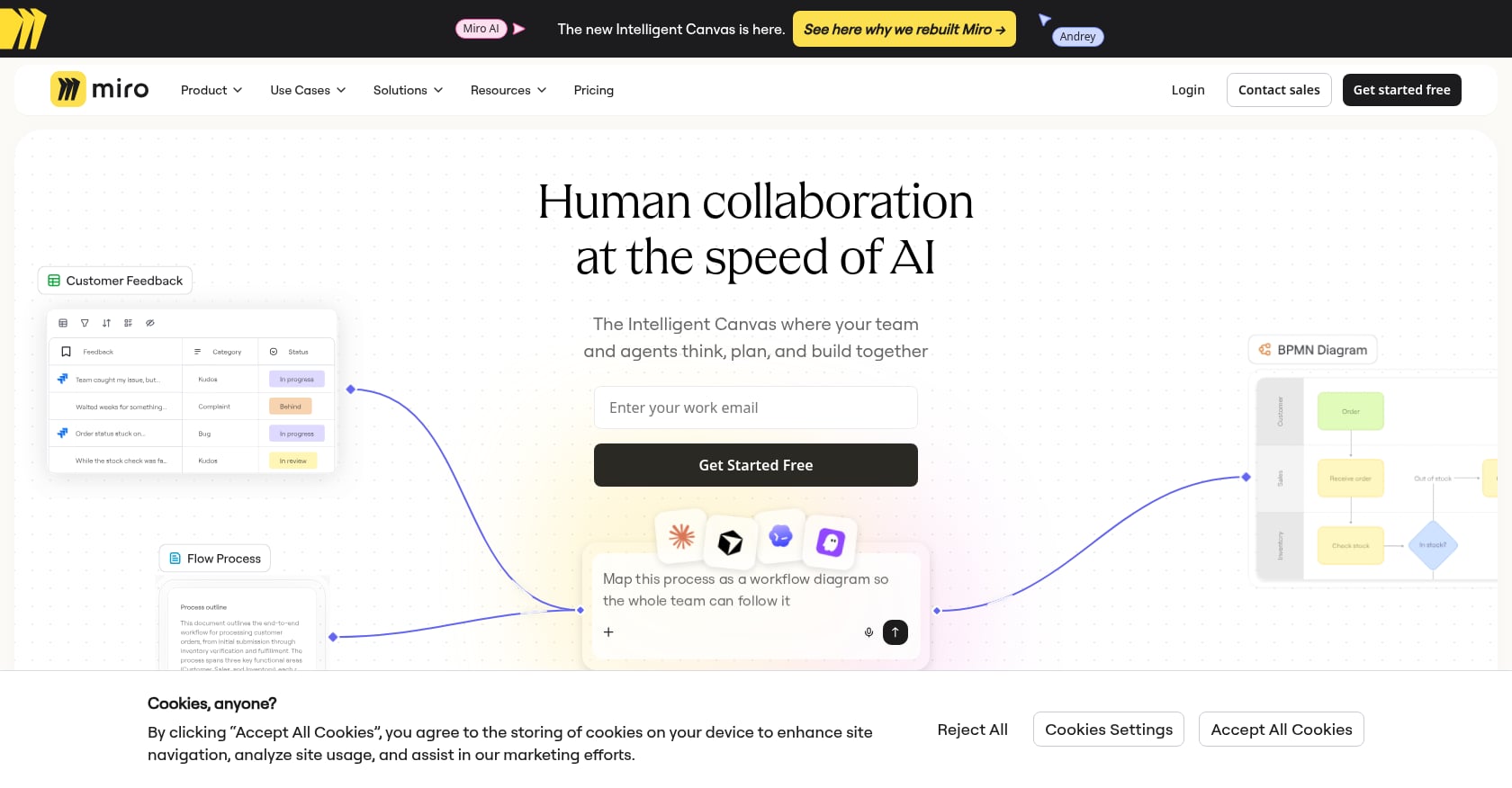
Best for: Design sprints, workshops, and visual brainstorming sessions.
Pricing: Free to start; paid plans from $8/user/month with AI features included.
Key AI features:
- Board generation from text prompts
- AI-powered mind maps and idea clustering
- Visual summarization of sticky notes and content
- Automated diagram creation
Tradeoffs:
- Not designed for day-to-day team communication, task execution, or meeting workflows
- The AI features are useful during workshops but don’t carry over into ongoing collaboration
- Board-based interface can feel overwhelming for users who prefer linear task management
What it does well: Nothing else on this list matches Miro for visual thinking. If your team runs regular brainstorming sessions, design sprints, or retrospectives, Miro AI genuinely accelerates those specific workflows.
How to Choose the Right AI Collaboration Tool
The decision comes down to three variables: where your team spends the most time, how many tools you’re willing to manage, and what you can afford per user.
If your primary pain is tool fragmentation: Start with consolidation. Most teams overpay by 40-60% on AI tools not because they’re using too many, but because they’re paying for overlapping capabilities. A team running Slack + Zoom + Notion + Fireflies + a PM tool spends $58 to $75+ per user per month. An all-in-one workspace like Velozity covers the same workflow for a fraction of that. Do the math for your specific team on the Velozity pricing page.
If you’re locked into an ecosystem: Microsoft shops should evaluate Copilot despite the price. Slack-heavy teams that only need better search should try Slack AI before switching platforms entirely.
If meetings are the bottleneck but everything else works: Zoom Workplace with AI Companion (or Fireflies for cross-platform coverage) solves the meeting problem without disrupting your other tools.
If you need project management first, collaboration second: ClickUp for maximum customization, monday.com for visual simplicity, Asana for portfolio-level oversight.
If documentation is your team’s primary output: Notion AI remains the strongest choice for doc-heavy workflows.
The deeper question is whether you want a unified workspace or multiple apps. Best-of-breed tools win on depth in their specific category. All-in-one tools win on speed, cost, and the structural advantage of keeping information in one place. For teams under 100 people, the consolidation play almost always makes more sense.
Frequently Asked Questions
What is the best AI collaboration tool for remote teams?
It depends on your primary workflow, but for remote-first teams dealing with tool fragmentation, an all-in-one AI workspace offers the most value. Velozity combines live presence, chat, video meetings, transcription, task management, and AI agents in a single platform, which specifically addresses the coordination challenges remote teams face. Teams with more specialized needs might pair a communication tool (Slack) with a project tool (Asana or ClickUp), though that reintroduces the context-switching problem.
How much do AI collaboration tools cost in 2026?
Prices range widely. Base plans start as low as $7/user/month (Slack, ClickUp), but AI features often cost extra. ClickUp Brain adds $9/user, ZoomMate adds $20/user, and Microsoft Copilot runs $30/user on top of your M365 license. Notion now requires its $20/user Business plan for full AI access. The enterprise average is $1,840 per employee per year on collaboration tools. Always calculate the all-in cost, including AI add-ons and overlapping subscriptions.
Can one tool replace Slack, Zoom, and Notion?
Yes, that’s exactly what the emerging “AI Office” category aims to do. Velozity, for example, combines chat, voice/video meetings with transcription, task management, scheduling, and AI agents in one workspace. The tradeoff is that any all-in-one tool may not match every niche feature of a specialized best-of-breed product. But for most teams, the time and money saved by eliminating context switching outweighs the feature gaps. Read a more detailed breakdown of replacing Slack, Zoom, and Notion with a single tool.
What’s the difference between AI meeting tools and AI collaboration tools?
AI meeting tools (Fireflies, Zoom AI Companion) focus on a single phase of work: capturing what happens in meetings through transcription, summaries, and action items. AI collaboration tools cover the full workflow, from communication to task execution. The best AI collaboration tools connect meetings to downstream work automatically, turning a conversation into assigned tasks without manual re-entry. That connection is where agentic AI adds the most value.
Are free AI collaboration tools good enough?
For solo users and very small teams, yes. Most tools on this list offer free tiers with limited AI features. Velozity provides free-forever plans across all three modules (Workspace, AI Space, and Co-Worker), which is more generous than most competitors. The limitations typically show up in transcription minutes, AI credits, and advanced automation. Once your team grows past 5 to 10 people, the constraints of free tiers usually push you toward paid plans.
What does “agentic AI” mean in collaboration tools?
Agentic AI goes beyond summarizing or answering questions. It takes action: creating tasks from meeting transcripts, drafting follow-up messages, assigning work based on context, and executing multi-step workflows with human approval. Think of it as the difference between an AI that tells you what happened and one that does something about it. Velozity’s AI Co-Worker and Zoom’s ZoomMate both fall into this category, though they approach it differently.
Start free with Velozity to see how an all-in-one AI workspace handles your team’s actual workflow, no credit card required.