
TL;DR
The right Slack alternative depends on your actual problem. If message history and pricing are the main concerns, Pumble or Chanty solve those cheaply. If your company already pays for Microsoft 365 or Google Workspace, Teams or Google Chat avoid duplicate spend. Self-hosted teams should evaluate Mattermost, Rocket.Chat, or Zulip. And if the real issue is that work gets lost between chat, meetings, notes, tasks, and scheduling tools, an AI office like Velozity replaces the fragmented stack, not just the messaging layer.
Slack is a good product. More than 38 million people use it. But “good” and “right for your team” are different things.
The most common trigger for searching for Slack alternatives for work isn’t that Slack is bad. It’s that Slack is expensive for what you get, especially on the free plan. Slack’s free tier now limits message and file history to the most recent 90 days, and data older than one year can be permanently deleted. For a growing team, that creates real risk.
But price and history limits are only two reasons people leave. Others want to stop paying for Slack plus Zoom plus a note-taker plus a task manager plus a scheduling tool. That stack adds up fast, and the context switching between five or six apps kills productivity.
This guide covers 12 Slack alternatives for work across every common scenario: budget chat, suite-native messaging, async-first communication, self-hosted deployment, and AI-powered workspaces that turn conversations into execution.
Explore Velozity as your AI Office
Quick Comparison: Best Slack Alternatives for Work
| Tool | Best for | Starting price | Free plan history | Built-in meetings | Main tradeoff |
|---|---|---|---|---|---|
| Velozity | AI office replacing chat + meetings + tasks | Free; Pro $6.99/user/mo | Free tiers available | Yes | Early third-party review footprint |
| Microsoft Teams | Microsoft 365 organizations | $4/user/mo (yearly) | Varies by plan | Yes | Heavy UI, search complaints |
| Google Chat | Google Workspace teams | $7/user/mo (annual) | Included with Workspace | Google Meet | Weaker bot/admin ecosystem |
| Pumble | Unlimited free history on a budget | Free; Pro $2.49/user/mo | Unlimited | 1:1 on Free | Smaller integration ecosystem |
| Chanty | Small teams wanting chat + tasks | Free (5 users); $3/user/mo | Unlimited searchable | 1:1 on Free | 5-user free cap |
| Zulip | Async technical discussions | Free; $6.67/user/mo (annual) | 10,000 messages (Cloud Free) | External providers | Learning curve |
| Mattermost | Self-hosted enterprise security | From ~$10/user/mo | Self-host options vary | Available | Opaque pricing |
| Rocket.Chat | Government/regulated environments | Free (up to 50 users) | Starter self-managed | Yes | Confusing packaging changes |
| Twist | Async-first remote teams | Free; $6/user/mo (yearly) | 1 month on Free | None | Too slow for urgent teams |
| ClickUp Chat | Project-management-first teams | Free; $7/user/mo (yearly) | 1,000 messages / 90 days (Free) | SyncUps | Chat feels secondary |
| Zoom Team Chat | Video-first teams | Free; Pro $14.16/user/mo | Included with Zoom | Excellent | Chat not as strong as Slack |
| Discord | Informal teams, always-on voice | Free | Broad history on Free | Yes | Not business-grade |
How to Choose the Right Slack Alternative
Before comparing feature lists, answer five questions. They’ll narrow the field faster than any matrix.
1. Is your real pain price or workflow fragmentation?
If you just want cheaper chat, Pumble and Chanty solve that. If your problem is toggling between Slack, Zoom, a note-taker, a task tool, and a scheduler, you need a workspace, not another messaging app.
2. Do you need message history more than advanced workflows?
Unlimited history matters if your team references old decisions regularly. Pumble and Chanty offer it free. But if you want AI-searchable workspace memory that connects conversations, files, and tasks, look at tools with knowledge retrieval built in.
3. Are meetings central to your work?
Video-first teams belong in Zoom Workplace or Microsoft Teams. Teams that prefer quick drop-ins and live presence need something with cabin-style calls. Async-first teams should look at Twist or Zulip.
4. Do conversations need to become tasks automatically?
If you’re manually copying action items from meeting notes into a project board, you’re wasting hours every week. Tools with AI task automation built into the conversation layer close that gap without the copy-paste.
5. Do you need self-hosting or compliance controls?
Mattermost, Rocket.Chat, and Zulip are the established self-hosted options. For enterprise suite governance, Microsoft Teams and Google Workspace offer centralized admin. Choose self-hosting for control, compliance, or data sovereignty, not because it’s automatically cheaper.
12 Best Slack Alternatives for Work
1. Velozity
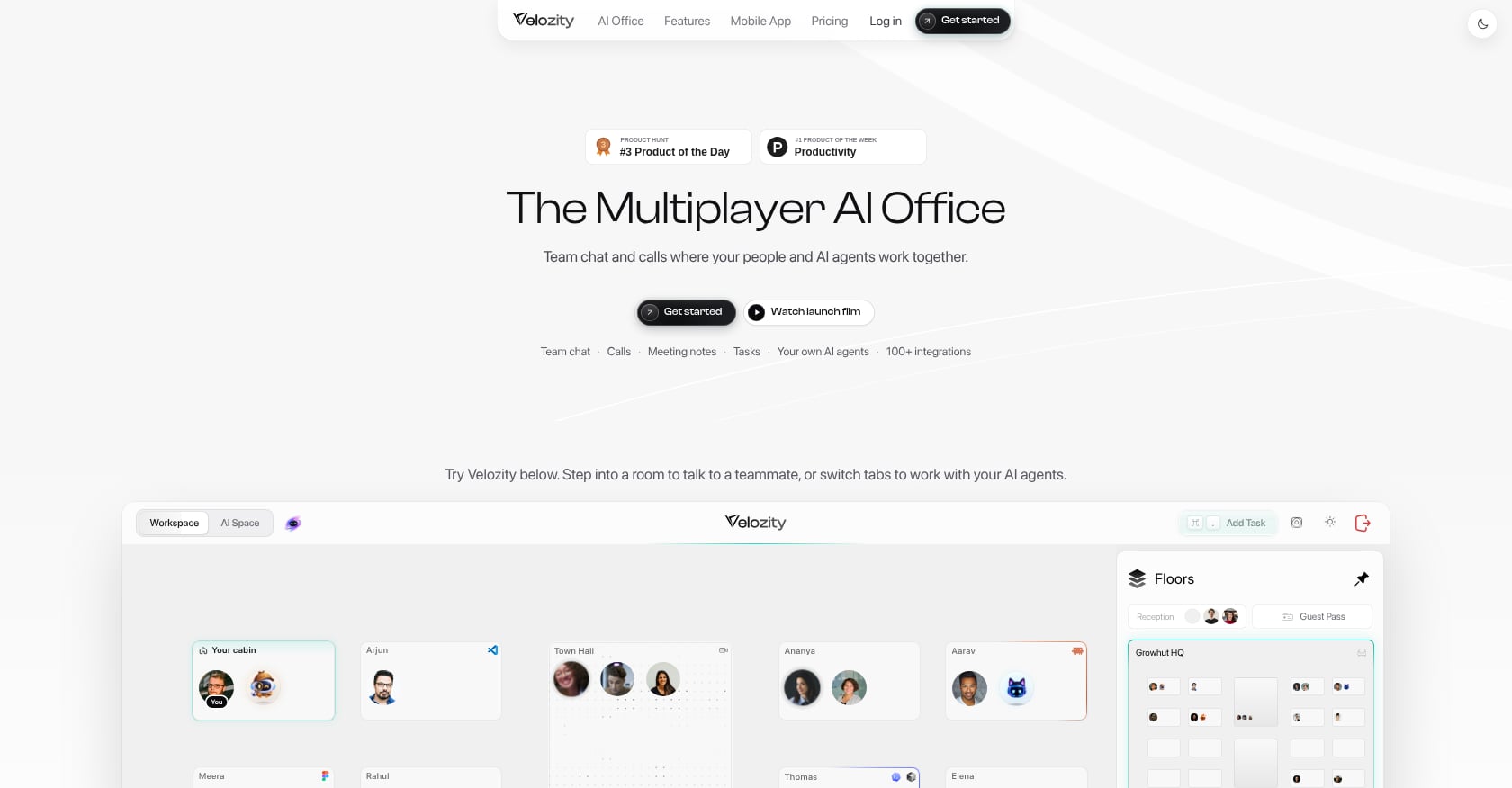
Best for: Teams that want to replace Slack, Zoom, note-takers, task managers, and scheduling tools with one AI-powered workspace.
Velozity is not a Slack clone. It is an AI Office designed to unify live presence, chat, voice and video calls, transcription, AI-generated action items, task management, scheduling, and AI co-workers in a single workspace. The pitch is straightforward: stop stacking tools and start turning conversations into execution.
Pricing:
- Workspace Free: DMs, groups, limited voice messages, 300 shared transcription minutes/month, 15 Actionables/week, one admin.
- Workspace Pro: $6.99/user/month. Unlimited meeting transcriptions, unlimited Actionables, expanded analytics, multiple admin roles.
- AI Space Pro: $7.99/user/month. Turns voice, text, and transcripts into structured tasks with recurring sources and daily briefs.
- Co-Worker Pro: $15/user/month. 1,100 AI credits/month, 10 AI Missions/month, wider model choices, uncapped work sessions.
- Free tiers exist for all three modules. A 30-day full-access trial requires no credit card.
Compare Velozity plans and pricing
Key features:
- Chat with live presence and drop-in audio/video cabins.
- Built-in meetings with automatic transcription and AI notes.
- AI-generated action items that flow directly into task boards.
- AI Space that converts conversations, voice memos, and transcripts into assigned tasks.
- Co-Worker agents that retrieve answers from workspace knowledge and execute approved actions.
- Integrated calendar and booking pages.
- Guest Pass for external collaborators.
- Available on desktop and through the Velozity mobile app on iOS and Android.
What users say:
Site testimonials report outcomes like “$214 saved per user/month” and “97% less tool switching.” The G2 profile exists but currently has zero reviews, which is typical for a newer product. That’s worth acknowledging openly: Velozity doesn’t yet have the review volume of Teams or Slack, but its feature consolidation at this price point is hard to match.
Biggest tradeoff:
Teams deeply invested in Slack’s 2,600+ integrations should verify specific third-party connections during a trial. An all-in-one approach trades best-of-breed depth for less overhead and faster handoffs, which is the right deal for most teams under 100 people. But if your workflow depends on a specific Slack bot or webhook, check compatibility first.
2. Microsoft Teams
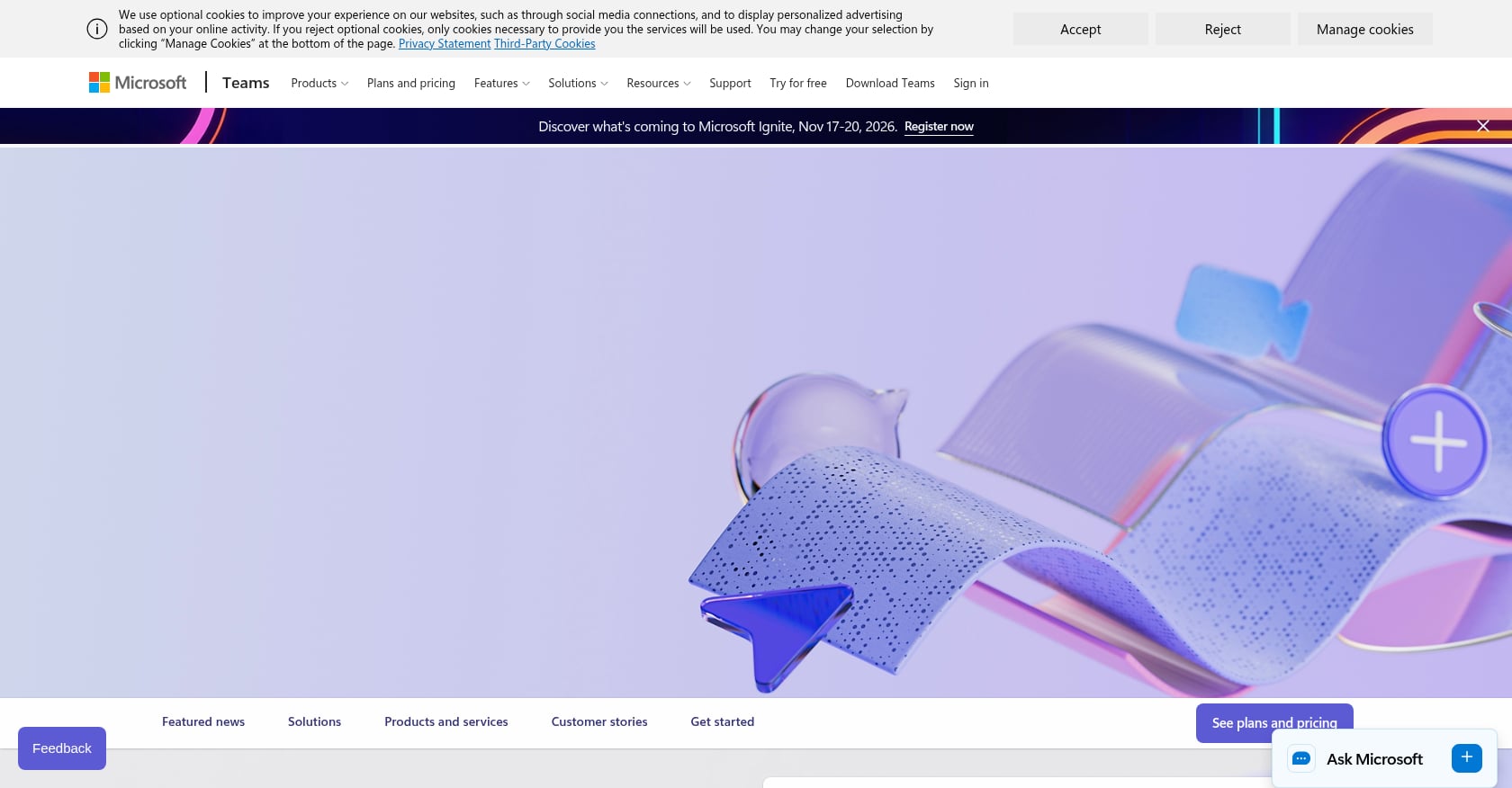
Best for: Companies already standardized on Microsoft 365 that need chat, meetings, and file co-authoring under one IT umbrella.
Teams is the default Slack alternative for work in organizations that run on Word, Excel, PowerPoint, and Outlook. It’s pragmatic. It’s rarely exciting.
Pricing:
- Teams Essentials: $4/user/month paid yearly. Includes chat, meetings, file sharing, recording with transcripts, 10 GB cloud storage per user.
- Microsoft 365 Business Basic: $7/user/month paid yearly. Adds web/mobile Office apps, business email, 1 TB storage per user.
- Copilot and Teams Premium are separate paid add-ons.
Key features:
- Channels, DMs, meetings, file sharing, tasks via Planner.
- Deep integration with the entire Microsoft 365 suite.
- Meeting transcripts and live captions on Essentials.
- Strong enterprise identity and admin controls.
What users say:
G2 reviewers praise Teams for consolidating collaboration, but performance, search quality, and notification management are persistent complaints. Practitioners on Reddit call it the “boring but safe” Microsoft choice. One thread noted that notification inconsistency and sluggish search make daily use frustrating for fast-moving teams.
Biggest tradeoff:
Teams is often the right IT decision and a mixed employee-experience decision. If your company already pays for Microsoft 365, it’s hard to justify adding Slack on top. But if you value speed and simplicity in your chat tool, Teams can feel bloated.
3. Google Chat
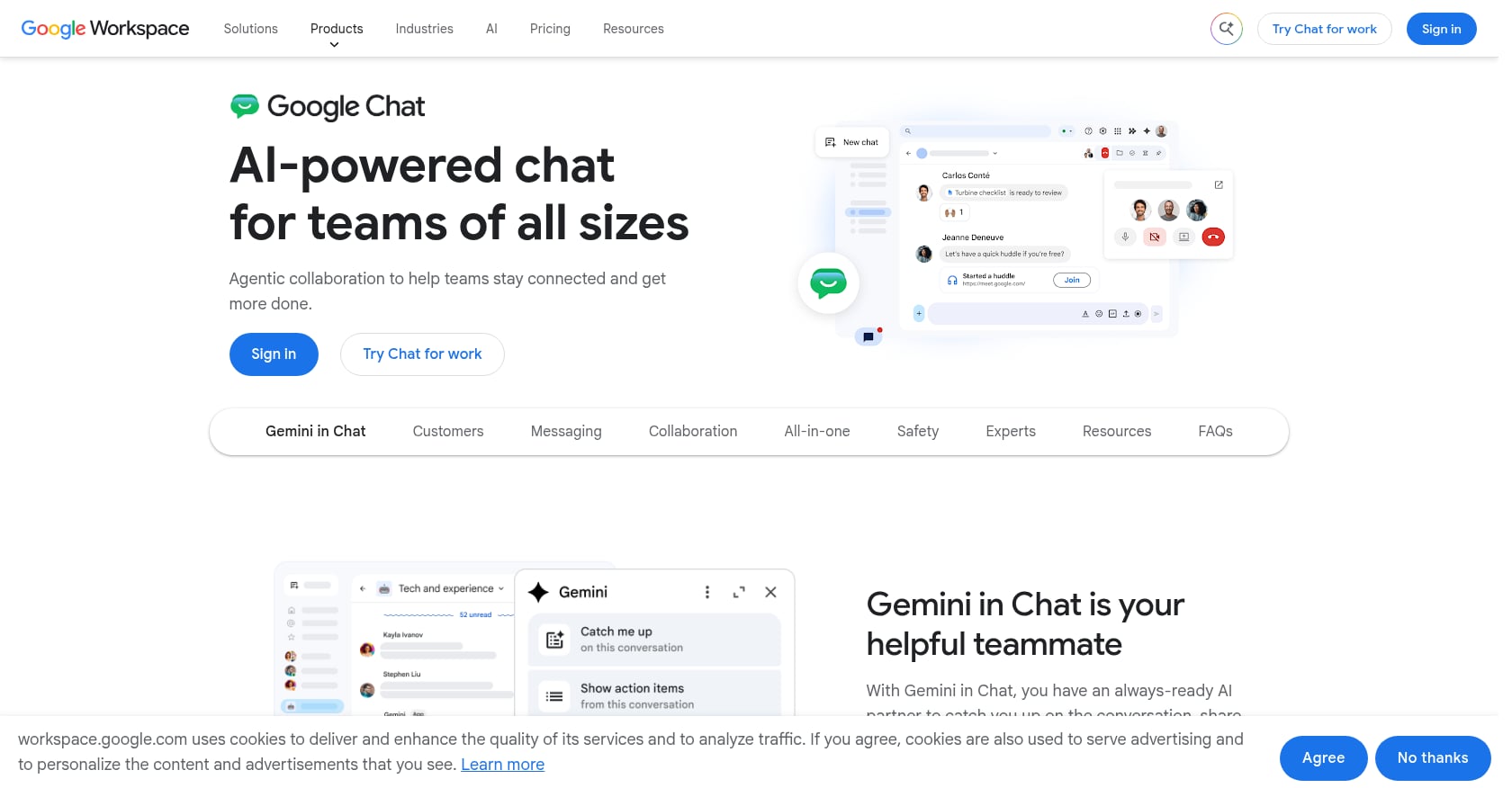
Best for: Teams already using Gmail, Google Drive, Docs, Sheets, and Calendar that want messaging without adding another vendor.
Google Chat is the “comes with your subscription” Slack alternative. It’s logical, lightweight, and limited.
Pricing:
- Included with Google Workspace. Business Starter: $7/user/month (annual). Business Standard: $14/user/month. Business Plus: $22/user/month.
- Plans support up to 300 users. Enterprise has no cap.
Key features:
- DMs, group conversations, Spaces.
- Native Google Drive, Calendar, Gmail, Docs, Sheets, and Meet integration.
- Threaded conversations and search.
What users say:
Gartner Peer Insights rates Google Chat at 4.5 with thousands of ratings. But practitioners on Reddit who switched from Slack to Google Chat report missing Slack’s search quality, bot ecosystem, user groups, and admin workflows. One discussion noted Google Chat works well enough for teams that live entirely inside Google’s ecosystem but falls short for power users.
Biggest tradeoff:
Google Chat is the best Slack alternative for teams that already live in Gmail and Docs and don’t need Slack’s power-user features. If your team relies heavily on bots, advanced admin controls, or third-party integrations, it’s a step down.
4. Pumble
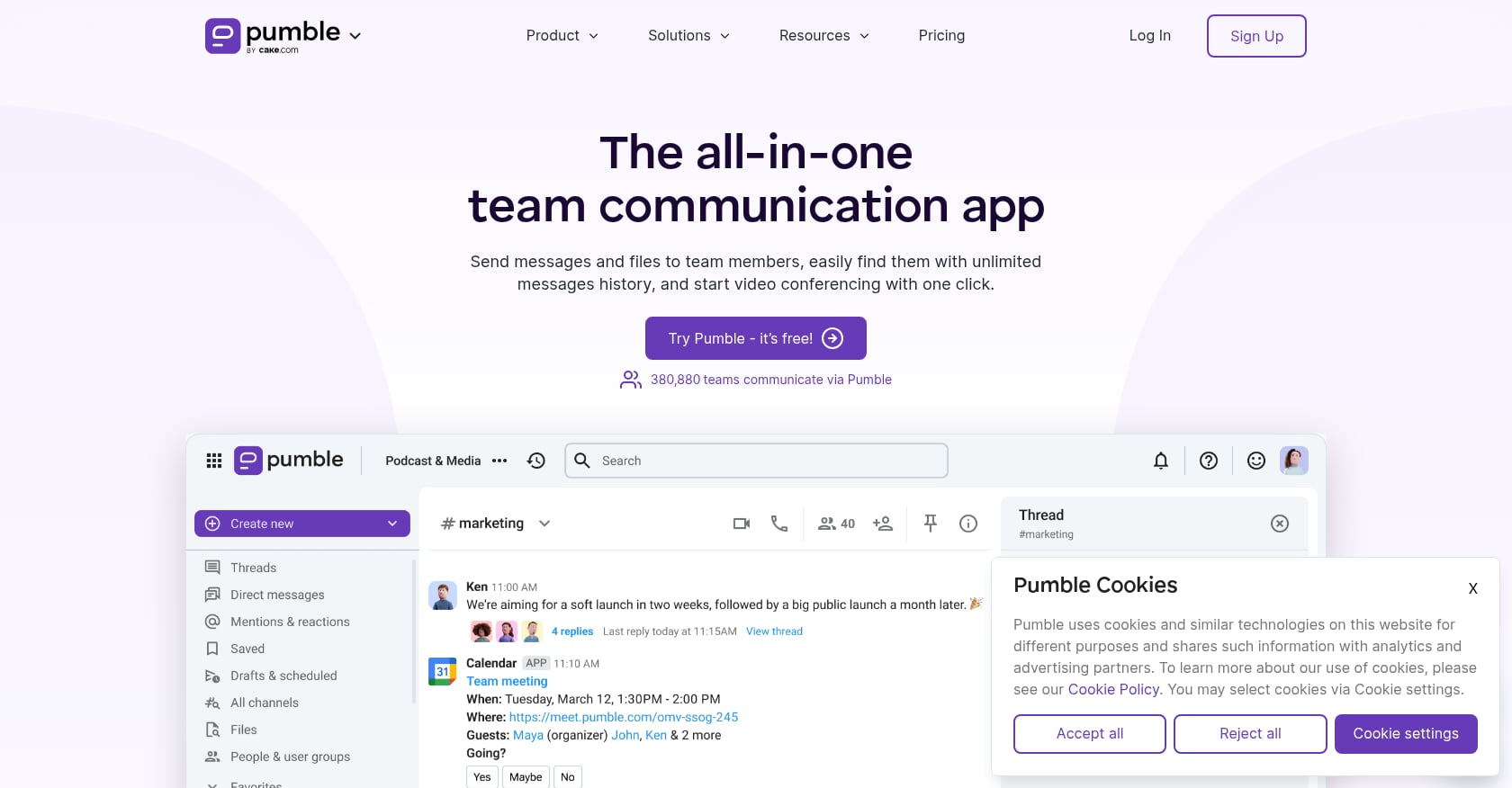
Best for: Budget-conscious small and mid-sized teams that want Slack-style channels with unlimited free message history.
Pumble exists because Slack’s free plan limits hurt. While Slack restricts history to 90 days, Pumble’s free tier offers unlimited users, unlimited message history, and 10 GB of workspace storage at no cost.
Pricing:
- Free: Unlimited users, unlimited history, 1:1 meetings, 10 GB storage per workspace.
- Pro: $2.49/seat/month (annual). Adds group meetings, screen sharing, 10 GB per seat, up to 10 integrations.
- Business: $3.99/seat/month (annual). Adds permissions, guests, user groups, 20 GB per seat, meeting recordings.
- Enterprise: $6.99/seat/month (annual). Adds SSO, data retention, audit log, 100 GB per seat.
Key features:
- Channels, DMs, threads, mentions, reactions, pins.
- Unlimited message history on all plans.
- Slack data import.
- 1:1 calls free; group calls on paid plans.
What users say:
G2 reviewers highlight the free plan with unlimited message history as the biggest draw. Capterra reviews praise the clean interface. The pattern is consistent: people choose Pumble specifically because Slack’s history limit frustrated them.
Biggest tradeoff:
Pumble solves the chat-and-history problem well. It doesn’t solve stack fragmentation. You’ll still need a separate meeting tool, task manager, and scheduler. Teams wanting chat, meetings, transcription, and tasks in one place need to look at a more complete workspace.
5. Chanty
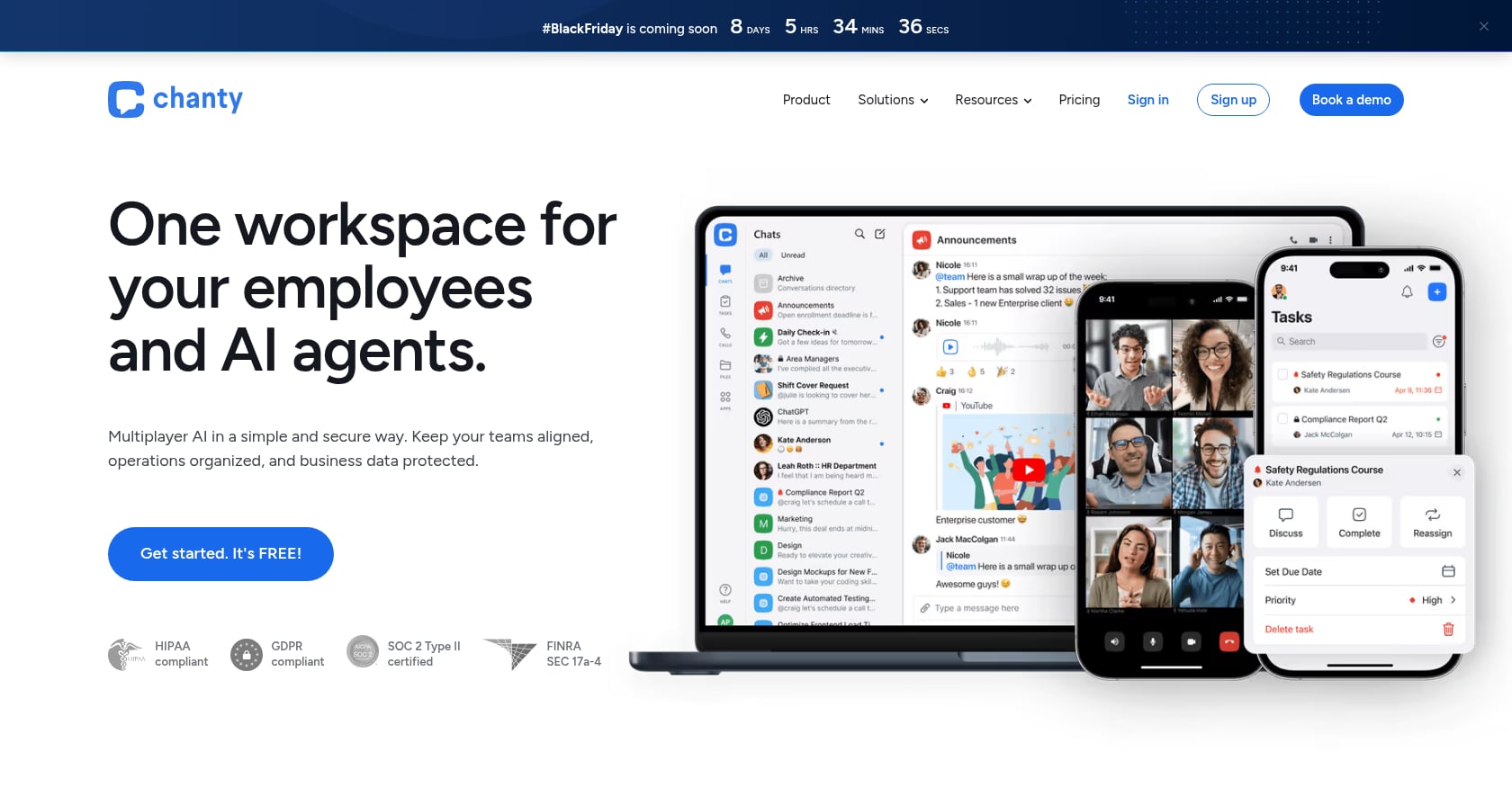
Best for: Small teams of five or fewer that want simple chat with built-in task management at a low price.
Chanty’s pitch is simplicity. It offers unlimited searchable chat history, built-in tasks, and a familiar interface at a price point that undercuts nearly every competitor.
Pricing:
- Free: Up to 5 users. Unlimited searchable history, 1:1 audio/video calls, built-in tasks, 20 GB per team, message-to-task conversion. See Chanty pricing.
- Business: $3/user/month (annual) or $4 monthly. Adds group calls, screen sharing, task boards, SSO, 2FA, HIPAA/BAA, retention policies, 20 GB per user, 24/7 support.
Key features:
- Chat with announcements, voice messages, scheduled and disappearing messages.
- Built-in task management and task boards.
- Message-to-task conversion.
- Group calls and screen sharing on Business.
What users say:
G2 rates Chanty at 4.4/5 across 57 reviews, with users highlighting the straightforward interface and the fact that basic task management is built directly into the chat. It’s popular with small teams that don’t want to learn a complex tool.
Biggest tradeoff:
The free plan caps at 5 team members, ruling it out for growing teams unless they upgrade. The integration ecosystem is smaller than Slack’s, and there’s no deep AI automation, meeting transcription, or agentic workflow capability.
6. Zulip
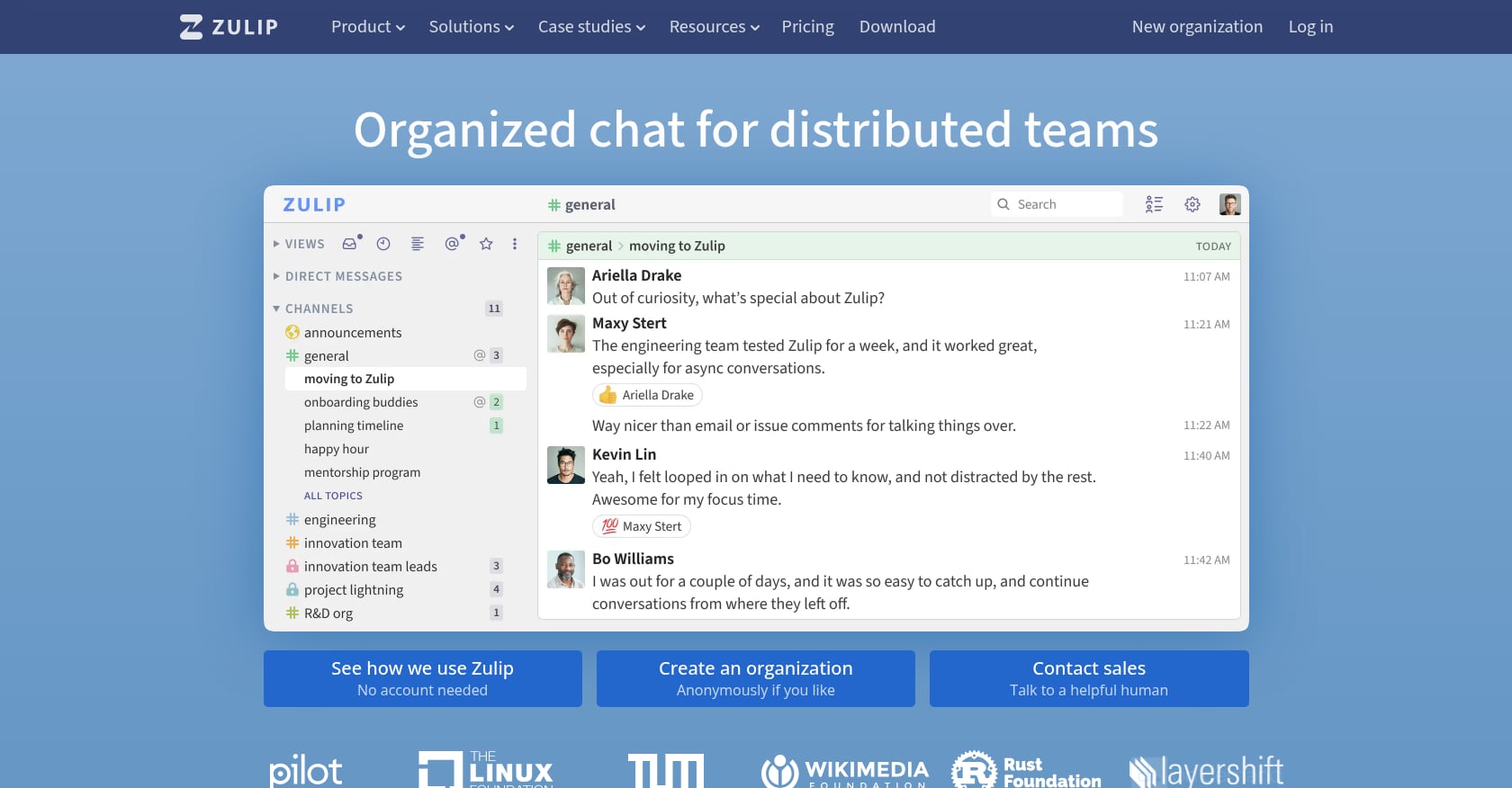
Best for: Engineering, research, and technical teams that want organized, topic-based async conversations with open-source flexibility.
Zulip’s key insight is that most chat apps are bad at organizing parallel conversations. Its streams-and-topics model forces every message into a specific topic thread, making it possible to follow 20 discussions without losing context.
Pricing:
- Cloud Free: 10,000 searchable messages, 5 GB total storage, guest accounts. See Zulip plans.
- Cloud Standard: $6.67/user/month (annual). Unlimited history, 5 GB per user, retention policies, priority support.
- Cloud Plus: $10/user/month (annual), 10-user minimum. 25 GB per user, SAML SSO, SCIM.
- Self-hosted Free: All features, but mobile push notifications are limited to 10 users for most organizations.
- Self-hosted Business: $6.67/user/month (annual), 25-user minimum.
Key features:
- Topic-based threading within streams.
- Open-source with both cloud and self-hosted options.
- Powerful search across topics and streams.
- Well-suited for many parallel conversations across time zones.
What users say:
G2 reviewers praise the streams/topics model for keeping discussions organized and searchable. But they also warn the topic model confuses new users and creates onboarding overhead. Reddit’s self-hosting community often mentions Zulip as a strong option, though mobile push notification limitations come up frequently.
Biggest tradeoff:
Zulip requires discipline. Everyone needs to label topics properly, or the structure breaks down. For technical teams, that’s a strength. For casual teams, it feels like extra work. It also lacks native voice/video calls and any built-in AI execution layer.
7. Mattermost
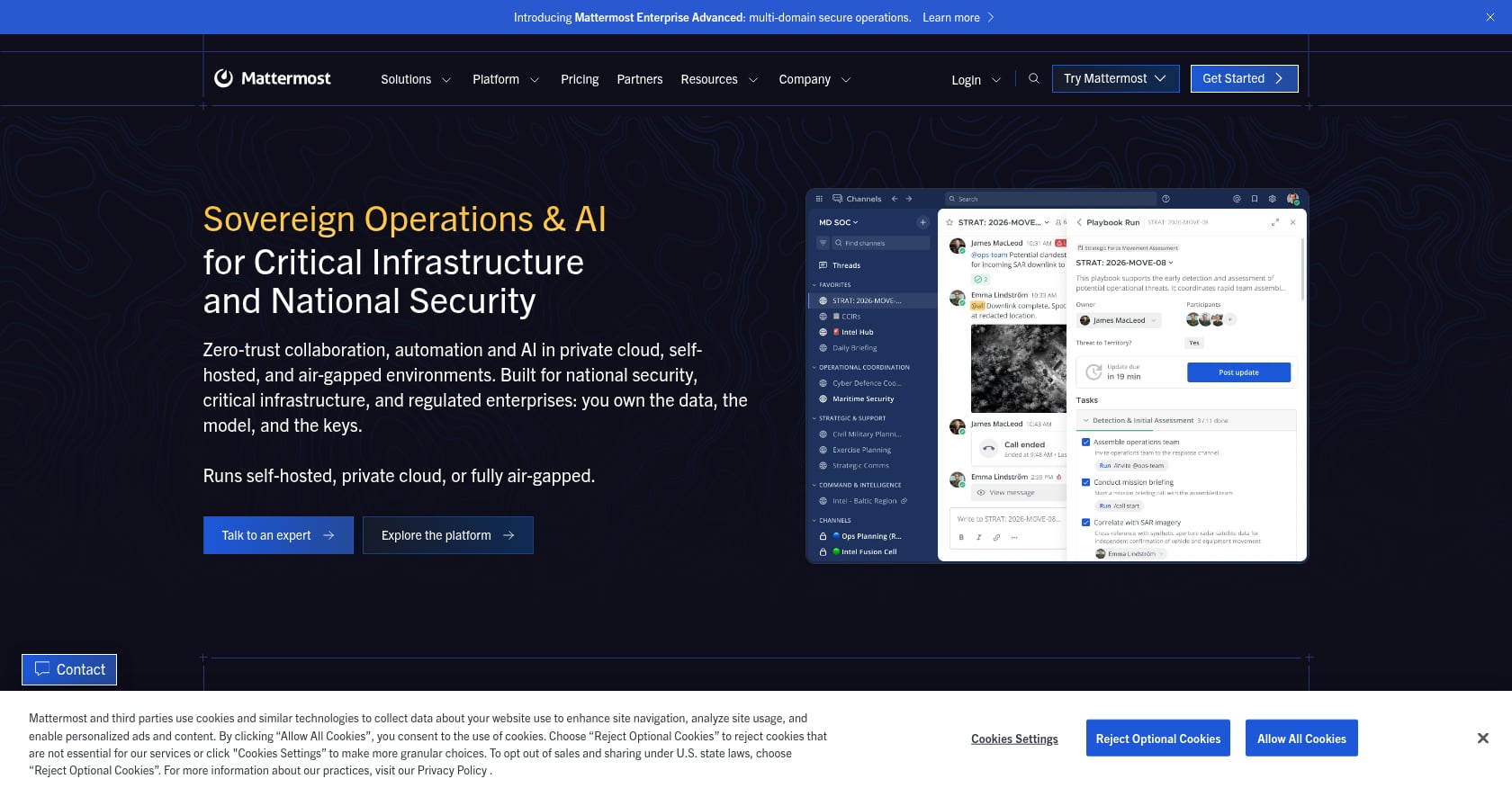
Best for: Security-conscious DevOps, defense, and regulated teams that need self-hosted or private-cloud deployment with full data control.
Mattermost is the Slack alternative for teams where data sovereignty isn’t optional. It’s popular in defense, government, healthcare, and financial services.
Pricing:
- G2 lists paid pricing starting at approximately $10/user/month for Professional plans.
- Enterprise tiers are sales-led with custom pricing.
- Self-hosted evaluation options exist, but the free community edition has seen feature changes that frustrate some users.
Key features:
- Self-hosted or private-cloud deployment.
- Messaging, calls, integrations, boards, workflows.
- Security controls including EMM/AppConfig and mobile biometrics on higher tiers.
- AI capabilities in newer editions.
What users say:
TrustRadius reviewers highlight data control through self-hosting as the primary draw. But practitioners on Reddit debate free-tier changes and paid-tier feature gating. One Mattermost subreddit thread expressed frustration that features previously available in the community edition were moved behind paid plans.
Biggest tradeoff:
Pricing transparency is weaker than straightforward SaaS tools. Self-hosting still requires operational expertise, and small teams without dedicated sysadmins may struggle. This is a serious tool for serious infrastructure needs, not a casual Slack replacement.
8. Rocket.Chat
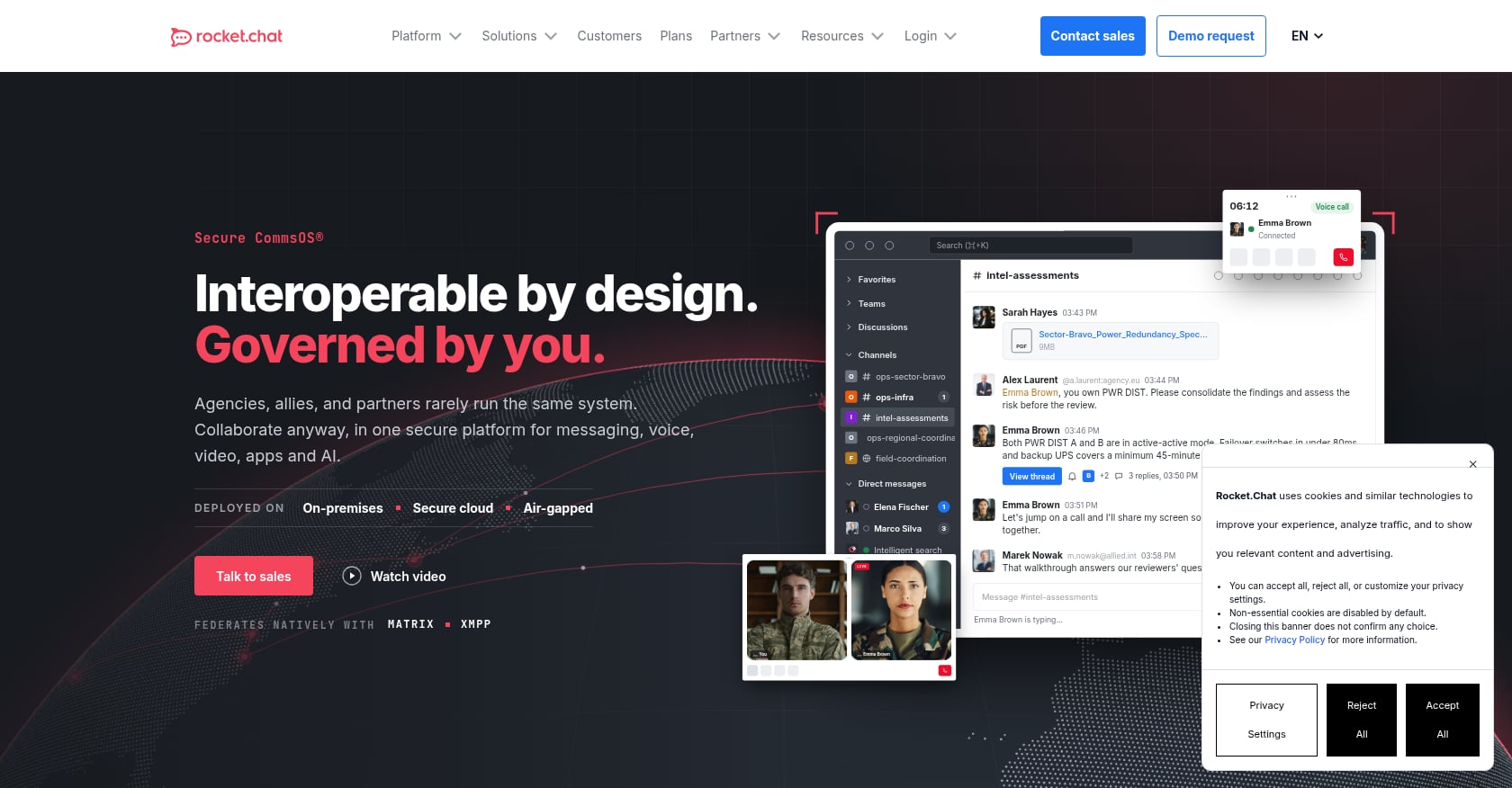
Best for: Government agencies, defense organizations, and regulated industries that need self-managed, on-premise communication infrastructure.
Rocket.Chat positions itself for mission-critical communications. Its Starter plan supports up to 50 users for free on a self-managed deployment, making it accessible for evaluation.
Pricing:
- Starter: $0/user/month, self-managed, up to 50 users. No air-gapped deployments or paid support.
- Commercial, Government, and Defense plans are quote-based.
- Legacy Pro plans are no longer available for new purchases.
Key features:
- Self-managed deployment (on-premise and private cloud).
- SSO, MFA, role-based access, data retention, DLP, E2EE.
- Messaging, voice, and video.
- Positioning for government and defense use cases.
What users say:
Capterra rates Rocket.Chat at 4.3/5 across 156 reviews. G2 shows 4.2/5 from 374 reviews, with users appreciating security and customization. But practitioners on Reddit frequently warn about mobile push notification issues, upgrade friction, and management overhead for self-hosted instances.
Biggest tradeoff:
Packaging has changed multiple times, creating confusion for buyers. Support and air-gapped deployment require paid plans. This tool is strongest when secure communications infrastructure matters more than consumer-style ease.
9. Twist
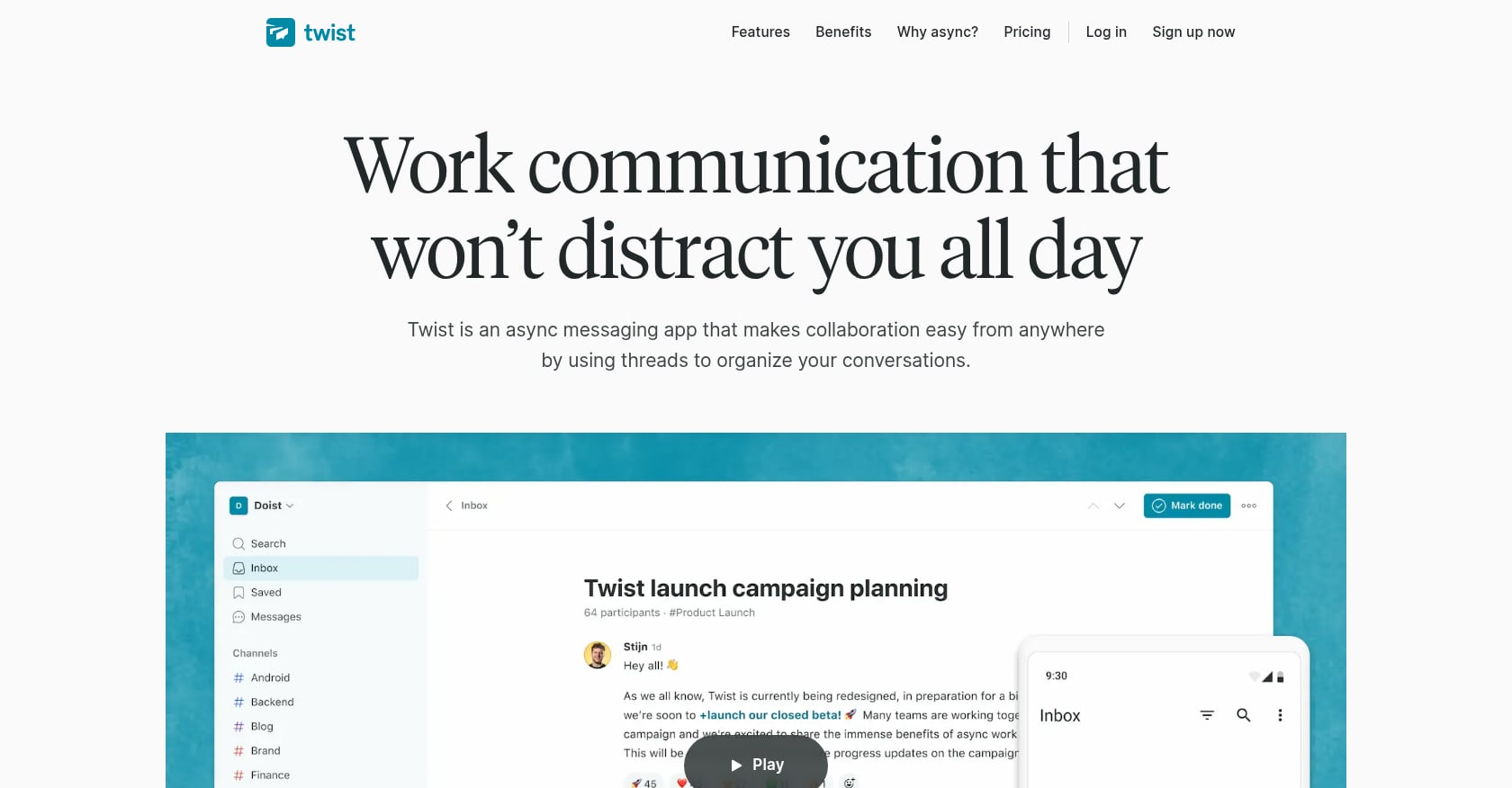
Best for: Remote teams across multiple time zones that want calmer, async-first communication with fewer pings and more structured threads.
Twist is a philosophy as much as a product. It replaces Slack’s always-on urgency with thread-first communication designed for focused, asynchronous work.
Pricing:
- Free: 1 month of visible/searchable messages, 5 integrations, 5 GB storage, up to 500 members.
- Unlimited: $6/user/month (yearly). Full history, unlimited integrations, unlimited storage, priority support.
Key features:
- Thread-first communication (not channel-first).
- Async-first design with reduced notification pressure.
- Guest access for external collaborators.
- Clean, focused interface.
What users say:
Capterra reviewers praise Twist’s Inbox, sensible notification defaults, and alignment with remote culture. G2 reviewers flag the flip side: Twist can feel lacking in features and urgency handling. A Reddit discussion summed it up well: a tool alone cannot fix broken async culture. Leadership has to commit to response-time norms, topic naming, and escalation paths.
Biggest tradeoff:
No native voice or video calls. Not suitable for urgent, fast-moving support, sales, or incident-response teams. Twist works best when the entire company buys into async norms, not just one team. Async tools need norms for response time, escalation, and meeting cadence, or they just create frustration.
10. ClickUp Chat
Best for: Teams already using ClickUp for project management that want chat inside the same platform rather than running a separate messaging tool.
ClickUp Chat makes sense when ClickUp is already your operating system. The chat connects directly to tasks, docs, and projects, reducing the split between where you discuss work and where you track it.
Pricing:
- Free Forever: Unlimited tasks and members, but Chat has a 1,000-message limit and 90-day history.
- Unlimited: $7/user/month (yearly). Unlimited chat history.
- Business: $12/user/month (yearly). Enterprise: custom pricing.
Key features:
- Chat connected to tasks, docs, and projects.
- SyncUps for video discussions.
- Kanban, calendars, dashboards, automation, and reporting.
- Free plan includes unlimited tasks and collaborative docs.
What users say:
Practitioners on Reddit who tried replacing Slack with ClickUp Chat liked the cost-saving logic but complained about lag, slow loading, history limits on the free plan, and confusing chat placement within the ClickUp interface. One user noted it felt “bolted on” rather than native.
Biggest tradeoff:
Chat feels secondary to project management. If you don’t already use ClickUp for tasks and projects, adopting the entire platform just for chat is overkill. Free Chat limits (1,000 messages, 90 days) mirror the same restrictions that push people away from Slack’s free plan.
11. Zoom Team Chat
Best for: Teams whose collaboration already centers on Zoom meetings and who want messaging close to their video tool.
Zoom Team Chat is included with Zoom Workplace plans. If your team already lives in Zoom for meetings, webinars, and calls, adding chat within the same app removes one layer of switching.
Pricing:
- Zoom Workplace Basic: Free.
- Zoom Workplace Pro: $14.16/user/month. Business: $18.33/user/month. Enterprise: custom.
- AI Companion features included in select paid plans.
Key features:
- Team chat within the Zoom Workplace suite.
- Strong video meetings, recordings, and whiteboards.
- AI Companion for meeting summaries on paid plans.
- Calendar and scheduling features.
What users say:
Capterra reviewers praise Zoom’s core video conferencing and note that integrating chat, whiteboard, and AI scheduling reduces admin work. But Reddit discussions reveal that most teams use Zoom alongside Slack rather than as a full replacement. One DevOps forum thread described pushback from employees when a company tried swapping Slack for Zoom Chat entirely.
Biggest tradeoff:
Zoom’s chat ecosystem is not as mature or central as Slack’s channel-based model. Starting at $14.16/user/month for Pro, it’s also pricier than dedicated chat tools. Best value comes when you’re already committed to Zoom Workplace and want to consolidate.
12. Discord
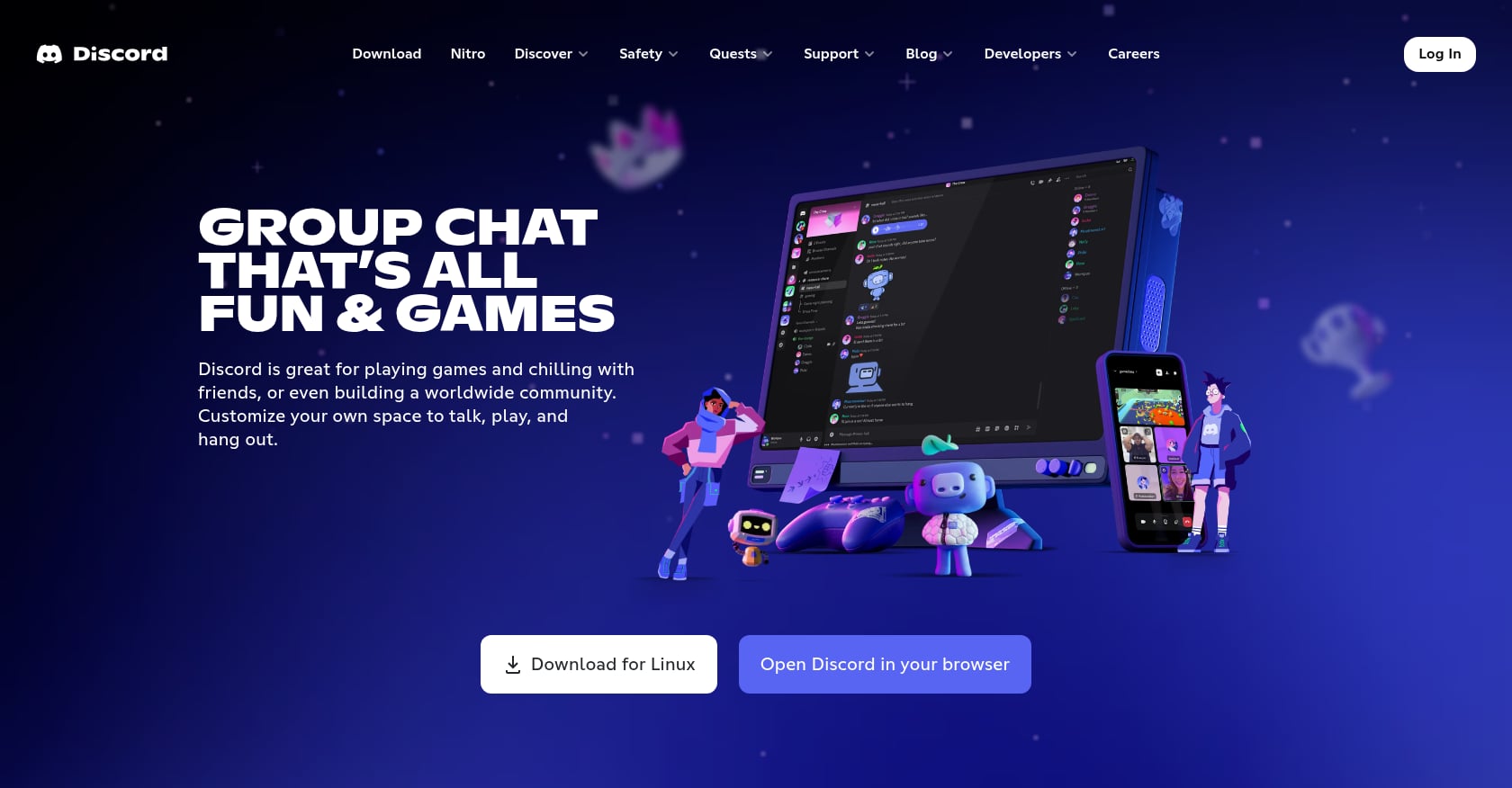
Best for: Informal teams, creator groups, developer communities, and anyone who values always-on voice channels over structured business chat.
Discord is the Slack alternative people reach for when “workplace” is a loose concept. Its persistent voice channels let small teams hang out while working, creating ambient presence that formal meeting tools can’t replicate.
Pricing:
- Core features are free. Nitro upgrades are optional and individual.
- No standard per-seat business pricing.
Key features:
- Text channels, voice channels, video, and screen sharing.
- Persistent voice rooms (drop in and out freely).
- Roles and permission management.
- Large community ecosystem.
What users say:
Reddit users describe Discord as a casual, free alternative to Slack for small private servers. But they consistently note it’s community-oriented, not business-oriented. Slack’s own comparison argues that Discord lacks the compliance controls, audit logs, and enterprise certifications that regulated businesses require.
Biggest tradeoff:
Discord is a great team hangout. It is not a workplace governance system. Weak business admin controls, no formal data retention, and blurred personal/work boundaries make it risky as a primary enterprise communication platform.
Best Slack Alternative by Use Case
This quick reference matches your situation to the strongest pick:
- Replacing Slack + Zoom + AI notes + tasks: Velozity
- Microsoft 365 organizations: Microsoft Teams
- Google Workspace teams: Google Chat
- Free unlimited message history: Pumble
- Small-team chat + tasks on a budget: Chanty
- Async technical discussions: Zulip
- Self-hosted enterprise control: Mattermost
- Secure government/regulated comms: Rocket.Chat
- Async-first remote culture: Twist
- Project-management-first teams: ClickUp Chat
- Video-first teams: Zoom Workplace
- Informal always-on voice: Discord
For teams evaluating workspace solutions for remote teams, the choice often comes down to whether you want a single chat replacement or a complete workspace overhaul.
Free Slack Alternatives: What You Actually Give Up
“Free” gets complicated once you read the fine print. Here’s what each free plan actually includes and where it cuts off:
- Slack Free: 90 days of message and file history. Data older than one year may be permanently deleted.
- Pumble Free: Unlimited users and unlimited history, but only 1:1 meetings and 10 GB total workspace storage.
- Chanty Free: Unlimited searchable history and built-in tasks, but capped at 5 team members.
- Twist Free: Only 1 month of visible and searchable messages.
- Zulip Cloud Free: 10,000 searchable messages and 5 GB total file storage.
- ClickUp Chat Free: 1,000-message limit and 90-day history.
- Velozity Free: Free tiers for Workspace, AI Space, and Co-Worker, each with feature caps on transcription minutes, Actionables, and AI credits.
Free plans work for trials and small teams. But history limits, storage caps, guest restrictions, missing SSO, limited support, and absent AI features push most growing teams into paid plans within a few months. Before choosing based on price alone, check this virtual office cost guide to understand total spend across your collaboration stack.
There are also hidden costs buyers rarely think about: annual commitment requirements versus monthly flexibility, guest user billing, AI credit limits, meeting transcription caps, SSO gating on enterprise tiers, and admin time for migration and training. These line items matter more than the base price on most vendor pages.
When to Choose an AI Office Instead of Another Chat App
Here’s the uncomfortable truth about searching for Slack alternatives for work: most teams don’t have a chat problem. They have a fragmentation problem.
Microsoft’s WorkLab research found that employees are interrupted every two minutes during core work hours, averaging 275 pings per day across meetings, emails, and chats. Asana reports that knowledge workers spend 60% of their time on “work about work,” which includes searching for information, switching apps, and chasing status updates. Zoom’s global collaboration report found that employees using more than 10 apps are more likely to need 15 minutes or longer to refocus between tasks.
Swapping Slack for another chat app doesn’t fix any of that. You still have separate tools for meetings, note-taking, task management, scheduling, and knowledge retrieval. You’re just switching which silo handles the messaging.
This is where the concept of an AI collaboration tool becomes relevant. Rather than replacing one silo with another, an AI office connects conversations to execution. Meetings generate transcripts. Transcripts produce action items. Action items become assigned tasks. AI agents answer questions from workspace knowledge and push follow-ups forward.
Think of it as a maturity curve. Level one is cheap chat (Pumble, Chanty). Level two is suite-native messaging (Teams, Google Chat). Level three is structured communication (Zulip, Twist). Level four is controlled infrastructure (Mattermost, Rocket.Chat). Level five is conversation-to-execution, where presence, chat, meetings, transcripts, tasks, scheduling, and AI agents live in one flow. That last level is where tools that function as AI knowledge management systems, not just messaging platforms, start to make sense.
Not every team needs level five. If your workflow is simple (chat, occasional call, shared Drive folder), cheaper tools work fine. But if your team regularly loses decisions between Slack threads, Zoom recordings, scattered notes, and task boards nobody checks, the problem isn’t Slack. It’s the stack.
Before You Switch: Slack Migration Checklist
Practitioners on Reddit consistently warn that switching chat tools is harder than most comparison articles admit. One thread noted that private-chat migration can require manual consent from each user. Another described chat platforms as creating “deep vendor lock-in” because all history, files, DMs, and integrations live inside the tool.
Here’s a practical checklist:
- Export Slack history and files. Use Slack’s workspace export feature. Note that DM and private channel exports require admin permissions and may need user consent.
- Audit your integrations. List every Slack bot, webhook, and automation. Check which ones your new tool supports natively.
- Decide what to archive vs. migrate. Not everything needs to move. Old project channels can be archived as static records.
- Define retention requirements. If you’re in a regulated industry, confirm the new tool meets your data retention and eDiscovery needs.
- Pilot with one team. Don’t migrate the whole company at once. Let one team run for two to four weeks and surface friction early.
- Set notification norms before launch. The biggest failure point isn’t the tool. It’s unclear expectations about response times, channel etiquette, and escalation.
- Train on search and structure. Every tool organizes conversations differently. Invest 30 minutes in teaching your team how to find things.
- Configure admin controls first. Set up SSO, roles, guest access, and retention policies before inviting the whole organization.
If you’re considering a move to a unified workspace and want to discuss migration planning or integration requirements, talk to the Velozity team.
Frequently Asked Questions
What is the best Slack alternative for work?
It depends on your situation. For teams that want to consolidate chat, meetings, transcription, tasks, and AI into one workspace, Velozity is the strongest option. For Microsoft 365 shops, Teams is the practical default. For budget-focused teams that mainly need unlimited message history, Pumble is hard to beat.
What is the best free Slack alternative?
Pumble offers the most generous free plan: unlimited users, unlimited message history, and Slack data import at no cost. Chanty is another good free option but caps at 5 team members. Discord works for informal teams but lacks business compliance tools.
Which Slack alternative has unlimited message history?
Pumble offers unlimited message history across all plans including the free tier. Chanty also provides unlimited searchable history on its free plan for up to 5 users. Slack’s free plan restricts access to the most recent 90 days.
Is Microsoft Teams better than Slack?
Teams is better for organizations already invested in Microsoft 365, where the integration with Word, Excel, Outlook, and SharePoint adds genuine value. Slack is better for teams that prioritize fast, lightweight chat with a strong third-party app ecosystem. Teams wins on price within the Microsoft stack. Slack wins on user experience for chat-first workflows.
What is the best self-hosted Slack alternative?
Mattermost is the most established self-hosted option for enterprise security teams. Rocket.Chat serves government and defense use cases. Zulip offers a strong open-source self-hosted option with topic-based threading for technical teams. All three require operational capacity to maintain.
Can Discord replace Slack for work?
For informal, small teams with no compliance requirements, Discord can function as a free communication tool with excellent voice channels. For regulated businesses, client-facing teams, or organizations that need audit logs, retention policies, and enterprise admin controls, Discord falls short.
How hard is it to migrate away from Slack?
Harder than most expect. Message history, files, DMs, integrations, and employee habits all create switching friction. Private channel migration may require individual user consent. Plan for a two-to-four week pilot before full rollout, and budget time for rebuilding critical integrations and training your team on the new tool’s conventions.
What is an AI office and how is it different from team chat?
An AI office combines chat, meetings, transcription, task management, scheduling, and AI agents into a single workspace. Instead of switching between five or six separate tools, everything from the conversation to the follow-up happens in one place. Velozity is an example: it turns meeting transcripts into action items, connects those to task boards, and uses AI co-workers to push work forward. Traditional team chat handles only the messaging layer and relies on external tools for everything else.