
TL;DR
The best virtual office platform depends on what your team actually needs. Velozity stands out for teams that want meetings to flow directly into assigned tasks through AI. Gather is the go-to for playful spatial offices. SoWork offers the cheapest entry with AI meeting summaries. Roam bundles everything at a premium. This guide breaks down pricing, AI depth, and real limitations for eight platforms so you can shortlist fast.
What “Virtual Office Platform” Actually Means (and What It Doesn’t)
Before anything else, a clarification. If you searched “best virtual office platform” looking for a business mailing address, phone answering service, or meeting room rental, this article is not for you. Those are virtual office services, and they solve a completely different problem.
This article covers virtual office software: persistent digital workspaces where your team can see who’s online, drop into conversations without scheduling a meeting link, and collaborate throughout the day as if sharing a physical office. Think of it as a layer that sits on top of (or replaces) your chat app, video tool, and project tracker.
The market for these platforms hit $6.75 billion in 2026 and is projected to reach $12.81 billion by 2032 at an 11% compound annual growth rate, according to Research and Markets. Gallup data shows 52% of remote-capable US employees now work in a hybrid arrangement, and the Bureau of Labor Statistics counts 34.6 million daily teleworkers in the US. Yet only about 12% of remote teams use any form of persistent virtual office. That gap between demand and adoption is closing fast.
The category is also consolidating. Microsoft retired Mesh in December 2025. Teamflow’s founder pivoted the engineering team to a different product in 2023 and hasn’t shipped updates since. Gather’s AI team left to join Figma in early 2026. The platforms that survive are the ones adding real AI capabilities, not just cute avatars. For a deeper breakdown of how much a virtual office costs, that guide covers pricing models in detail.
Try Velozity free, no card required
Quick Comparison Table
| Platform | Starting Price | Free Plan | Best For | AI Features | Task Management | G2 Rating |
|---|---|---|---|---|---|---|
| Velozity | $6.99/user/mo | Yes (limited) | AI-driven conversation to execution | Deep (Co-Worker, Missions, notes to tasks) | Native | Early stage |
| Gather | $12/user/mo (annual) | No (30-day trial) | Playful pixel-art daily office | None | None | 4.8/5 (330) |
| Kumospace | $16/user/mo | Yes (5 members) | Polished corporate look and events | Limited | None | 4.7/5 (264) |
| SoWork | $6/user/mo | Yes (10 users) | Budget teams wanting AI meeting notes | Meeting summaries | None | 4.8/5 |
| Roam | $19.50/user/mo | No (14-day trial) | Meeting-heavy orgs, all-in-one bundle | AI notes and assistant | None | ~4.7/5 |
| Sococo | $13.49/seat/mo (10 min) | No (14-day trial) | Enterprise floor-plan structure | None | None | N/A |
| WorkAdventure | Free / €8/user/mo | Yes (10 users) | Technical teams, self-hosting | None | None | N/A |
| Teamflow | $20/user/mo | No | ⚠️ Stalled development | None | None | 4.7/5 (63) |
What to Look for in a Virtual Office Platform
Live Presence and Drop-Ins
The whole point of a virtual office is spontaneity. You should be able to glance at a screen and know who’s available, then jump into a conversation without scheduling anything. Some platforms use 2D maps with spatial audio (walk your avatar toward someone), while others use status-based “cabins” or rooms. The mechanism matters less than the result: can you start talking to a colleague in under five seconds?
Built-In Meetings vs. Integration Layer
Some virtual offices include native video and audio. Others expect you to keep using Zoom or Google Meet. Built-in meetings reduce context switching, but only if the quality holds up at scale. Ask yourself whether you’re willing to replace your current video tool or just want a presence layer on top of it. If replacing Zoom is the goal, these Zoom alternatives are worth reviewing alongside this list.
AI Capabilities: Summaries vs. Execution
This is where the category splits wide open. Most virtual offices either have no AI at all (Gather, Sococo, WorkAdventure) or offer basic meeting summaries (SoWork). A few provide AI note-taking and assistants (Roam). And one, Velozity, goes further with agentic AI that turns conversations into assigned tasks and can execute approved actions autonomously. These are fundamentally different levels of value. A meeting summary you never act on is just a document. An AI that creates the task, assigns it, and follows up changes how work gets done. For more on how AI collaboration tools compare across this spectrum, that breakdown goes deeper.
Task Management
Most virtual office platforms stop at the conversation. The meeting ends, and you’re expected to open a separate tool (ClickUp, Jira, Notion) to create tasks from your notes. That handoff is where action items die. Platforms with native task management close the loop.
Pricing Model
Per-seat pricing sounds simple until you realize some platforms charge for every member (active or not), some bill only active users, and some require seat minimums that inflate costs for small teams. Modular pricing, where different team members can be on different tier levels, can save significant money compared to all-or-nothing plans.
Free Tier Quality
A free plan that caps meetings at 30 minutes or limits you to audio-only is really just an extended demo. Evaluate whether the free tier lets you actually work, or just window-shop.
The 8 Best Virtual Office Platforms in 2026
1. Velozity
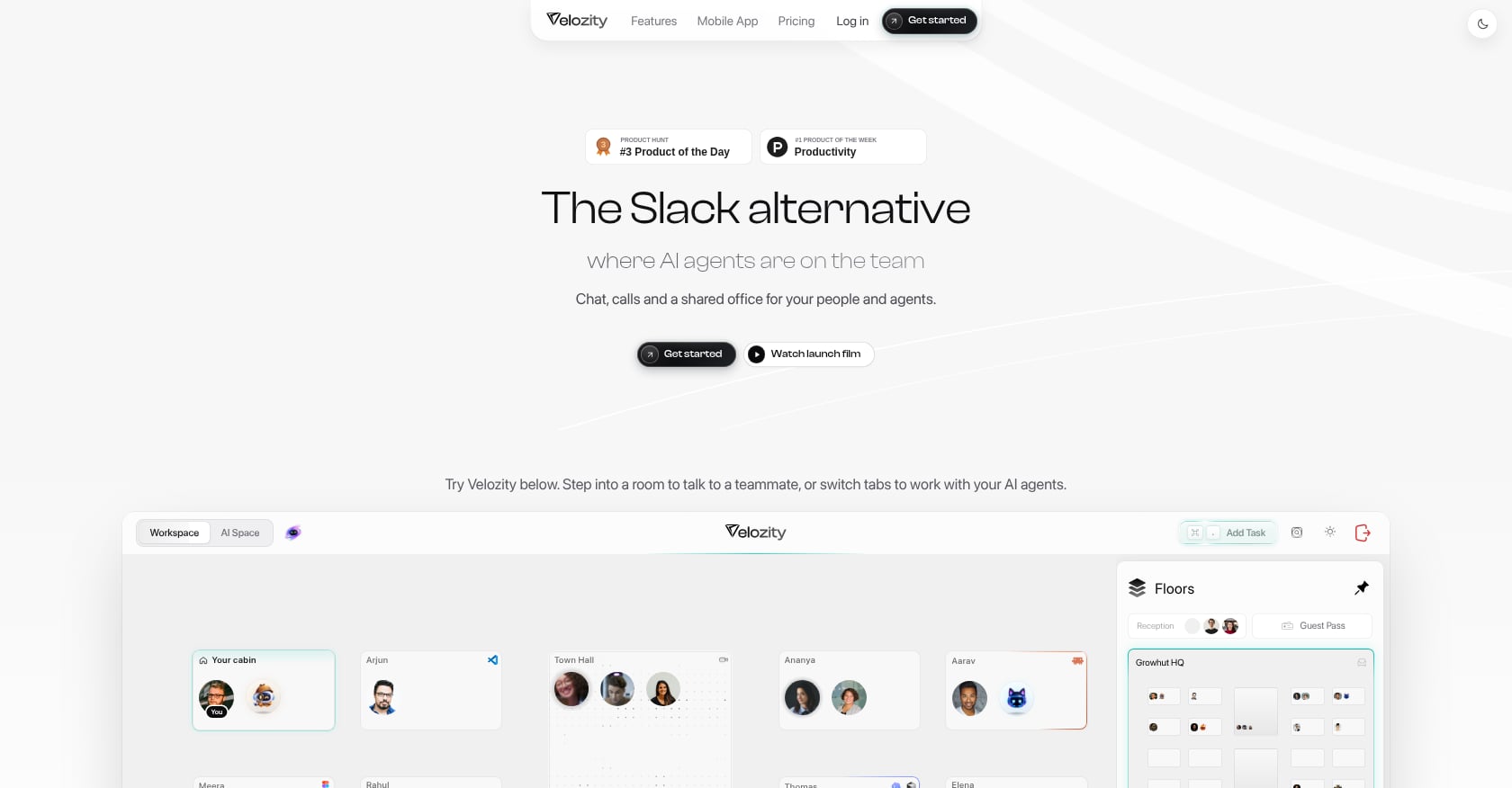
Best for: Teams that want conversations to flow into assigned tasks and AI-driven execution, not just presence and video.
Pricing:
Velozity uses a modular pricing model with three building blocks, each having free and paid tiers:
- Workspace Free: $0 (DMs, groups, limited live presence, 300 shared transcription min/mo, 15 Actionables/week, 1 admin)
- Workspace Pro: $6.99/user/month (unlimited transcription, unlimited Actionables, multiple admins, expanded analytics)
- AI Space Free: $0 (limited task capture and transcription, personal task management)
- AI Space Pro: $7.99/user/month (unlimited Actionables, 800+ personal transcription minutes, automatic daily briefs, recurring connected sources)
- Co-Worker Free: $0 (150 AI credits/month, 1 AI Mission/month)
- Co-Worker Pro: $15/user/month (1,100 AI credits, 10 AI Missions, wider model choices, unlimited work sessions)
The modular structure means not every team member needs every paid module. A team of 10 could have all members on Workspace Pro ($6.99 each), five on AI Space Pro, and two on Co-Worker Pro, paying only for what each person actually uses. The pricing page estimates potential savings of up to ~$319/user/month when consolidating tools like Slack, Zoom, Notion, Calendly, and AI notetakers into one platform.
Free-forever tiers exist across all three pillars, and there’s a 30-day full-access trial with no credit card required.
Key features:
- Live presence with “cabins” for drop-in audio and video, no meeting links needed
- Built-in voice and video meetings with automatic transcription
- AI-generated action items that flow directly into an integrated task board (Kanban and list views)
- AI Co-Worker with “AI Missions” that executes approved actions, not just summaries
- Company Brain for retrieval-augmented answers across your workspace files and conversations
- Integrated calendar and booking pages (replacing external schedulers)
- Team analytics and activity timelines for leadership visibility without micromanagement
- Guest Pass for external collaborators
- Available on iOS and Android alongside the desktop experience
What makes it different:
No other virtual office platform natively closes the loop from live presence through meeting transcription to AI-generated action items to assigned tasks to AI execution. Most competitors stop at presence plus video. Velozity treats the conversation as the starting point of work, not the end of it. For teams exploring AI agents as team members, the Co-Worker feature is the most direct implementation in the virtual office category.
Honest tradeoffs:
- As an all-in-one platform, individual features may not match the depth of specialized best-of-breed tools in every area
- Adopting presence-based cabins and native meetings requires changing habits, especially for teams entrenched in Slack-plus-Zoom workflows
- The G2 profile currently has 0 reviews, reflecting early-stage social proof in third-party review ecosystems
- The public integrations catalog isn’t prominently documented, so teams with specific third-party tool requirements should verify during the free trial
User signal: Site testimonials reference outcomes like “85% less friction,” “$214 saved per user/month,” and “97% less tool switching,” each linked to LinkedIn stories from real users.
2. Gather
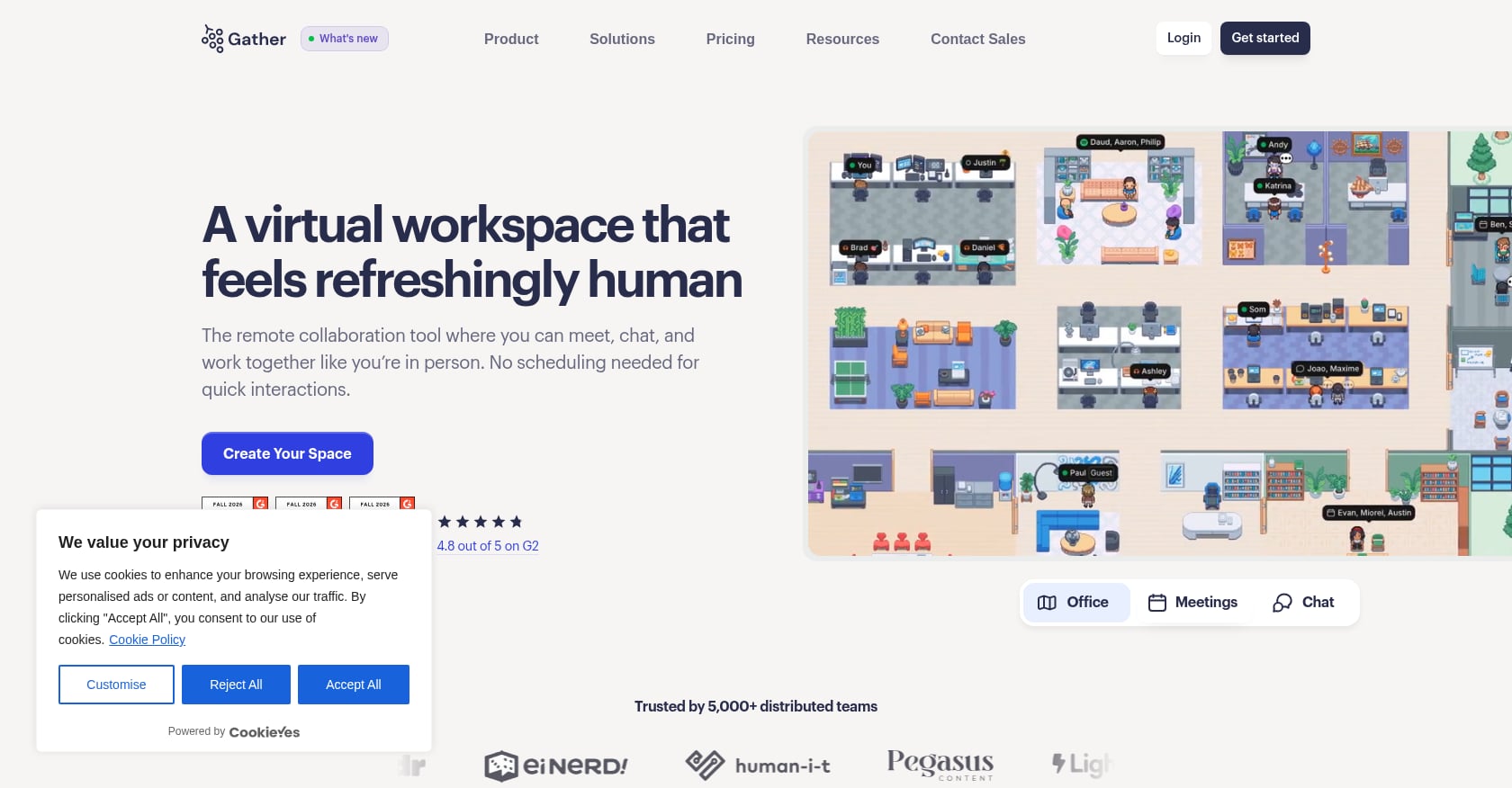
Best for: Teams wanting deep map customization and a playful, pixel-art aesthetic for daily remote coworking.
Pricing:
- Essential plan: $12/member/month billed annually, or $15/month billed monthly
- No free plan (removed September 15, 2025). 30-day free trial only.
A team of 25 pays $300/month on the annual plan. There are no cheaper tiers and no way to mix free and paid seats.
Key features:
- 2D pixel-art virtual world with spatial audio (walk toward someone to talk)
- Extensive office map customization (build your own floors, rooms, social spaces)
- Screen sharing and embedded apps within the virtual space
- Event hosting capabilities for all-hands and social gatherings
Tradeoffs:
- Zero AI features. No meeting transcription, no AI notes, no task generation. The AI team departed to Figma in February 2026.
- No native task management. You still need a separate project tracker.
- External guests must enter the virtual office rather than clicking a simple meeting link, which adds friction for client calls.
- After ending its free plan, every member costs money from day one.
User perspective: Practitioners on Reddit’s r/gathertown describe teams using Gather all day for availability, informal chats, and social events, with some offices running 300 active people. However, one team that surveyed 22 people with 44 detailed feedback forms comparing Gather and Kumospace found Gather’s satisfaction scores were more varied, with the highest concentration in the 41-60% satisfaction range. It works well when teams commit fully, but mixed feelings are common at scale.
G2 rating: 4.8 out of 5 from 330 reviews, primarily small businesses (73.4%).
3. Kumospace
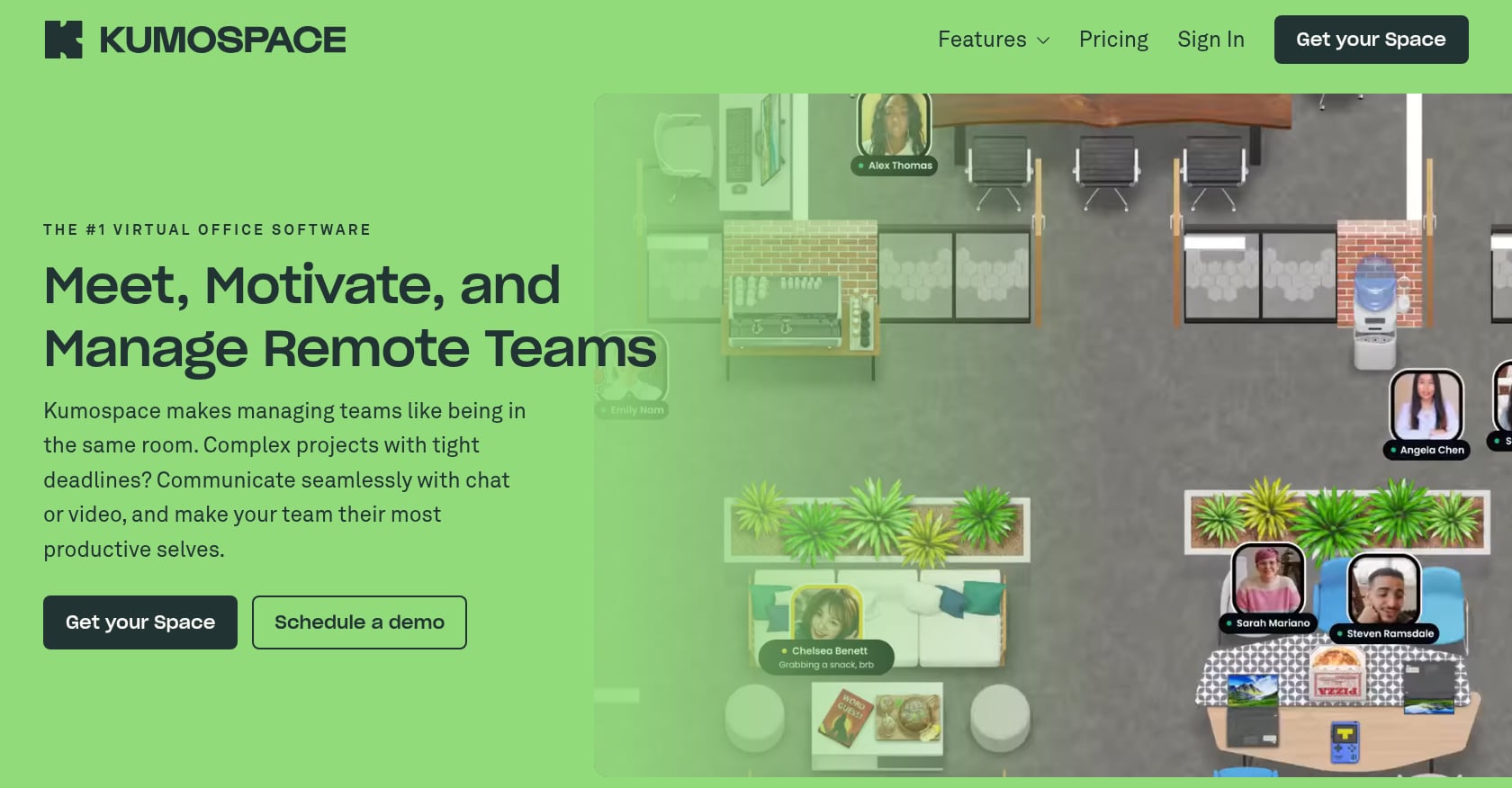
Best for: Small corporate teams wanting a polished, realistic virtual office aesthetic and event hosting.
Pricing:
- Free tier for up to 5 members
- Paid plan starts at $16/user/month
- Kumospace acquired Kosy Software Ltd in 2023
Key features:
- Realistic office environments with spatial audio
- Polished visual design that feels professional for client-facing settings
- Built-in screen sharing and virtual events
- Free tier for very small teams to test the waters
Tradeoffs:
- Only supports one concurrent recording session, which is a hard limit for teams running parallel meetings
- Chat functionality falls short of user expectations, based on G2 feedback
- Performance issues at scale on older devices
- Fewer integrations with other work tools compared to competitors
- No native task management, no AI execution pipeline
- At $16/user/month, it’s more expensive than several alternatives that offer more features
User perspective: One Product Hunt reviewer warned that “anything over ~15 people in a meeting and audio breaks, people drop out, and it’s unusable.” Past users have also noted that the unique interface can be initially confusing for new users. On the positive side, a G2 reviewer praised it for helping teams “bond, connect and solve issues” faster. It shines for small groups but struggles with scale.
G2 rating: ~4.7 stars from 264 reviews.
4. SoWork
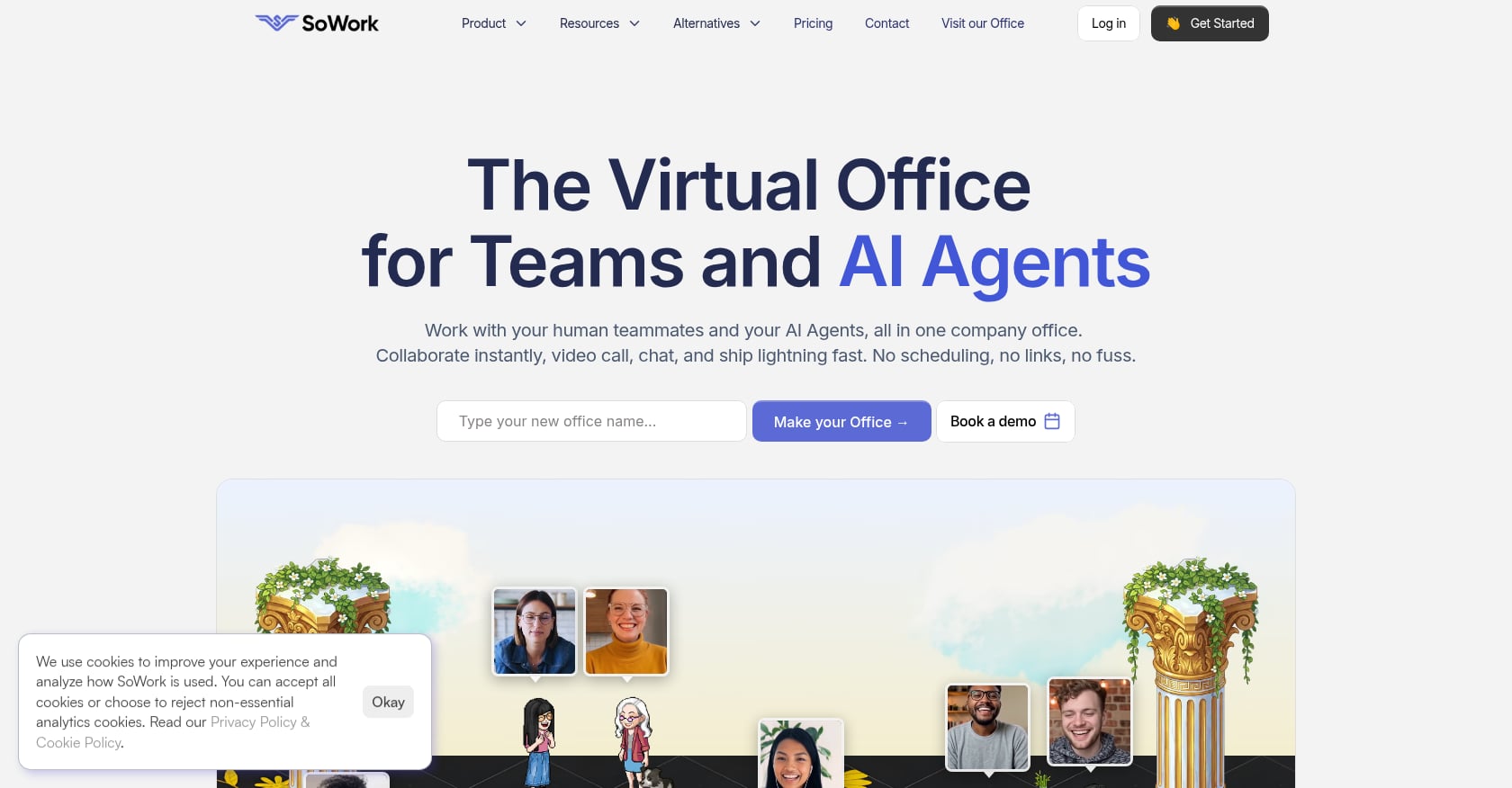
Best for: Budget-conscious teams wanting AI meeting summaries and a free starting tier.
Pricing:
- Free: Up to 10 users, audio only, 30-minute meeting cap
- Basic: $6/user/month ($5.40 billed annually)
- Premium: $15/user/month ($12 billed annually)
- Enterprise: Custom pricing with SSO and SCIM
Key features:
- 2.5D immersive virtual office with avatar-based navigation
- AI meeting summaries and recording (Premium tier)
- Presence awareness so you know who’s around
- Extensive customization options for office spaces
Tradeoffs:
- Free tier is severely limited: audio only, 30-minute meeting cap, limited office furniture, and limited support
- AI features (recording, meeting notes) are locked behind the Premium tier at $12-15/user/month
- The 2.5D avatar experience may feel more like a game than a workspace to teams preferring clean, functional interfaces
- No task management or execution pipeline. Meetings produce summaries, but nothing flows into assigned work automatically.
User perspective: A G2 reviewer called SoWork the platform with the most customization options of any virtual office on the market. The AI meeting summaries are genuinely useful, but only Premium users get them.
G2 rating: 4.8 out of 5.
5. Roam
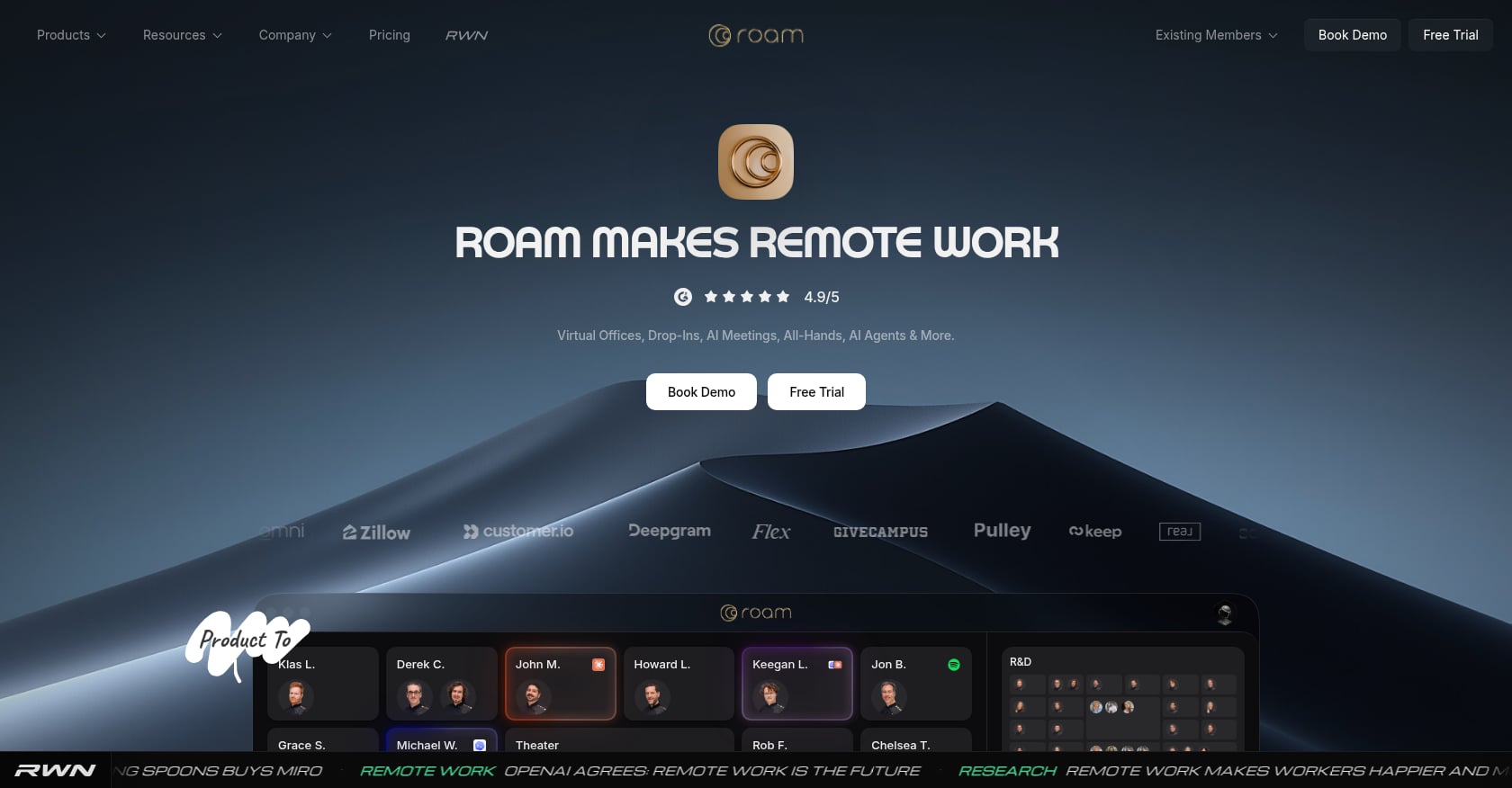
Best for: Meeting-heavy remote organizations willing to pay a premium for an all-in-one bundle.
Pricing:
- $19.50/active member/month, billed monthly only (no annual discount)
- Published 2027 price: $20.88/active member/month
- No free plan. 14-day trial per new member.
- Only active members are billed, which is a genuine advantage for teams with fluctuating headcount.
Key features:
- Persistent presence map with nine integrated products at a single price
- Drop-in video, meeting scheduler, AI note-taking, screen recorder
- AI assistant for workspace queries
- Enterprise chat, virtual all-hands, and virtual events
- No feature gating (everything included at one price)
Tradeoffs:
- Most expensive per-user price in this comparison, and it’s going up
- Monthly billing only, meaning you can’t save with an annual commitment
- The bundled approach means you pay for features you may not use
- No native task management. AI takes notes, but turning those notes into assigned tasks still requires a manual step or external tool.
User perspective: A SaaStr feature quoted a user saying, “My average meeting time in Roam is eight minutes, an astounding number when you think about the prescheduled world of 30- and 60-minute Zoom time blocks.” Another user said Roam “replaced my entire meeting stack.” For teams drowning in meetings, the speed improvement is real.
6. Sococo
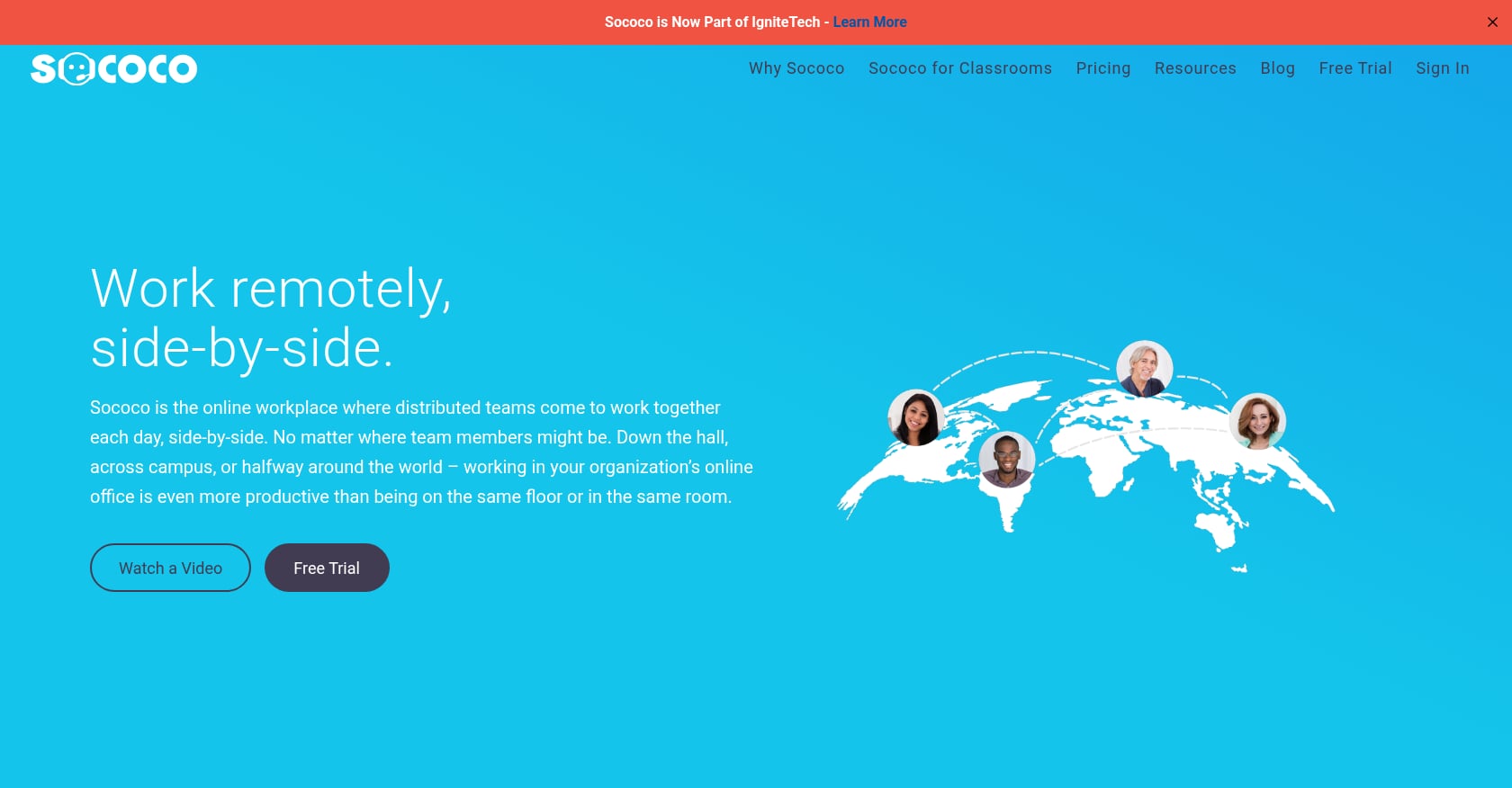
Best for: Enterprise teams wanting structured floor-plan presence and departmental visibility.
Pricing:
- Standard: $13.49/user/month (10-seat minimum) with 500 pooled voice/video minutes per seat per month
- Unlimited: $24.99/user/month (100-seat minimum, annual term)
Key features:
- Most realistic office floor-plan simulation in the category
- Dedicated rooms with instant “door-knock” features
- Visual presence across departments
- Designed for large organizations with structured hierarchies
Tradeoffs:
- 10-seat minimum billing means a team of 5 pays for 10 ($134.90/month for 5 actual users)
- Standard plan caps native video at 500 minutes per seat per month
- Capterra users report a 60-day written cancellation notice requirement and pricing changes that disrupted collaboration
- No AI features at all
- No free plan, annual prepay required on some tiers
- The product feels designed for a pre-AI era
7. WorkAdventure
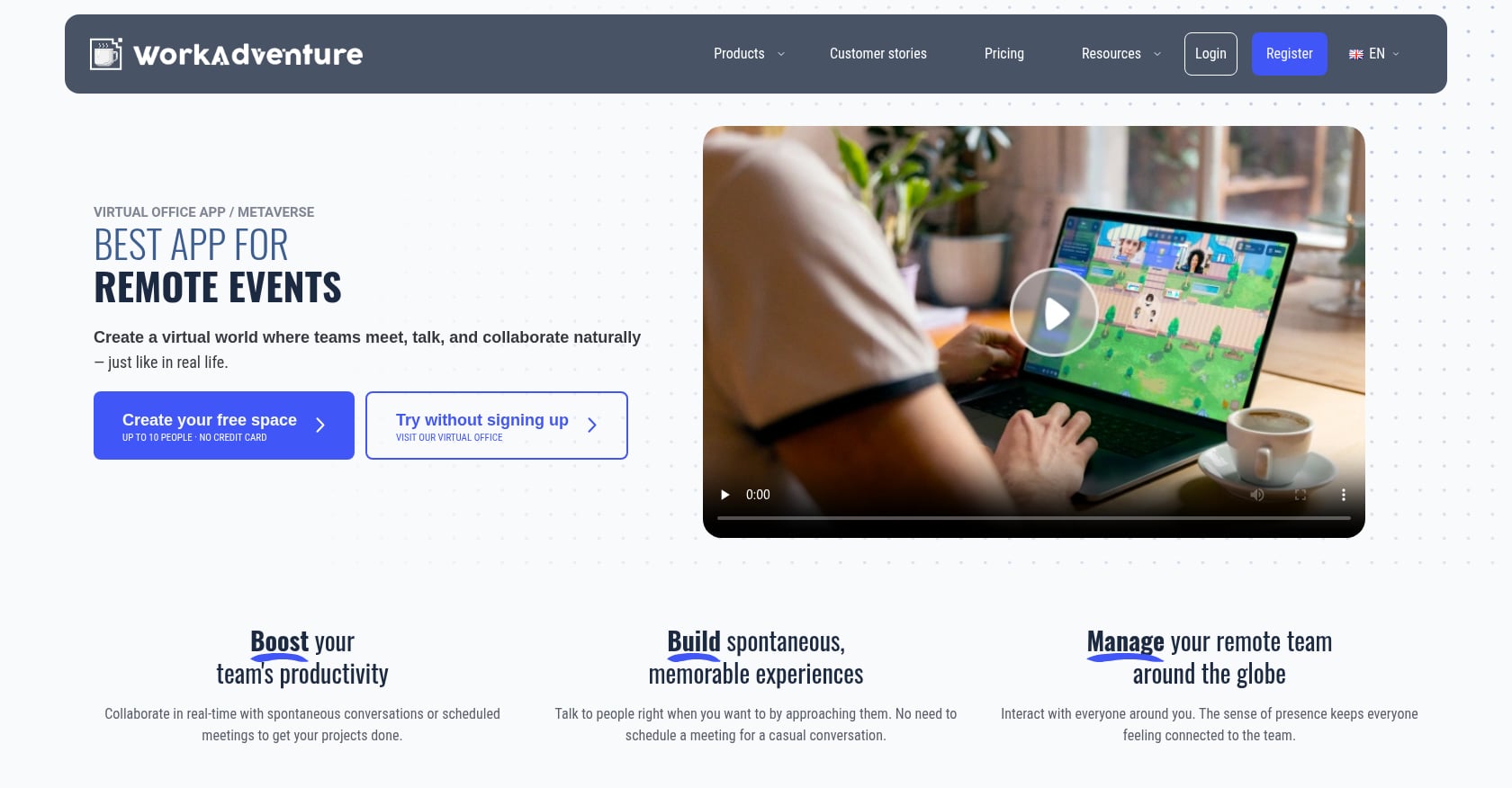
Best for: Technical teams wanting full customization control and open-source self-hosting.
Pricing:
- Free for up to 10 users or self-hosted
- Paid cloud plans available starting at approximately €8/user/month
Key features:
- Open-source codebase that teams can modify, extend, and self-host
- 2D map-based virtual spaces with spatial audio
- Custom map creation using the Tiled editor
- No vendor lock-in
Tradeoffs:
- Requires technical setup and maintenance, especially self-hosted
- No AI features of any kind
- No native task management
- Limited polish compared to commercial options
- Small community relative to larger platforms
- Best suited for teams with a developer who enjoys tinkering
8. Teamflow
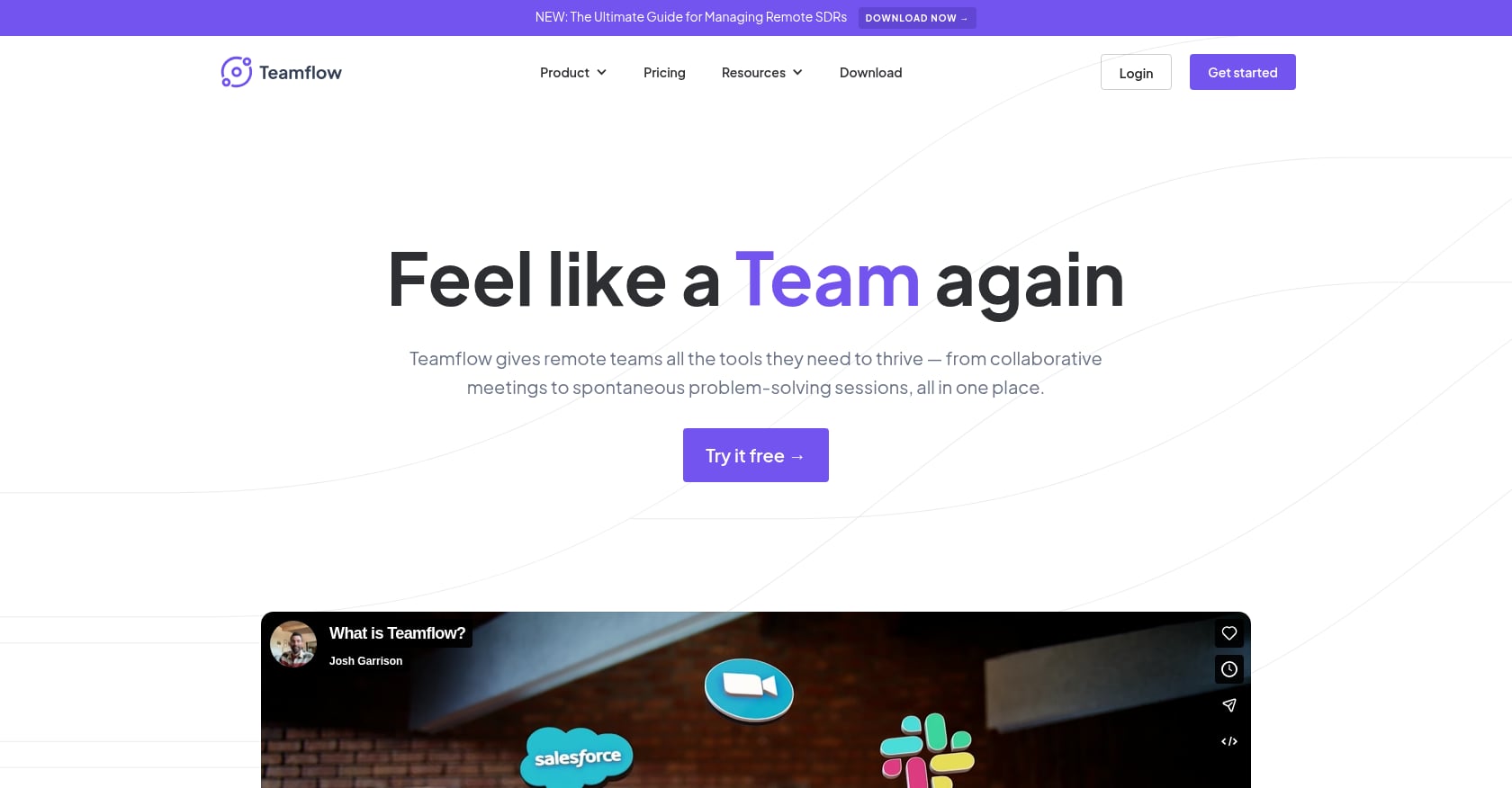
Best for: ⚠️ Not recommended for new teams. Included as a cautionary entry.
What happened: Teamflow built arguably the best in-room collaboration tooling in the virtual office category, with whiteboards, persistent documents, and embedded tools. But founder Flo Crivello publicly stated that pandemic growth reversed, the team cut deep, and on January 1, 2023, they pivoted engineering to Lindy (an AI agent product). No public evidence of Teamflow development exists for 2025 or 2026.
Pricing (if accessible): Seed plan at $20/user/month ($15 annually), Business plan at $30/user/month ($25 annually).
G2 rating: 4.7 out of 5 from 63 reviews, but a February 2025 review bluntly states “Founders has disappeared without inform users.”
The signup page still works, but investing team adoption time in a platform that hasn’t been updated in over three years is a risk no team should take. Teamflow’s story is a reminder to evaluate not just features, but the company’s active investment in the product.
Which Virtual Office Platform Is Right for Your Team?
Rather than a one-size-fits-all recommendation, here’s a decision framework:
If your team just wants hallway-style drop-ins and spatial presence: Gather or Kumospace. Gather for pixel-art personality, Kumospace for a corporate look. Neither has AI or task management, so you’ll keep your existing tool stack alongside them.
If you want AI meeting summaries on a budget: SoWork. The Premium tier at $12/user/month (annual) gives you AI recording and notes. Just know that the free tier is too limited for real work.
If you want everything bundled and cost is secondary: Roam. At $19.50+/user/month with no annual discount, it’s the priciest option, but you get nine products in one with no feature gating.
If you need enterprise floor-plan structure for 100+ people: Sococo Unlimited, assuming you’re comfortable with the annual commitment and seat minimums.
If you want to self-host and your team has developers: WorkAdventure. Full control, open code, no vendor lock-in.
If you want conversations to turn into assigned tasks with AI execution: Velozity. It’s the only platform in this list that natively takes you from live presence through meeting transcription to AI-generated action items to an integrated task board, and then lets AI agents push that work forward. The modular pricing means you can start free and add paid capabilities only where each team member needs them. For teams exploring collaborative workspace solutions, it’s the closest thing to replacing an entire SaaS stack with one product.
Frequently Asked Questions
What is a virtual office platform?
A virtual office platform is software that creates a persistent digital workspace where remote or hybrid team members can see each other’s availability, drop into conversations, hold meetings, and collaborate throughout the day. It simulates the spontaneity of a physical office without requiring everyone to be in the same location.
How much does virtual office software cost?
Prices range from free (WorkAdventure, SoWork free tier, Velozity free tiers) to $24.99/user/month (Sococo Unlimited). Most platforms fall in the $6-20/user/month range. Watch for hidden costs like seat minimums, minute caps, and the need to pay for AI features as add-ons. A detailed virtual office cost breakdown covers these pricing models more thoroughly.
Can a virtual office replace Slack and Zoom?
Some can, some can’t. Platforms like Gather and Kumospace are primarily presence layers, and most teams keep Slack and Zoom alongside them. Velozity and Roam are designed to replace chat, video, and additional tools with a single platform. Whether that replacement works depends on your team’s specific workflow needs and willingness to change habits.
What’s the difference between a virtual office and a virtual address service?
A virtual address service gives your business a physical mailing address, mail handling, and sometimes a receptionist or meeting room access. A virtual office platform is collaboration software for remote teams. They solve entirely different problems despite sharing a name.
Do virtual office platforms work on mobile?
It varies. Velozity offers native iOS and Android apps. Most spatial office platforms (Gather, Kumospace, SoWork) are primarily desktop browser experiences. Check mobile support before committing if your team works across devices.
Are AI features in virtual offices worth paying for?
It depends on the depth. Basic AI meeting summaries (SoWork, Roam) save time on note-taking but still require manual follow-through. Agentic AI that creates tasks and executes approved actions (Velozity’s Co-Worker) changes the workflow itself. If your team’s bottleneck is meetings that produce no follow-up, AI features that connect to task automation are worth the investment.
Which virtual office platform is best for small teams under 10 people?
For teams under 10, SoWork’s free tier (up to 10 users), WorkAdventure’s free tier (up to 10 users), and Velozity’s free tiers across all three modules are the strongest starting points because they cost nothing. Kumospace’s free tier works for teams of 5 or fewer. Avoid Sococo at this size since the 10-seat minimum means you’d pay for phantom users.
Is the virtual office category growing or dying?
Growing, but consolidating. The market is expanding at 11% annually. However, several platforms have shut down (Around, Microsoft Mesh) or stalled (Teamflow). The trend is toward AI-native platforms that do more than just presence and video. Teams choosing a platform today should prioritize active development and AI investment as signals of long-term viability.