
TL;DR
Most “best AI agents for teams” lists only cover meeting transcription. This guide goes wider, comparing 10 tools across communication, task management, meetings, knowledge retrieval, and cross-app automation. Velozity tops the list as the best all-in-one AI office for teams that want to consolidate their stack. Microsoft Copilot wins for enterprises locked into M365, Slack AI suits chat-first workflows, and Monday.com works well for structured operations. Budget picks include Taskade and ClickUp.
The Real Problem Isn’t a Lack of AI
Teams don’t lack AI. They lack connected AI. Every major tool now ships its own AI features, but none of them share context. Your meetings happen in Zoom, notes land in Notion, tasks live in ClickUp, and chat stays in Slack. The AI in each tool only sees its own silo.
The result? Workers switch between apps about 1,200 times per day, burning hours on context switching instead of actual work. Meanwhile, the Slack Workforce Index (surveying 20,000+ workers) found that people working with AI agents are 72% more likely to say they feel “very productive” at their jobs, and those who don’t use agents spend nearly 40% more time on admin.
The opportunity is clear. But choosing the right AI agent for your team means looking beyond any single category. This guide covers five: all-in-one workspaces, project management, communication, meeting intelligence, and automation.
Start free with Velozity, no card required, to see how a consolidated AI office works in practice.
What Makes an AI Agent Different from AI Features?
Before comparing tools, it helps to understand what “agent” actually means. The term is overloaded. Most tools marketed as AI agents are really just AI features wearing a fancier label.
Here’s a simple taxonomy:
- AI feature: Autocomplete, grammar correction, basic summaries. It reacts to a single input.
- AI assistant: Answers questions, drafts text, searches your workspace. It helps when asked.
- AI agent: Plans, decides, and executes across tools and steps. It pushes work forward without being prompted for each action.
The distinction matters because most teams buy an “AI agent” expecting execution and get summarization instead. Only a few tools on this list actually cross the line into agentic execution, where the AI proposes actions, gets approval, and carries them out.
Practitioners in the AI research community have noted this gap directly. As one analyst put it, “most of the energy in AI development goes into making individual agents more capable. Much less goes into understanding how to make them collaborate well.” That collaboration gap is exactly what teams feel when their AI tools don’t talk to each other.
One important caveat: agentic systems can move work faster, but they can also amplify errors and blur accountability. The more autonomous the tool, the more expensive a mistake can be. A BCG and Harvard study found that consultants with AI were sometimes less likely to get right answers than consultants without it, particularly when they trusted plausible but wrong outputs. Test agents on real workflows before committing to annual contracts.
At-a-Glance Comparison Table
| Tool | Best For | Starting Price | Free Plan? | Agents Execute Actions? | Key Limitation |
|---|---|---|---|---|---|
| Velozity | All-in-one AI Office | $6.99/user/mo | Yes | Yes (AI Missions) | Early-stage reviews |
| MS 365 Copilot | Microsoft ecosystem | ~$21/user/mo add-on | No | Limited | M365 lock-in |
| Slack AI | Chat-first teams | $7.25/user/mo | Limited | Via Agentforce | No tasks or meetings |
| Monday.com AI | Visual PM + operations | $9/seat/mo | Yes (2 seats) | Yes (credit-based) | Confusing AI pricing |
| Taskade | Budget AI workspace | $10/mo flat | Yes | Yes (unlimited on Pro) | Agent reliability |
| ClickUp AI | Task-heavy PM teams | $8/user/mo | Yes | Limited (credits) | No communication |
| Notion AI | Knowledge + docs | $20/user/mo | Trial only | Emerging | No meetings or chat |
| Fireflies.ai | Meeting intelligence | $10/seat/mo | Yes | No (transcription only) | Meeting-only scope |
| Zapier Agents | Cross-app automation | $0 (100 tasks) | Yes | Yes | Not a workspace |
| Glean | Enterprise knowledge | ~$50+/user/mo | No | Emerging | Expensive, read-heavy |
The 10 Best AI Agents for Teams
1. Velozity
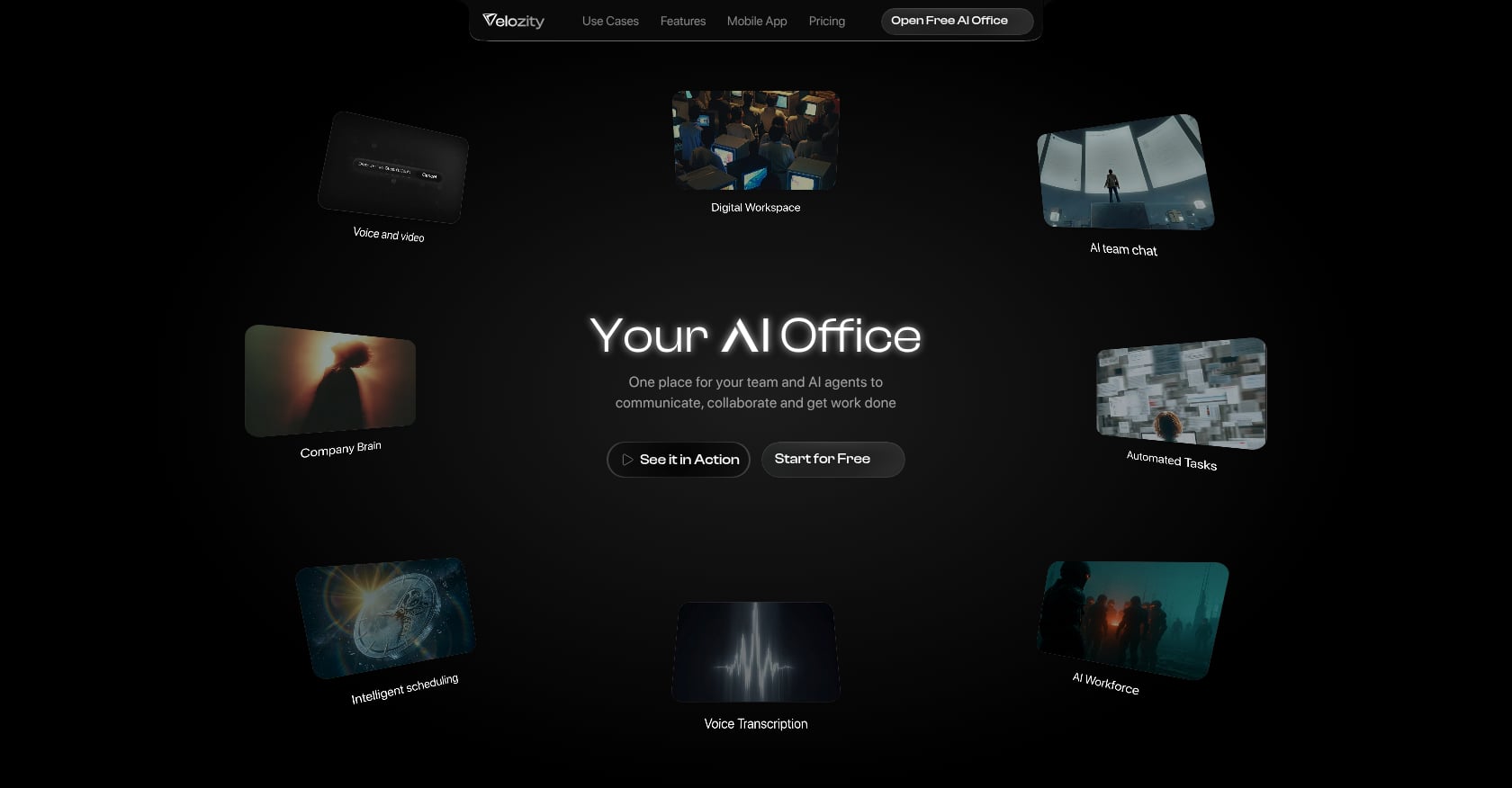
Best for: Remote-first startups and SMBs that want to consolidate Slack + Zoom + Notion + Calendly + AI notetaker into one workspace with built-in AI agents.
Pricing:
- Workspace Free: $0 / Workspace Pro: $6.99/user/mo
- AI Space Free: $0 / AI Space Pro: $7.99/user/mo
- Co-Worker Free: $0 (150 credits/mo) / Co-Worker Pro: $15/user/mo (1,100 credits/mo)
- 30-day free trial, no card required
Key features:
- Conversation-to-execution pipeline: meetings flow into transcription, then AI-generated action items, then assigned tasks, all within one tool
- Live presence with “cabins” for drop-in audio and video (replaces hallway conversations for remote teams)
- AI Co-Worker with “AI Missions” that autonomously execute approved actions
- Company Brain for retrieval across files and conversations
- Built-in calendar and booking pages, replacing external schedulers
- Modular pricing so you can mix free and Pro seats per module (not everyone needs every feature at the paid tier)
Tradeoffs:
- All-in-one tools may not match the depth of every specialized competitor on advanced features
- G2 profile exists but with limited reviews, reflecting early market presence
- Integration catalog isn’t prominently documented, so verify third-party needs during trial
Why it leads this list: The gap in the current market is clear. Most teams bolt AI onto five different tools and end up with five disconnected AI assistants. Research from Deloitte shows that single-platform approaches achieve 85% adoption versus 23% for multiple specialized purchases. Velozity is purpose-built for this consolidation play. The conversation-to-execution pipeline (where a meeting becomes a transcript, becomes action items, becomes tasks on a board) is the workflow most teams cobble together manually across three or four apps.
Homepage testimonials cite 97% less tool switching and $214 saved per user per month. For teams tired of juggling multiple apps, it’s worth testing during the free trial to see if those numbers hold for your workflow.
Compare Velozity pricing to your current stack cost.
2. Microsoft 365 Copilot
Best for: Enterprises already standardized on Microsoft 365 who want AI embedded into existing workflows without new vendor onboarding.
Pricing:
- Bundled into some Business Standard/Premium plans
- Standalone add-on: approximately $21/user/mo ($18 through a promotional period ending December 2026)
Key features:
- AI assistant embedded across Teams, Word, Excel, Outlook, and PowerPoint
- Meeting summaries and chat recaps inside Microsoft Teams
- Strong knowledge retrieval for organizations with deep SharePoint and OneDrive usage
- Copilot Studio for building custom agents (evolving capability)
Tradeoffs:
- Limited to Microsoft 365 apps, with no meaningful external tool access
- At $21-30/user/mo as an add-on, costs climb fast for large teams
- Teams has roughly 600 integrations compared to Slack’s 2,500
- Practitioners describe it as an “expensive add-on that requires cultural adoption investment to justify the cost”
Who should pick this: If your team already lives in Word, Excel, Outlook, and Teams, Copilot meets you where you are. But if your workflows span tools beyond the Microsoft ecosystem, the AI stays siloed inside M365.
3. Slack AI + Agentforce
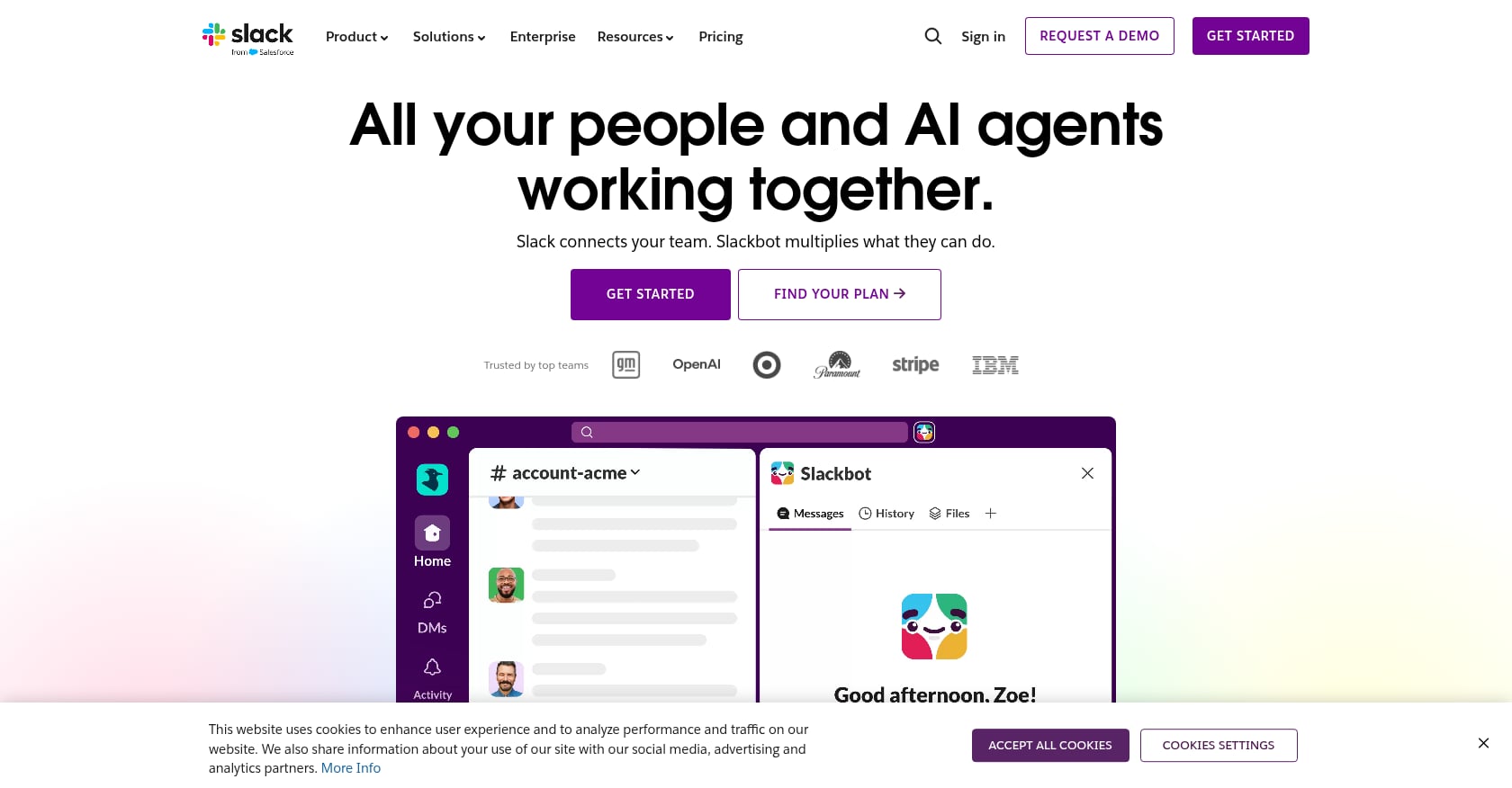
Best for: Chat-first teams, especially those on Salesforce, who want AI layered into existing messaging workflows.
Pricing:
- Slack Pro: $7.25/user/mo (annual) / Business+: $12.50/user/mo
- Slack AI is now bundled in all paid tiers (previously a $10 add-on, removed mid-2025)
- Agentforce agents available for Salesforce customers
Key features:
- AI summaries and search across channels and threads
- Workflow builder for automating routine tasks
- Over 1.7 million apps actively used in Slack each week, with 2,500+ integrations
- Slack’s MCP server reached general availability in early 2026, enabling deeper agent connections
Tradeoffs:
- Slack AI helps teams find or summarize conversations but doesn’t own project delivery
- No native meetings, task management, or scheduling
- Agentforce’s deeper capabilities require a Salesforce subscription
- Still requires external tools for most of the work that happens after a conversation
User perspective: Slack’s integration ecosystem is its greatest strength. But for teams trying to find the best AI agents for teams that actually execute work (not just find information), Slack AI stays in the “assistant” tier rather than the “agent” tier.
4. Monday.com AI
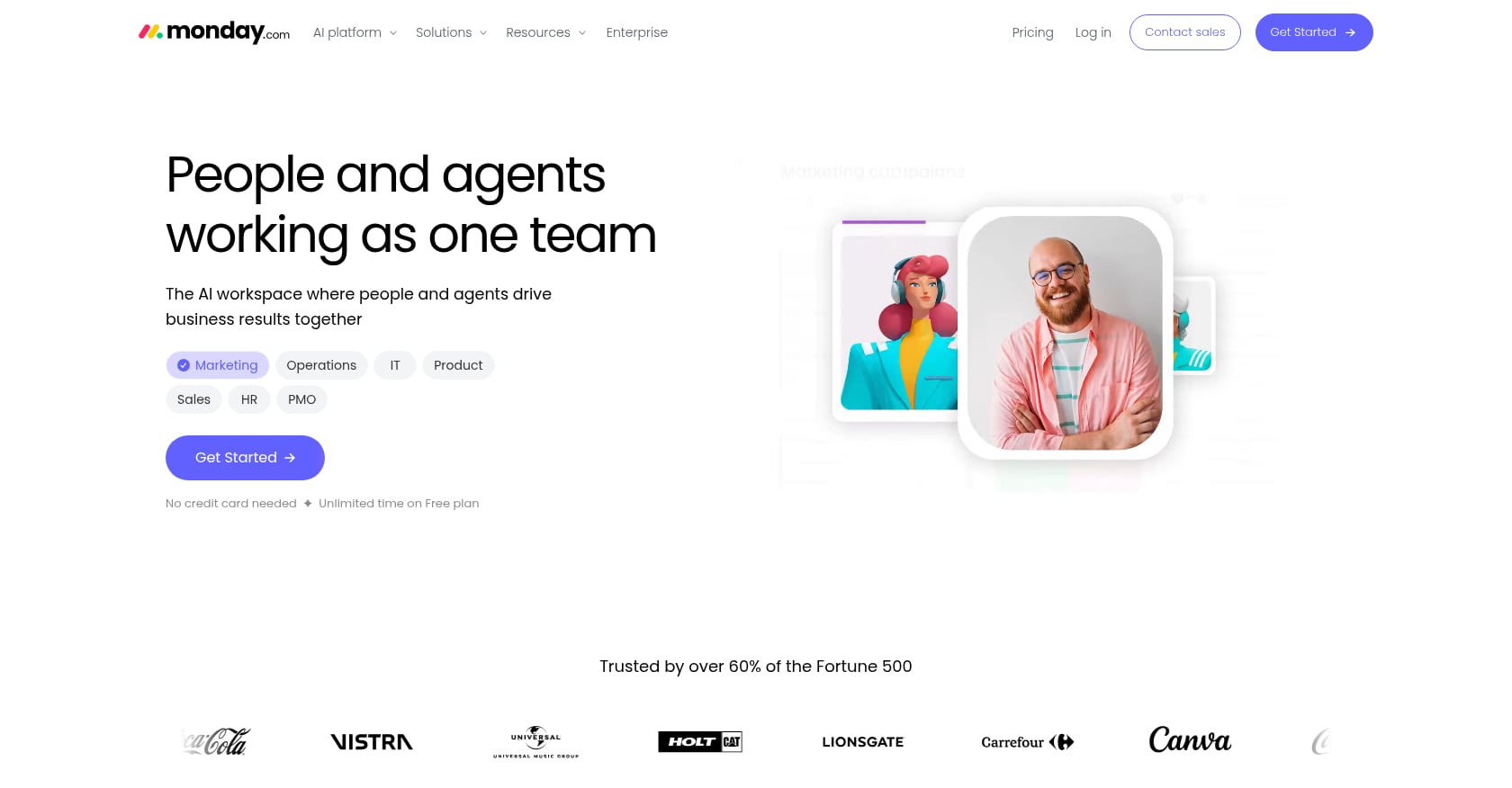
Best for: Operations and sales teams that already use monday.com and want AI agents embedded in structured, board-based workflows.
Pricing:
- Free: $0 (2 seats) / Basic: $9/seat/mo / Standard: $12/seat/mo / Pro: $19/seat/mo
- Monday Agents (separate pricing): Free (1 agent, 200 credits/mo), Squad $49 (10 agents, 5,000 credits/mo), Force $299 (75 agents, 30,000 credits/mo)
- 1 AI Credit = $0.01; 1 AI action = 8 credits = $0.08
Key features:
- AI agents that score leads, triage tickets, analyze project risks, and summarize meetings
- Sales Agent (150 credits per call), Lead Agent (10 credits per lead)
- AI Notetaker for meetings with automatic board updates
- Vibe app builder for custom AI-powered workflows
Tradeoffs:
- Paid plans require a 3-seat minimum, so the actual entry price is $27/month on Basic, even for a two-person team
- Credit pricing is confusing: one industry reviewer noted that the combination of subscription-included AI features, trial credit bundles, and purchasable credit add-ons makes the true AI cost difficult to calculate upfront
- No native communication or meeting tools
Real-world note: Monday.com’s visual boards are genuinely useful for operations teams. But the layered credit system means your AI costs can spike on heavy-usage weeks without warning. Budget by workload, not by seats.
5. Taskade
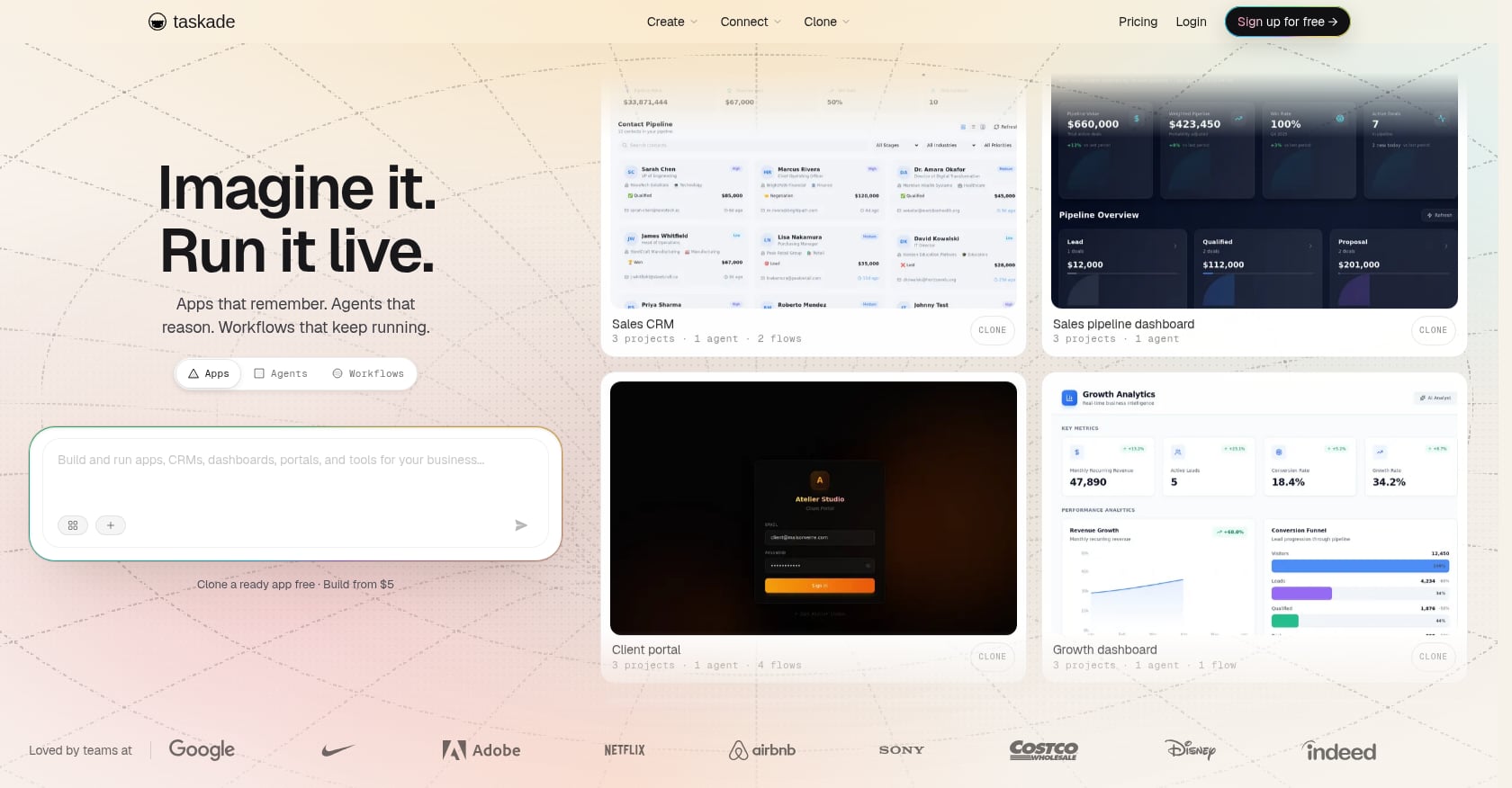
Best for: Budget-conscious startups and small teams (under 10 people) who want AI agents in their project workspace without per-seat pricing.
Pricing:
- Free: 1 custom agent, no monthly credits
- Pro: $10/mo billed annually (covers up to 10 users, unlimited agents, 50,000 credits/mo)
- Business: $25/mo (multi-agent AI Teams, white-label) / Max: $100/mo (autonomous always-on agents)
Key features:
- AI agents that execute tasks, not just assist with them
- Autopilot cloud computers for background agent work
- Five project views including mind maps, plus real-time collaboration with video calls
- Access to 11+ AI models across OpenAI, Anthropic, and Google
Tradeoffs:
- No Gantt charts or advanced dependencies for complex project planning
- Light reporting for operations teams
- Agents need tuning for reliability, particularly on multi-step workflows
- G2 customer support scored lowest among sub-categories at 8.0/10
User perspective: One reviewer rated Taskade 4.1/5, saying it “genuinely replaces a task manager, a doc tool, and a standalone AI assistant” at a competitive price. The key caveat: credits are the real unit of cost now, not seats. Heavy usage days can burn through the monthly allotment fast.
For teams comparing budget options, consider how AI task automation tools differ in their approach to credit consumption versus flat pricing.
6. ClickUp AI
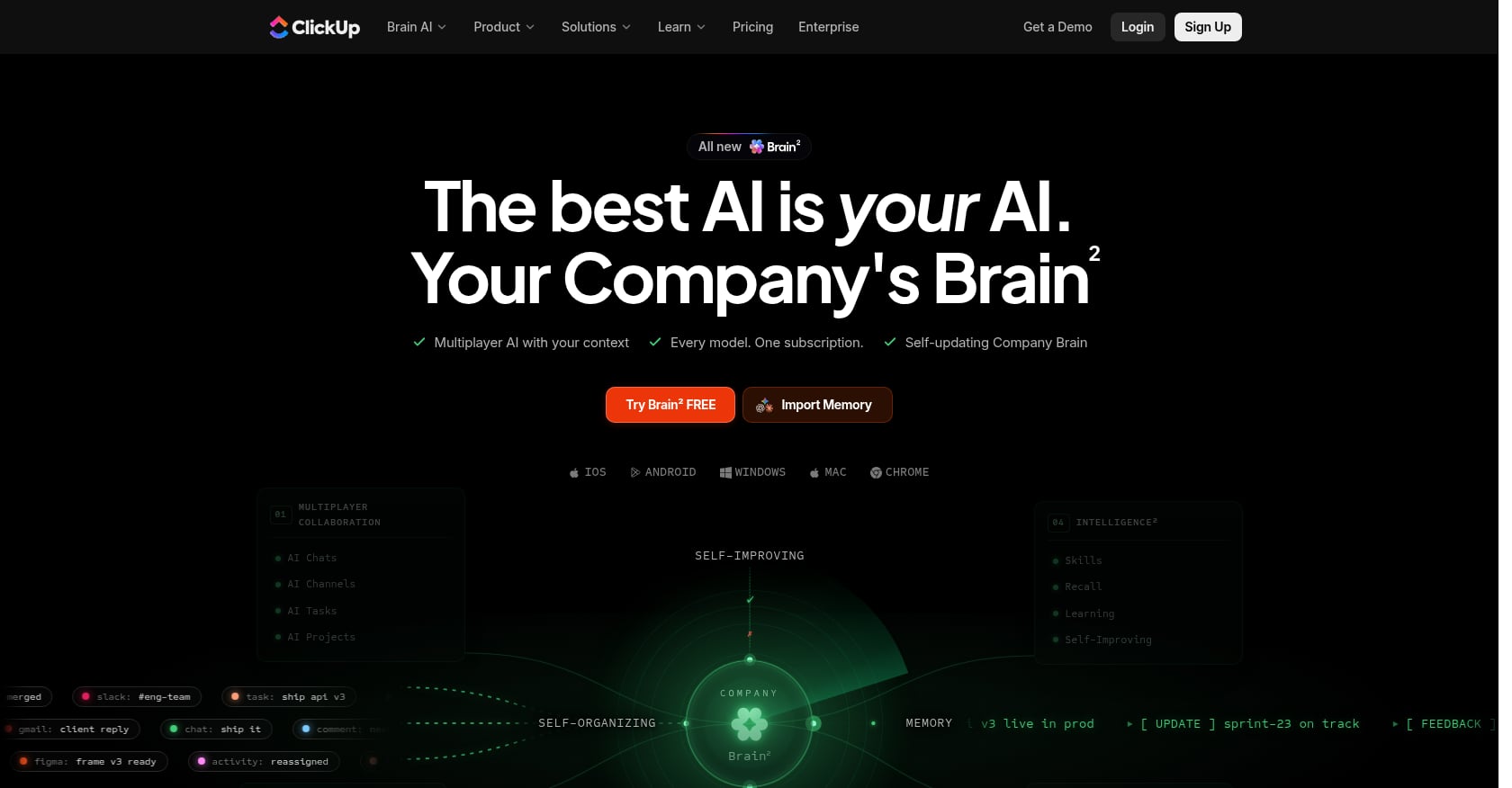
Best for: Project management teams where task automation is the priority and deep customization matters more than communication features.
Pricing:
- Free Forever: $0 (100MB storage) / Unlimited: $7/user/mo / Business: $12/user/mo
- Brain AI add-on: approximately $5-9/user/mo (annual)
- AI credits pooled by plan: 1,000/month on Core, 1,500 on Business
Key features:
- ClickUp Brain for writing, task summaries, and workflow automation
- Super Agents for multi-step task automation (credit-based)
- Broadest feature set at the lowest price point among PM tools
- Custom fields, dependencies, dashboards, and time tracking
Tradeoffs:
- No native meeting or communication features whatsoever
- Free plan caps storage at 100MB and meters AI credits on top of per-seat pricing
- Requires significant setup investment to get value from the platform
- AI add-on pricing stacks on top of base subscription
Who should pick this: Teams that are already deep into project management and just want AI layered on top of their existing task workflows. But if your team’s pain point is the gap between meetings and tasks (or the lack of real-time communication), ClickUp won’t solve that alone.
7. Notion AI
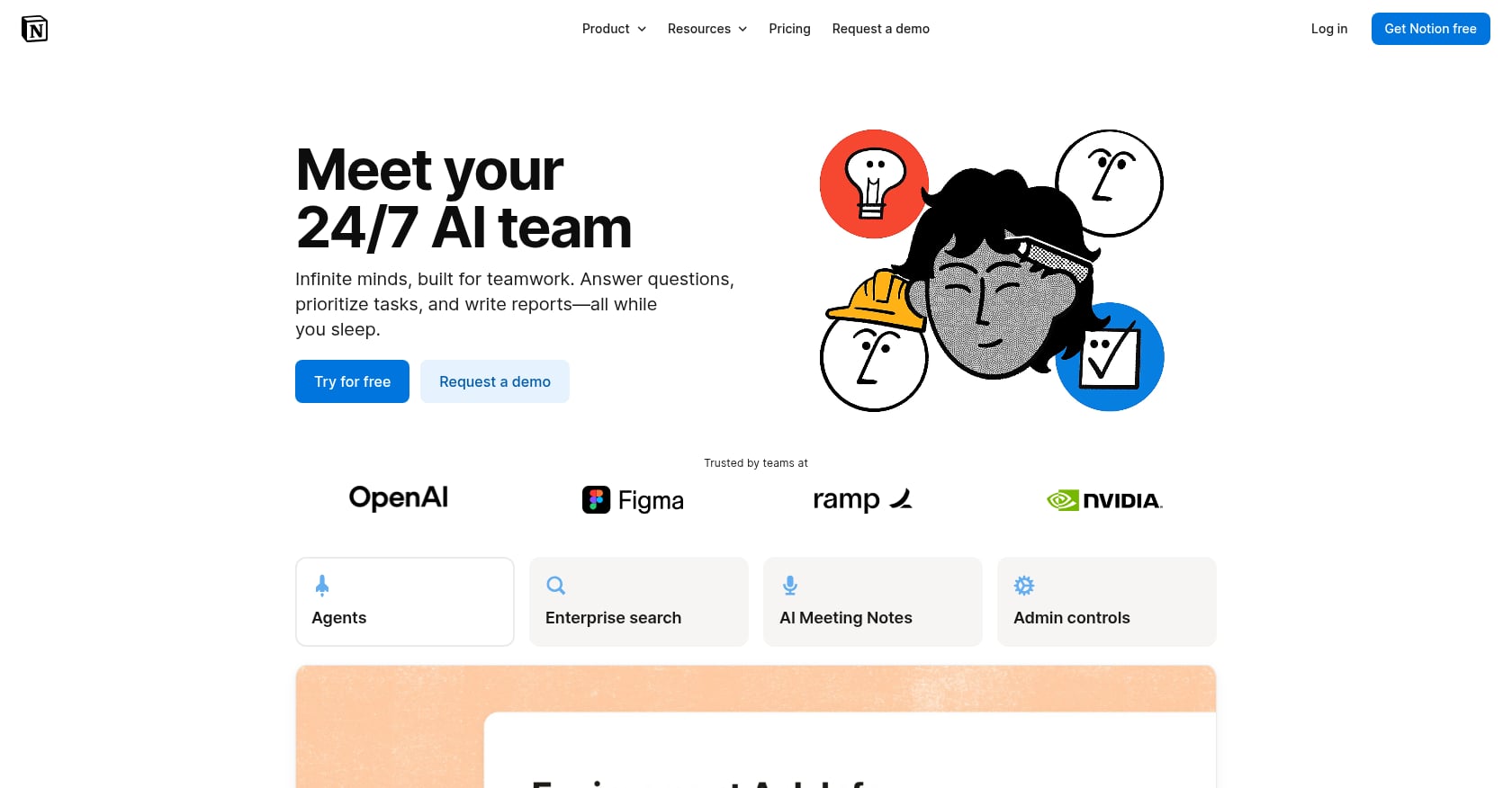
Best for: Consulting, legal, content, and advisory teams that primarily need AI for documentation and knowledge management.
Pricing:
- Full Notion AI included in the $20/user/mo Business plan
- Free and Plus plans get a trial of AI features
- Custom Agents add-on: $10/1,000 credits
Key features:
- Agent-first architecture with up to 20-minute autonomous agent sessions
- Enterprise Search across connected tools
- Strong writing assistance inside the knowledge base
- Connected databases for structured wiki and project documentation
Tradeoffs:
- Lacks structured task dependency features found in Asana or visual dashboards in Monday.com
- No native meetings, voice, video, or real-time communication
- The $20/user/mo Business plan is required for full AI, making it one of the pricier knowledge tools
- Agent capabilities are still emerging and evolving
Who should pick this: If your team’s biggest bottleneck is finding, organizing, and writing documentation, Notion AI is strong. For teams that need AI across communication, meetings, and task execution, it covers only one piece. For a broader look at how teams use AI for knowledge management, the approaches vary significantly by team size.
8. Fireflies.ai
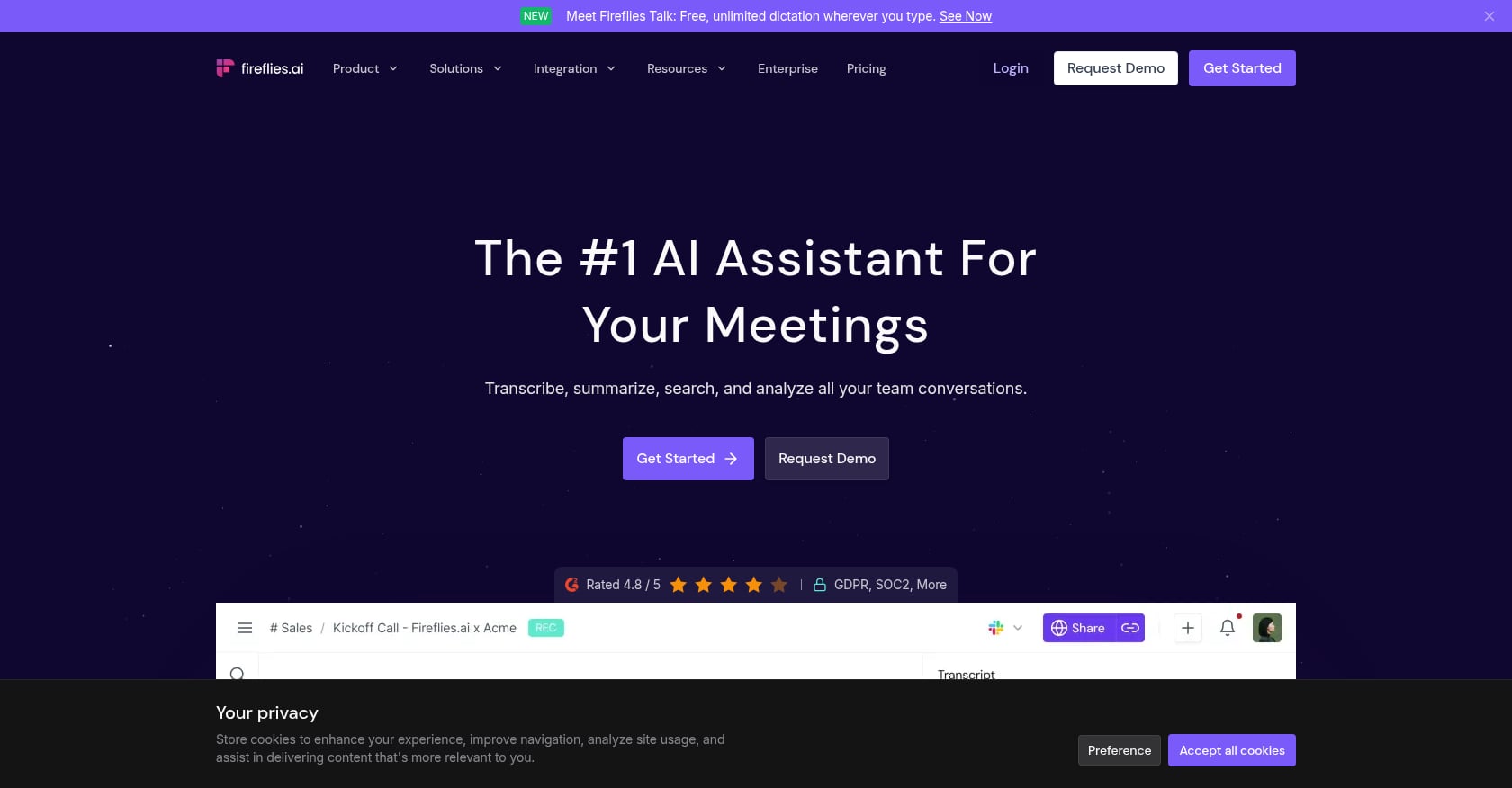
Best for: Sales and customer-facing teams with high meeting volume who want transcripts automatically synced to their CRM.
Pricing:
- Free: unlimited transcription with limited AI summaries
- Pro: $10/seat/mo / Business: $19/seat/mo / Enterprise: $39/seat/mo
Key features:
- Transcription-first approach with universal compatibility across Zoom, Google Meet, Teams, and Webex
- Multilingual transcription in 100+ languages
- 50+ integrations for pushing notes into CRM and project tools
- Searchable meeting archives with AI-powered topic extraction
Tradeoffs:
- Meeting-only scope: doesn’t cover tasks, communication, scheduling, or knowledge management
- Even on paid plans, users report needing AI credit top-ups. One Business user paying $95/month for their team reported spending $293 after buying credits twice in one month
- No agentic execution: transcripts don’t automatically become tasks or follow-ups
Real-world note: Fireflies is good at what it does, but it highlights the core problem with best-of-breed AI for teams. A transcript is only useful if it becomes something actionable. The leap from note-taking to task completion is where most meeting tools stop and where teams lose momentum. This is exactly the gap that treating AI agents as team members is designed to close.
9. Zapier Agents
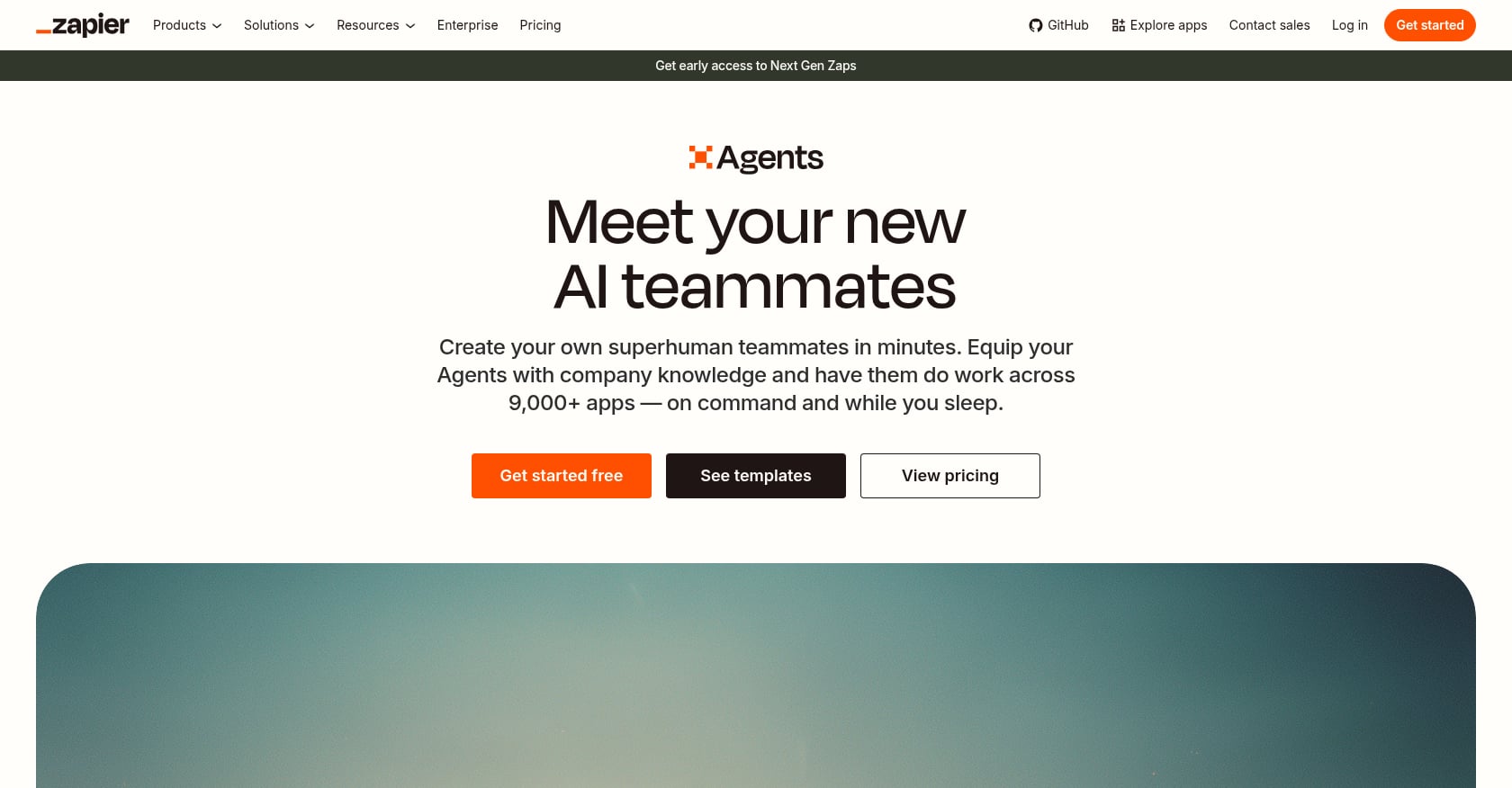
Best for: Teams that need to connect many existing tools with AI-powered automation but don’t want to replace their current stack.
Pricing:
- Free tier: $0 with 100 tasks/month
- Paid plans scale with task volume
Key features:
- 9,000+ app integrations, the largest ecosystem of any automation tool
- AI agents that build and execute multi-step workflows without code
- Works across CRM, email, spreadsheets, PM tools, and more
- Natural language workflow creation
Tradeoffs:
- Not a workspace: no communication, meetings, task boards, or team presence
- Costs climb quickly with task volume, especially for teams with high-frequency automations
- Agents operate between tools but don’t provide a unified view of work
- Debugging complex multi-step automations requires patience
Who should pick this: Zapier is the right choice when your team is happy with their existing tools and just needs the connective tissue between them. It’s an automation layer, not a replacement for anything. For teams evaluating whether to connect their current stack or consolidate it, the unified workspace vs. multiple apps question is worth considering first.
10. Glean
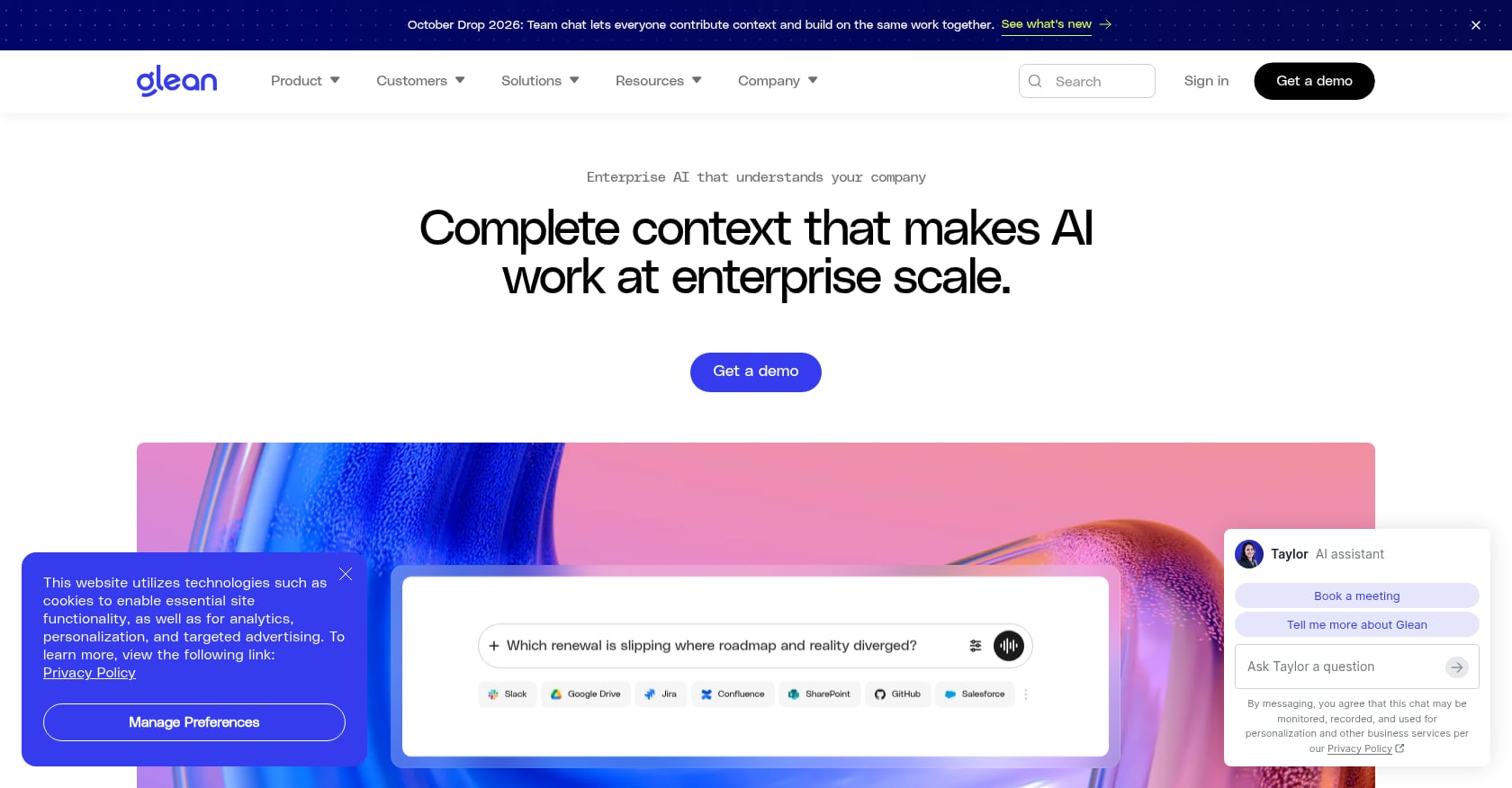
Best for: Large enterprises where the biggest problem isn’t a lack of AI capabilities but a lack of access to organizational context spread across dozens of tools.
Pricing:
- Approximately $50+/user/mo (enterprise pricing, typically negotiated)
Key features:
- Enterprise search platform that retrieves and summarizes knowledge across workplace apps
- Independent agents that work across enterprise applications using organizational context, permissions, and memory
- Understands your org chart, permissions, and data relationships
- Integrates with most major enterprise tools
Tradeoffs:
- Expensive for smaller teams, with pricing that puts it out of reach for most SMBs
- Primarily a knowledge and retrieval layer, not a task execution or communication tool
- Requires substantial data onboarding to deliver value
- Best suited for organizations with 500+ employees and deeply fragmented knowledge
Who should pick this: Glean makes sense for enterprises drowning in institutional knowledge spread across SharePoint, Google Drive, Confluence, Salesforce, and dozens of other systems. For teams under 100 people, the cost-to-value ratio rarely works.
How to Choose: A Decision Framework
Picking the best AI agents for teams isn’t about finding the “best” tool in isolation. It’s about matching the tool to your team’s size, pain point, budget, and existing stack.
By team size
- Solo founders and teams under 5: Velozity (free tier) or Taskade (flat pricing). Both offer meaningful AI without per-seat costs that punish small teams.
- Teams of 5-50: Velozity, Monday.com, or ClickUp. This is where the consolidation vs. specialization decision matters most.
- Enterprise (50+): Microsoft Copilot (if on M365), Glean (if knowledge retrieval is the bottleneck), or Slack AI + Agentforce (if on Salesforce).
By primary pain point
- Communication and presence: Velozity or Slack AI
- Meetings and transcription: Velozity or Fireflies.ai
- Task and project management: Velozity, Monday.com, or ClickUp
- Knowledge and documentation: Notion AI or Glean
- Cross-app automation: Zapier Agents
By budget priority
Consolidation saves the most. Here’s the math: Slack ($7.25) + a meeting tool ($10) + Notion ($20) + Calendly ($12) + an AI notetaker ($14) = roughly $63/user/mo before any AI add-ons. A consolidated approach through Velozity’s modules starts at $6.99/user/mo for the workspace alone, with AI capabilities layered on as needed.
For teams building their stack from scratch, the cost of a virtual office setup is worth calculating before signing five separate contracts.
The Real Cost of AI Agent Fragmentation
There’s a pattern emerging across teams that adopt AI: they buy AI features inside every existing tool, end up with five different AI subscriptions, and none of them share context.
This is “AI sprawl,” and it’s the 2026 version of SaaS sprawl.
The data backs up the consolidation argument. AI agent platforms deliver an 8:1 ROI compared to 2:1 for vertical solutions, and single-platform approaches reach 85% adoption versus 23% for multi-tool purchases. Deloitte’s research also shows that time-to-first-value averages 38 days for vendor agents versus 94 days for custom in-house builds.
Credits are the other hidden cost. Monday.com, ClickUp, Taskade, and Fireflies all use credit-based AI pricing that can escalate unpredictably. When your team runs more AI actions than expected in a given month, you either hit a wall or open your wallet. The lesson: budget by how much agent work you’ll actually run, not just by seat count.
An MIT study involving over 2,300 participants found that AI agents boosted team productivity by 60% per employee without sacrificing performance. But the same research revealed an important nuance: human-AI teams produced more homogeneous outputs, a phenomenon researchers called “diversity collapse.” This means AI agents are powerful for throughput but shouldn’t replace the creative divergence that comes from human-only brainstorming. The best teams use agents for execution and keep humans in charge of direction.
For startups watching every dollar, the case for replacing a fragmented SaaS stack with a single AI office is increasingly compelling.
Looking Ahead: Where AI Agents for Teams Are Going
Through 2026 and beyond, the center of gravity will keep moving from chat to execution. As one Open Data Science analysis noted, platforms are converging on a pattern where a model proposes tool calls, your system executes them, and the model turns results into a deliverable.
A 2025 Gallup survey found that 27% of white-collar employees reported frequent AI use at work, up 12 points from 2024. By 2026, 80% of enterprise applications are expected to embed some form of AI assistance. The question isn’t whether your team will use AI agents. It’s whether those agents will work together or stay in silos.
The teams that benefit most will be the ones that pick a platform where AI sees the full picture: the conversation, the decision, the task, and the follow-through. That’s the difference between AI features and AI agents for teams.
Try Velozity free for 30 days and see how a unified AI office compares to your current stack.
FAQ
What is an AI agent for teams?
An AI agent for teams is software that goes beyond answering questions or summarizing text. It plans, decides, and executes multi-step workflows on behalf of team members. Unlike basic AI features (autocomplete, grammar checks), a true agent can take approved actions like creating tasks from meeting transcripts, drafting follow-up messages, or triaging incoming requests without manual intervention at each step.
Are free AI agent plans worth it?
For testing, absolutely. Most tools on this list offer free tiers that let you evaluate core functionality. The catch is that free plans typically limit AI credits, storage, or the number of agents you can run. They’re useful for small teams or trial periods, but teams with meaningful daily AI usage will outgrow them within weeks.
Can AI agents replace team members?
Not in any meaningful sense. AI agents excel at repetitive administrative work: summarizing meetings, creating tasks, searching knowledge bases, routing requests. Research shows they recover a median of 6.4 hours per week per seat on administrative tasks. But they don’t replace strategic thinking, relationship building, creative direction, or leadership. The best framing is that agents handle the busywork so humans can focus on judgment-heavy tasks.
How do AI credits work?
Most AI agent platforms charge based on “credits” consumed per AI action. One credit might cost $0.01, and a single AI action (like summarizing a document or scoring a lead) might consume 8-10 credits. The problem is that different actions consume different amounts, making monthly costs hard to predict. Some platforms pool credits at the plan level, while others charge per seat. Always calculate your expected usage before committing to a plan.
What’s the difference between Copilot, Slack AI, and a standalone AI agent platform?
Copilot and Slack AI are AI layers added to existing tools. They’re powerful within their ecosystems (Microsoft 365 and Slack respectively) but limited outside them. Standalone AI agent platforms like Velozity, Taskade, or Monday.com are built from the ground up with AI at the center, which means the AI sees more context and can act across more of your workflow. The right choice depends on how much of your work already lives in one ecosystem.
Is it better to add AI to existing tools or consolidate into one platform?
The data strongly favors consolidation for most teams. Single-platform approaches achieve 85% adoption compared to 23% for multi-tool purchases, and they deliver higher ROI. That said, enterprises with deeply entrenched workflows (thousands of employees on Microsoft 365, for example) may get more value from adding Copilot than migrating. For teams under 50 people with flexibility, consolidation almost always wins.
How should I evaluate AI agents before buying?
Run a real workflow through the tool, not a demo scenario. Pick a recent meeting, feed it through the agent, and see whether the output (tasks, summaries, follow-ups) matches what your team would actually produce manually. Test edge cases: long meetings, multiple action items, ambiguous decisions. The BCG/Harvard research showing that AI can produce plausible but wrong outputs means you need to verify agent quality on your actual work, not just trust the marketing demo.
What team size benefits most from AI agents?
Teams of 5-25 people see the most dramatic impact. They’re large enough to feel the pain of coordination overhead and context switching but small enough to adopt a new tool quickly. An MIT study found AI agents boosted productivity by 60% per employee in team settings. Solo operators benefit too, but the collaboration advantages (shared context, automated handoffs, real-time presence) compound as team size grows.